Fixing timing, scale, and layout issues
For example, look at this section.
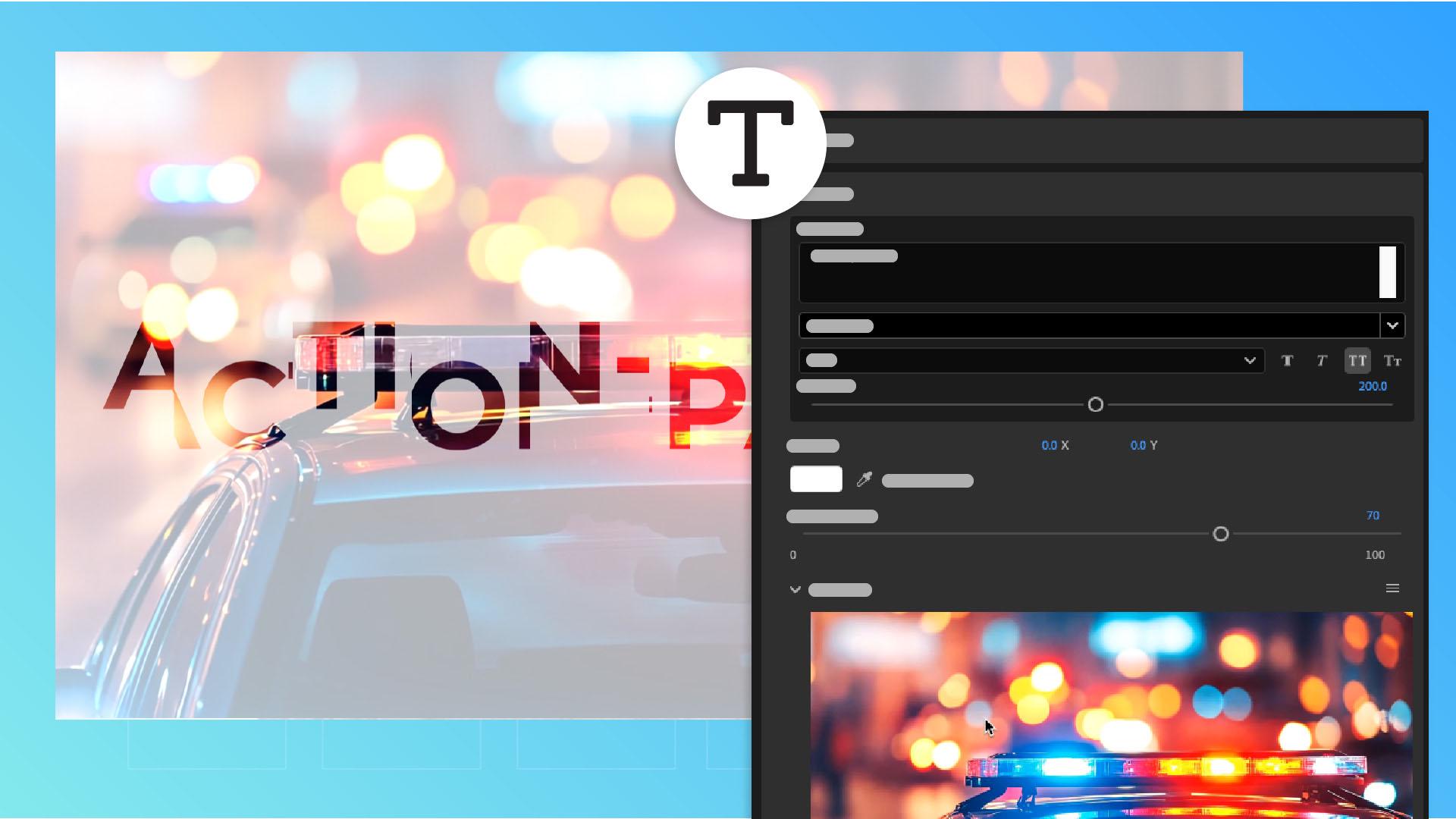
The text goes outside the frame, so I need to scale it down.
That's a pretty easy fix.
I just go here in Group 5 in this case, and drag the Font Size slider left to reduce the size.
This section also has a problem.
When we play this part, the text goes away revealing the clip, but the jump shot already happened, so this is Group 6.
So, I'm going to go to Group 6, and in the Edit Media section in the menu we can open this section in its own Timeline.
What we have to do is drag this clip forward in the Timeline, so that at this moment when this shot is revealed in the template, we see the jump shot.
Now we go back to the main sequence, and now when I re-render and playback, it looks a lot better. [silent clip playing] What's next?
The News logo is too big for the space, so I'll open the controls for the logo and size it down.
Let's try 20%.
Now that I've sized it down, the tagline looks too low on the screen, so I'll have to inch it up slightly.
Let's play it back and see how it looks. [silent clip playing] Wow, that's great.
I'm sold and I hope the new station will like the concept.
So that's the basics of graphics templates.