PIXEL ART

Pixel art ideas and inspiration: themes and examples to try.

The best pixel art ideas are simple enough to work on a small grid and personal enough to feel like your own. Find out how to come up with them, which subjects suit a first piece, how to make an idea look cute or seasonal and what the strongest examples have in common.

Explore Adobe Firefly

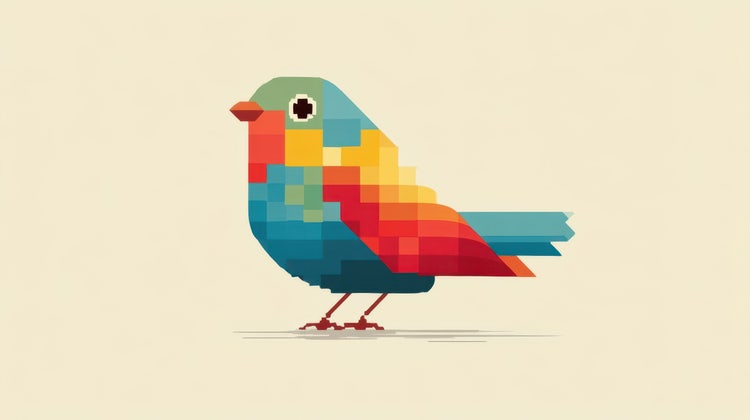
Colourful 8-bit pixel art of a bird on a light background, built from simple geometric shapes.

How to come up with pixel art ideas.

Easy pixel art ideas for beginners.

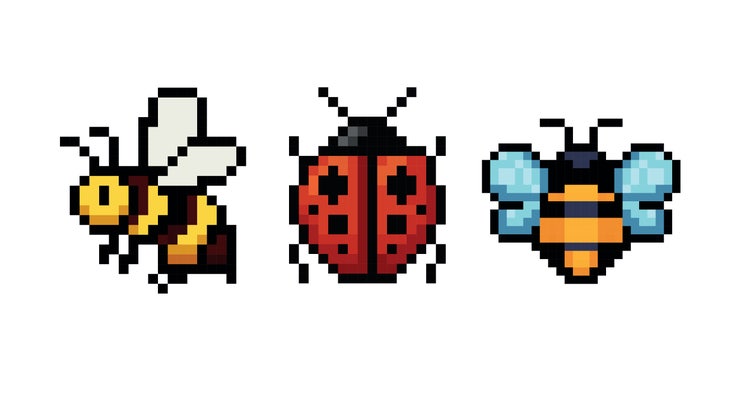
Pixel art of a cute bee, a ladybird and a bumblebee in a retro 8-bit sprite style.

Ideas built on one simple shape.

Ideas with a bold silhouette.

Symmetrical ideas.

Cute pixel art ideas.

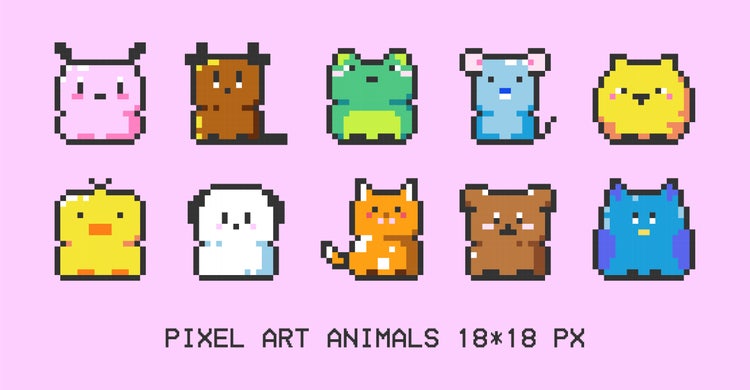
A set of cute 8-bit pixel art animal characters, including a dog, a frog, a mouse, a chick, a bear and an owl.

Seasonal and themed pixel art ideas.

Seasonal pixel art ideas follow the calendar, and each date comes with subjects and colours that people recognise at once, which makes them easy to get across on a small grid. Planning a few pieces throughout the year also gives you a steady supply of things to draw.

The table below suggests subjects for the main dates of the UK calendar, with the colours that signal each one.
Occasion
Subjects to try
Colours that signal it
Valentine's Day
A pixel-style image saved at a high resolution can contain blocks that are slightly wider or taller than others.
Deep red, soft pink, cream
Pancake Day
Photo noise, small highlights and textures become isolated pixels of an unrelated colour.
Golden brown, lemon yellow
Easter
Smooth gradients in the photo, such as skin or sky, survive as many slightly different colours.
Pale yellow, spring green, lilac
Summer holidays
Smooth outlines in the photo become partly blended pixels around the subject.
Sand, turquoise, red and white stripes
Halloween
Textures behind the subject turn into a scattered pattern that competes with it.
Orange, purple, near-black
Bonfire Night
A sparkler, fireworks over rooftops, a bonfire in a field
Deep navy, orange, gold
Christmas
A robin on a snowy branch, a snow globe, a string of fairy lights
Red, deep green, white
For a series outside the calendar, choose a setting rather than a date, such as the seabed, a night market, a space station or a mountain village in winter. A shared setting gives every piece the same light and the same family of colours, so the set looks planned when you show it together. Our guide to building a pixel art colour palette explains how to choose one set of colours that holds a whole theme together.

Seasonal pieces often take longer than expected, especially scenes with several elements. Starting a week or two before the date leaves time to simplify the parts that aren’t working.
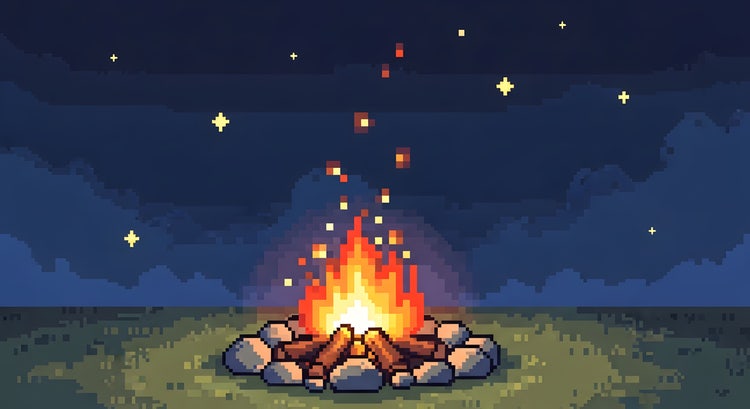
Pixel art of a bonfire in a ring of stones on grass, sending sparks into a starry night sky.

Pixel art examples and what makes them work.

Strong pixel art examples share a few decisions: one clear focal point, a small set of colours used on purpose and details chosen for how they look at a glance rather than up close. Looking for those decisions in other people's work is a quick way to sharpen your own ideas.

The four pieces in the table below are typical of what you’ll find in pixel art galleries. For each one, the table shows what the artist kept, what they left out and why the result works.
Example
What it keeps
What it leaves out
Why it works
A fishing harbour at dusk
The outlines of three boats, one lit window, reflections drawn as short horizontal lines
Ropes, faces, individual waves
The reflections repeat the colours of the window and the sky, so a few pixels are enough to suggest water.
A fox asleep in a curled ring
The round shape, the white tip of the tail, one closed eye.
Legs, separate strands of fur
The circular silhouette is instantly recognisable, and the white tail tip gives the eye a place to land.
A rainy street seen through a café window
The window frame, blurred shop lights, diagonal rain lines
Faces of passers-by, the words on signs
The frame creates two layers of depth, and the rain lines tie the inside and the outside together.
A shelf of potion bottles for a game
Five bottles with different shapes, one highlight pixel on each
Labels, detailed reflections
Each bottle can be told apart by its shape alone, which leaves colour free to show what the potion does.
When you study an example, count its colours and find where the light comes from. Next, look for the places where a single pixel does a lot of work, such as the highlight on a bottle or the one lit window in a dark harbour. Then ask what you would change if the same idea were yours.

The same idea can also look very different depending on the style. The harbour could be drawn with a handful of flat colours, like the graphics of early home computers, or with the richer shading of later consoles. Once you have an idea and want to choose how it should look, our guide to how the main pixel art styles differ compares the options.

Develop your pixel art ideas with Adobe Firefly.

When an idea is taking shape, Adobe Firefly can help you test it, gather references around it, turn it into a sticker and try a cuter version, while the drawing stays yours.

Test an idea from a single prompt.

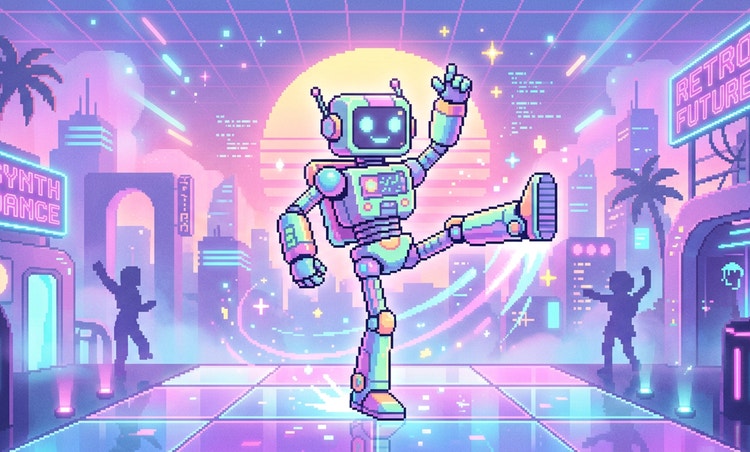
Write a descriptive prompt that names your subject and the twist that makes it yours, then choose Pixel art in the Effects section. You can generate pixel art from your prompt in Adobe Firefly, whether the idea is a character, a scene or an icon. If the idea grows into a series, Firefly helps you keep colours, shading and pixel structures consistent across several images, so a set of seasonal pieces or a row of potion bottles looks like it belongs together. Compare the versions, keep what serves the idea and redraw it in your own way.

AI-generated pixel art of a smiling robot dancing on a glowing dancefloor, in soft pastel synthwave colours.
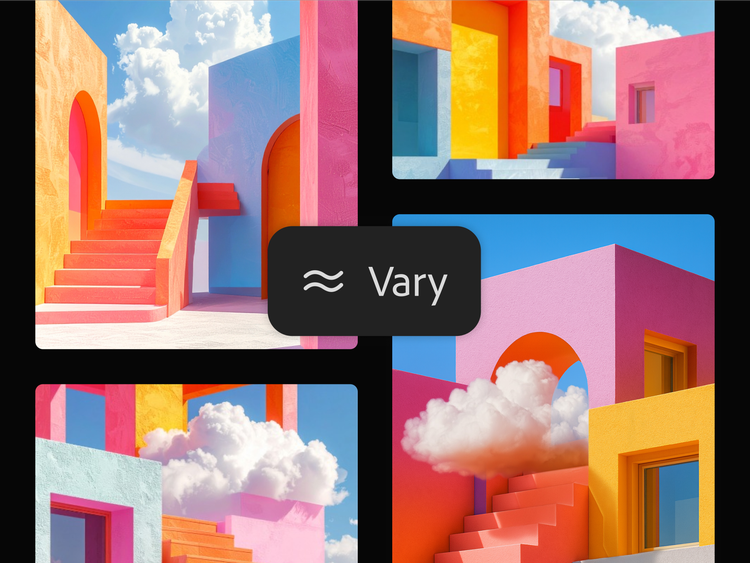
A mood board in Firefly Boards gathering images of vivid staircases and arches around one architectural theme, in warm and cool tones.

Gather references on one board.

It’s easier to develop an idea when you can see it next to its references. Firefly Boards gives you an infinite canvas where you can bring together your own photos, Adobe Stock images and AI-generated visuals, add colour swatches and text labels, and remix selected images into new variations. Keep everything for one theme in one place, from a winter palette to photos of real harbours, and share the board with others when you want to brainstorm together.

Give a finished idea a second life as a sticker.

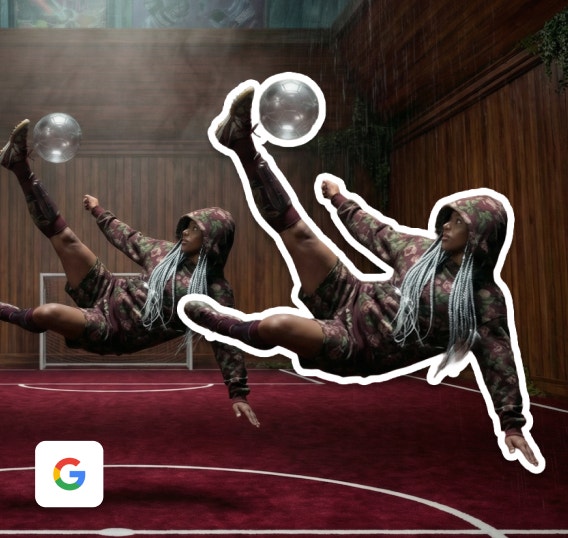
Some ideas deserve more than one use. Upload a finished piece as a reference image to the AI sticker generator in Firefly, or describe it in a prompt, and Firefly can separate the subject from its background so it works as a sticker. For a classic sticker outline, add “white sticker border” to your prompt. You can then download a PNG for a messaging app, or for a printing service once you’ve checked its file requirements.

A photo of a woman kicking a football, turned into a sticker with a white outline in the Firefly AI sticker generator.
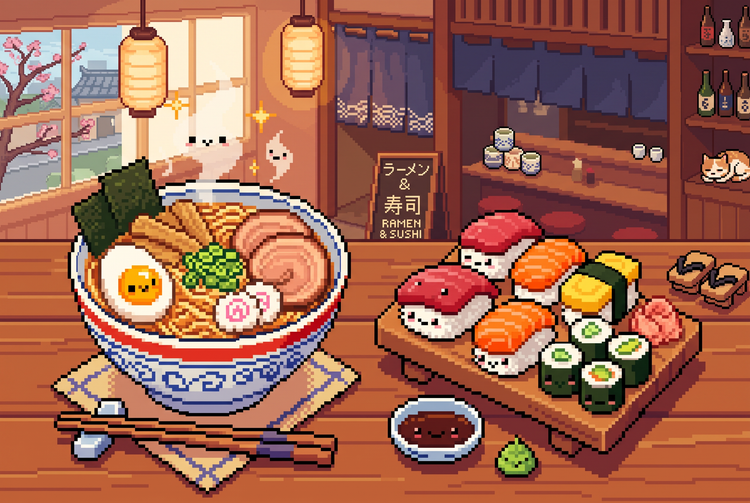
Cute pixel art of a bowl of ramen and a tray of smiling sushi on a wooden counter in a cosy Japanese restaurant.

Try a cute version of your idea.

If an idea feels too serious, see how it looks with a softer touch. With the Firefly cute pixel art generator, you can describe a character or a scene and explore soft pastel, retro arcade or high-contrast 8-bit palettes. You can also adjust the pixel density and the character style, then refine colour and composition or create variations until the idea feels right.

You May Also Like

Pixel art styles explained

Learn what 8-bit, 16-bit and isometric pixel art really mean.

Pixel art for kids

Try simple pixel art activities for children, at home or in class.

Pixel art fonts and typography

Explore pixel fonts and how to use them in your designs.

Turn a photo into pixel art

See how to convert any image into pixel art with AI.