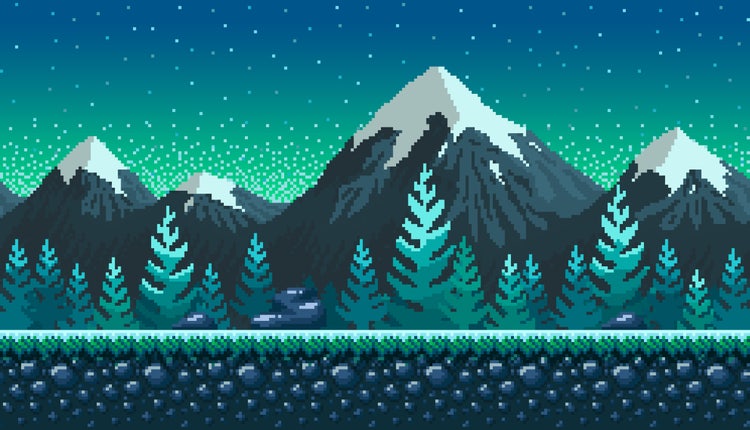
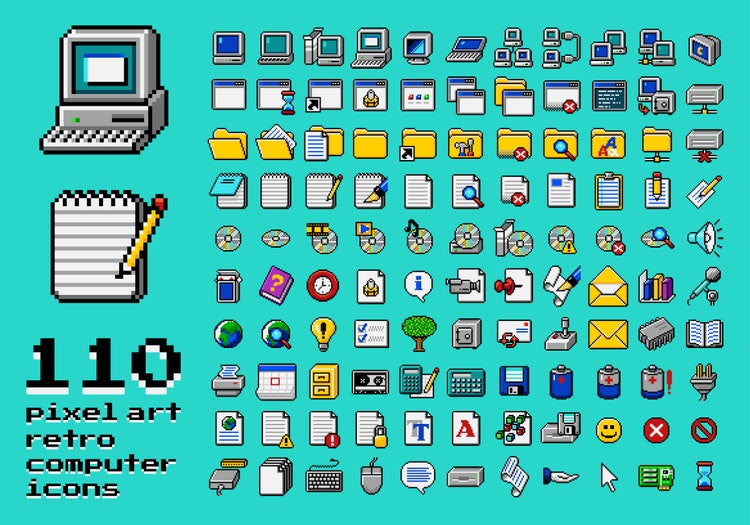
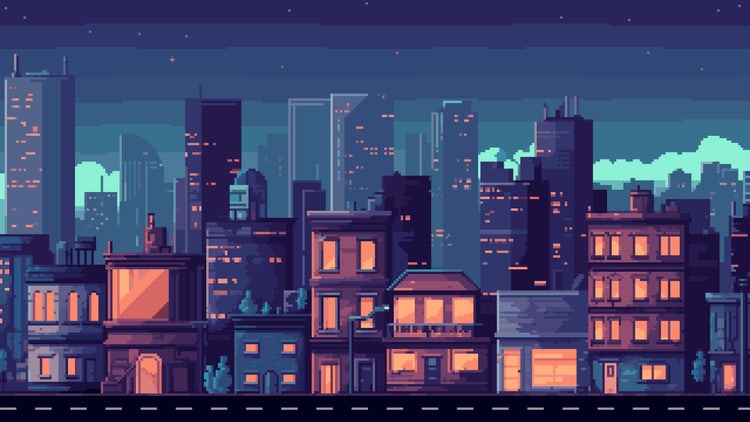
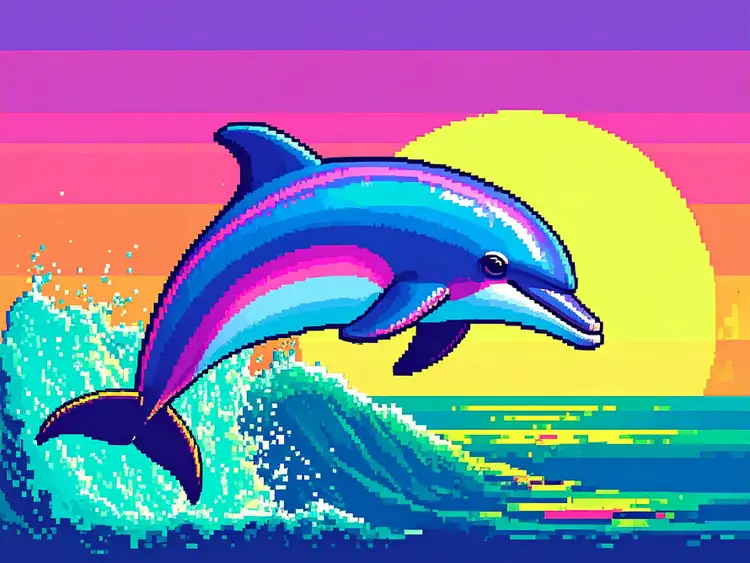
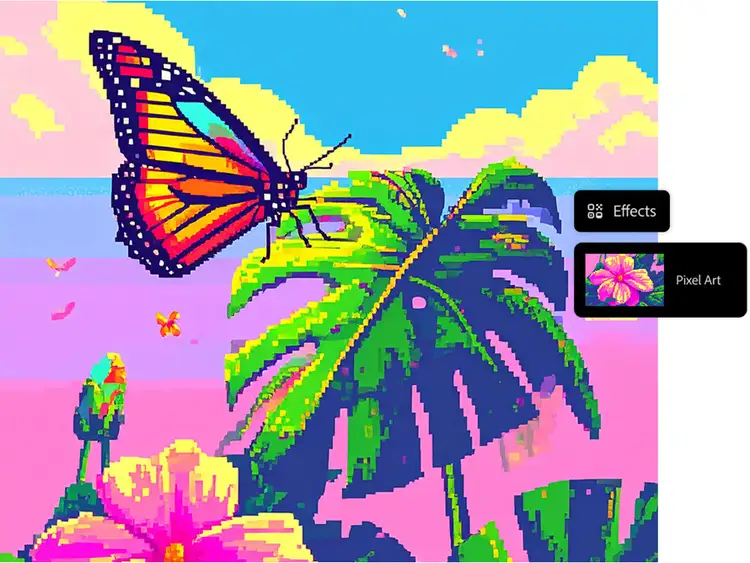
Pixel art is a form of digital art created by colouring in individual squares — pixels — on a grid to build up an image. Every pixel is placed on purpose, which gives the style its distinctive blocky, low-resolution look, even though creating effective pixel art still requires careful planning and deliberate creative choices.
The name comes from "picture element", the technical term for the individual squares that make up a digital image. Where most modern graphics aim to hide the pixel grid behind smooth curves and photorealistic detail, pixel art does the opposite: it embraces the grid, using a limited number of colours and a fixed canvas size to suggest shape, light and movement with as few pixels as possible.
A brief history of pixel art.
Pixel art wasn't originally a stylistic choice — it was a technical necessity. Early computers and arcade machines in the 1970s and 80s had significant limitations on display resolution and colour, so artists worked within tightly constrained grids and palettes, so every character, enemy and background had to be built from that limited grid. Games like Pac-Man and Space Invaders are early examples, and the style matured through the 8-bit and 16-bit console era, as machines such as the NES, Sega Mega Drive and Super Nintendo allowed for richer palettes and more detailed sprites.
As 3D graphics became increasingly prominent through the late 1990s and 2000s, pixel art became less dominant in mainstream game design, seen by many at the time as a relic of older, less capable hardware.
That changed with the rise of independent game development. Titles like Minecraft, Stardew Valley, Celeste and Undertale brought pixel art back deliberately, not because of any technical limitation, but because of its charm, nostalgia and the way it lets small teams build a distinctive world without a large art department. Today, pixel art is widely used as a deliberate creative style rather than simply a response to technical limitations.
Every piece of pixel art starts with a grid, and the size of that grid dictates how much detail is possible. Small canvases, such as 8x8 or 16x16 pixels, are common for simple icons and game sprites, forcing the artist to reduce a shape to its most essential lines. Larger grids, like 32x32 or 64x64, leave more room for shading and detail, but the trick is knowing when to stop adding pixels before the image loses its chunky, unmistakably "pixel art" character.
Colour palettes are usually limited on purpose too. Classic 8-bit games often worked with as few as sixteen colours on screen at once, and many pixel artists still cap their palette deliberately today, since fewer colours force more creative decisions about light, shadow and contrast. Two techniques come up constantly: dithering, where pixels of two colours are alternated to suggest a third, in-between shade, and selective anti-aliasing, where a few softer pixels are added along an edge to reduce jagged corners without losing the grid-based look.
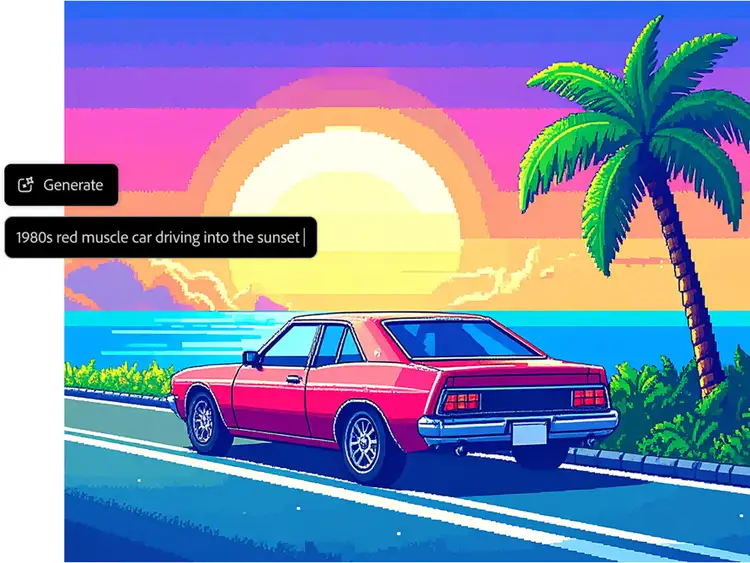
Alongside dedicated pixel art editors and general design software, AI tools can now generate pixel-art-style images from a single prompt or photo — a useful starting point, even for artists who go on to refine every pixel by hand.
Popular pixel art styles.
A few terms come up often when people talk about pixel art styles:
the earliest console era of pixel art, built with a very limited colour palette and simple, chunky shapes — think early arcade games and the original Nintendo Entertainment System.
a step up in detail from the Super Nintendo and Sega Mega Drive era, with larger palettes and more shading, while still keeping the visible pixel grid.
an angled, top-down perspective that gives flat pixel scenes a sense of depth and structure, often used in city-builder and strategy games.
a straight overhead view, common in classic role-playing games, where characters and environments are seen from directly above.
typefaces built entirely from square blocks rather than smooth curves, often used to reinforce a retro or gaming feel in logos, user interfaces and packaging.
Pixel art examples and inspiration.
Some of the best-loved video games double as pixel art showcases. Minecraft turned a blocky, low-detail aesthetic into one of the best-selling games ever made; Stardew Valley and Celeste use detailed 16-bit-style sprites to pack real personality into a small number of pixels; and Undertale proved that a simple, deliberately retro look can carry a distinctive tone all on its own. Studying how these games handle colour, shading and character silhouettes can help you understand what works at a small scale.
Beyond games, pixel art ideas turn up everywhere once you start looking: app icon sets, retro-styled brand logos, pixelated portraits and avatars, seasonal social media graphics, and collectible digital art. Online pixel art communities and galleries are worth browsing before starting a project of your own — seeing how other artists approach the same small-canvas challenges can be a useful source of inspiration.
Getting started with pixel art as a beginner.
Pixel art can be an approachable style for beginners precisely because its constraints do some of the work for you. You can get started without specialist equipment or extensive drawing experience — a simple grid app, a limited colour palette and a willingness to zoom in are enough. The best advice for beginners is to start small: work on an 8x8 or 16x16 canvas rather than something larger, since a tiny grid forces you to simplify a shape down to its essentials, which is exactly the skill pixel art rewards.
Limit your palette on purpose, even if your software allows thousands of colours — a small palette of around four to eight shades can be a useful starting point, and it will teach you to suggest light and shadow with far less than you'd think. Practise basic shapes and silhouettes before attempting a full scene: a heart, a tree, a simple face. Use a reference image if it helps with proportions, but resist tracing it pixel for pixel — the goal is to understand how a shape reads at a tiny size, not to copy it exactly.
One useful habit for beginners is to zoom in to place pixels precisely, then zoom back out regularly to check how the image reads at its actual size. It's easy to lose sight of the bigger picture, quite literally, when you're working pixel by pixel, and a shape that looks precise up close can turn into a blurry mess once it's shrunk back down.
Where pixel art is used today.
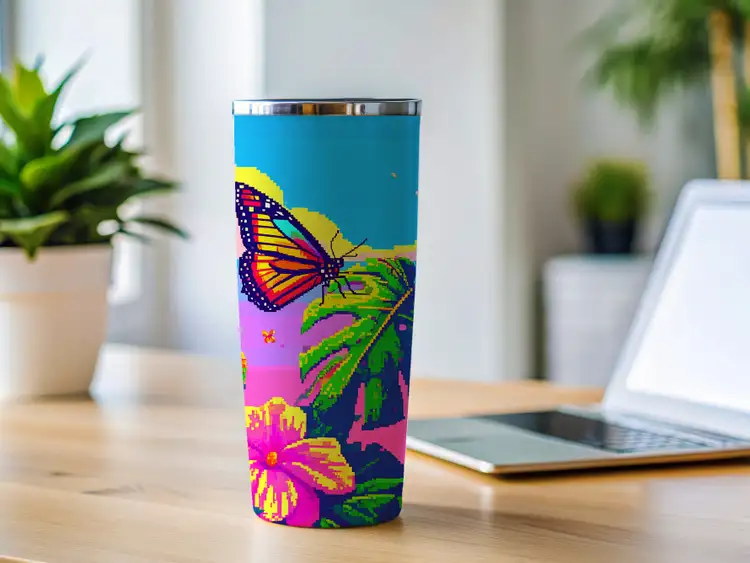
Pixel art has moved well beyond the arcade. Indie and retro-inspired games remain its natural home, but the style now turns up in app icons and profile avatars, social media graphics, stickers and merchandise, brand mascots, and even fashion prints and collectible digital art. Its appeal is partly nostalgia and partly practicality: pixel art can remain visually distinctive across a range of sizes and formats, from a tiny favicon to a printed t-shirt.