ANIMATION

The Ultimate Beginner's Guide to Animation.

From Snow White to South Park, Monsters, Inc. to Minecraft, animation captures the imagination like little else. Here's everything you need to know about animation types, techniques and how to get started, including how AI is opening up new ways to create.

Explore Adobe Firefly

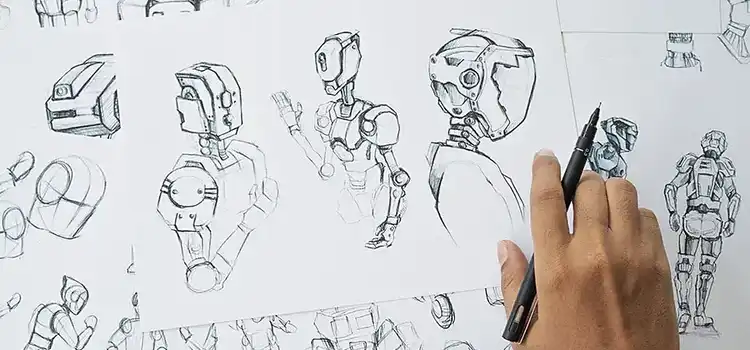
Hand-drawn robot character concept sketches for an animation project

What Is Animation?

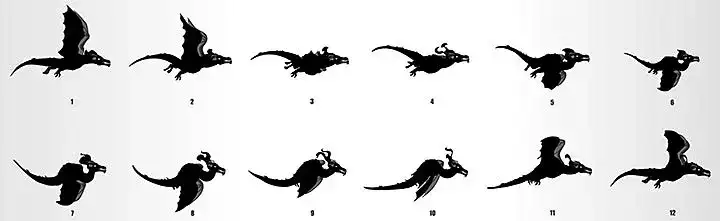
Twelve-frame sequence of a flying dragon illustrating animation frame by frame

Is animation the same as cartoons?

Cartoons are animated films, often with an exaggerated visual style and wacky plotlines. They're made using animation techniques but have a distinct history, tracing back to the satirical magazine and newspaper illustrations of the 18th and 19th centuries.

Is animation the same as anime?

Anime is a style of Japanese animation. It's a diverse medium, but is often characterised by imaginative plotlines, distinctive camera work and beautiful settings — think Pokémon or Studio Ghibli films like Spirited Away.

What Are the Types of Animation?

Stop motion animation

Animators physically manipulate objects in tiny increments to create the impression of movement. Examples of this low-budget but highly distinctive style include Tim Burton's The Nightmare Before Christmas and the early cutout work of Matt Stone and Trey Parker.

2D animation

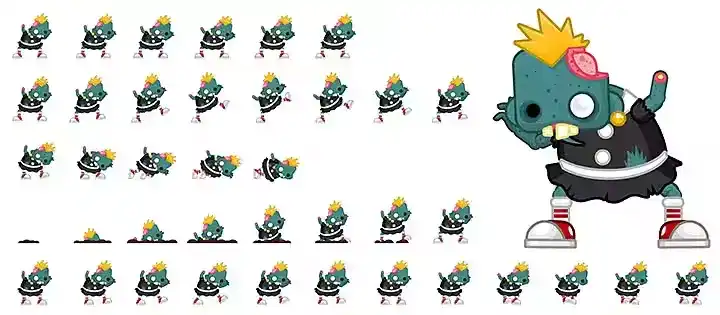
You can see moving 2D figures in zoetrope machines, one of the earliest animation devices, which wowed Victorian audiences with a set of sequenced images inside a rotating, slatted cylinder. Today, 2D animation is commonly associated with moving vector images created using Adobe Animate (formerly Adobe Flash), a mainstay of mid-2000s online cartoons and games.

2D character sprite sheet showing multiple animation frames of a punk zombie figure

CGI animation

You'll find CGI animation everywhere from your favourite video games to the latest Pixar release. Like 2D vector animation, CGI artists rig their characters with a set of key movements, a technique closer to puppetry than traditional animation.

Motion graphics

Motion graphics bring text, logos and other static designs to life. You'll find them in TV ads, explainer videos and animated logos.

Stylised cosmetic product advert design, an example of motion graphics style

Cel Animation

Other Animation Techniques

History of Animation

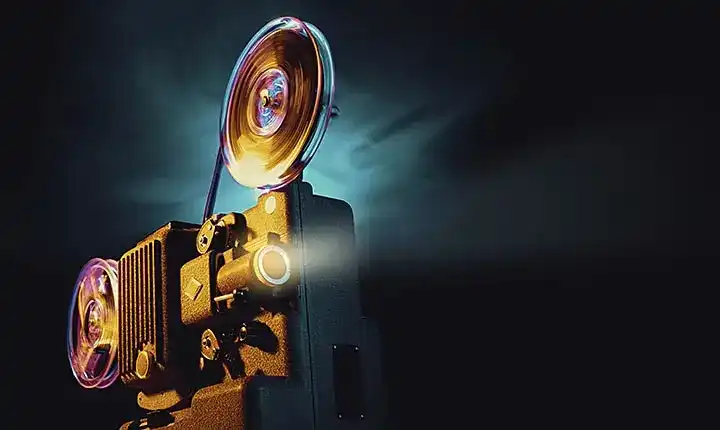
Vintage film projector reels illuminated in a dark room, representing the history of animation
By the early 20th century, filmmakers were using camera technology to create animations from hand drawings and stop-motion techniques. Emile Cohl's 1908 Fantasmagorie is one of the best-known works of the era, and six years later, Earl Hurd created cel animation, the dominant technique for the next seven decades.

Walt Disney's Steamboat Willie, the first outing for Mickey Mouse, was released in 1928, marking the start of a golden age of animation. The 1930s saw Disney characters from Goofy to Donald Duck, and Warner Bros' Looney Tunes creations like Bugs Bunny, and within the next three decades, Disney released classics from Snow White and the Seven Dwarfs to The Jungle Book. In the 1960s and 70s, countercultural animators, puppeteers and stop-motion artists brought non-mainstream techniques to a mass audience: Terry Gilliam's anarchic sequences in Monty Python's Flying Circus blurred the line between cutout and collage, while Oliver Postgate's stop-motion creations like The Clangers charmed UK viewers.

Cel animation remained prominent well into the 1980s, the decade Studio Ghibli films like My Neighbour Totoro made inroads with Western audiences. But by the end of the decade, advances in computer technology led Disney to adopt digital techniques in productions like The Rescuers Down Under. Meanwhile, Pixar's CGI short films like Luxo Jr. were gaining traction alongside the rise of 3D video gaming, and Pixar's first feature film, 1995's Toy Story, was released to critical and commercial acclaim. The CGI era had begun.

Animating with AI: A New Way to Create

Bring Animation to Life with AI.

Adobe Firefly's generative AI tools give animators a faster route from idea to finished clip, without rigging or keyframing a single frame by hand.

Turn a sketch or prompt into a moving clip.

Bring a character or scene to life with the AI animation generator. It's a quick way to see an idea in motion before refining it further.

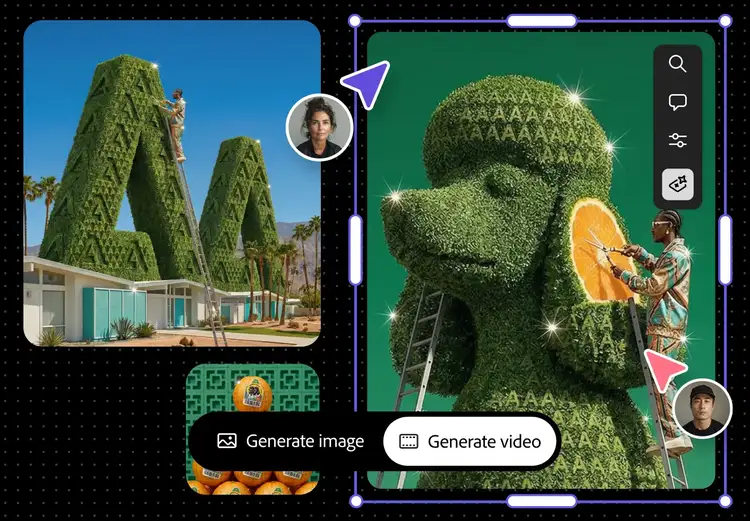
Adobe Firefly AI animation generator interface turning a reference image into a generated video
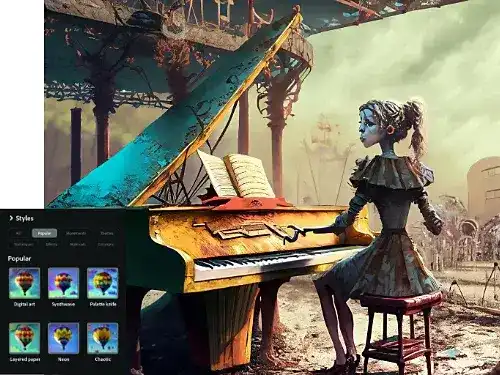
AI-generated illustration of a character at a piano created with Adobe Firefly Text to Image styles

Explore looks before you commit.

Generate a few different styles for the same character or scene with Text to Image, then pick the one worth animating.

Animate an image you already have.

Already have a design, sketch or reference image? Image to Video can bring it to life directly, without redrawing it from scratch.

Reference photo transformed into a stylised illustration using Adobe Firefly Image to Video
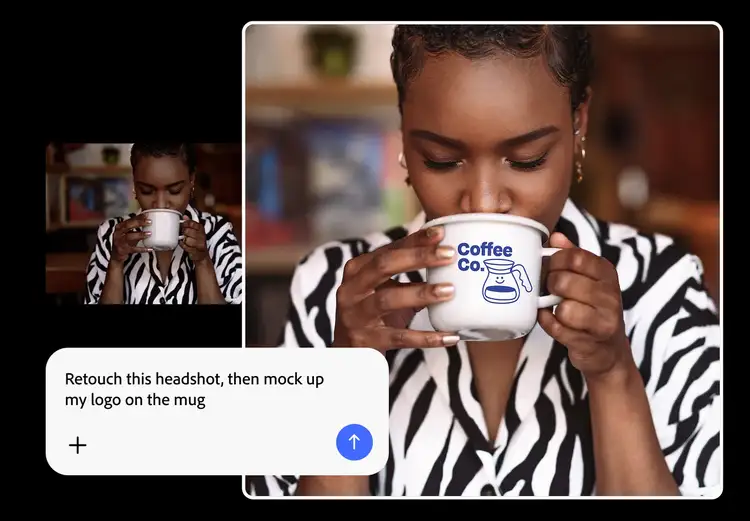
Adobe Firefly prompt retouching a headshot and mocking up a logo on a mug

Bring it into your existing workflow.

Export what you generate and bring it straight into Adobe Premiere or After Effects to refine timing, add sound and finish the piece the way you always have.

Get started with AI animation.

  1. Open the Firefly web app. Head to firefly.adobe.com and sign in with your Adobe ID (or create one for free) to access the AI painting generator.
  2. Start with your input. Upload an image, sketch or reference, or simply describe the character or scene and the movement you want in a text prompt.
  3. Choose your style and format. Pick a 2D or 3D look, then set the format for where the animation will live, vertical for social, horizontal for presentations and video.
  4. Generate and refine. Generate your first version, then adjust the prompt or regenerate to fine-tune the motion, timing and style until it fits your brief.
  5. Export and bring it into your workflow. Export the result and bring it into Adobe Premiere or After Effects to add sound, polish the timing or combine it with other footage.

How Do I Get Started as an Animator?

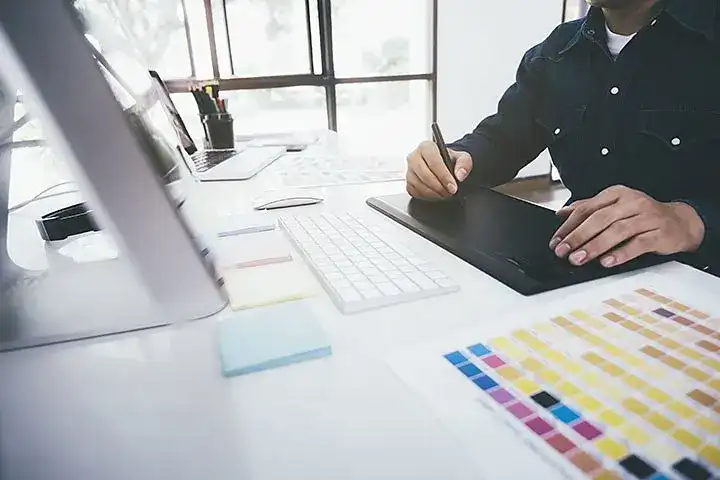
Animator using a graphics tablet at a desk with colour swatches and a computer

Animation software

Whether you're a budding CGI artist or an old-school claymation purist, you'll need solid animation software for beginners to get started, something that covers the fundamentals without overwhelming you on day one.

Adobe Animate is a strong choice for web, TV and gaming creations in 2D and 3D, covering the tricks of the trade from tweening and rigging through to sequencing. Adobe After Effects helps you take your creations further with visual effects, motion graphics and compositing. And if you're working in stop motion, Adobe Premiere is the place to import your images and piece them together, sequencing, editing and animating all in one place.

Animation career

Animation is a dream job for many of us, but how do you get started? Building a career, or just getting good at animation as a hobby, comes down to developing your craft, building practical experience and creating a strong portfolio.

Dedicating real time to your craft matters: read around theories like the 12 principles of animation, get inspired by well-known and more obscure animators and don't overlook adjacent skills like acting, which can help you create a more fluid, realistic character. Formal education isn't the only route into the industry. The National Careers Service lists university and college courses, apprenticeships, specialist training and working your way up through the industry as possible routes into animation. From there, start creating characters, sequences and short films of your own and build a portfolio that demonstrates your skills and individual style.

Increasingly, it's also worth getting comfortable with AI tools. Adobe research into the future of creative work found that AI skills became more explicit in creative job requirements between September 2025 and April 2026, including in animator roles. Developing AI skills alongside hands-on animation skills may therefore help strengthen your portfolio as the industry evolves.

Creative team collaborating around a table with sketches and storyboards

From there, it's a matter of putting what you've learned to use: start creating characters, sequences and short films of your own, then build a portfolio that shows how you're unique and how you bring stories and objects to life (Adobe Express is a good place to find inspiration and drag your files into a template). Armed with a portfolio, get your name out there by approaching animation and design studios or staying in touch with individual animators for assistant work, then apply. Creative roles can be competitive, so developing your skills, portfolio and industry connections can help strengthen your applications.

Animation process

Whether you're a studio animator, a creative freelancer or just a hobbyist, the process of creating an animation tends to follow a similar pattern. It starts with a story, however simple, since developing one before production makes your workflow more efficient and your animation more engaging. From there you put that story to the page or screen with a script and some concept art, which between them help you spot issues early and establish a consistent visual style.

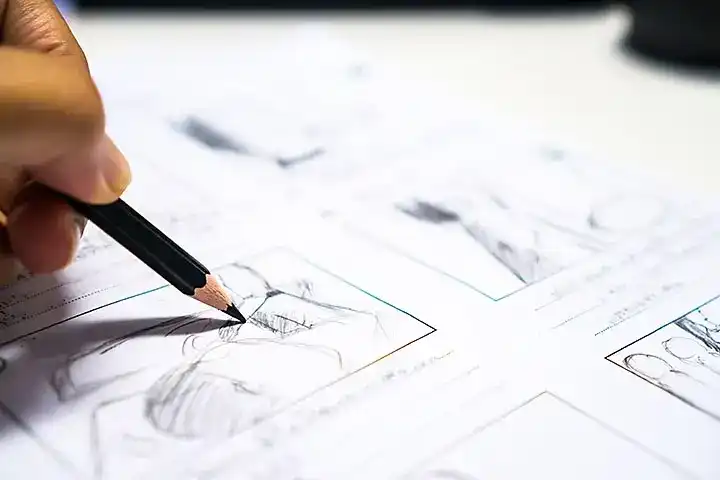
Storyboarding comes next, essential to planning the pace, beats and look of your film, and once you've got one, an animatic gives you a rough early impression of how the story will actually look. Only then do you animate: start with a reference video to nail down specific movements, create key frames in your design software to represent the essentials of the movement, and add in-between motions to make them fluid. AI animation generators are increasingly used at this stage too, to generate a first pass quickly before refining by hand. Post-production adds the special effects and lighting your film needs to make it pop from the screen, along with rendering and colour correction to make each shot match the last, and finally, your soundtrack: music, sound effects and dialogue to complement your animation.

Close-up of a hand sketching storyboard panels with a pencil

Animation 101: What Do the Basic Terms Mean?

You May Also Like

Computer Animation: A Complete Guide

Explore how computer animation works, from CGI techniques to the software behind it.

Motion Graphics: A Complete Guide

Explore how AI is changing motion graphics, from concepting to final animation.

Storyboarding: A Complete Guide

Generate storyboard frames in seconds and speed up your pre-production process.

Flipbook Animation: A Complete Guide

Discover the simplest form of animation, and how it still shapes the craft today.