VIDEO

Storyboarding Explained.

Long before a film hits the screen, a storyboard artist brings the script to life, shot by shot. Explore the creative process behind storyboarding, the camera shots that make it work, and how to break into this pre-production role.

Explore Adobe Firefly

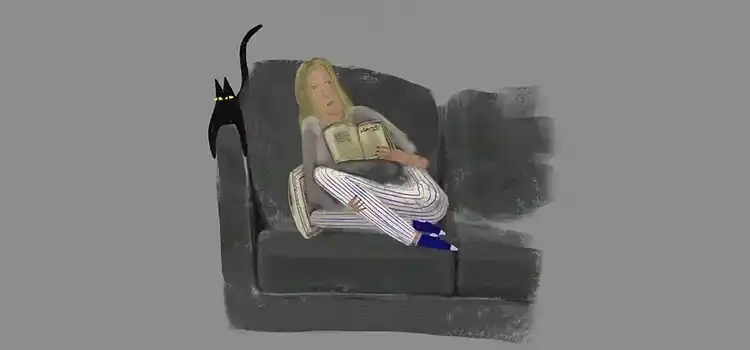
Loose sketch illustration of a figure reclining on a sofa with a black cat perched on the armrest

What's a storyboard?

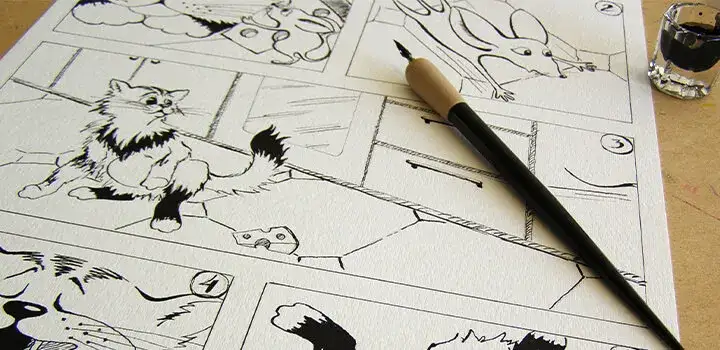
Inked comic storyboard panels of animal characters on a desk, alongside a pencil and bottle of ink

A good storyboard brings the storyline to life.

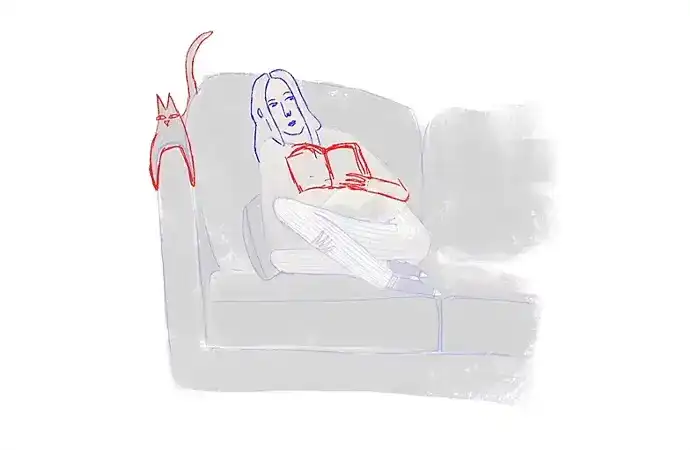
Rough sketch and inked storyboard panel side by side, showing a figure reading on a sofa with a cat perched nearby

The storyboarding process: putting camera shots together.

Honing your skill with three types of shots.

Advertising storyboards.

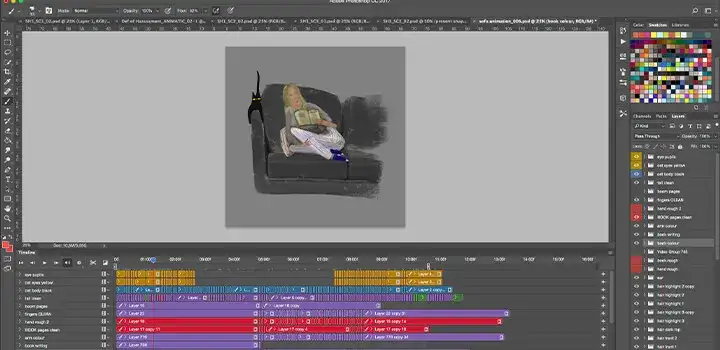
Screenshot of a digital illustration tool showing a storyboard panel on the canvas with layers and a colour palette

Breaking into a storyboarding career.

Whether your goal is to become an animator, work on live-action feature films, or plot storyboards for opening credits, music videos or video marketing, building a strong portfolio can help demonstrate your storyboarding skills to potential employers and clients. "I hear it time and time again: I really want to do storyboards. Can I see some of your storyboards? I've never done them," Holman says. "If you want to do boards, start doing boards."

Once you've studied the type of work you want to do and started creating your own, add it to your portfolio, then look at the film credits for the types of projects you want to work on and try to make connections to get your work in front of those people. "If you can show a range — you can do an action show and a Bob's Burgers — I'm going to be even more impressed with you," Holman says. "People who come from drawing comic books can be great because they're so used to drawing good anatomy and focusing on composition in the frame."

"If you want to do boards, start doing boards."

Landing a storyboarding job can take time, but with script resources to work from, you can keep improving your work and building your portfolio as you search and network. See what other storyboard artists are doing on Behance to pick up tips on drawing storyboards and what to include in your own portfolio. AI tools can also offer another way to develop and explore storyboard ideas.

Bring Storyboarding to Life with AI.

Adobe Firefly's generative AI tools give storyboard artists another way to move from script to visual sequence, without having to begin by drawing every panel manually.

Generate a storyboard from a script or prompt.

The Firefly AI storyboard generator can turn text prompts, scripts or reference images into storyboard panels that you can refine further. — without requiring you to draw the initial panels by hand, and no need to start from a blank page.

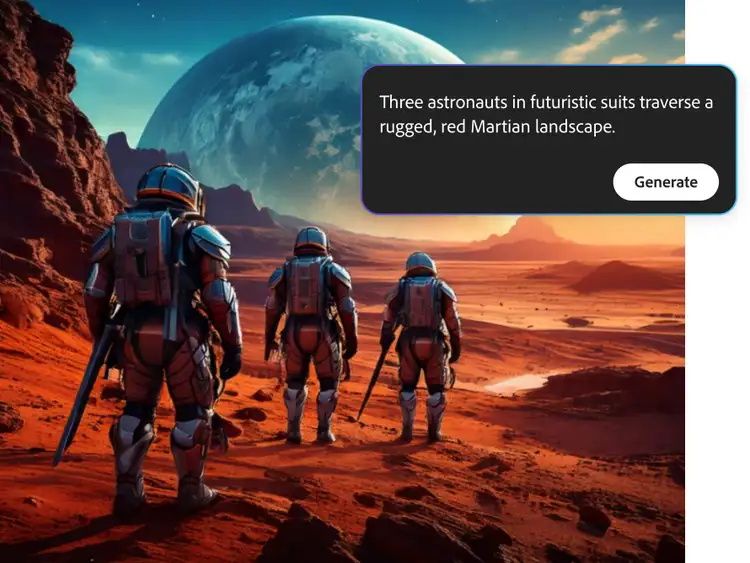
AI-generated image of three astronauts walking across a red Martian landscape, created with Adobe Firefly's AI storyboard generator from a text prompt
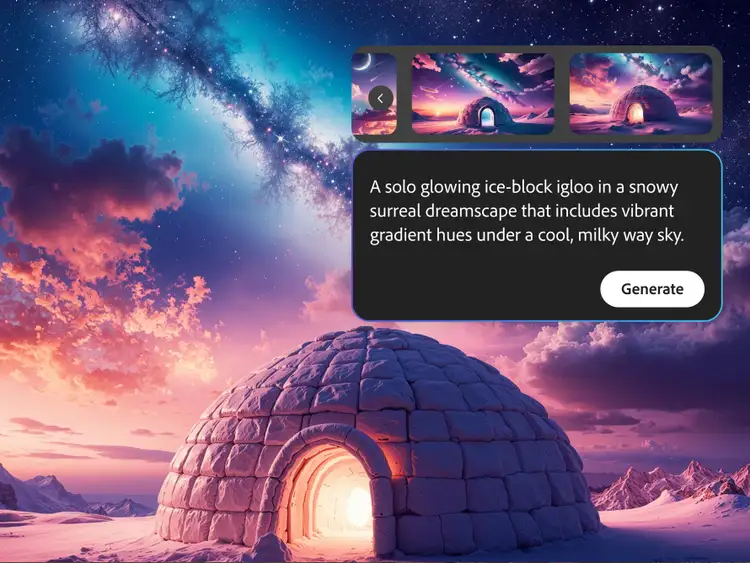
AI-generated image of a glowing igloo under a starry Milky Way sky in a surreal snowy landscape, created with Adobe Firefly's AI storyboard generator

Turn your script into scene visuals.

Use Firefly's Text to Image to generate a visual from a scene description or line of script, so you can see how a shot looks before committing it to the board.

Develop a consistent visual direction.

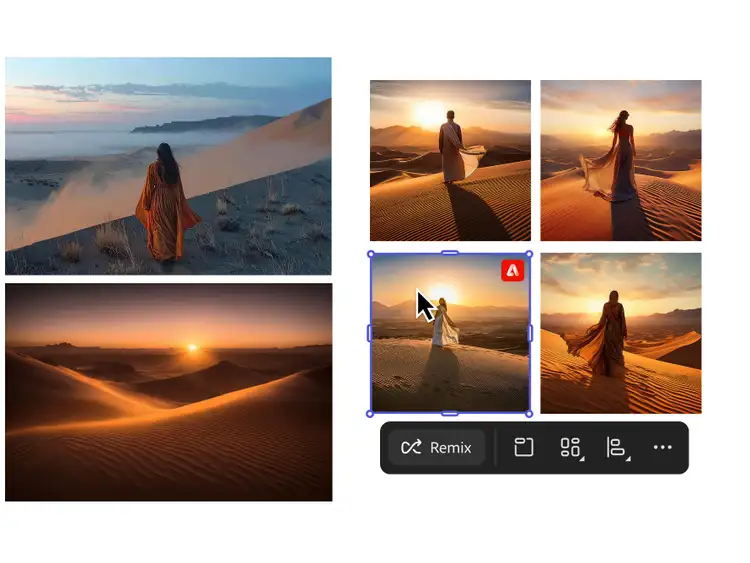
Build out a Firefly mood board alongside your storyboard to lock in character design, lighting and tone before you start drawing panels, to help establish a shared visual direction across your scenes.

Mood board of AI-generated desert dune scenes at sunset featuring a robed figure, created with Adobe Firefly
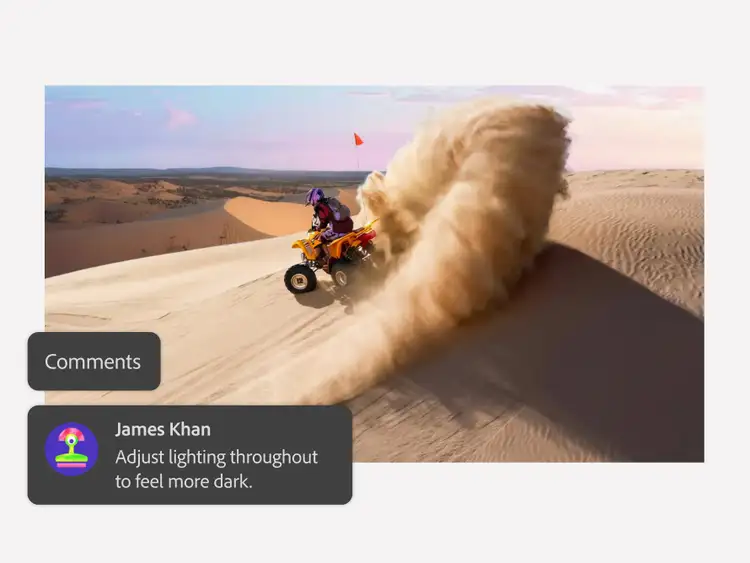
AI-generated image of a quad bike kicking up sand on a desert dune, shown with a Firefly comment suggesting darker lighting

Bring it into your existing workflow.

Once your storyboard is ready, export it and carry on refining and building out your production in Photoshop, Illustrator or Premiere, just as you would with a traditionally drawn board.

Get started with Storyboarding.

  1. Open the Firefly web app. Head to firefly.adobe.com and sign in with your Adobe ID (or create one for free) to access the AI painting generator.
  2. Start with your input. Describe your scene in a text prompt, paste in a line from your script, or upload a reference image to guide the composition.
  3. Choose your style and settings. Pick a visual style and panel layout, then adjust framing, lighting and composition options to match your production's tone.
  4. Generate and refine. Generate your first version, then adjust the prompt or regenerate individual panels to get closer to what you had in mind.
  5. Export and bring it into your workflow. Export the result and bring it into your pre-production deck, or into Adobe Premiere, Photoshop or Illustrator to keep refining it.

Contributors

Kevin Mellon,

You May Also Like

Animation: A Complete Guide

Discover how AI animation generators work, and what they mean for animators.

Motion Graphics: A Complete Guide

Explore how AI is changing motion graphics, from concepting to final animation.

Flipbook Animation: A Complete Guide

Discover the simplest form of animation, and how it still shapes the craft today.

Animation Storyboarding: A Complete Guide

Learn how storyboards shape animation production, from sketch to final shot.