ANIMATION

Flipbook Animation: A Complete Guide.

If you want to understand the essentials of animation, or bring your basic doodles to life, look no further than the humble flipbook. With this simple form of DIY animation there's no need for fancy equipment or technical knowhow, just a pen, a stack of paper and your imagination. In this guide, we'll talk through how flipbook animations work, and show you how to make your own.

Explore Adobe Firefly

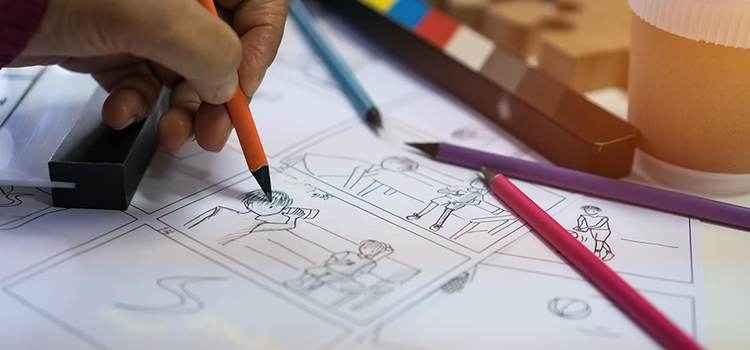
Hand sketching a comic strip storyboard in pencil, surrounded by coloured pencils on a desk

What is a flipbook?

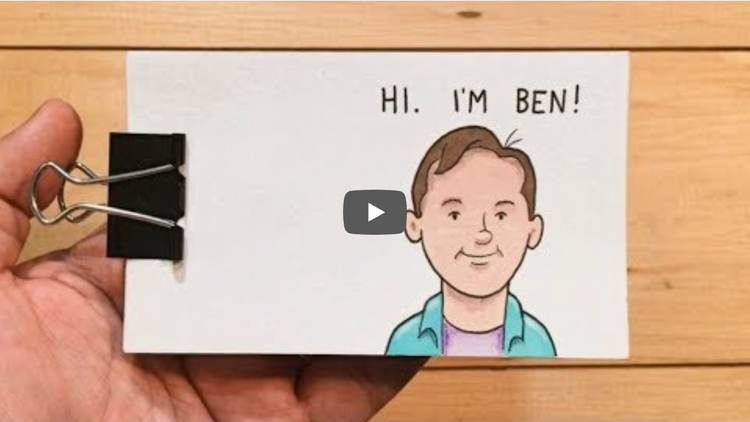
Flipbook animation examples.

no alt text provided in the copy doc (YouTube video thumbnail, theflippest "Hi, I'm Ben" flipbook)

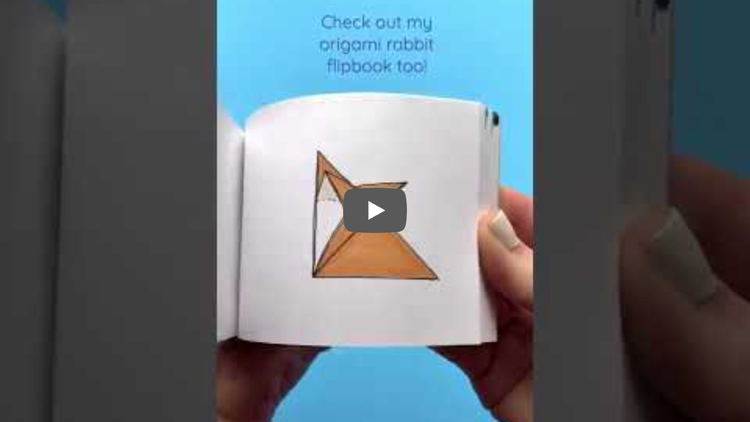
Bringing origami to life.

no alt text provided in the copy doc (YouTube video thumbnail, origami rabbit flipbook)

Notebooks reimagined.

The meta flipbook.

Flipbooks with extra props.

How flipbooks changed animation.

1. They only need basic materials.

Many forms of digital animation require software, equipment and some technical knowledge. In other words, you'll need to know your frame rates from your keyframes, before you've even got to drawing, modelling or creating characters. With an animation flipbook, all you need is a thick stack of paper, a pen or pencil, and a great idea.

Blank spiral notebook on a pink, yellow and green background, with a pot of coloured pens and a small cactus ornament nearby

2. They're a gateway to animation.

Many animators cut their teeth with flipbook doodles. They're a great way to bring characters to life, test scenes and hone your creative skills. There's no shortage of flipbook animation ideas for beginners either: picture a car driving across the page, a child bouncing a ball, or a flower growing in the sun. From there, you can build more elaborate stories and concepts.

3. They're easy to teach.

A flipbook can be a useful and accessible tool for teaching students or beginners the basics of animation. It provides an accessible way to draw a character and tell a story.

4. They're great for gifts.

Flipbooks can make a personal creative gift. Why not tell the story of the first time you met your partner, or play out a long running in-joke with your best friend?

5. They're accessible.

You don't need to be a natural artist to create a flipbook. In fact, rudimentary drawings can be just as effective as more lifelike, creative or intricate designs. What's more, the pared-back equipment list means you can create one from wherever.

6. The pros do it too.

Flipbooks aren't just for novices. Pro artists, cartoonists and animators use them to demonstrate their craft, while some even create flipbooks to sell as art or souvenirs. Others use their flipbooks to build followers online.

7. They're YouTube-worthy and Insta-ready.

#flipbook videos are huge. Pro artist Andy Bailey's channel Andymation has millions of YouTube subscribers and combines incredible flipbook and stop-motion videos with accessible how-tos. Instagram and TikTok are also loaded with creative flipbook ideas, ranging from tragic goldfish love stories to dancing stick people. The sky's the limit when it comes to flipbook ideas.

How to create an animation flipbook.

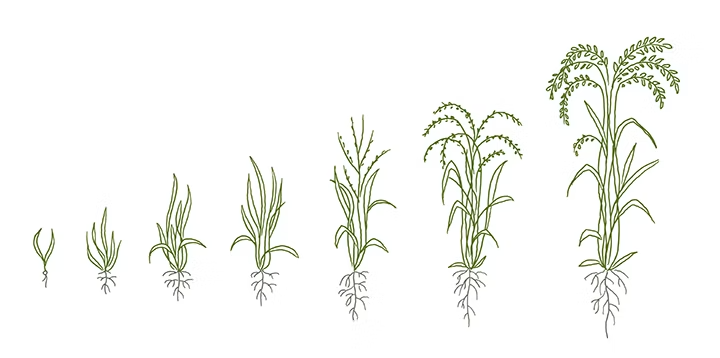
Illustrated diagram showing the growth stages of a rice plant, from a small seedling with roots to a fully mature plant with grain heads
1. Gather all the materials you need. All you really need to get started is a pad of paper and a pen or pencil. If you're using a sketchpad, look for a size of around 7.5cm x 12cm (smaller pages are easier to flip), thin but good-quality paper you can see and trace through without it crumpling, and a solid backing for a firm base and a crisp flipping action. You can also invest in a purpose-built blank flipbook from art supply shops, or bind your own paper with staples, clips or glue. Top tip: use an LED light pad as a backdrop for your flipbook to help you trace your images.

2. Get your story straight. Before you start, it's important to know what you're creating. Think about the characters, story and style of your flipbook, which will help create a more engaging, consistent animation. Top tip: try sketching your animation's key poses first, the basic spatial positions your character or object will follow, then use these as a reference point to map the movements between them.

3. Create your first drawing. Next, it's time to start sketching. Draw your first image on the very last page of your flipbook, since flipbooks are best flipped from back to front, this will be your starting point. Keep towards the right-hand side of the sheet; if you go too close to the spine of the page, you won't see your images clearly.

4. Layer your next drawing. Now you've drawn your first image, it's time to start building a sense of fluidity. Lay your second-to-last sheet on top of your first illustration (remember, you're working back to front here). You should be able to see your earlier illustration through the page. Use this as a reference point for your next image, deviating very slightly from the first, following the motion of your animation.

5. Continue your sequence. Next, continue layering your images, making gradual progress from one frame to the next until you get a smooth, fluid movement. Keep drawing and adding images until you finish the sequence. Using more pages and making smaller changes between each drawing can help create smoother movement. Did you know? Hand-drawn animation is a painstaking process; more than 600 animators and artists worked on Disney's 1994 classic The Lion King.

6. Add the finishing touches. Once you've nailed your basic flipbook animation, you can go back and add scenery, characterisation and colour. The finished product can be as detailed or pared-back as you want.

7. Flip your book! Ready for the big reveal? Brace your book against your thumb, release the pressure and fan the pages in sequence. Hey presto, you've just created an animation.

8. Share your creation. Finally, share your flipbook with the world, whether as a gift, in person, or on social media. If you're sharing online, mount a camera in an aerial position above a desk or backdrop, film your flipbook working its magic, then use editing software to cut down your video, edit out any missteps, set it to music and upload it to your favourite platform.

Bring Flipbook Animation to Life with AI.

Adobe Firefly's generative AI tools give flipbook animators another way to turn an idea or drawing into a shareable moving clip.

Turn your flipbook idea into a moving clip.

Skip the paper stack altogether and bring a character or scene to life with the AI animation generator. It's a quick way to explore a flipbook-style idea in motion before refining it further.

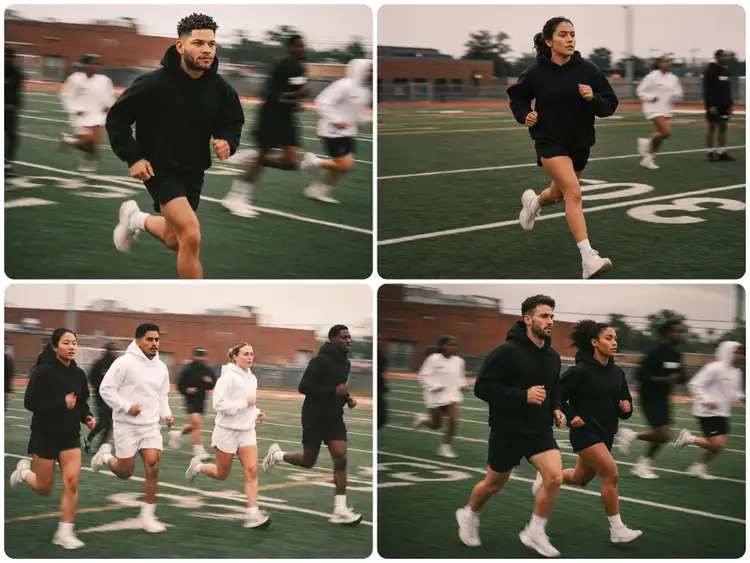
Four-panel sequence of people running on a football field, used to illustrate turning static photos into animated motion with Adobe Firefly's Image to Video tool
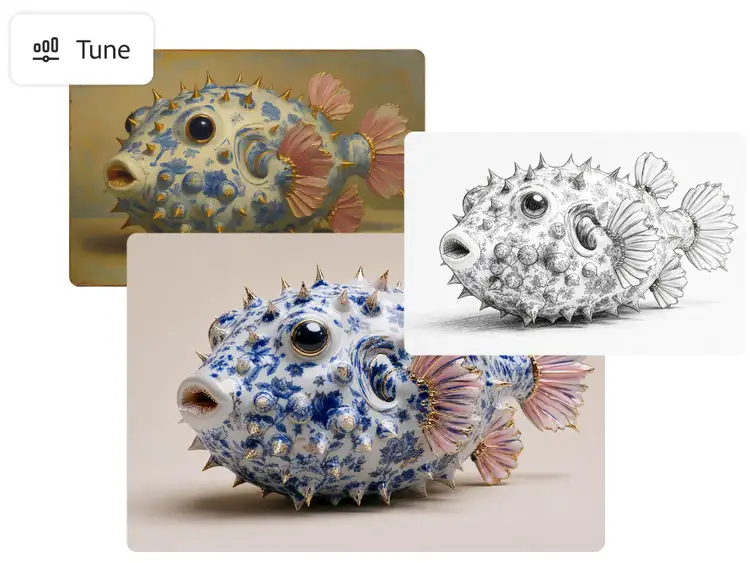
Three versions of a pufferfish illustration shown with Adobe Firefly's Tune feature, including a vintage-style painting, a line-art sketch and a realistic photo-style render

Animate a page you've already drawn.

Already sketched or photographed a page from your own flipbook? Image to Video can bring it to life directly, no extra frames required.

Explore a style before you commit to paper.

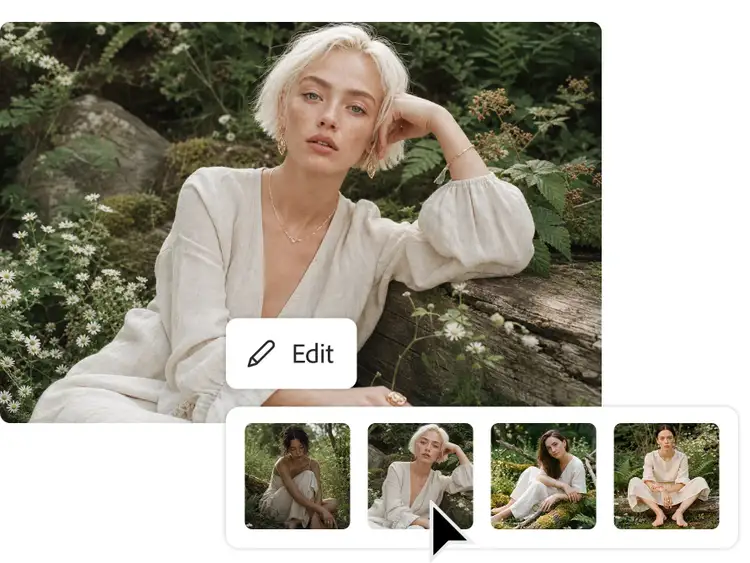
Generate a few different looks for your characters with Text to Image before you start drawing frame by frame.

Woman in a cream dress seated among rocks and foliage, shown with four alternative style variations generated using Adobe Firefly's Text to Image tool
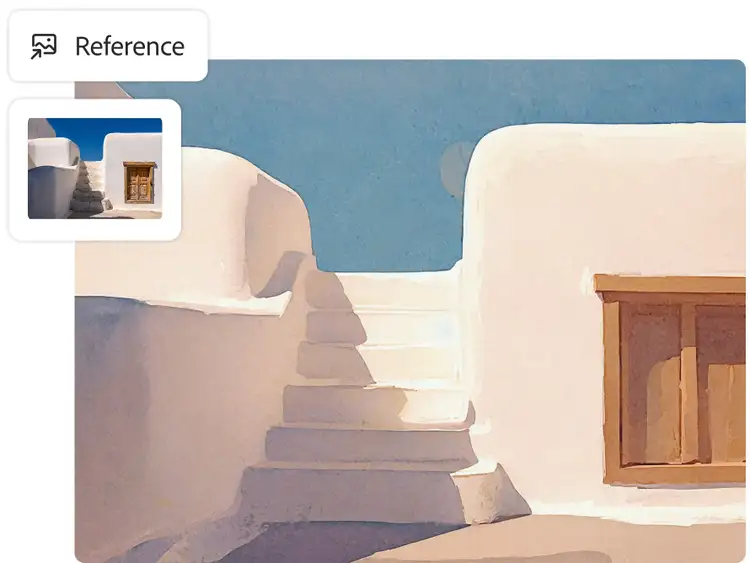
Painterly illustration of whitewashed Santorini-style steps and buildings, generated with Adobe Firefly's Text to Image tool using a reference photo of a Greek island doorway

Bring it into your existing workflow.

Export what you generate and bring it into Photoshop, Premiere or After Effects to add colour, sound and finishing touches, just like you would with a hand-drawn flipbook.

Get started with AI animation.

  1. Open the Firefly web app. Head to firefly.adobe.com and sign in with your Adobe ID (or create one for free) to access the AI painting generator.
  2. Start with your input. Upload an image, a photo of a flipbook page, or simply describe the character or scene and the movement you want in a text prompt.
  3. Choose your style and format. Pick a 2D or 3D look, then set the format for where the animation will live, vertical for social, horizontal for presentations and video.
  4. Generate and refine. Generate your first version, then adjust the prompt or regenerate to fine-tune the motion, timing and style until it fits your brief.
  5. Export and bring it into your workflow. Export the result and bring it into Photoshop, Premiere or After Effects to add sound, polish the timing or combine it with other footage.

You May Also Like

Animation: A Complete Guide

Discover how AI animation generators work, and what they mean for animators.

Motion Graphics: A Complete Guide

Explore how AI is changing motion graphics, from concepting to final animation.

Computer Animation: A Complete Guide

Explore how computer animation works, from CGI techniques to the software behind it.

Animation Storyboarding: A Complete Guide

Learn how storyboards shape animation production, from sketch to final shot.