ANIMATION

Computer Animation: A Complete Guide.

Computer animation refers to the process of generating digital moving images, the kind you see in many modern Disney films and video games. But you can also create computer animation for smaller projects. Understand what digital animation is, how it works, and its history, then pick up some useful tips and techniques along the way.

Explore Adobe Firefly

Woman working at a dual-monitor desk setup, with colleagues and sticky notes visible in the background

What is digital animation and how does it work?

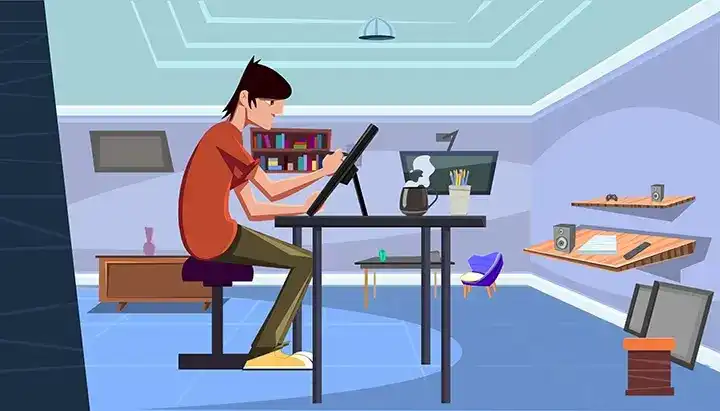
Illustrated animator sitting at a desk using a graphics tablet in a colourful digital workspace

Digital animation v traditional animation: which is best?

Digital animation
Traditional animation
Tools
A computer powerful enough to run your chosen animation software.
Paper, pencils, coloured pencils/paints, erasers and other stationery, which needs replacing as it runs out.
Virtual vs physical
Completely virtual, so it can be stored and shared online easily.
Involves creating physical artwork, which requires storage space but is a physical asset.
Costs
Can require fewer physical tools and materials, although overall production costs vary depending on the project and technique.
Hand-drawn techniques can require more manual frame-by-frame work, depending on the production.
Time
Digital tools can streamline some stages of the animation process and allow animators to work from a laptop.
Traditional techniques can involve more manual frame-by-frame work and may require a dedicated physical set-up.
Errors
You can quickly and easily undo or remove errors.
Correcting mistakes can be trickier and take longer.
Reusable
You can edit and reuse elements in new projects to save time and money.
Harder to reuse, since it involves adapting physical images.
Realism
Can create photorealistic renders for fantastically real animations.
Achieving photorealistic results by hand can require considerable time and skill.

Uses of traditional and digital animation.

Traditional animation, where each frame is drawn by hand, was the main method used until digital animation arrived. It's still used today, but mainly for 2D animation. Computer animation is now widely used across films, video games, simulations, adverts and scientific visualisations. It also sits alongside computer animation and visual effects (VFX) work on modern film sets, where animated elements are blended with live-action footage.

Computer cartoons are one of the most common uses of all: cartoons made with digital animation rather than hand-drawn cel work, from network TV shows to the online series that followed shortly after, like the digital cut-out episodes of South Park covered below.

Computer animation v CGI animation: key differences.

History of computer animation.

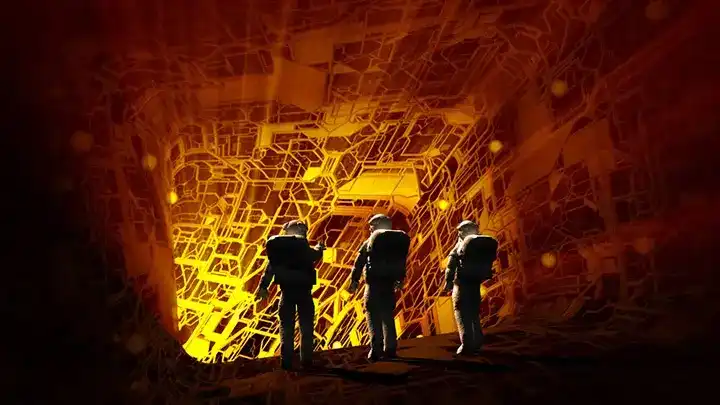
Three astronaut-like figures exploring a glowing orange CGI-rendered structure

Landmark examples of computer animation.

Toy Story (1995)

The first fully computer-animated feature-length film was Toy Story, developed by Pixar and released by Disney. Twenty-seven animators worked on the film, using 400 computer models to animate the characters. It was such a success it's gone on to spawn three sequels so far.

Shrek (2001)

After the release of Antz three years earlier, DreamWorks followed up with their second full-feature-length computer-animated film, Shrek. It featured 36 separate in-film locations, which DreamWorks claimed was a record for a computer-animated film at the time. A box office smash, it went on to spawn three sequels and various spin-offs.

Ice Age (2002)

The early 2000s saw an influx of computer-animated films, and Ice Age challenged Disney/Pixar and DreamWorks' dominance. Produced by Blue Sky Studios, it starred a range of animals never previously animated on film (sloth, woolly mammoth, sabre-tooth tiger), making realistic yet engaging movement a real challenge. A huge success, it also spawned several sequels.

The Adventures of Tintin (2011)

This Hollywood blockbuster combined motion capture and traditional computer animation over seven years of development, involving Paramount Pictures, Columbia Pictures and Nickelodeon Films. The unique style created the vintage atmosphere director Steven Spielberg was after.

Computer animation techniques.

Animating with AI: a new way to create

Bring Computer Animation to Life with AI.

Adobe Firefly's generative AI tools give animators another way to turn an idea into a moving clip, without a virtual skeleton or a single keyframe by hand.

Turn a sketch or prompt into a moving clip.

Bring a character or scene to life with the AI animation generator. It's a quick way to see an idea in motion before refining it further.

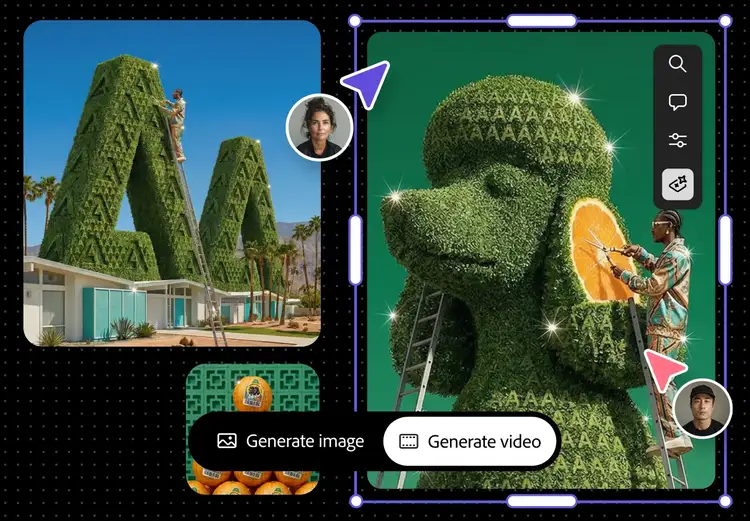
Adobe Firefly AI animation generator interface turning a reference image into a generated video
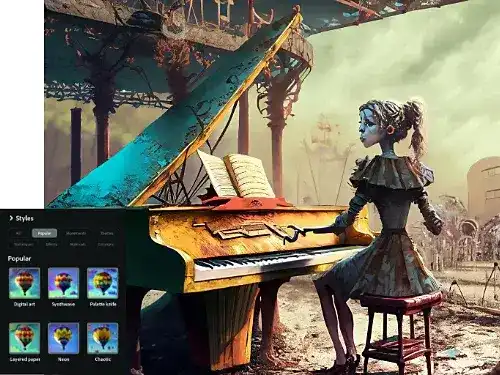
AI-generated illustration of a character at a piano created with Adobe Firefly Text to Image styles

Preview a style before you commit to a full build.

Generate a few different looks for the same character or scene with Text to Image, before investing time rigging or modelling it properly.

Animate a design you already have.

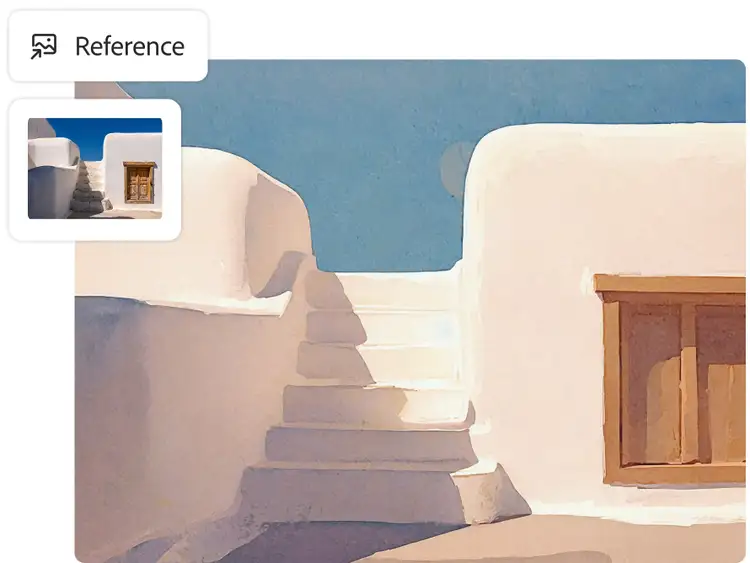
Already have a character design or reference image? Image to Video can bring it to life directly, without building a skeleton from scratch.

Reference photo transformed into a stylised illustration using Adobe Firefly Image to Video
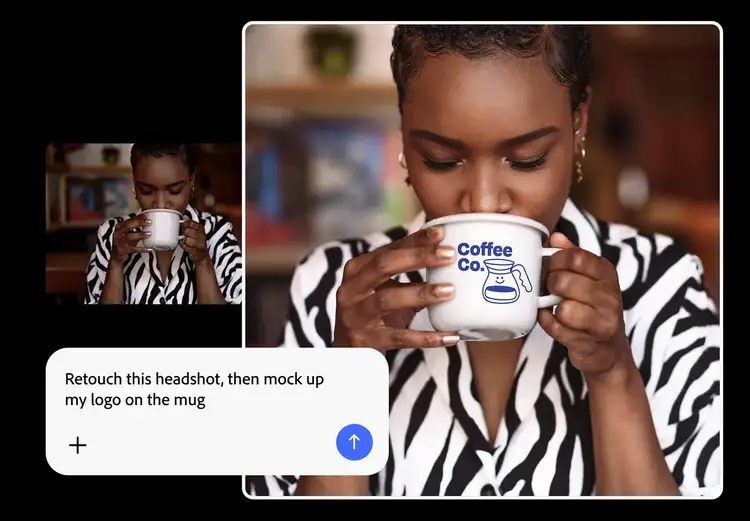
Adobe Firefly prompt retouching a headshot and mocking up a logo on a mug

Bring it into your existing workflow.

Export what you generate and bring it straight into Adobe Animate, Character Animator, Premiere or After Effects to refine, add sound and finish the piece the way you always have.

Get started with AI animation.

  1. Open the Firefly web app. Head to firefly.adobe.com and sign in with your Adobe ID (or create one for free) to access the AI painting generator.
  2. Start with your input. Upload an image, sketch or reference, or simply describe the character or scene and the movement you want in a text prompt.
  3. Choose your style and format. Pick a 2D or 3D look, then set the format for where the animation will live, vertical for social, horizontal for presentations and video.
  4. Generate and refine. Generate your first version, then adjust the prompt or regenerate to fine-tune the motion, timing and style until it fits your brief.
  5. Export and bring it into your workflow. Export the result and bring it into Adobe Animate, Character Animator, Premiere or After Effects to add sound, polish the timing or combine it with other footage.

How to make a computer animation: two methods.

Adobe Animate

To make a computer animation with Adobe Animate:

1. Open Adobe Animate and click Create New on the left-hand side.

2. Choose the type of animation you want to create, and enter its size, frame rate and platform type. You can right-click the stage once you start animating to change these if needed.

3. Use the toolbar on the left to start making your creation, adding pins, changing the size and more.

4. Use the properties panel to edit what you create and intend to animate, with a range of options.

5. In the library panel, add previous assets, such as an image you've already created.

6. Once your starting image is ready, create frames and a key frame, then add animation to your image.

7. When you're done, save and publish your animation on your chosen platform.

Adobe Character Animator

To use Adobe Character Animator for computer animation:

1. Create your character: select a template puppet, customise one with Puppet Maker, or make your own using Characteriser.

2. Use your webcam, microphone and mouse to animate your character. Enable both the camera and body tracker input, then click Calibrate.

3. Move your head, change your facial expression and wave your arms to track your movements.

4. Adjust the behaviour parameters of your character to customise how they move and react.

5. Record the scene and export it in a variety of ways for playback, or stream a scene live.

You May Also Like

Animation: A Complete Guide

Discover how AI animation generators work, and what they mean for animators.

Motion Graphics: A Complete Guide

Explore how AI is changing motion graphics, from concepting to final animation.

Flipbook Animation: A Complete Guide

Discover the simplest form of animation, and how it still shapes the craft today.

Animation Storyboarding: A Complete Guide

Learn how storyboards shape animation production, from sketch to final shot.