ANIMATION
Animation Storyboarding Explained.
The storyboard has shaped animation and cinema since the early days of Disney. Here's how to create your own, and how technology can help streamline the process.


ANIMATION
The storyboard has shaped animation and cinema since the early days of Disney. Here's how to create your own, and how technology can help streamline the process.
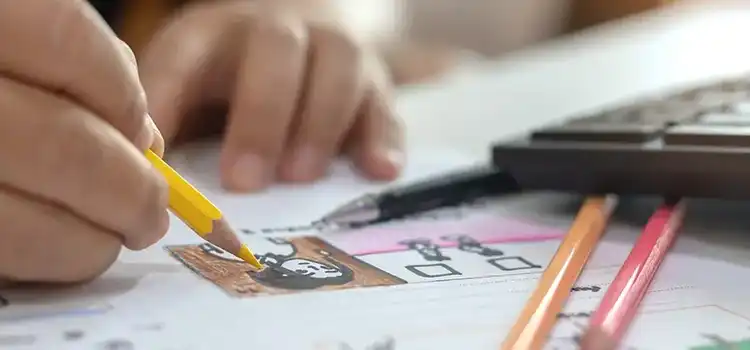
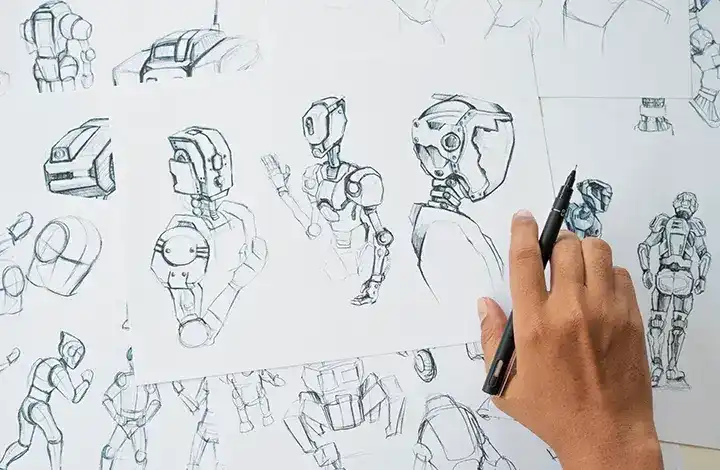
Animators and filmmakers have been using storyboards since the early days of Hollywood. Walt Disney Studios played an important role in developing and popularising storyboarding for animation during the 1930s.
It's said that for Walt Disney himself, story development was a crucial part of animated filmmaking, a sentiment which standardised the use of storyboards across the medium. According to legend, the first person to draw scenes on paper and assemble them next to each other, reportedly on a pin board, was Disney animator Webb Smith. But it took until 1933's Three Little Pigs, a short animation by Disney, for the first use of a complete storyboard.
That may be 90 years ago, but Disney still uses storyboards today to help 'bring the director's vision to life.'
There are many reasons animators use storyboards, ranging from cinematic convention to checking whether something is viable within a production. The approach has remained a part of animation production for decades — animators and filmmakers started using storyboards in the 1930s and continue to do so to this day, and though the technologies involved have changed hugely, the basic principle of an animated storyboard remains the same. Until the storyboard stage, an animated film exists largely in the heads and imaginations of its creators — namely the director and scriptwriter — so the storyboard provides a way to present that vision as a visual sequence.
Storyboarding is useful in several ways:
Want to broaden your animation horizons? Explore our beginner's guide to animation.
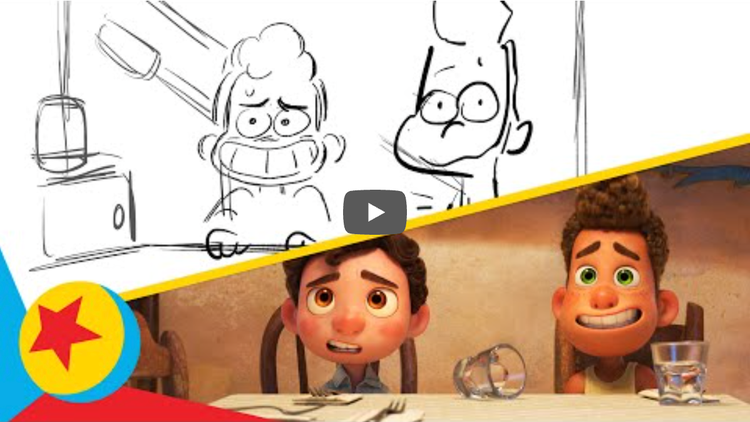
This charming Pixar animation tells the story of Guilia having friends home for dinner. In this side-by-side video you can see the storyboard running above the final animation. Comparing the two can help illustrate the level of detail used at the storyboard stage.
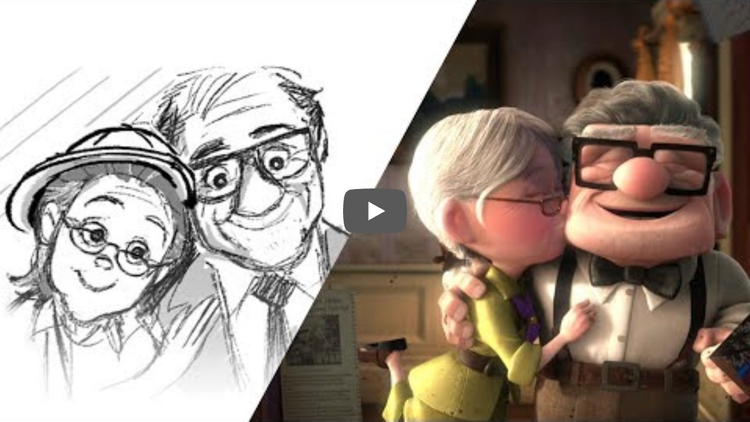
Here, in the famous (and heart-breaking) 'Married Life' section of Pixar animation UP, we can see the original storyboard laid over the top of the finished animation. There's plenty of action in this scene, and it's useful to see how the storyboard handles motion.
Similarly, here we can see the storyboard for the iconic scene featuring the Academy Award-nominated song, Into the Unknown. The storyboard shows detail for the use of shading.
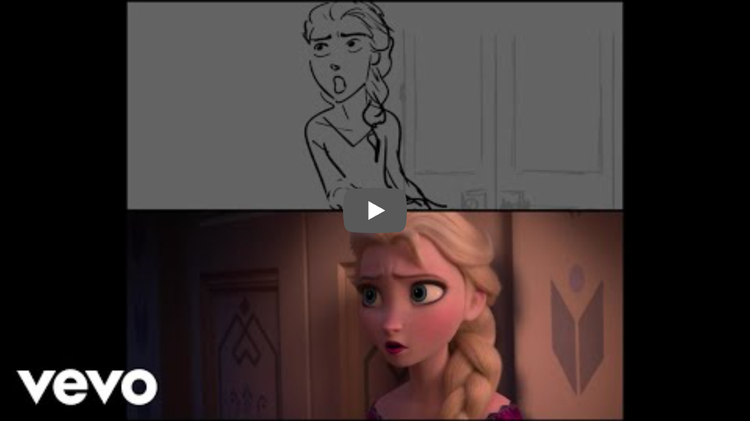
Similarly, here we can see the storyboard for the iconic scene featuring the Academy Award-nominated song, Into the Unknown. The storyboard shows detail for the use of shading.
To get started with a storyboard, you first need an idea of the animation you want to create, as well as the basic materials for setting it out. Start with a synopsis: an overview of the plot, including key characters, acts, conflicts and resolutions. Depending on the production, storyboarding may begin from a full script, synopsis or other narrative outline, but for a hobbyist a synopsis should suffice.
You'll also need to know your narrative structure — a breakdown of the narrative, scene by scene, covering what will be happening to whom and in what order — and the action within each shot: what the characters will be doing, whether they'll be moving or speaking, and what's going on around them, from cars and falling buildings to gently swaying trees or rainfall. Before you start, it's worth having at least an idea of your camera requirements too: the shots that will make up your animation, along with ideas for transitions and camera staging, since this will evolve as the storyboard takes shape.
For materials, you can use pens, pencils and paper to start your sketches, or you may prefer to sketch using a drawing app. For the panels themselves, you'll likely want to use dedicated software, such as Storyboard Pro, or the storyboard templates in Adobe Express.
Sketching your storyboard begins with paper and pencil. You might start by roughing up a small thumbnail sketch for each shot, drawn from the perspective a viewer would see on screen — if you have to move your head to see something else, that means a new shot and therefore a new thumbnail.
This helps you get an overall view of the animation on one page, before moving on to more detailed individual sketches on single sheets, which you can then assemble in the correct order on a whiteboard or wall. Storyboards can be drawn by hand or created using drawing apps and other digital tools, whether the production is 2D, 3D or stop-motion.
Once you have built a narrative with rough sketches, it's time to transform these into panels. A storyboard panel is a rectangular frame drawn onto a sheet of paper, with separate boxes for notes on dialogue and action.
The dimensions of the box depend on the type of production you're storyboarding, and can vary depending on whether it's for film, TV or wide-screen. You'll draw the action of the scene within this box before adding notes on dialogue or camera angles to the other boxes. At the top of the panel there's usually space to write the scene number and panel number. Panels can still be created on paper, but they can also be assembled and refined using digital software.
The blank page can be intimidating, especially when it's a pile of blank panels, so start with post-it notes or a digital equivalent and scribble down animation storyboard ideas without too much thought, just to get something down. From there, shape these post-it notes into thumbnail sketches you can cut up and assemble in the order they happen in the story — nothing is set in stone at this stage, but you can start to shape the narrative.
Keep these tips in mind as you work:
Storyboard artists can create and organise panels using software such as Adobe Photoshop and Storyboard Pro, which enables board artists to create and re-order rough thumbnail sketches, create camera moves, and import images and sound, among other things.
If you're a hobbyist animator, Adobe Express is also worth a look. With Adobe's professionally designed storyboard templates, you can easily upload your drawings to your project and annotate them with captions to detail characters, dialogue, camera requirements and more.
Fascinated by the world of animation? Keep learning by reading our beginner's guide to animation. Curious how computer-generated animation compares? See how computer animation works.
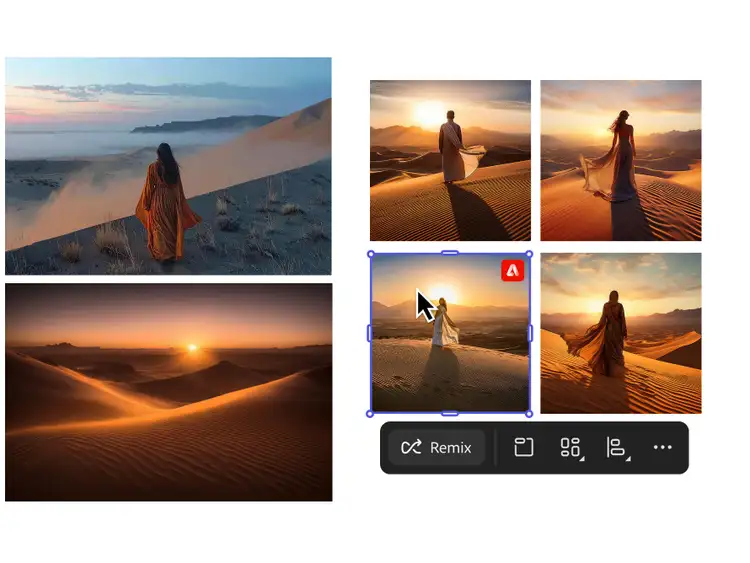
Adobe Firefly's generative AI tools give animators another way to move from script to storyboard, without drawing every panel by hand.
The Firefly AI storyboard generator turns text prompts, a script or synopsis, or reference images into polished, frame-ready storyboard panels in minutes — no drawing experience required.
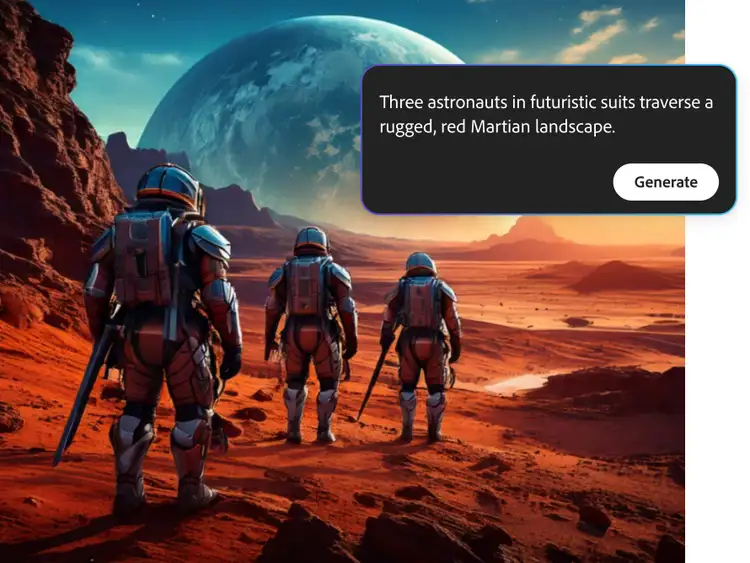
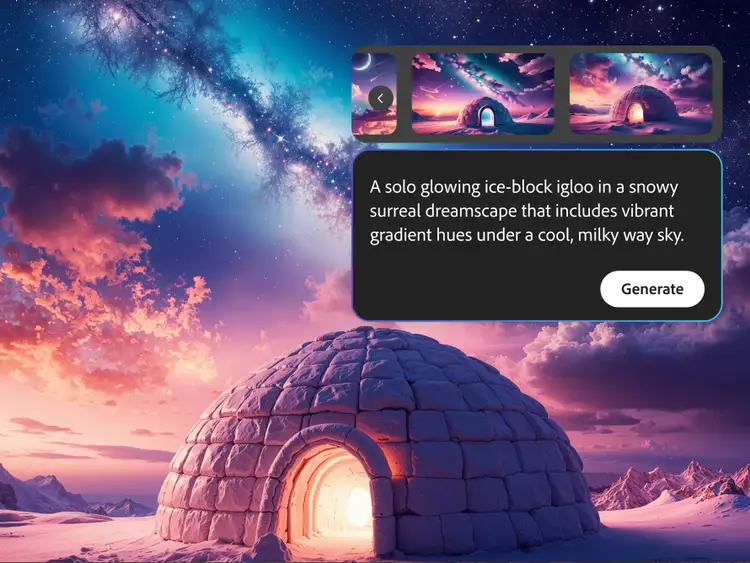
Use Firefly's Scene to Image to generate a visual from a line of your synopsis or script, so you can see how a shot looks before committing it to the board.
Build out a Firefly mood board alongside your storyboard to lock in character design, lighting and tone before you start sketching panels, so every scene feels part of the same story.
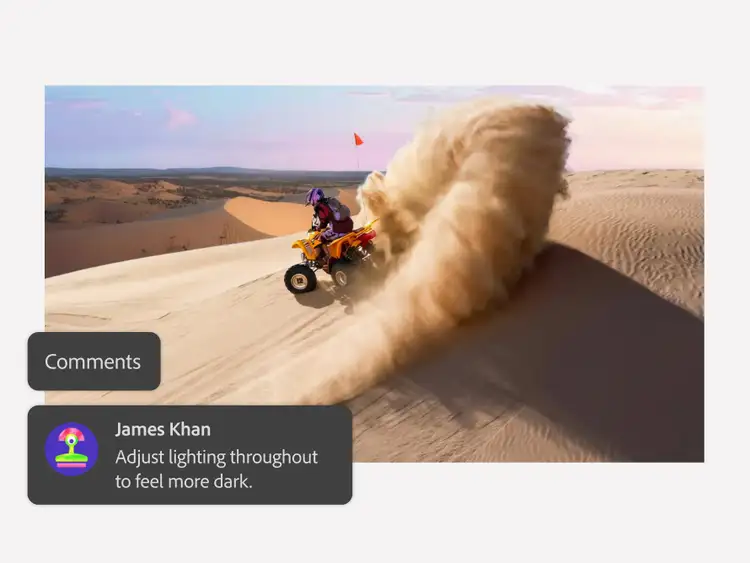
Once your storyboard is ready, export it and carry on refining and building out your production in Storyboard Pro, Photoshop or Adobe Express, just as you would with a traditionally drawn board.
Generate storyboard frames in seconds and speed up your pre-production process.
Discover how AI animation generators work, and what they mean for animators.
Explore how computer animation works, from CGI techniques to the software behind it.
Discover the simplest form of animation, and how it still shapes the craft today.
Based on your location, we think you may prefer the United States website, where you'll get regional content, offerings, and pricing.


