Introducing Adobe Firefly.
Use generative AI and simple prompts to create the highest-quality output - images, text effects, colour palettes and more.


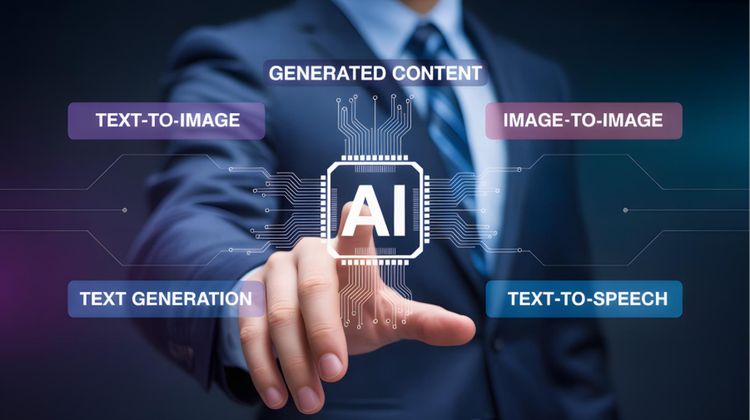
AI image generation is the process of using machine learning to create images from text, sketches, or sample pictures.

This technology is helping to shape new possibilities for creative students, hobbyists and professionals, allowing bold ideas to be converted into images instantly with a few simple inputs. This speeds up the creation process and helps remove some barriers, as even those without previous experience can generate unique designs.
Learn more about what AI image generation is, and how Adobe Firefly can boost your creative efforts, with our guide.
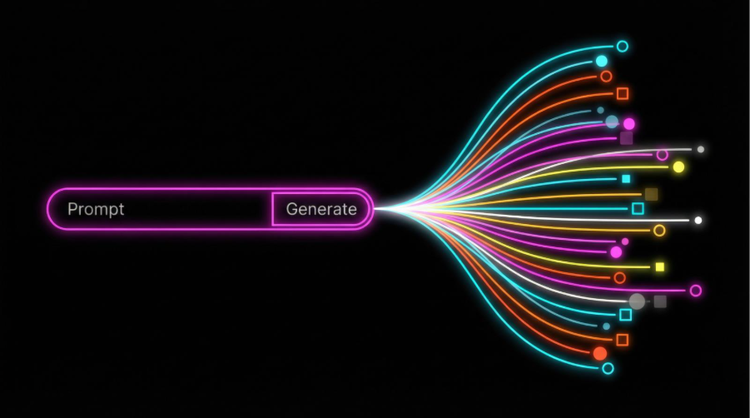
AI image generation uses artificial intelligence technology to create images from basic prompts and commands. Prompts can also include reference images and rough sketches, as well as text.
AI image generation uses large machine learning models, trained on an array of images and assets. These learn how to link words to shapes, colours, styles, and objects.
So, when you input something like “sunset at a beach, with buildings in the distance” – the system knows how to create the AI art step-by-step, shaping the image until it matches the written description. The prompt provides the meaning – the AI creates it.
Some of the things AI image generators can do are:
AI image generation is changing the game when it comes to visual art and design. Some of its advantages include:
Ready to get started? Here’s a simple step-by-step guide for how to generate AI images with Adobe Firefly’s AI Image Generator.
Prompt writing is an art in its own right. By treating it as a skill, you will find that it greatly aids the creation process.
Prompts are the gateway between your idea and what’s produced – great input leads to great output.
As well as describing, you’ll also need to take context and intent into consideration. What feelings are you trying to evoke, for example? AI generation is a machine plus human process. The human part comes from you.
Best practices for crafting stronger prompts, which can help you generate more bold and realistic AI images, include:
AI has already revolutionised how we create content. Producing has become much quicker, and there’s more scope for experimentation. Plus, content can be produced to scale at a rapid rate.
The mix of speed, flexibility and accessibility means creative teams have had to adapt their workflows, with entire businesses even restructuring around the AI model.
Brands can test various samples and campaigns very quickly, with a high degree of personalisation available to target different demographics. There’s even scope for ad-hoc, real time editing, which lowers production time while increasing output. AI image creation has introduced a high degree of adaptability, catering to ever-changing consumer demands.
Using AI images, the entertainment industry can speed up concept art, storyboarding, and conceptualisation (to help with set building in movies, for example). Filmmakers can test characters, and game studios can quickly see how their design will look before ever writing code for it.
AI can automate repetitive tasks, as well as giving graphic designers a base to start from. It’s a real time saver – you can quickly go back and refine ideas without having to literally go back to the drawing board. In addition, reducing repetitive ‘admin’ tasks can free up cognitive load, allowing designers to spend more time being creative – and thinking about what really matters.

Use generative AI and simple prompts to create the highest-quality output - images, text effects, colour palettes and more.
Based on your location, we think you may prefer the United States website, where you'll get regional content, offerings, and pricing.


