
Try these tutorials with Adobe Express
Create web pages, social media graphics, and videos.
How to turn what makes you different into your brand’s biggest strength.
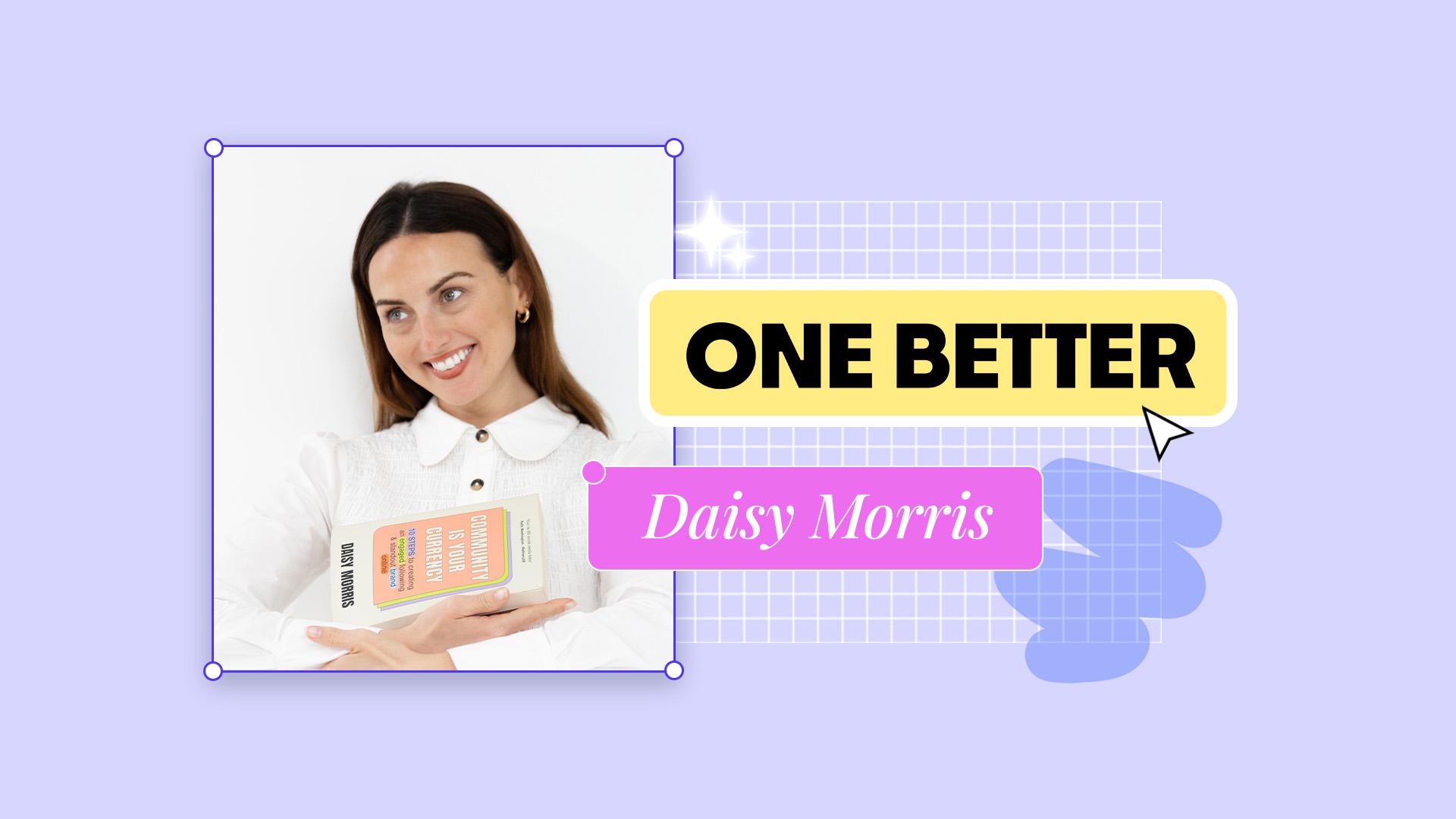
Daisy Morris, founder of social media consultancy The Selfhood, shares how to express individuality through every creative choice: from bold colour palettes and personal branding to community-led design. Because when your brand reflects who you really are, it becomes a magnet for the right people.
Daisy loves bold colours that feel unmistakably hers. Adobe Express makes it easy to do the same for you and your brand.
In the Editor, select Brands in the left panel and in your chosen brand, select Color to find your colour palettes. This can help you build colour combinations based on your style, mood, or imagery. Fine-tune individual shades until the palette feels like you.
Use the Eyedropper to pull colours from your own photos. Daisy often uses snapshots from her digicam as inspiration: small moments that capture her aesthetic.
Start with images that represent your mood or energy and build your palette from there.
Over time, you’ll create a set of colours that feel personal, consistent, and instantly recognisable.
Thinking of your brand as a book helps you clarify your story and your vibe.
If you were to write a book about your work, what would the cover look like?
What would it say about you?
It’s a simple but powerful exercise. Designing a book cover forces you to think about what you want to communicate: your tone, your personality, and the feeling you want people to take away.
In the Adobe Express homepage, open Templates on the left panel and search for book covers. There are hundreds of options to play with. Pick one that fits your brand or personal style and start experimenting.
Apply your brands fonts, colours, and imagery for a consistent feel. Try different layouts until it starts to feel like you.
You’ll end up with more than a design. You’ll have a clearer picture of what your brand communicates to the world.
Daisy has delivered presentations around the world, from global businesses to universities, and one thing never changes: if you’re asking for someone’s time, your visuals need to earn it.
Engaging presentations hold attention and make your message stick. That’s why Daisy loves Animate All in Adobe Express.
Open your presentation or design in the Adobe Express editor. Select Animation on the top panel and then select Animate All to animate the entire design.
Choose from a range of subtle animations to bring movement and energy to your design.
Use motion to highlight key moments, not to distract. A touch of animation can make your story feel more dynamic and help your ideas land with impact.