Recommended hardware for the best 3D experience.
To get the most out of the Adobe Substance 3D toolset, your computer must meet certain minimum requirements.


To get the most out of the Adobe Substance 3D toolset, your computer must meet certain minimum requirements.
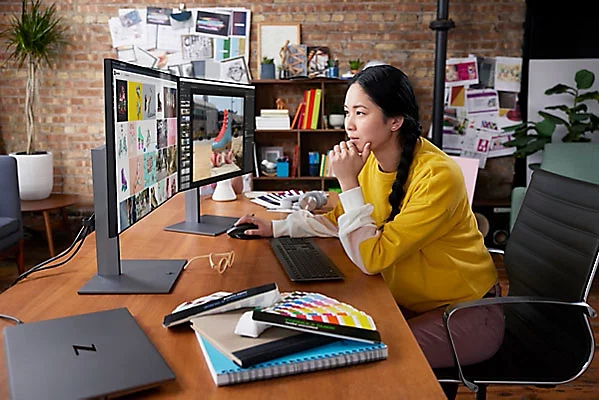
When the Apollo 11 landed on the surface of the moon in 1969, its combined systems contained significantly less computing power than a modern phone. In the decades since, developers have progressively created software that can accomplish truly phenomenal feats. A necessary tradeoff, however, has been a gradual increase in the computing power required to run such software.
To get the most out of the Adobe Substance 3D toolset, your computer must meet certain minimum requirements. 3D software in particular can require your computer to make an enormous number of calculations each second — so the higher the performance of your computer, the smoother and more hassle-free your 3D experience will be overall.
Here are some recommendations for the hardware you’ll probably need to ensure a fun, smooth 3D experience.
Though every application has different hardware requirements, many PCs won’t deliver the fluid performance you need when creating in 3D. When your computer doesn’t meet the minimum specifications, you can run into problems, such as less detailed graphics and longer render times, and even inconsistent frame rates and computer crashes. To ensure a seamless 3D experience, you ideally need a high-performance, workstation-class PC.
Workstation-class PCs have a dedicated GPU to render 3D in real time, as well as enhanced storage, memory, and security to power and protect your projects. They’re able to handle high-res, multilayered files for working across multiple applications — so they’re well suited to 3D workflows.
We’ve had good experiences running the Substance 3D tools on computers manufactured by HP, particularly on its high-performance Z brand. Some advantages of Z for 3D workflows include:
For more information on how the Substance 3D tools dovetail with the Z by HP 3D desktops and notebooks, view the HP page on the subject.
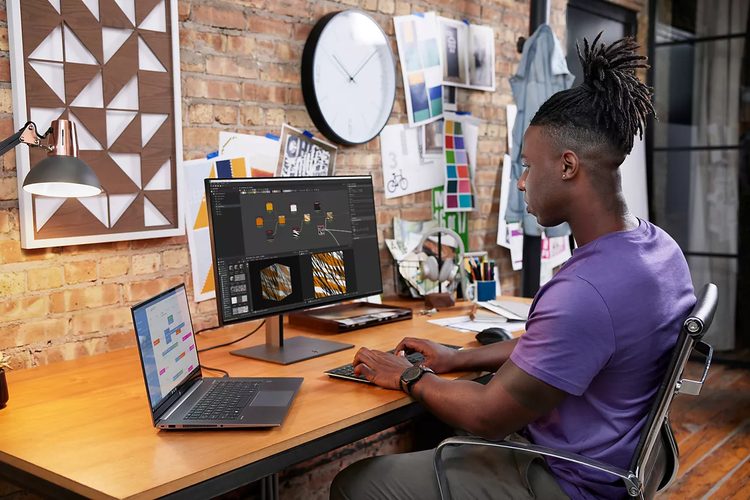
The key requirements when starting out in 3D are creativity, curiosity, and a desire to learn. After that, a computer that’s powerful enough to smoothly handle creating in 3D can be a big help too.
A system with a powerful GPU is important when working with creative applications, from video editing to design, as well as in 3D. When you’re deep into the 3D creative design flow, you don’t want the system to get in the way — you want to stay in the moment. This is especially important when tackling heavy-duty 3D tasks like texturing, modeling, and rendering. A powerful GPU lets you work more quickly, and on larger scale projects. You’ll spend less time waiting around and more time creating.
Your computer will have either a CPU with an integrated GPU (an integral built-in part of your computer, which depends on the computer’s memory), or a discrete GPU (a dedicated piece of hardware, with its own memory). In most cases, discrete dedicated GPUs will provide a better experience working with 3D software than integrated GPUs, and will more easily meet the minimum requirements to run the Adobe 3D software.
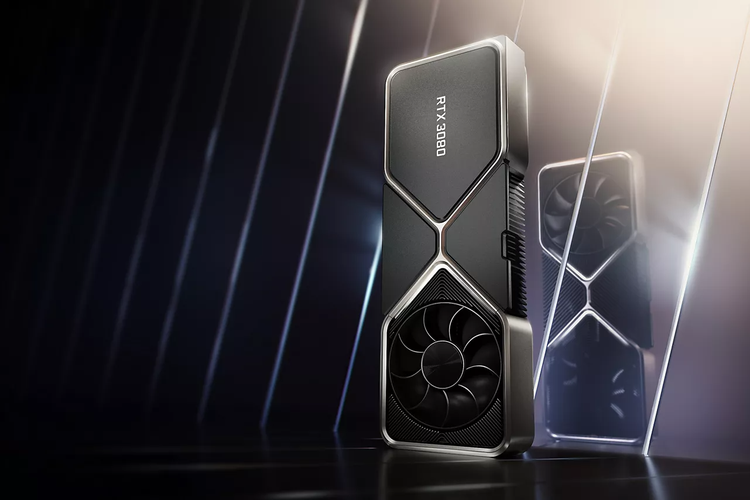
There are a variety of GPUs to choose from. Our teams have tested the Adobe 3D tools on the NVIDIA RTX GPUs with positive results. To learn more about the benefits of NVIDIA RTX graphics cards, check out the following resources:
You can use the Substance 3D Modeler (beta) app in either desktop or virtual reality mode, switching between the two as needed. Creating in VR provides a remarkably true-to-life modeling experience and gives you access to six degrees of freedom controllers, giving you more direct control when creating your scene.
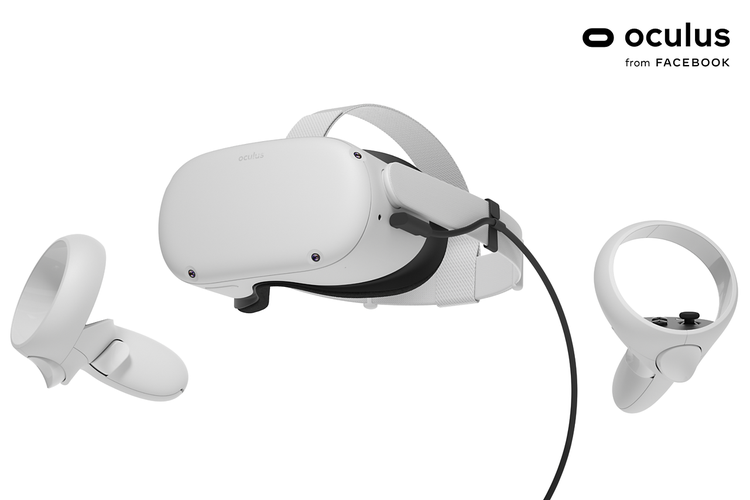
To use Modeler in VR, however, you’ll require a VR headset. Modeler is compatible with the Oculus Rift, the Oculus Rift-S, the Oculus Quest, and the Oculus Quest 2 with Oculus Link cable.
Which of these headsets will provide the best VR experience? Of course, any definition of “best” can be subjective, but our teams would recommend the Oculus Quest 2 with Oculus Link cable — the headset is light, with very high resolution, providing outstanding images.
A camera is a useful tool for capturing visual data, particularly when creating materials in Substance 3D Sampler or Substance 3D Designer. A professional-level camera is not strictly necessary — material artists have had success using phone cameras in this way.
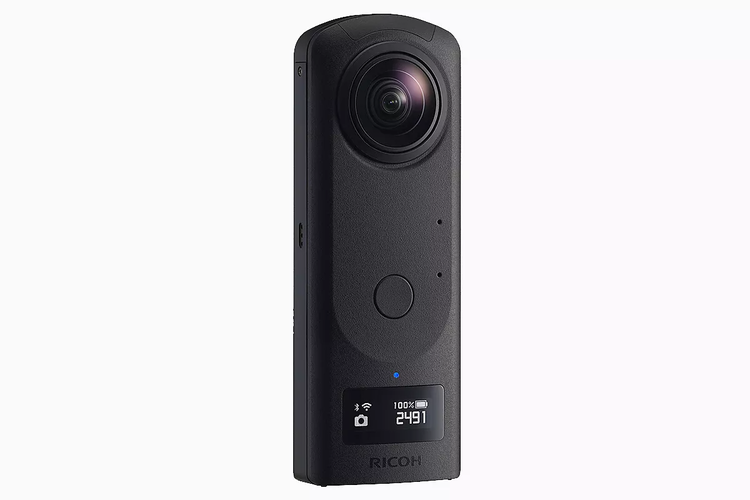
If you’ve reached the point where you want to create high-quality virtual photographs in Substance 3D Stager, it can be useful to have a 360° camera to capture an entire environment. Cameras such as the Ricoh Theta, the GoPro MAX, and the Insta360 can capture 360° panoramas, which can then be used to create photorealistic virtual photographs with 3D rendering and compositing.