Enhance a portrait with automatic facial feature masks
Speed up your portrait retouching with AI-generated masks for adjustments to common areas in people photos.
Published
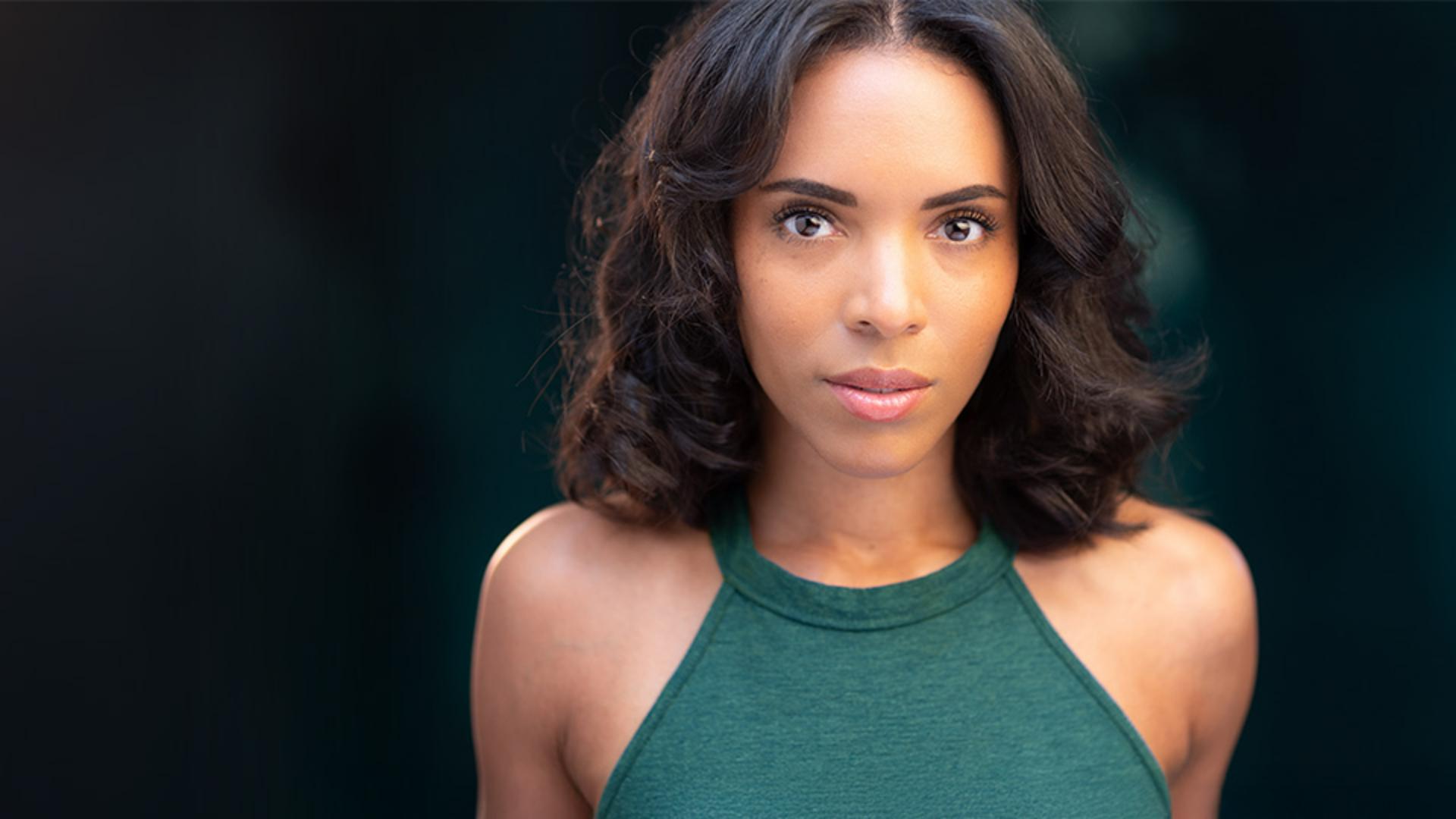
Note: Stock assets provided are for practice purposes only. See terms.
What you'll learn
Create AI-generated masks for facial features
The Masking panel in Lightroom will reveal the different ways you can create a mask that can be used to apply adjustments to specific areas of an image. If your photo contains people, you can choose a person and create AI-generated masks for that person. In addition to the entire person, Lightroom offers several options for creating different masks to make adjustments to common portrait areas such as facial skin, body skin, eyebrows, eye sclera (the whites of the eyes), iris and pupil, lips, teeth, hair, and clothes.
Instruction and photography by

