Discover the best ways to add a soundtrack to your film in Premiere.
Published
Introduction
[James Bonnano]: So, we've built out our select sequences, we've started our draft, and now it's time to build the story.
Setting mood and selecting music for the edit
And the first question I ask myself with every film is, what is the overall mood?
And the best way to establish that mood is through music.
I've included a lot of different music tracks free to use in your travel videos.
But this is the option I will go with because I think the pacing and the mood really match the film and create that energy for a travel film that I'm going for.
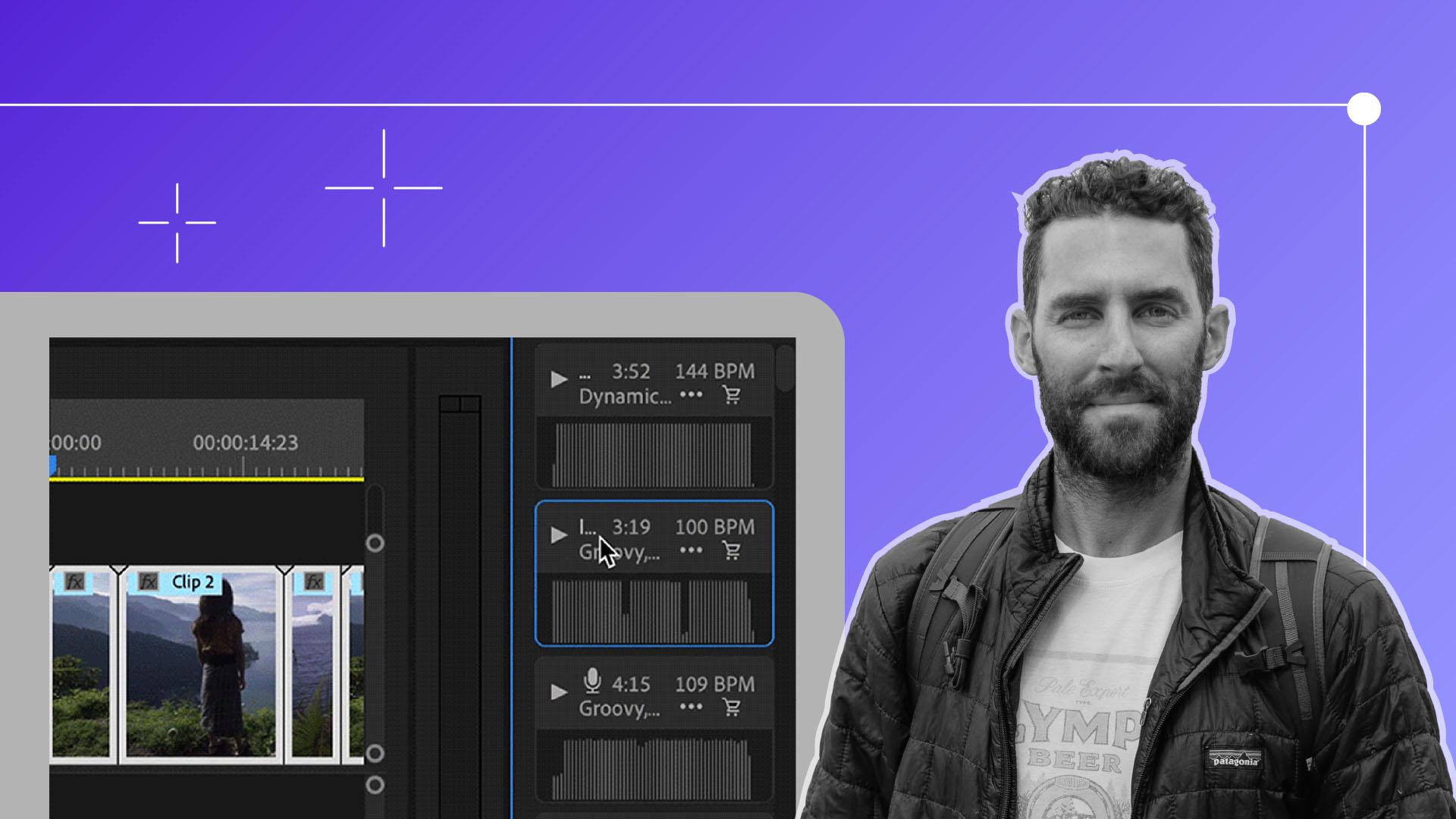
You can also access more music inside of the Audio tab here in Premiere Pro, which is a great resource right at your fingertips.
If you want to choose one of these tracks, you would simply drag and drop the audio onto the Timeline or pull from the tracks that I've provided for you.
Now that my music is laid in, I start to think about what shots I want to start with.
Click Next to move on to begin this process.
Music really is one of the most important aspects of any film that I make.
Using markers to sync clips with music pacing
It creates a motion, pace, and here's where we have control as the editor to decide which clips will work in various points of the track.
Here I use the Marker tools to set points on the Waveform of the music track, where I want specific clips to go, or I want the mood to change.
In all of these clips, I'm bringing both the video and audio into my Timeline.
I like to keep the audio of the actual shots, as I think it adds another layer of life to the overall film.
Again, this part of the edit typically takes me the longest as I'm looking for the best pace, the flow, and just really the overall mood to fit the film.
If you feel ready to move on, click Next for a few quick shortcuts on audio and video editing.
Visually, I think it's always nice to go from a tight shot into a wide shot
Choosing shots and building visual flow
or a wide shot into a tight, as I think they cut together a little bit more seamlessly.
Another thing to keep in mind is try to find clips that feel similar to each other and have alike-action.
I believe that the more layers you add and the more ingredients you can add to your meal, so to speak, the stronger that your film and that final dish will become.
In the next chapter, we will continue to build out our sound design even more
Enhancing storytelling through layering and shot selection
Music adds emotion and energy to your film. Check the "03_Audio" bin for included tracks or explore more options in the Essential Sound panel by selecting the Music category and using filters. Drag your selected track into an audio track on the Timeline.
Trim clips to the beat
Scrub through your music’s waveform and add markers where the beat hits. Use those markers to trim your visuals to match the rhythm of the music. Adjust your edit until it flows well with the soundtrack.
Pro tips for editing
To make your edit feel more cinematic, mix wide and tight shots, pair clips with similar motion, and use J-cuts by extending the audio before the video. These techniques help your film feel more polished and natural.
You can control how Adobe websites use cookies and similar technologies by making choices below. But note that if you disable cookies and similar technologies entirely, Adobe websites may not function properly.
Cookies are small text files stored by your web browser when you use websites. There are also other technologies that can be used for similar purposes like HTML5 Local Storage and local shared objects, web beacons, and embedded scripts. These technologies help us do things like remembering you and your preferences when you return to our sites, measure how you use the website, conduct market research, and gather information about the ads you see and interact with.
You can make choices in the menu below about what cookies and other technologies you want us to use on Adobe sites when you visit them from this browser. You can always change those choices later by clicking on the Cookie Preferences link at the bottom of the page.
If enabled:
We can improve your experience by tailoring the site and the content to things we think might be of interest
We can better keep track of your preferences — like what language you prefer to use
We will better understand your likely interests so we can provide you more relevant Adobe ads and content on non-Adobe websites and in non-Adobe apps
It will help us improve the performance of our website and those of our partners who use the Adobe Experience Cloud
If disabled:
We won’t be able to remember you from session to session so the experience may not be tailored to your interests
You’ll still have access to the content of the site but certain features that depend on cookies may not function
You’ll still see ads, they just may not be as relevant to you
General information
You can control how Adobe websites use cookies and similar technologies by making choices below. But note that if you disable cookies and similar technologies entirely, Adobe websites may not function properly.
Cookies are small text files stored by your web browser when you use websites. There are also other technologies that can be used for similar purposes like HTML5 Local Storage, web beacons, and embedded scripts. These technologies help us do things like remembering you and your preferences when you return to our sites, measure how you use the website, conduct market research, and gather information about the ads you see and interact with.
You can make choices in the menu below about what cookies and other technologies you want us to use on Adobe sites when you visit them from this browser. You can always change those choices later by clicking on the Cookie Preferences link at the bottom of the page.
If enabled:
We can improve your experience by tailoring the site and the content to things we think might be of interest
We can better keep track of your preferences — like what language you prefer to use
We will better understand your likely interests so we can provide you more relevant Adobe ads and content on non-Adobe websites and in non-Adobe apps
It will help us improve the performance of our website and those of our partners who use the Adobe Experience Cloud
If disabled:
We won’t be able to remember you from session to session so the experience may not be tailored to your interests
We’ll still count your use of our site and services
You’ll still have access to the content of the site but certain features that depend on cookies may not function
You’ll still see ads, they just may not be as relevant to you
Operate the site and core servicesOperate site and measure engagement
Always active
These cookies are required, and they are used to enable the site and related services core functionality. Without them the site could not operate, so they cannot be disabled.
These cookies enable the site and related services’ core functionality and collect statistics about user engagement, such as counting active use to help us understand trends. These cookies cannot be disabled.
Measure performance
These cookies are used to analyze site usage to measure and improve performance. Without them Adobe cannot know what content is most valued and how often unique visitors return to the site, making it hard to improve information we offer to you.
These cookies are used to analyze site usage to measure and improve performance. Without them Adobe cannot know what content is most valued, making it hard to improve information we offer to you.
Extend functionality
These cookies are used to enhance the functionality of Adobe sites such as remembering your settings and preferences to deliver a personalized experience; for example, your username, your repeated visits, preferred language, your country, or any other saved preference.
Personalize advertising
These cookies are used to enable Adobe and our partners to serve ads more relevant to your interests. Without them you will still see ads, but they might not be as relevant to you.
Personalize advertising
These cookies are used to enable Adobe and our partners to serve ads more relevant to your interests. Without them you will still see ads, but they might not be as relevant to you.