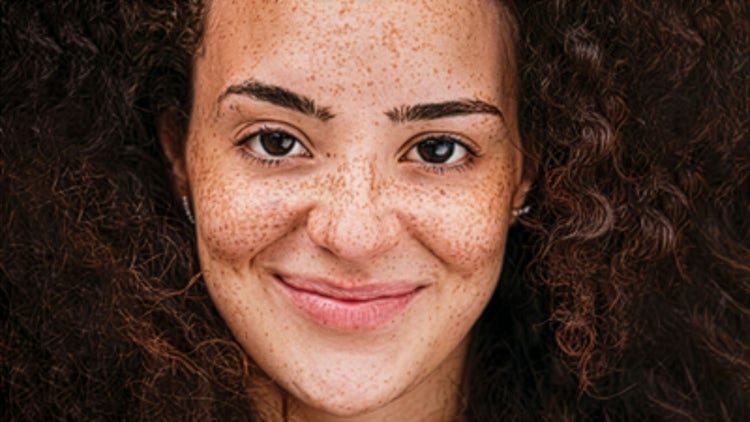
Yes, though the tools work best when there is one clearly visible face in the frame. For group photos, the automatic features like Brighten Eyes and Whiten Teeth may focus on the most prominent face. You can apply the tools multiple times if you need to work on different people in the same photo.
You need a second photo of the same person where their eyes are open. The feature works best when the two photos have similar lighting and a similar head angle — for example, two shots taken in the same session. Photoshop Elements will guide you through selecting the source photo when you click the Open Closed Eyes button.
It can, as long as you don't overdo it. The Smooth Skin slider gives you full control over the intensity. A lighter application tends to look more realistic, preserving natural skin texture while softening the overall appearance. Start at the midpoint and adjust from there.
Yes. Perfect Portrait works with photos taken on any device, including smartphones. JPEG and PNG formats are both supported. Just open your photo the same way you would any other file.
Not unless you save over it. Use File > Save As to save your edited version with a new name, and your original will stay exactly as it was.
Yes — you can use as many of the Perfect Portrait tools as you like on a single photo. You can smooth skin, brighten eyes, whiten teeth, and fix a blink all in the same editing session.