

Go from idea to finished in one conversation.
Brainstorm and execute in one place. Batch-edit, generate studio-quality scenes, resize for every platform, and animate for social — all in a single conversation.


With the Adobe for ChatGPT plugin, simply describe what you want to accomplish right in your ChatGPT conversation. Adobe for ChatGPT brings the right capabilities and skills together to help you create, edit, and refine images, videos, designs, and documents — all in one connected workflow.
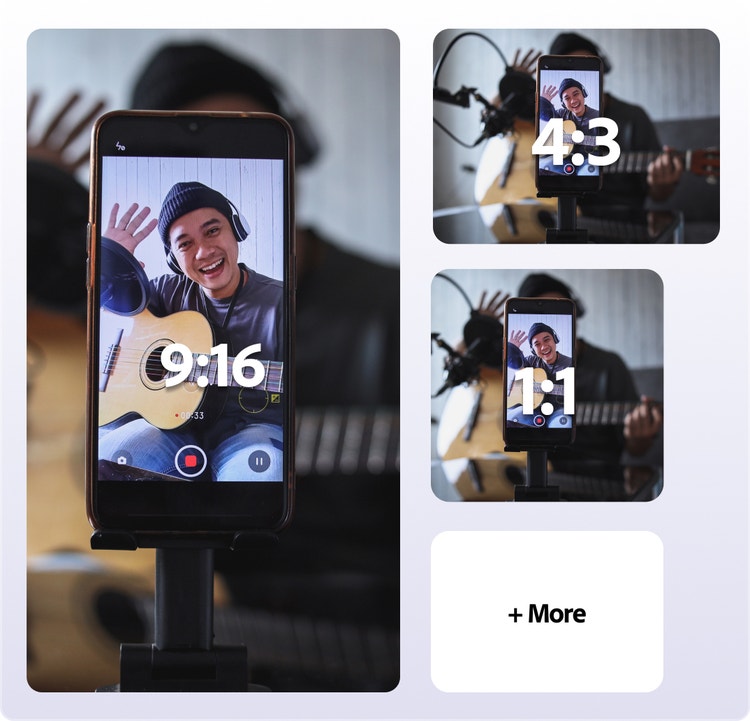
Brainstorm and execute in one place. Batch-edit, generate studio-quality scenes, resize for every platform, and animate for social — all in a single conversation.
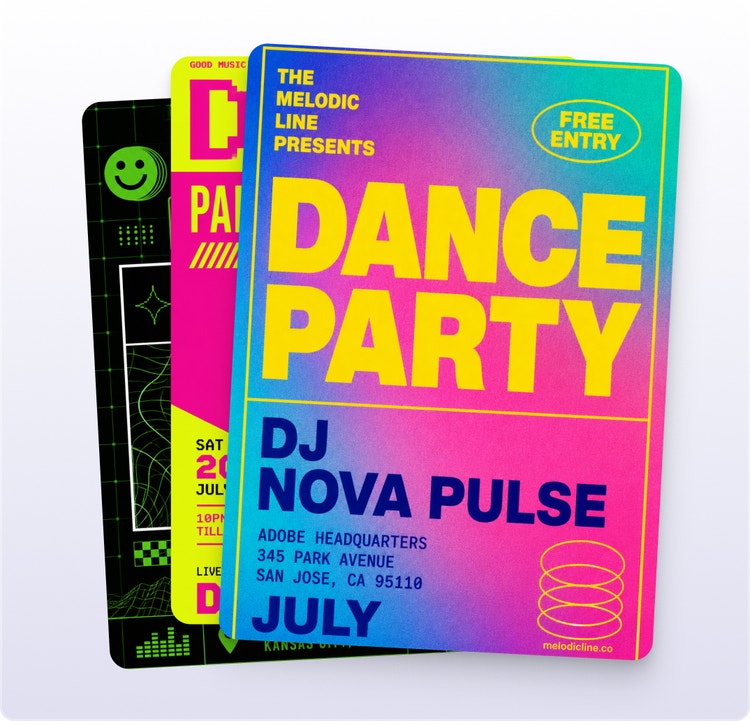
Turn ideas, images, videos, and documents into polished outputs that reflect your style, brand, and preferences, so every post, mockup, and asset feels intentional and consistent.
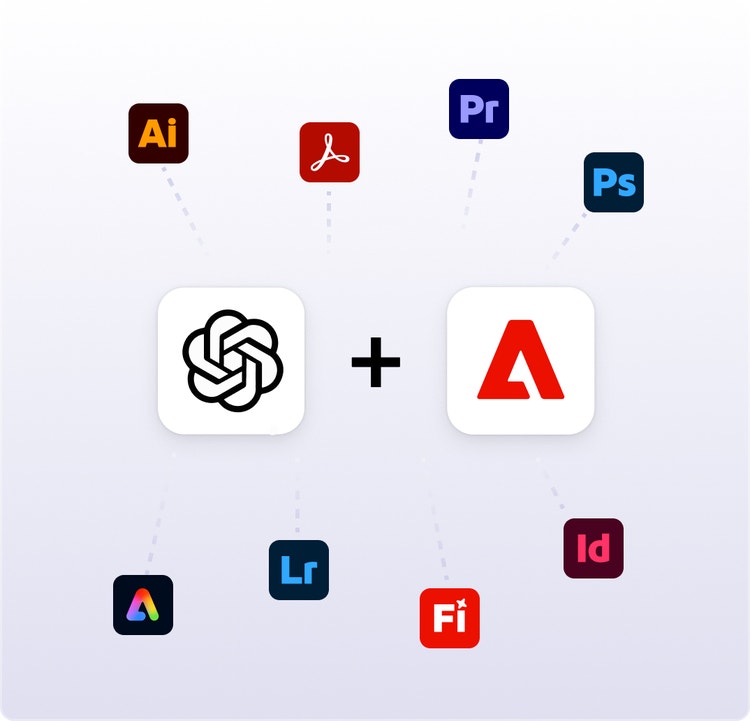
Access Adobe tools within ChatGPT, where you already ideate and work. Continue refining assets, pick up where you left off, and stay in your flow without switching between tools.
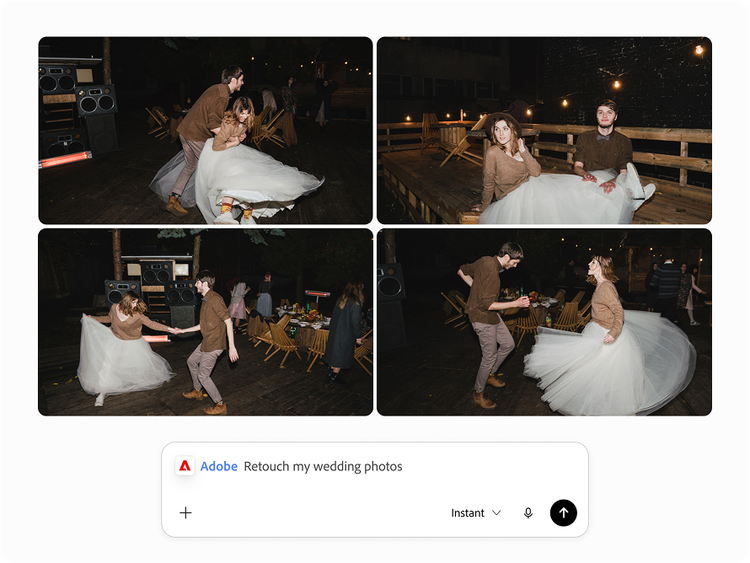
Upload one or more images to ChatGPT and describe the look you want. For example, add your travel vacation photos and ask Adobe for ChatGPT to adjust color, lighting, and tone, or apply presets for a consistent look. You can also remove distractions, generate new elements, replace backgrounds, and more.
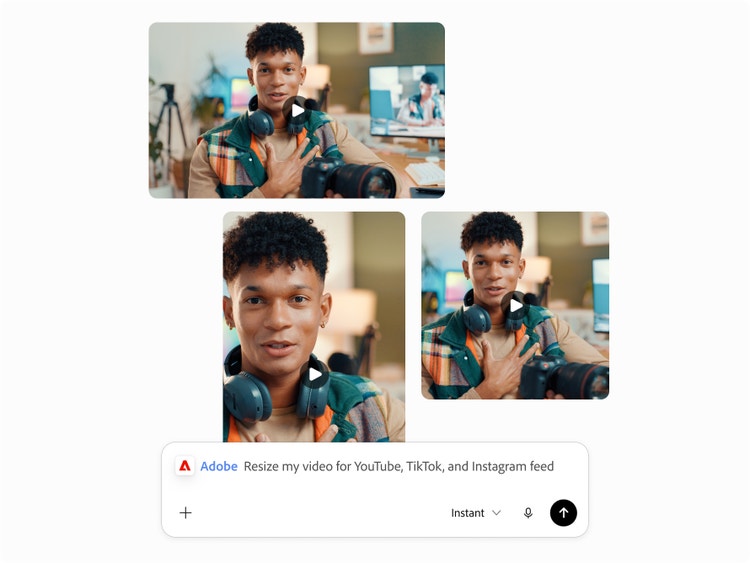
Upload a video and ask ChatGPT to use Adobe to create a quick cut, turn key moments into a highlight reel, or resize it for different social platforms. For example: “@Adobe Create a quick cut and resize my video for YouTube, TikTok, and Instagram.” Then download your finished videos and share them wherever you want.
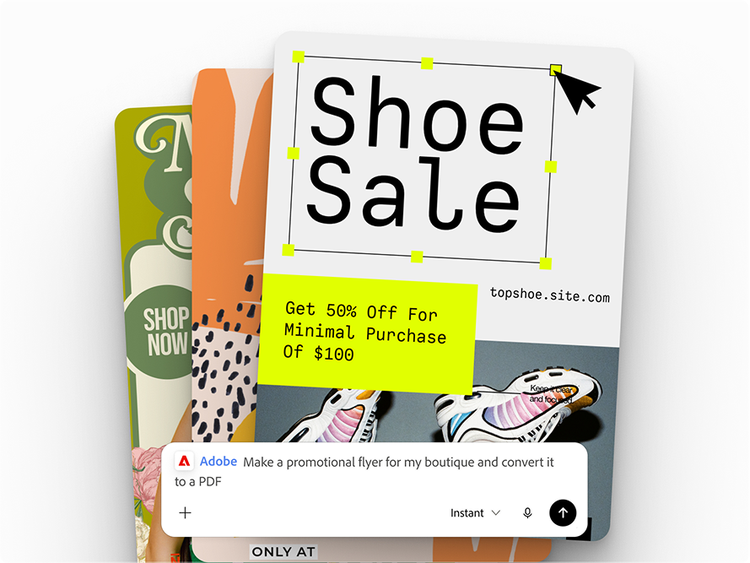
Start with an Adobe Express template, customize the details like text and colors, and then animate your design for social media or convert it to a polished PDF. For example: “@Adobe Create a promotional flyer for my boutique and convert it to a PDF.”
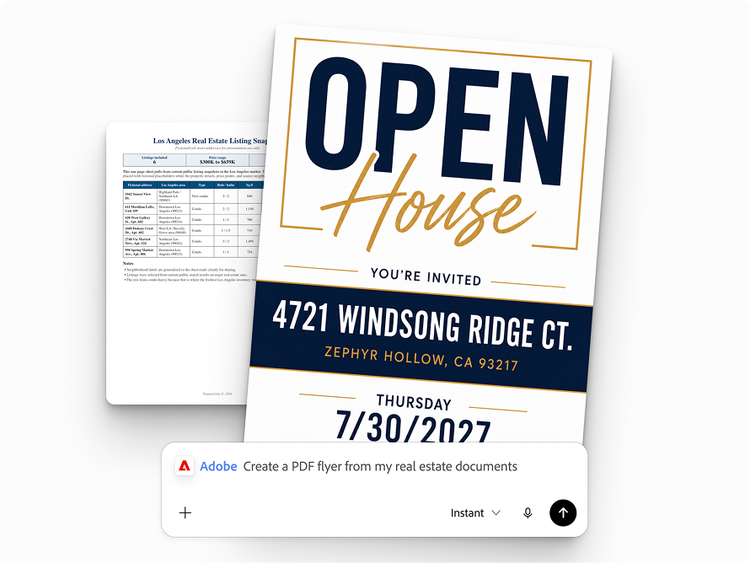
Combine your data and a template to create personalized documents at scale. Adobe for ChatGPT can turn each row into a shareable PDF or image — ideal for flyers, badges, cards, catalogs, and more. For example: “@Adobe Create a PDF flyer for each real estate listing using my data.”
You don’t need an Adobe account to get started, but signing in or creating a free Adobe account unlocks more skills, generative AI tools, storage for your assets, and continuity across sessions.
In ChatGPT on web or desktop, select Plugins from the left-hand navigation bar.
In Plugins, find Adobe in the Creativity category or search for “Adobe,” then click Install Plugin.
Get the most out of Adobe's tools inside ChatGPT when you sign in or create a free account.
Click Try in Chat, or select Start a New Chat from the navigation bar. In the message bar, type @Adobe and select Adobe from the menu to use the plugin.
Get started by describing what you want to create, edit, or refine, and attach any relevant images, videos, or documents.
Berdasarkan lokasi, mungkin Anda ingin mengunjungi situs web Indonesia, dimana Anda bisa mendapatkan konten, penawaran, dan harga regional.
Based on your location, we think you may prefer the Indonesia website, where you'll get regional content, offerings, and pricing.


