Make anything disappear in seconds.
The Remove tool lets you brush away distractions in seconds, and it automatically detects people in the background for easy removal.

Retouch pics and resize clips. Add effects. Build skills with Guided Edits. And so much more.


The Remove tool lets you brush away distractions in seconds, and it automatically detects people in the background for easy removal.

Align text horizontally, vertically, or on a path or a shape with Add Text Guided Edit. Warp it and style it with gradients, textures, and patterns.
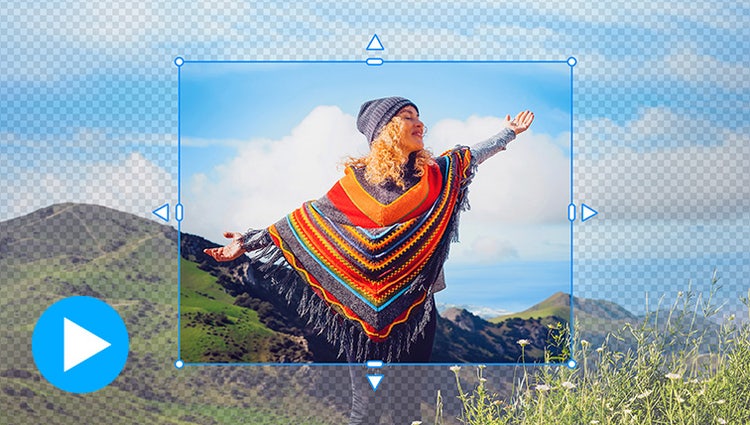
Need more space around your photo? With Generative Expand, just drag the edges to automatically fill in the background with matching content.*
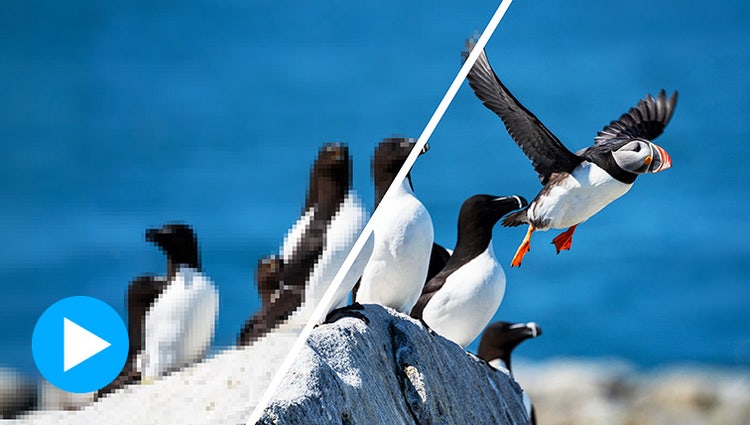
Enhance clarity in low-resolution photos with Generative Upscale.*

Type a description to create anything from a basic background to a detailed image.*

Brush over an area and then type a description of an object to see it appear. It's all powered by generative AI.*

Just use the automatic selection tools to choose what you want to change, pick your new color, and refine to suit your style.

Blend the subject from one, the background from another, and elements from many more to create a never-before-seen image.

Popular one-click edits are at your fingertips. Add four types of motion effects, instantly blur or remove a background, smooth skin, dehaze or colorize a photo, and more.

Get the perfect shot every time by automatically opening closed eyes, turning frowns upside down, fine-tuning face tilt, automatically smoothing skin, and more.

Create collages with just a few clicks. Choose from modern templates and add text for a personal touch.

Bring a touch of movie magic to any photo by making select elements move, adding animated overlays, or creating 3D camera motion.

With step-by-step help, it’s easier than ever to select an object and change its position, size, and more — meaning you can make your creation look exactly how you want.

Transform your photos with dozens of filters and effects that let you create blurs, painterly looks, distortions, textures, stylized text, and more.

Try a new background or make a collage with your choice of thousands of beautiful stock photos from right inside the app.
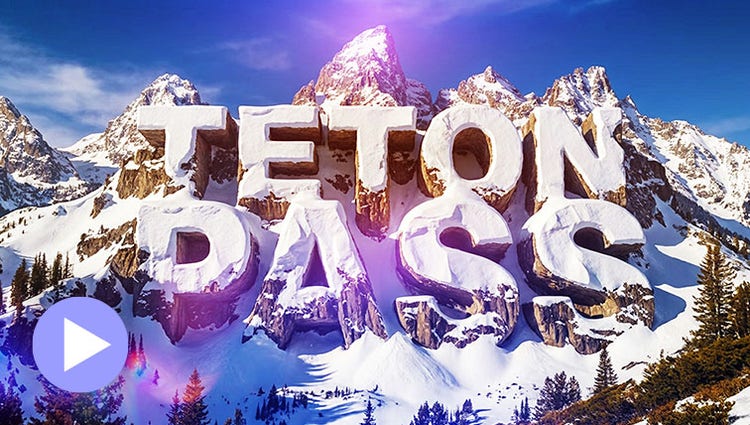
Describe a look, from road signs to frosting to snow-capped cliffs, and AI turns your title into custom art ready to layer over your video.*
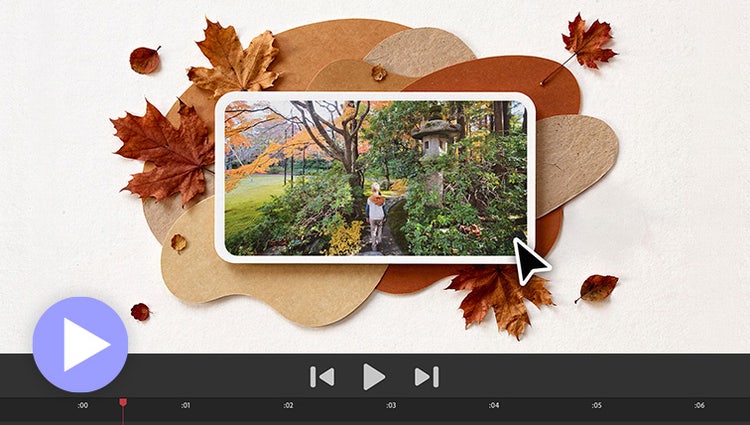
Need to fill a visual gap in your story or create a unique overlay? Just type a description to generate a custom image and then drop it right into your video.*
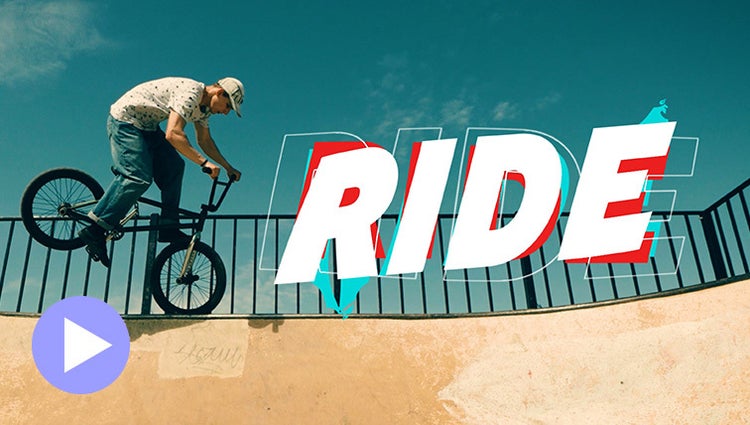
Easily add stylish text, graphics, and animations.
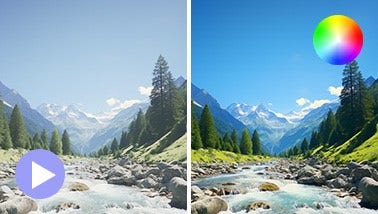
Ensure that clouds and snow look truly white with the White Balance tool, and make precise color and brightness adjustments using color correction Curves.
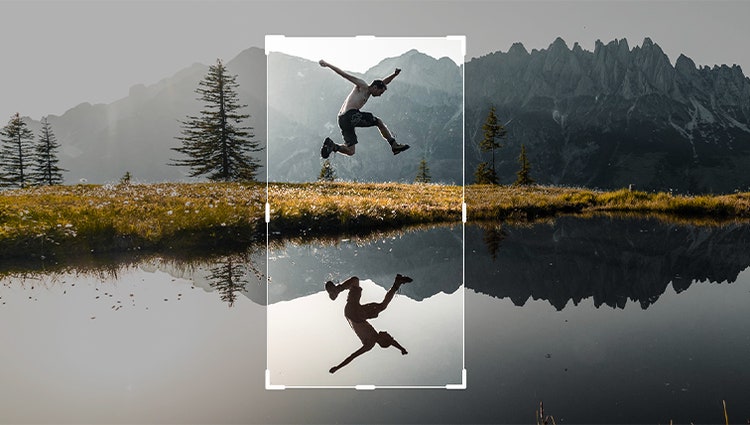
Just drag crop handles to resize your videos.
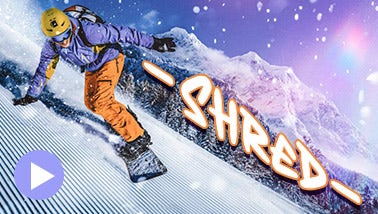
Style your text to match your story with controls for alignment, size, direction, color, spacing, and more. And create consistent looks fast using style templates and a style browser.
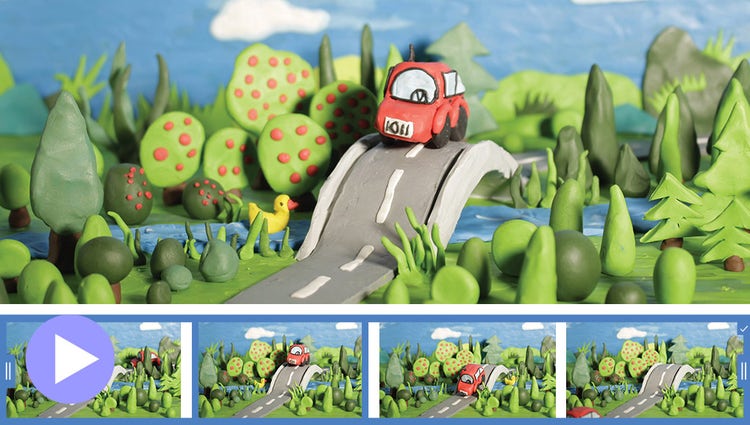
Turn a series of photos or videos into a fun stop-motion movie that speeds up the action.
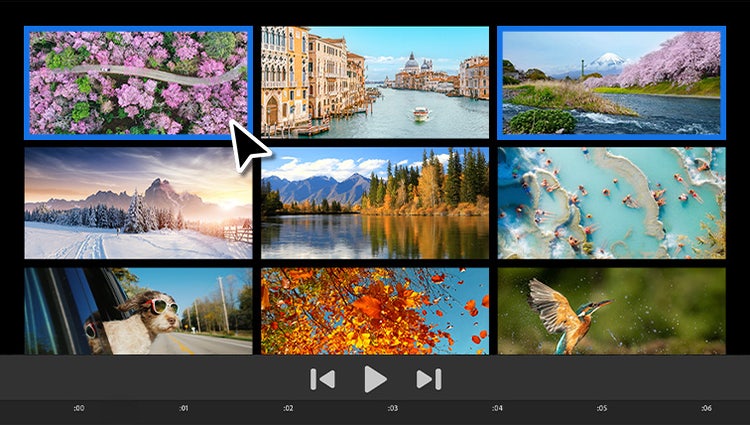
Built-in photos and videos let you start editing and learning right away.
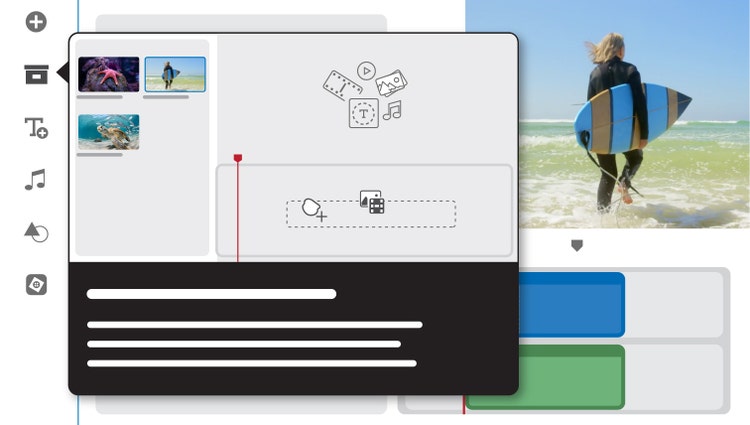
Built-in hints and animations help you get up to speed fast.
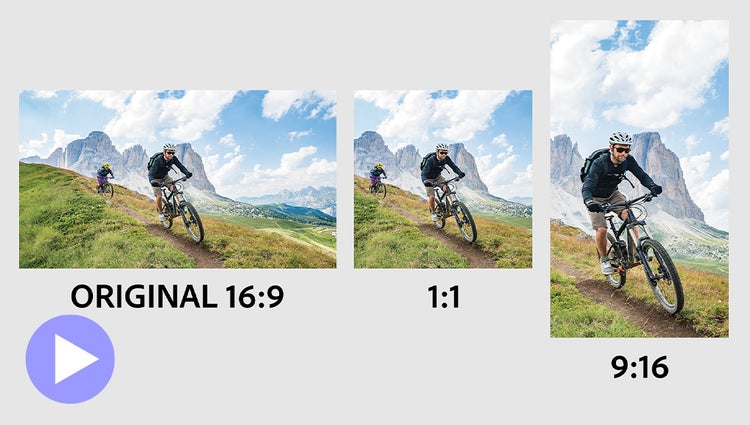
Easily resize for social media and more while keeping the most important part of the action in the frame.
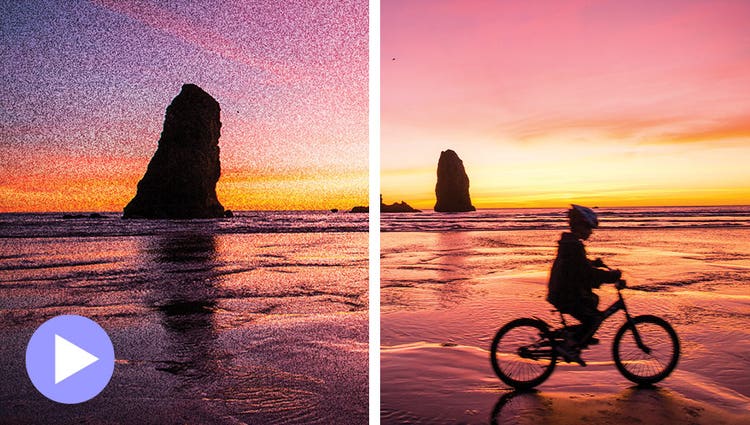
Shot your video in low light? Make it look crisper with a simple drag and drop of the Reduce Noise effect.
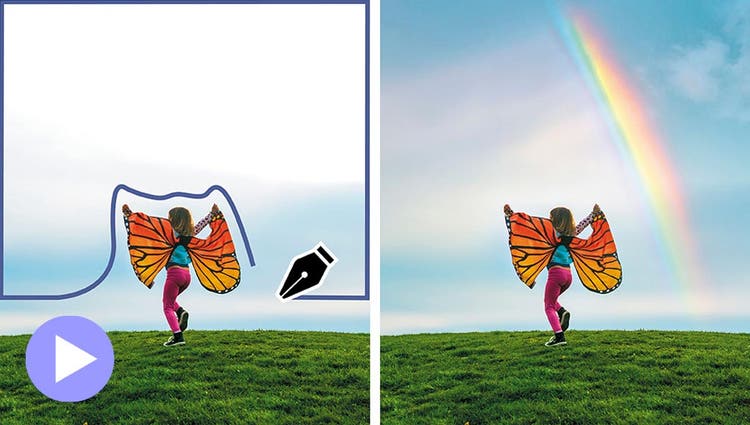
Select a specific object — or area — of your video and easily apply an effect that tracks throughout the video, like brightening the subject or blurring the background.
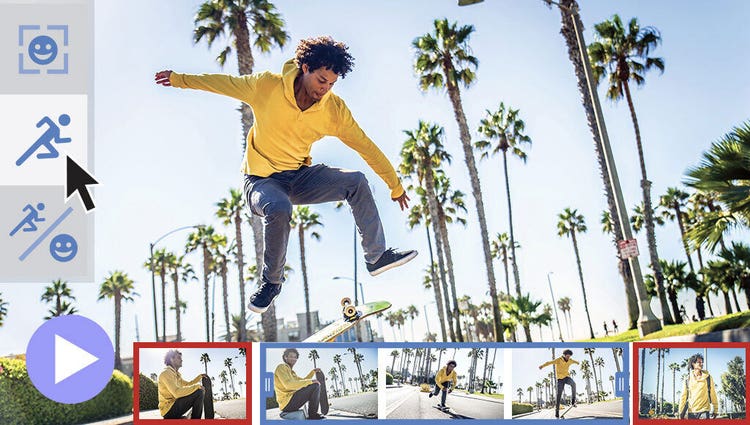
Smart Trim finds and brings together the best scenes based on the style of your video.
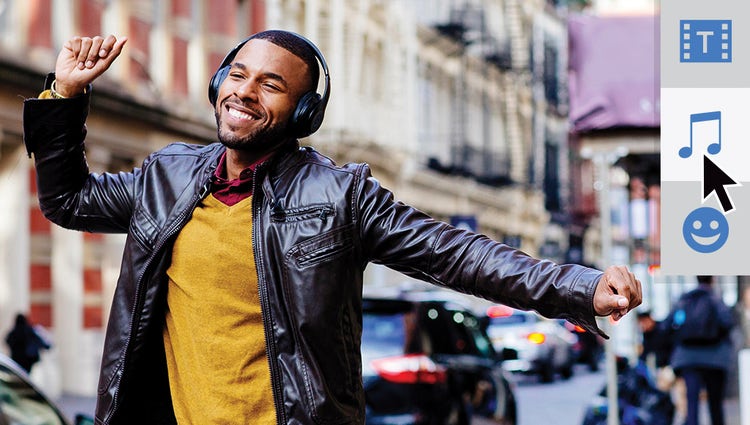
The perfect video needs the perfect soundtrack. Create just the feel you want with fresh audio tracks.
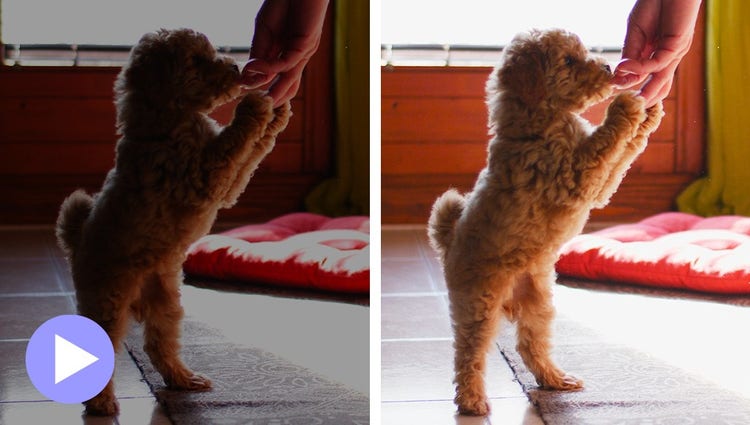
Easily reveal hidden details in the darkest or brightest areas of your videos so there’s more to see in every scene.
Need more space around your photo? With Generative Expand, just drag the edges to automatically fill in the background with matching content.*
Enhance clarity in low-resolution photos with Generative Upscale.*
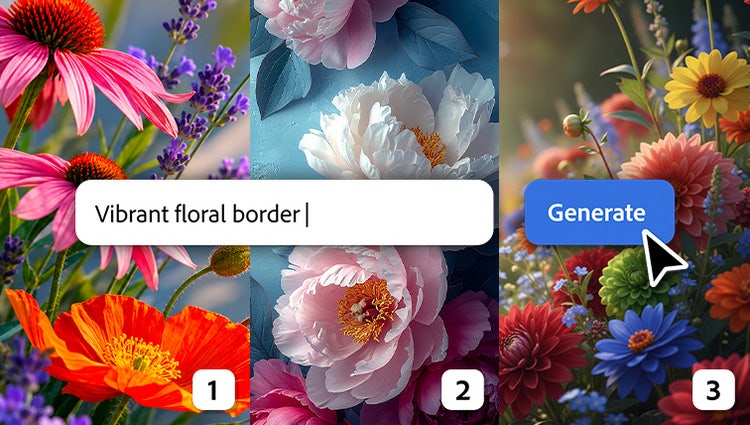
Along with Adobe Firefly models, you can now choose from a curated set of partner models to generate content that fits your needs.*
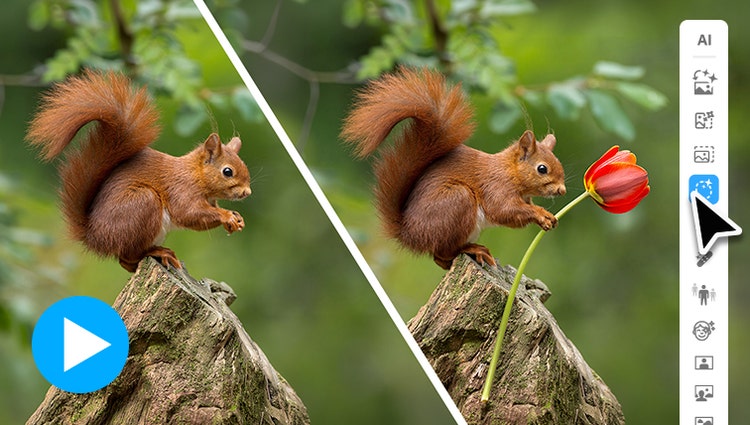
Easily access popular AI tools so you can spend less time searching and more time creating.
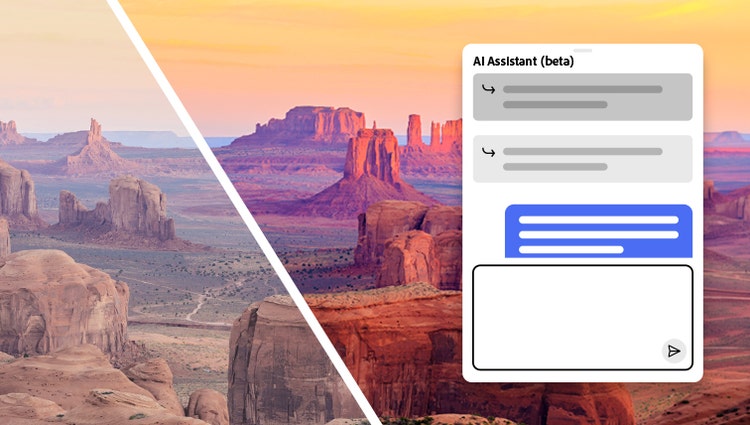
AI Assistant (beta) helps you find the right tools, guides you through edits, and handles common tasks — all from a simple chat.
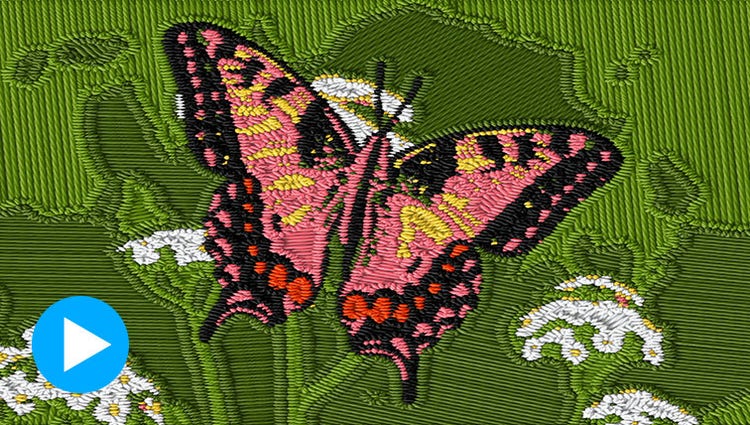
Try options like Embroidery, Oil Painting, or Duotone. Explore variations, and use sliders to fine-tune intensity, texture, and color.

Type a description to create anything from a basic background to a detailed image.*

Brush over an area and then type a description of an object to see it appear. It's all powered by generative AI.*

The Remove tool now automatically detects people in the background of your photos for easy removal.

Revive memories by erasing scratches, creases, and wear and tear.

Give black-and-whites new life or change up the colors in your pics with automatic colorization.

Choose your focal point and Depth Blur filter automatically adds blur just where it’s needed. Adjust details like blur strength plus focal distance and range.
Just use the automatic selection tools to choose what you want to change, pick your new color, and refine to suit your style.

Popular one-click edits are at your fingertips. Add four types of motion effects, instantly blur or remove a background, smooth skin, dehaze or colorize a photo, and more.

Get the perfect shot every time by automatically opening closed eyes, turning frowns upside down, fine-tuning face tilt, automatically smoothing skin, and more.

Automatic selections make it simple to enhance or replace just one area.

Place one photo inside another by wrapping it around an object like a coffee mug or fitting it inside shapes like the lenses of your subject’s sunglasses.

With Artistic Effects, just click to add effects inspired by famous works of art or popular art styles.

Add movie magic to any photo by selecting an area and adding motion. Choose the direction, adjust the speed, and then save as an MP4 or GIF to share on social.

Add moving overlays like snowflakes and sparkles, and create fun animated frames. Then save your photos as MP4s to share on social and more.

Get up to speed with built-in tooltips and edit fast with toolbars that adjust based on what you’re doing.
Need to fill a visual gap in your story or create a unique overlay? Just type a description to generate a custom image and then drop it right into your video.*
Describe a look, from road signs to frosting to snow-capped cliffs, and AI turns your title into custom art ready to layer over your video.*
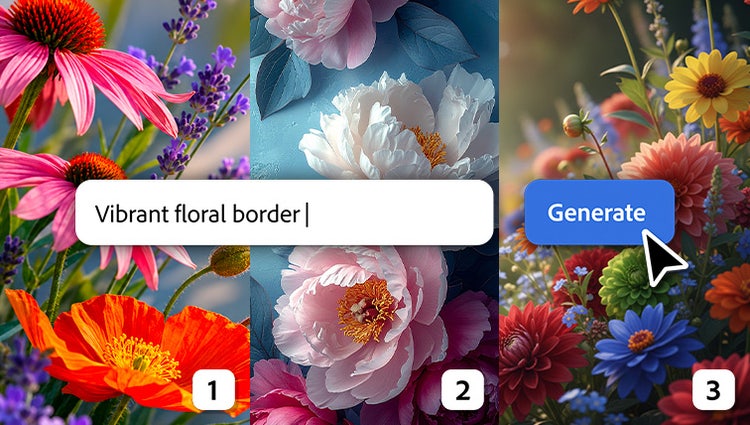
Along with Adobe Firefly models, you can now choose from a curated set of partner models to generate content that fits your needs.*
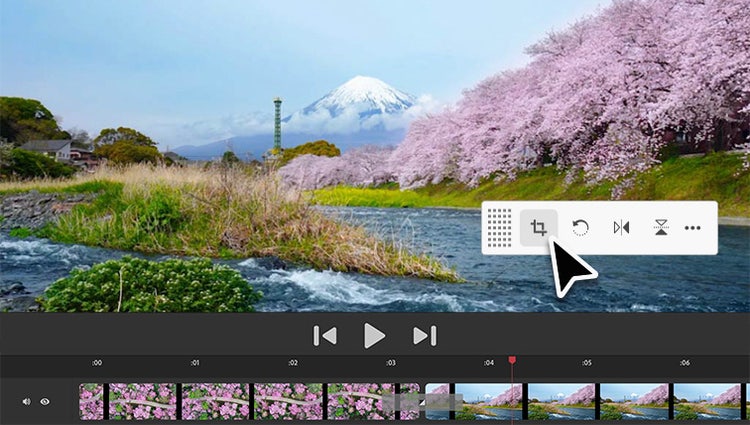
Contextual toolbars put the best editing tools for the task right at your fingertips so you can stay in your creative flow.
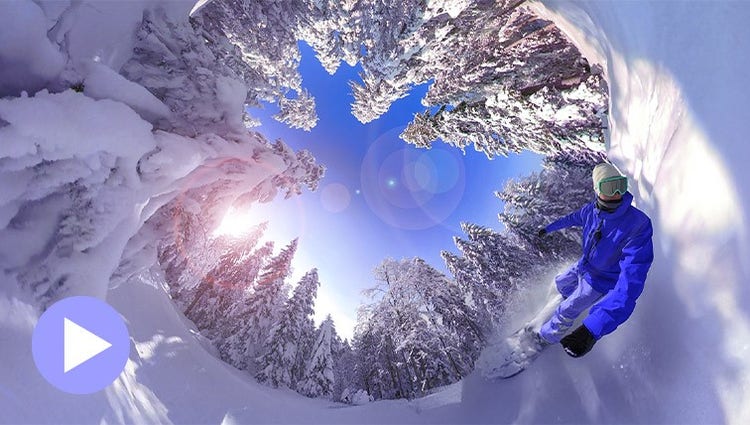
Position your footage and add effects, transitions, text, and graphics. Export in VR or standard formats for easy social sharing.
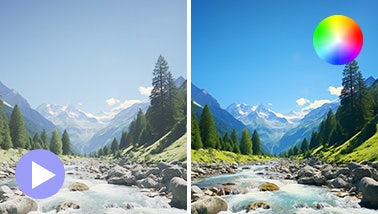
Ensure that clouds and snow look truly white with the White Balance tool, and make precise color and brightness adjustments using color correction Curves.
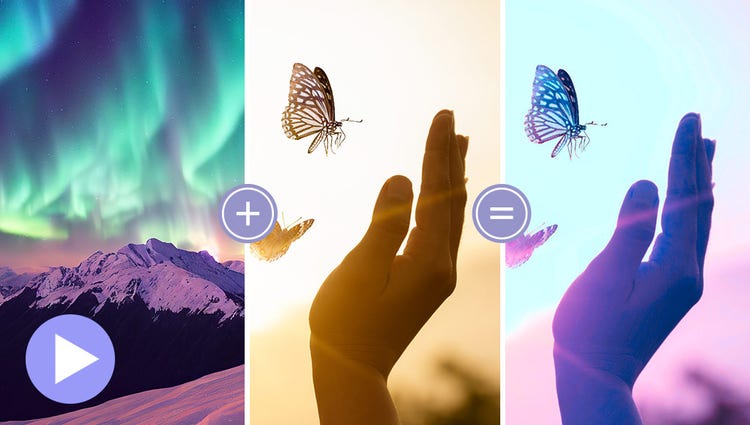
Choose a video or photo with colors you love, click once, and then fine-tune hue, saturation, and brightness with sliders.
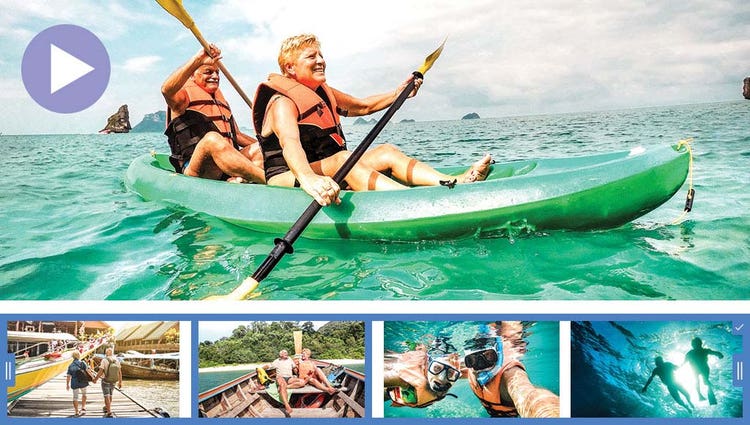
AI and automation quickly turn your clips into videos that draw people in by focusing on motion, close-ups, and your highest-quality footage.
Try effects like Reverb, Vocal Enhancer, and DeHummer to improve your listening experience.
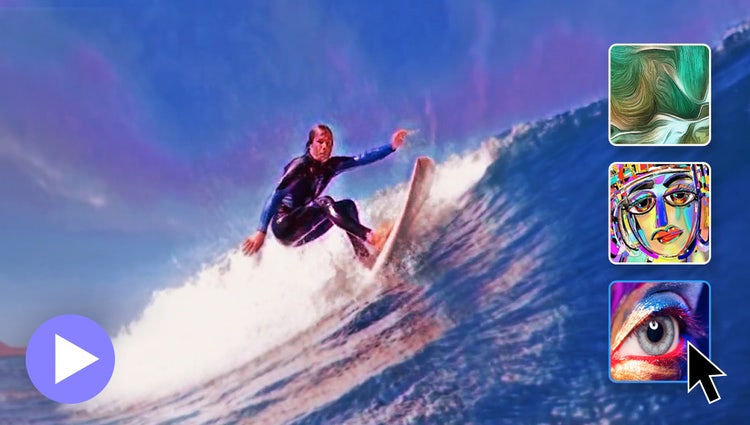
In one click, transform your clips with effects inspired by famous works or art or popular art styles.
Easily resize your videos for social media and more while keeping the most important part of the action in the frame.
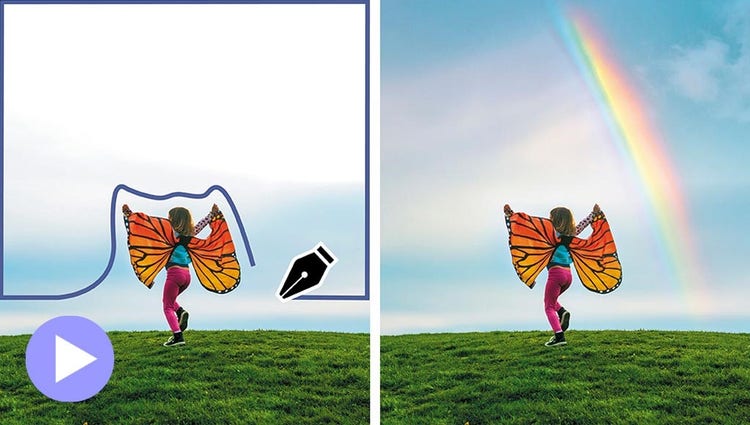
Select a specific object — or area — of your video and easily apply an effect that tracks throughout the video.
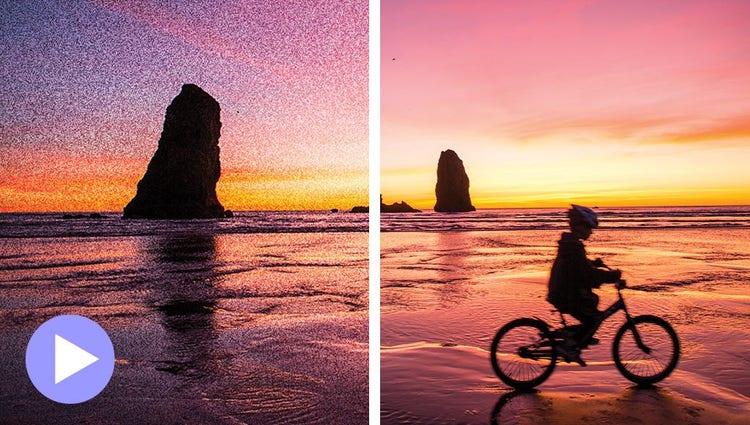
Shot your video in low light? Make it look crisper with a simple drag and drop of the Reduce Noise effect.
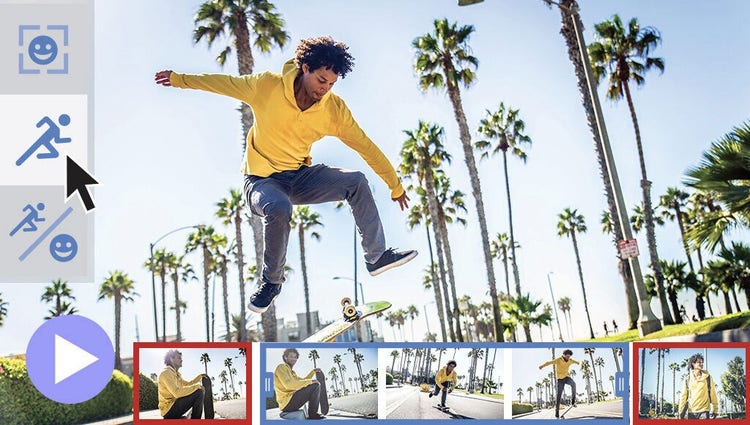
Smart Trim finds and brings together the best scenes based on the style of your video.
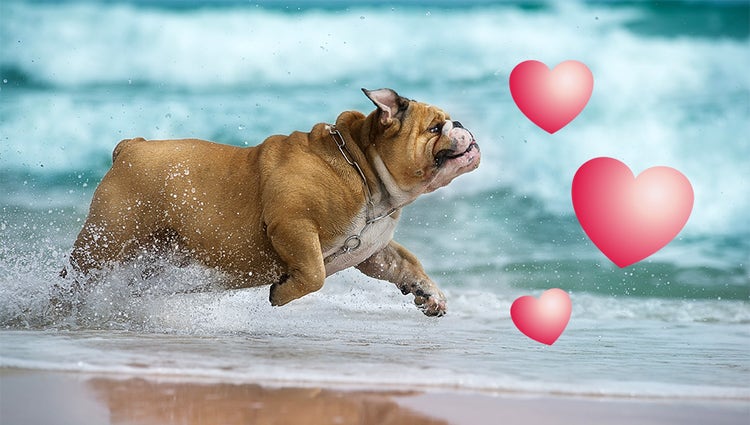
Emphasize key moments or just add some eye-candy with modern graphics.
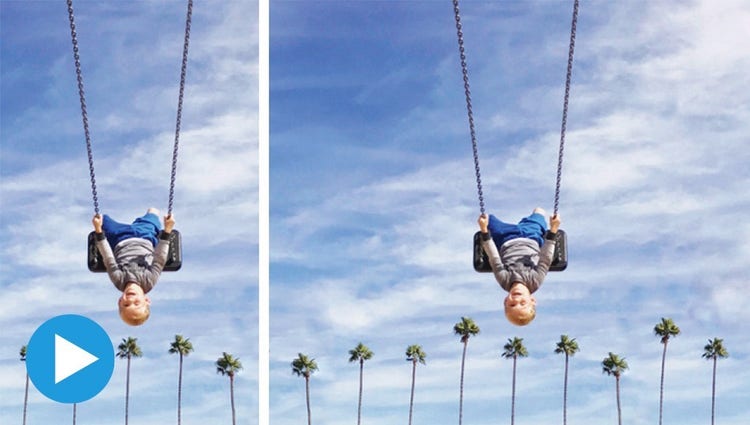
Use generative AI for stunning, seamless expansions or go with Content-Aware Fill — whichever fits your workflow. Getting the perfect composition has never been easier.*
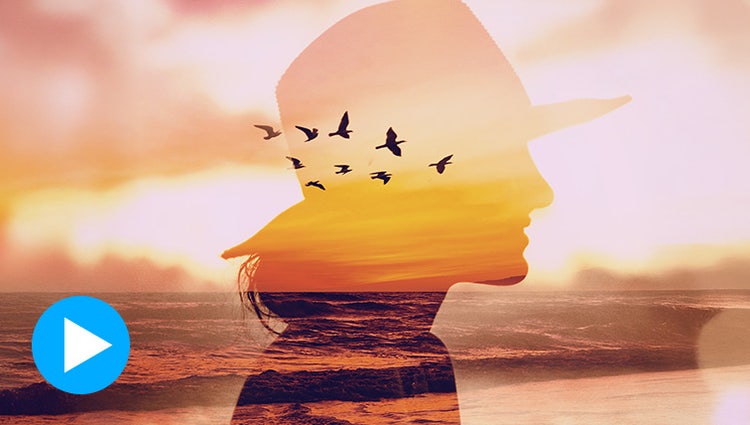
Turn two photos into one work of art with a captivating double exposure effect. You can select your subject with one click to edit faster.
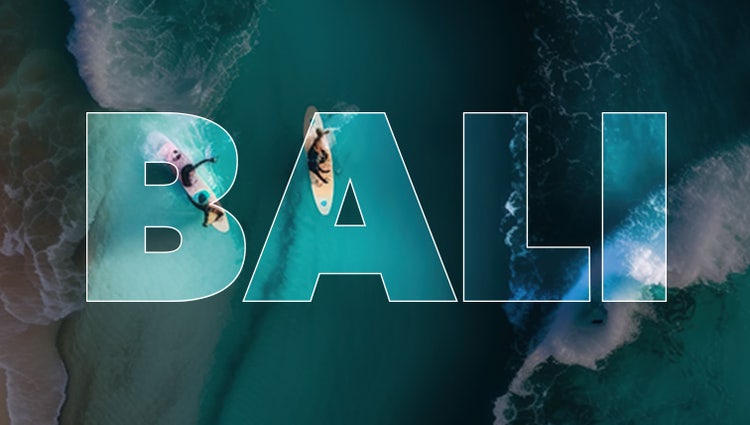
Turn a photo into cool visual text. Fine-tune background opacity with a slider, and then add an embossed look and drop shadows to really make it pop.

Put the focus on your subject by removing power lines, pedestrians, and other distractions with the swipe of a brush thanks to improved AI technology in the Object Removal Guided Edit.
Align text horizontally, vertically, or on a path or a shape with Add Text Guided Edit. Warp it and style it with gradients, textures, and patterns.
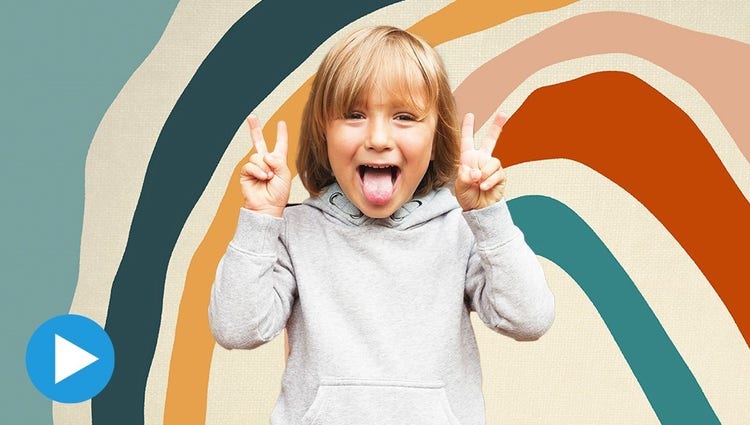
Select the subject of a photo and place it on a different background to make your pic even more amazing. And spruce up your scenes with contemporary backgrounds.

Create the illusion of depth by framing your subject with realistic overlays such as flowers and leaves. Resize, adjust blur, or add a vignette to get just the look you want.
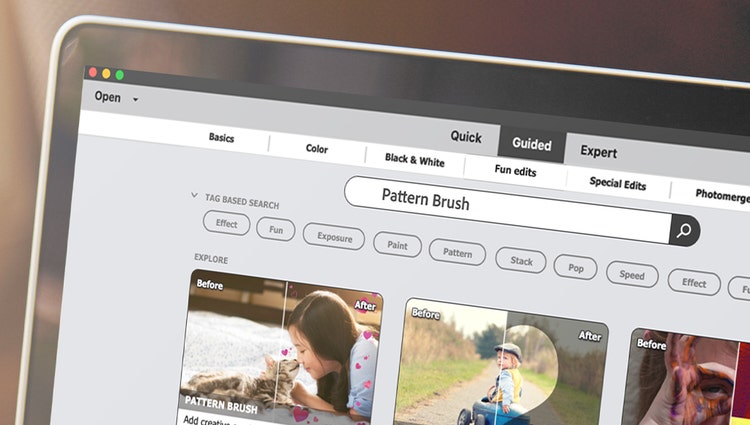
Easily find what you want to do or discover new things to try by searching on familiar terms, using keyword tags, or choosing from popular options.
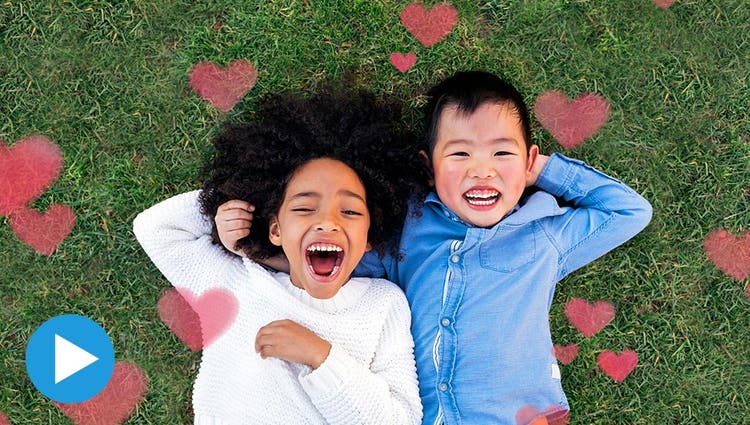
Give any photo a little something extra by brushing on a fun pattern — like hearts, stars, swirls and more.

Easily replace skies, remove haze, and erase unwanted objects to create epic outdoor scenes.
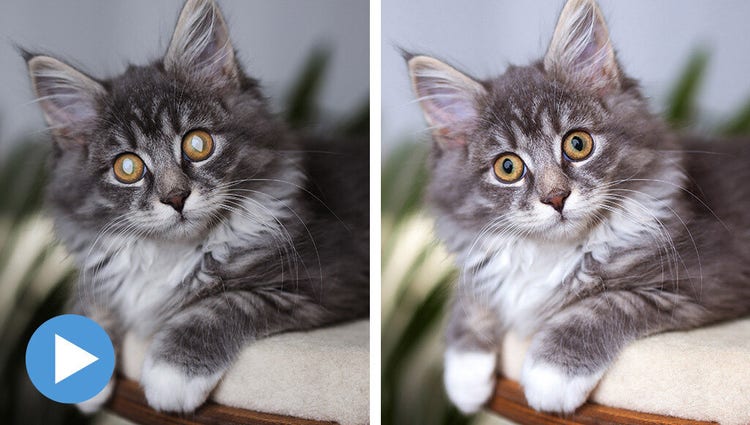
Frame your pets up just right, adjust color and lighting, select and refine detailed edges like fur, fix pet-eye, and remove collars, and leashes in a few simple steps.
With step-by-step help, it’s easier than ever to select an object and change its position, size, and more — meaning you can make your creation look exactly how you want.

Apply cool, custom duotone effects to your photos for a beautiful two-color creation using this simple Guided Edit. Choose from custom preset social sizes, add a gradient, and more!
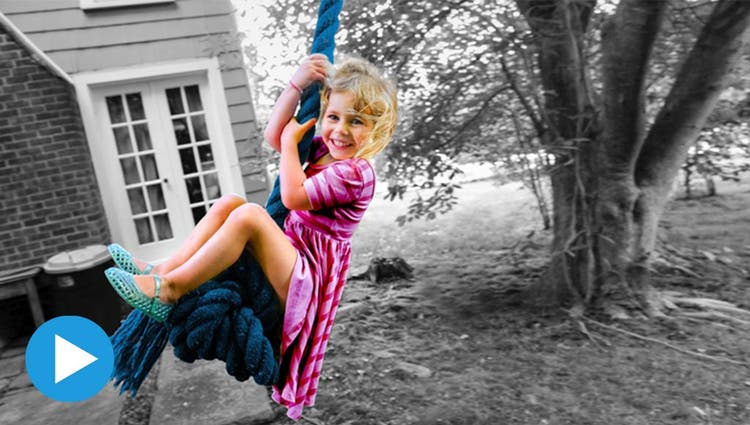
Highlight a single color or a specific object, then turn the rest black-and-white for a dramatic effect.
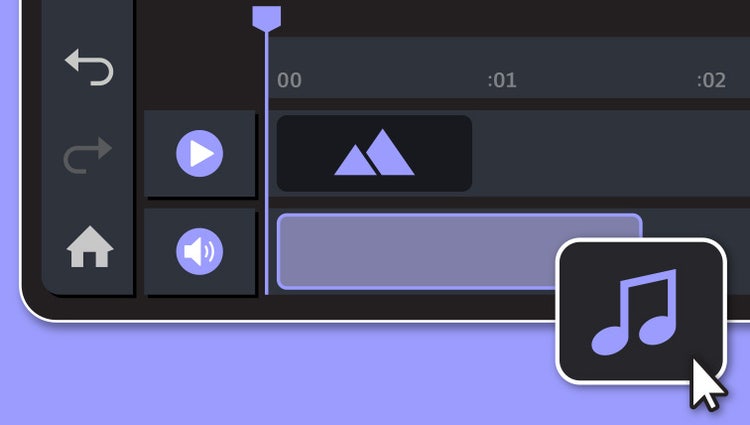
Underscore the mood or punch up the action in your video by adding music and adjusting the length and intensity.
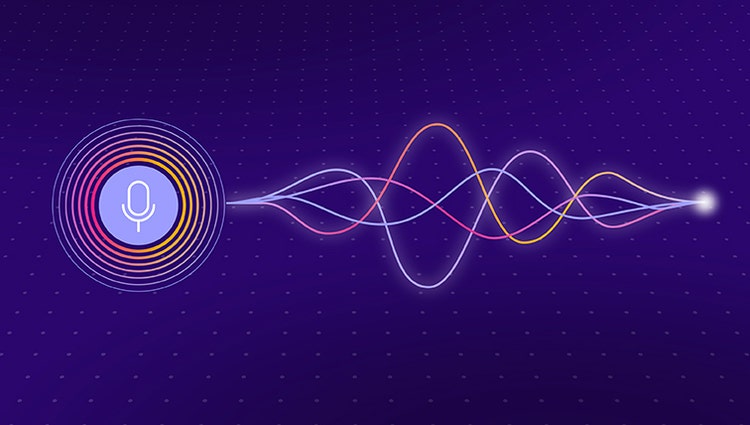
Discover how to record high-quality voiceover narration and apply it to a clip to add context or enhance storytelling.
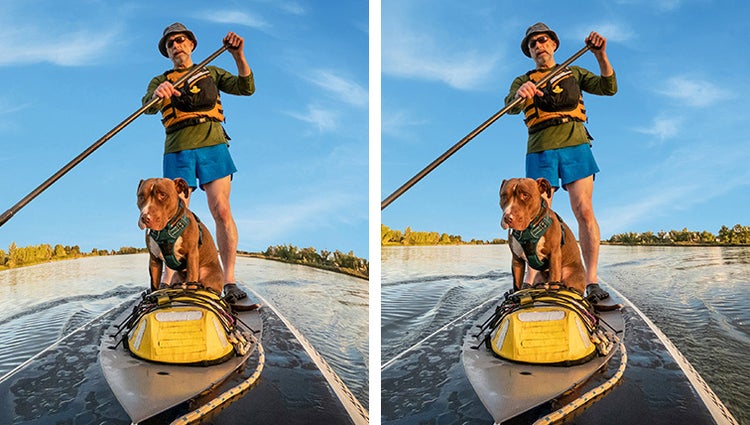
Get a little guidance to expertly trim, fix lens distortions, and correct color in your action cam footage so it looks its best.

Jazz up any video with flitting butterflies, encircling hearts, and other beautiful and whimsical animations. Create a whole new look in a few quick steps.
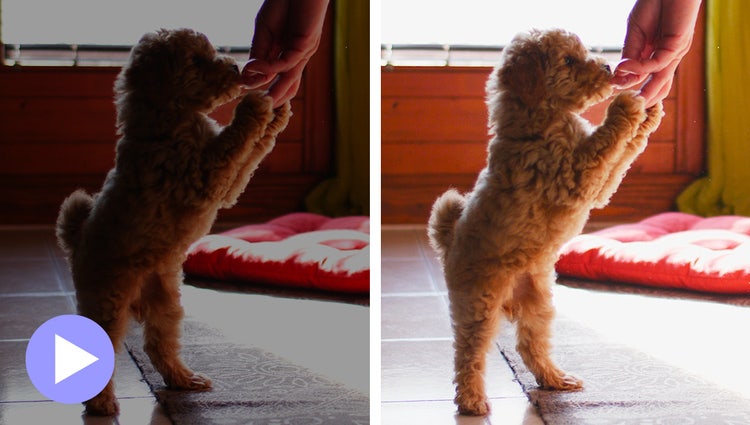
Easily reveal hidden details in the darkest or brightest areas of your videos so there’s more to see in every scene.
Turn a series of photos or videos into a fun stop-motion movie that speeds up the action.
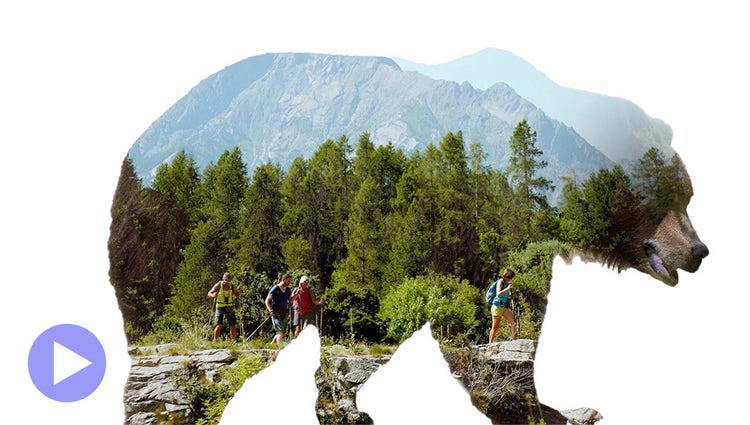
Make a little movie magic with double exposures. Just follow the simple steps to play a video within a photo and get the best of both worlds.
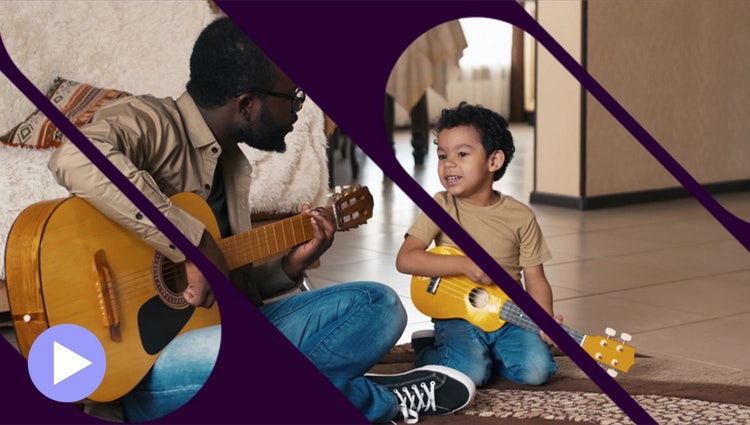
Get artistic by revealing your video with animated matte overlays. Apply different shapes and animation styles to full videos, select scenes, or as transitions.
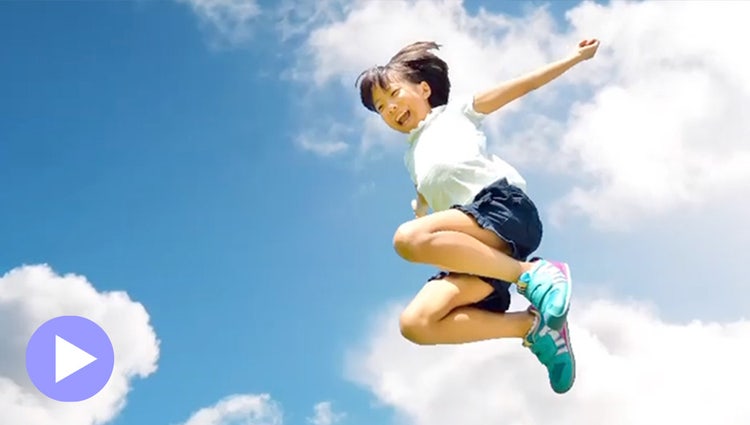
Add movement to static skies to create a captivating effect.

Take your photos further with thousands of free templates for social posts, videos, posters, and more.

Grab attention with more vibrant text.
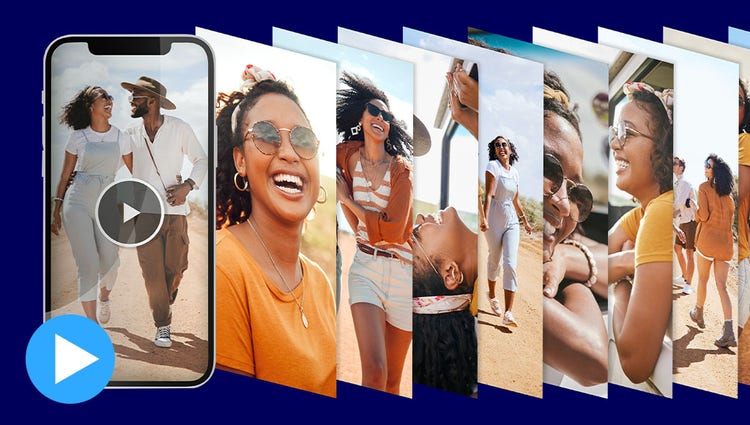
Reels zip through favorite shots, each with its own text, effects, and graphics. Save them as MP4s or GIFs for easy sharing.

Create collages with just a few clicks. Choose from stylish templates and add text for a personal touch.

With one click, your best photos are chosen and brought together with short video clips to create an animated, customizable slideshow.

Get artistic by adding multiple effects to a single photo. Photoshop Elements walks you through it and gives you templates and themes to choose from.
Built-in photos and videos let you start editing and learning right away.
Style your text to match your story with controls for alignment, size, direction, color, spacing, and more. And create consistent looks fast using style templates and a style browser.
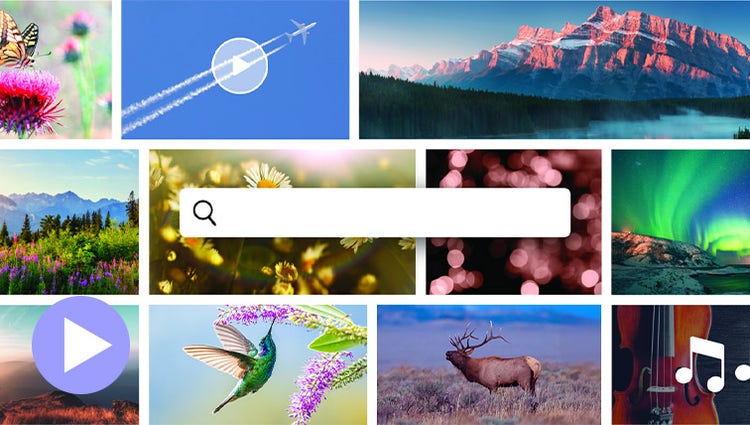
Discover high-quality photos, videos, audio clips, and sound effects right inside Premiere Elements.
Easily add stylish text, graphics, and animations.

Grab attention with more vibrant and expressive titles and text.
AI and automation quickly turn your clips into videos that draw people in by focusing on motion, close-ups, and your highest-quality footage.
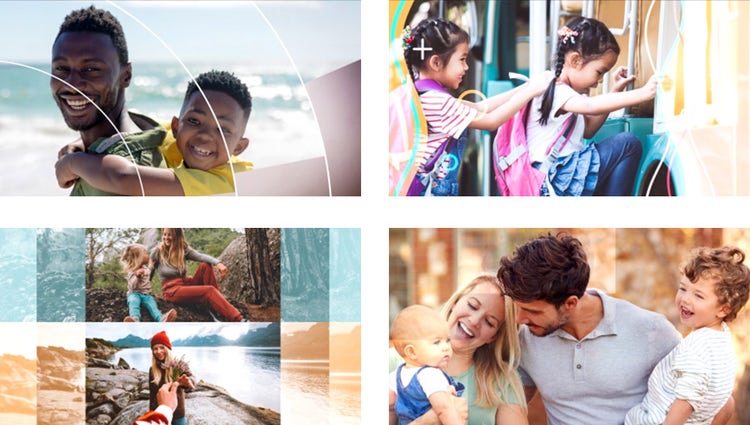
Share your photos and videos in animated slideshows that feature a range of modern looks and themes.
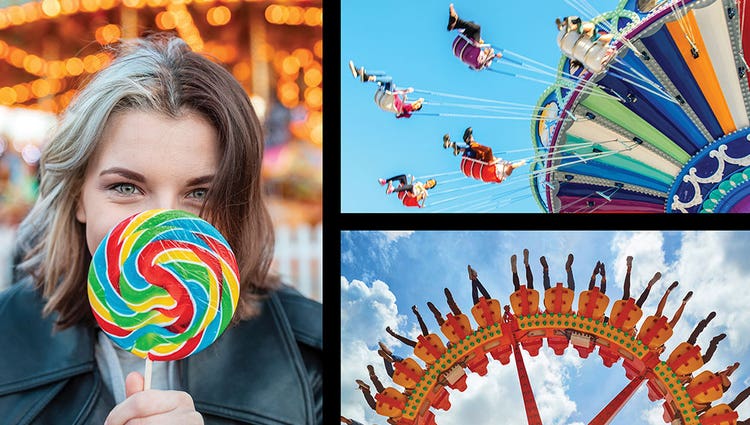
Create dynamic collages with photos and videos that bring some of your favorite memories into one creation.
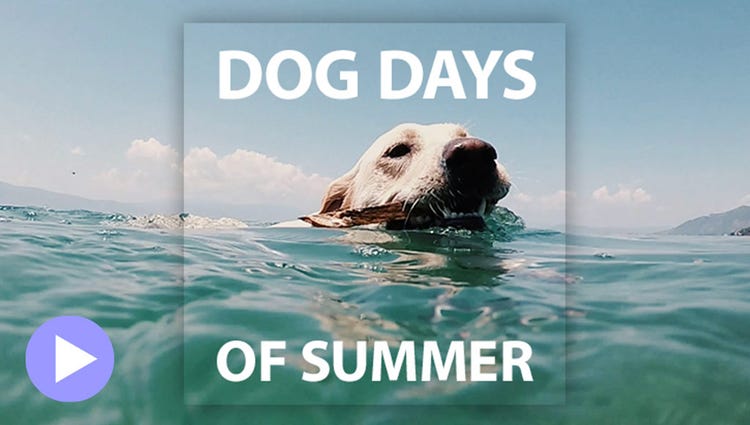
Create a freeze frame of the action, and then add an eye-catching motion title.
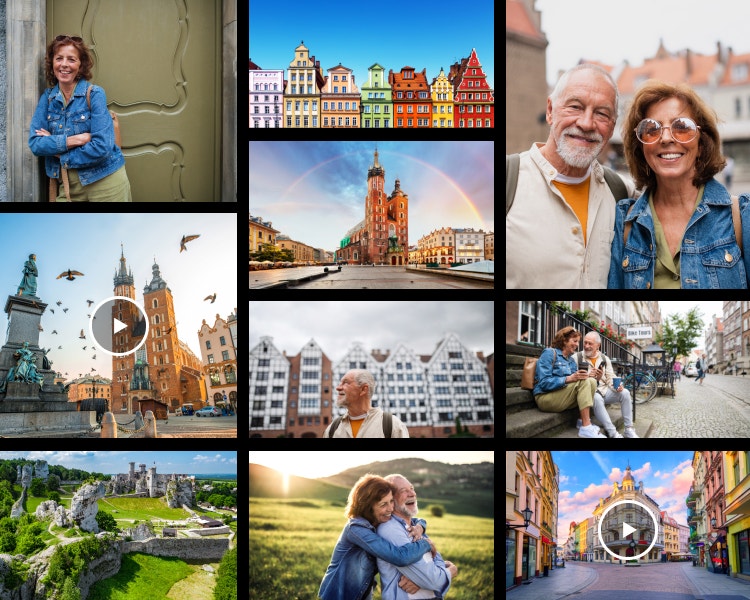
Scan a QR code to send finished photos straight to your phone so you can share easily.
Semantic search understands what you mean, not just what you type. Describe what you’re looking for and the Elements Organizer finds it, even if the exact words don’t match any of your tags. (English-only beta)
Updated duplicate detection finds copies more accurately and gives you the context to decide what to keep, making decluttering fast and easy.
Scan a code to bring your mobile photos right into Photoshop Elements.
Quickly import from cloud services like Google Drive and OneDrive, and get easier access to full-screen mode and zoom controls.
Smart Tags are added based on subjects like sunsets and birthdays, and people recognition makes tagging and finding people easy. Plus, photos are auto-curated based on quality, faces, and more, so you don’t have to search for the standouts.
Go from hundreds of mystery folders to a visual view of your photos and videos automatically sorted by date, subject, people, places, and events. Catalogs are automatically backed up for easy recovery.
Launch it from your taskbar, Start menu, or app search, and import media directly from the Open With menu.
A two-product bundle, Photoshop Elements & Premiere Elements 2027 offers smart, fast, and easy-to-use photo and video editing software designed for anyone who wants to do more with their photos and videos — no experience needed. Whether you're touching up snapshots, trimming and resizing video clips, or enhancing your photos and stories with text and effects, it’s got you covered with:

Save big on the photo and video editing bundle. 3-year term license. Learn more.

US$149.99
Photo editing made simple. 3-year term license. Learn more.
US$99.99