


Convert your files
Visit our free PDF converter, select a file and convert it in two ticks. Convert everyday Word docs and Excel sheets, as well as PowerPoints, JPEGs, and more.
To execute your work plans effectively, it’s important to keep things on track. A statement of work (SOW) is the ideal way to create a planned roadmap for your client deliverables – so everyone knows what’s in scope, when it will happen and how much it will cost.
With Adobe’s various statement of work templates for Word, PDF, and other formats, you can start your plan with ease. Read on to learn how to outline your deliverables and help boost your team’s efficiency.
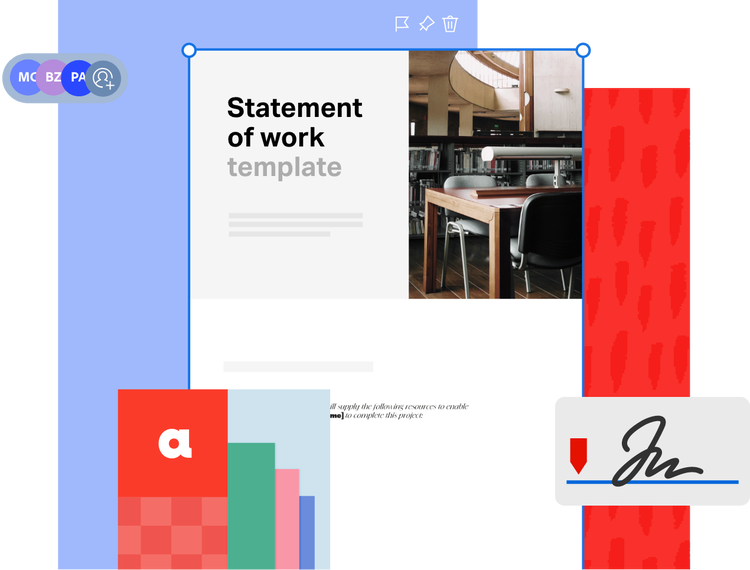
Finding it a bit confusing to build the perfect statement of work? Download an example from Adobe’s library of diverse statement of work plans and tailor it to suit you and your team.
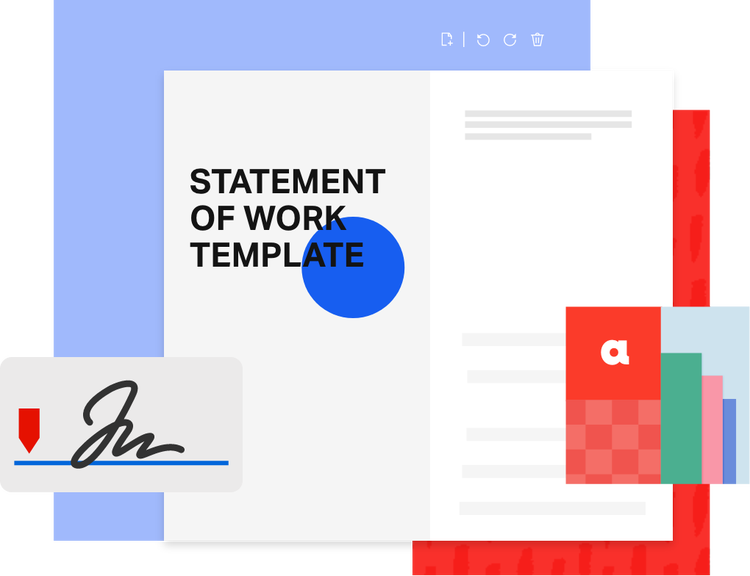
A statement of work (SOW) is a comprehensive document detailing what certain workers/team members will deliver as part of a wider project. It sets the foundation for collaboration between teams, freelancers, agencies, or clients so that everyone knows what to do, when to do it, and how their successes will be measured. An SOW document can also serve as a legally binding contract of delivery between the company and the client.
It typically covers the project scope, objectives, deadlines, pricing, resources, and approval processes. These all come together to help you execute the groundwork of a project.
Outlining these elements upfront can improve your project clarity and accountability. If you're looking for a place to start, try a simple statement of work template or editable PDF that you can customise to your business needs.
A statement of work acts as a guideline to stick to. Without a proper SOW in place, plans can unravel, and people can lose sight or even miss out on important parts of the project. This can delay timelines, increase budgets, or damage client relationships.
Remember that an SOW template isn’t just a guide, but a legally binding document. This ensures that the company and the client respect their partnership. It acts as a formal agreement that aligns everyone’s expectations, protects both parties, and lays the foundation for accountability on all sides.
A few key benefits of an SOW include:


Reduces conflict:
It allows project leaders to identify, avoid, and resolve potential conflicts.
Creating a statement of work might seem complex at first, but with the right structure, it becomes a lot easier to manage. Whether you’re drafting a simple plan or preparing a more detailed SOW format, these tips will help you get started with confidence. You can even use a free statement of work templateto save time.

While an SOW is generally built to suit your purpose and industry, it should follow a certain structure that’s easy to digest for all stakeholders. Here's a step-by-step guide to creating the basics of the template:
Now that you have a clearer idea of what a good SOW contains, you can start creating your own. Make sure your SOW document is clear, actionable, and adaptable, and use these tips when working from a sample SOW template:
If you're working from a Word doc, consider converting it into a shareable PDF using Adobe’s Word to PDF converter or other Acrobat online tools for easier control over your versions.

Finding it a bit confusing to build the perfect statement of work? Explore our collection of free statement of work templates and examples. Whether you’re looking for a simple statement of work PDF, a sample SOW, or a customisable Word doc template, you’ll find options to fit your needs.
You can then use Adobe Acrobat to personalise it with your project details and collaborate with others easily.
Adobe Acrobat makes it easy to create, edit, and manage your statement of work template whether you’re working in PDF, Word, or PowerPoint formats. Explore these helpful tools:
Explore Adobe’s collection of online tools and easily convert file types and edit PDFs whenever and wherever you need to. Work smart with Adobe.
Visit our free PDF converter, select a file and convert it in two ticks. Convert everyday Word docs and Excel sheets, as well as PowerPoints, JPEGs, and more.

Use Adobe Scan to upload physical documents into a digital format using your phone so you can access them anywhere.

Simply drag your PDF into our free Fill & Sign tool or request e-signatures to get documents signed without needing to send physical copies.