



Design wedding invitations for free.
Beautiful, personalised wedding invitations can be ready in minutes with the Adobe Express wedding invitation maker. Start with a fully customisable template and swap out text, photos, and colour schemes. Before you know it, your invite is ready to print and mail.
* Available for print in US, UK, Australia, and Canada
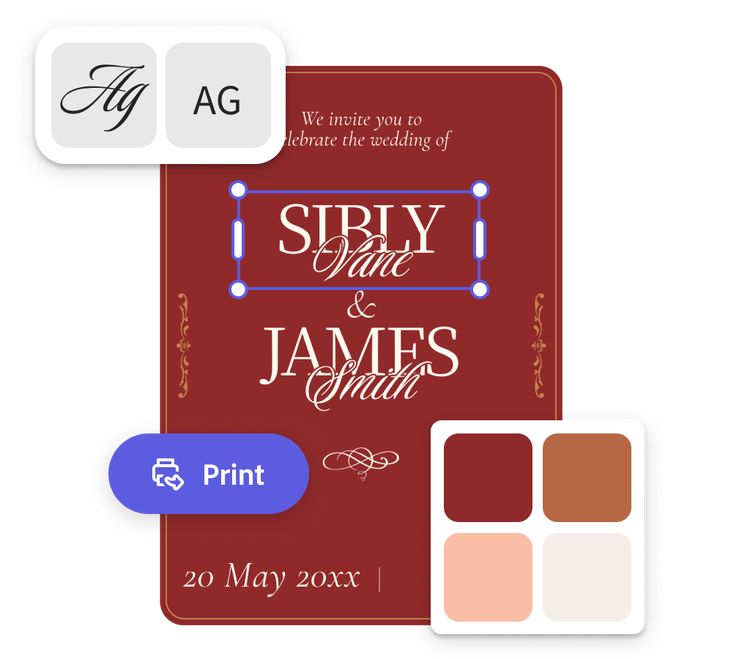
Start making an invitation by searching for an event
Create custom invitations fast with Adobe Express. Easy to use, endlessly customizable, and perfect for any occasion.


 Free to use
Or start with these popular templates


1. Pick a wedding invitation template.
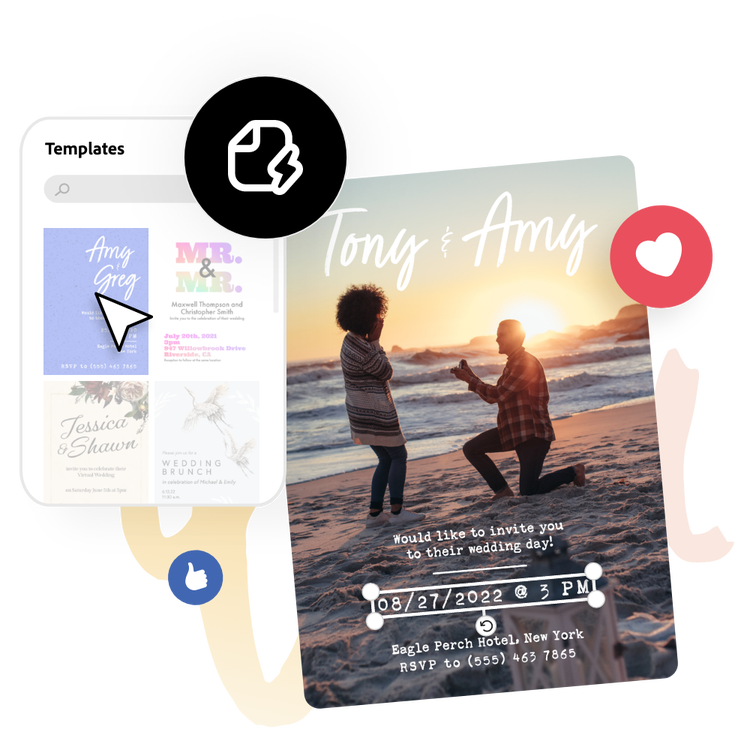
Using the search bar and filters, find a template that matches the wedding style. From sophisticated and minimal to stylish and fun, you’re sure to find the perfect template to start your design.
2. Customise it.
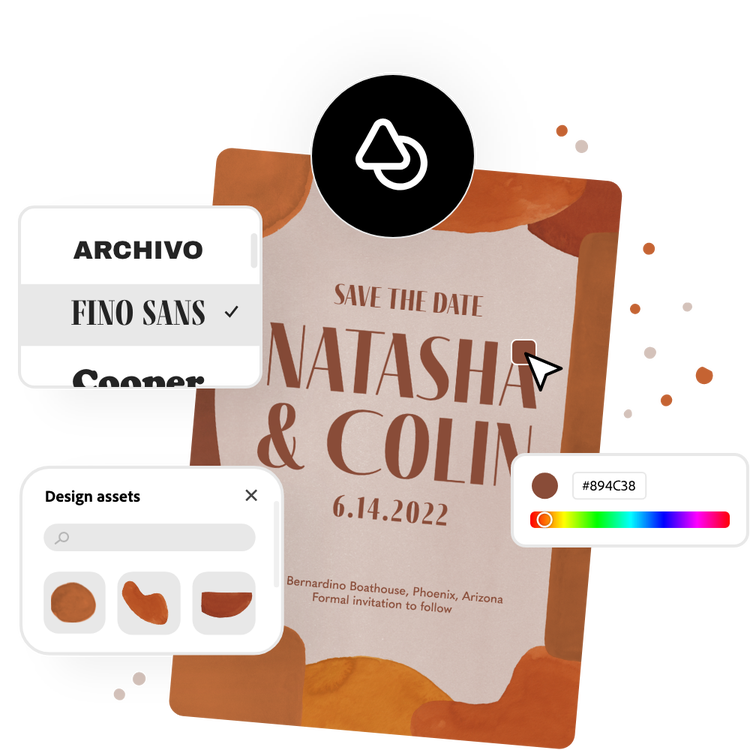
Swap out font styles and add in your invitation's details such as invitees' names, date, location, website, and registry. Upload engagement photos for a personal touch or choose from free Adobe Stock images in the full Adobe Express editor.
3. Order or print.
Order high-quality prints from Adobe Express if you’re a US, UK, Australia or Canada desktop user and have them delivered to you. Or download your invitation as a PDF, JPG, or PNG file to share anywhere or print on your own.
Wedding invitations made easy.
Take a bit of the stress out of wedding planning with the wedding invitation maker from Adobe Express. Personalise every aspect of your chosen template to match the happy couple. Quickly edit the text, upload photos of the couple, and choose a colour scheme that matches the wedding colours. For even more design options, open the full Adobe Express editor to unlock easy photo editing tools, turn your invitation into an animated e-card, and more.
Build efficiency into your wedding planning business.
As a wedding planner, we know that wedding season is busy. Show couples a catalogue of your work and easily tailor something bespoke for them with Adobe Express on your side. It’s easy to add dainty embellishments using our library of icons, borders, and graphic elements. Use the photo editing tools to remove the background of a photo or erase certain elements until it's perfect. Best of all, no design experience is required to make the perfect wedding invitation in Adobe Express.
Print and send off your wedding invitations.
Before you know it, you’ve created an invitation that perfectly encapsulates your hopes for the special day. Take your design a step further by ordering high-quality professional prints. If you’re a US, UK, Australia or Canada Adobe Express desktop user, select Print to see our Print and deliver options. Whether you have hundreds of guests or just a few for an intimate ceremony, your invitations are covered in Adobe Express.
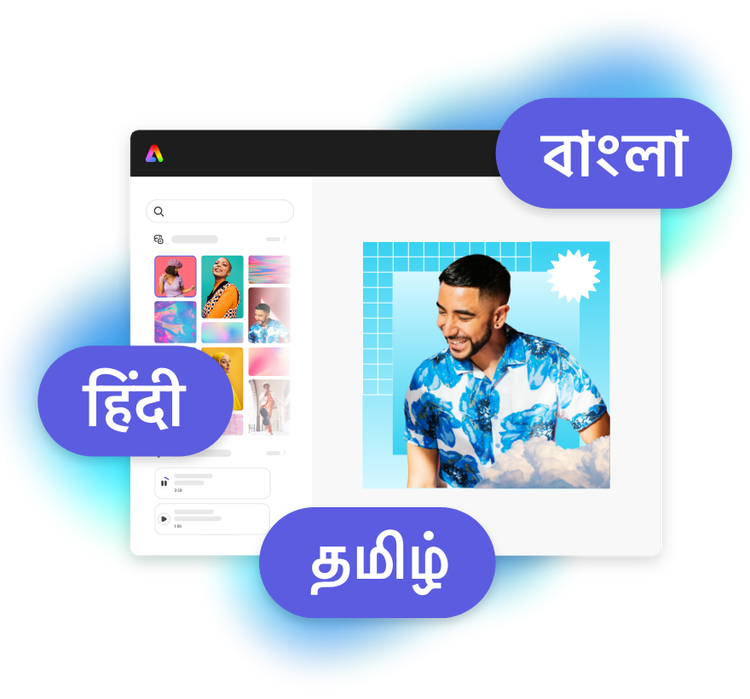
Design in Hindi, Bengali and Tamil.
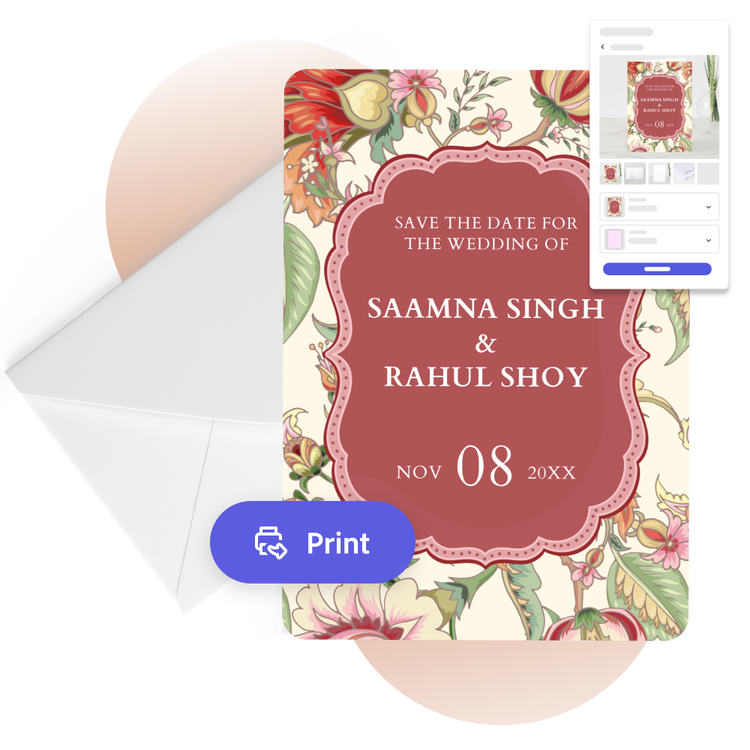
No more language limitations. Adobe Express is now available in three of India’s most spoken languages, making it even easier to create everything from cards and social posts to flyers and video content. Design with confidence in the language that feels most natural to you.
The fast, easy, and free wedding invitation maker for everyone.
Whether you're in the Save the Date stage of planning or ready to announce the set-in-stone details, Adobe Express can help you design a wedding invitation that reflects the love between the couple of the hour. It’s as easy as selecting an invitation template below, filling in the ceremony and reception details, and uploading your own photos. It’s done in just a few clicks. No experience is needed to create a wedding invitation you’ll want to frame as a keepsake.
Frequently asked questions.
What is the standard size of a wedding invitation?
A standard wedding invitation size is 5 x 7 inches. Adobe Express offers the standard invitation size, as well as A5, 7 x 5 inches, 3.5 x 5 inches, and 5 x 3.5 inches. Open the full Adobe Express editor to see all the wedding invitation sizes we have to offer.
What should I include on my wedding invitation?
Feature the usual who, what, where, when, and why, along with a dress code, RSVP contact details, or a website or registry if applicable.
When should I send out my wedding invitation?
Six to eight weeks in advance is normally a good time to send out invitations for formal events like a wedding. If you don’t have your wedding invitations ready in time, you can always send out a Save the Date card, followed by your invitation once it’s ready.
How do I share my wedding invitation as an e-card?
Sharing your wedding invitation as an e-card is quick and easy with Adobe Express. Just download your finished invitation when you’re done, then share it via email or on your favourite social channels.
Can I get Adobe Express for free? If so, what’s included?
Yes, Adobe Express has a free plan that includes core features like photo editing tools and effects and thousands of free templates. Learn more about our plans and pricing.
illustrator
