Create stunning content faster. Try the Free plan.
Adobe Firefly is an all-in-one AI-powered creative studio for images, video and audio. It brings complete creative production into one place and includes all the top AI models from Adobe, Google, Kling AI and many more.
How Firefly helps social creators with an all-in-one studio.
Firefly is an easy all-in-one content production toolkit that uses cutting edge AI to enable you to move quickly from start to finish in one place.
Start-to-finish content in one place.
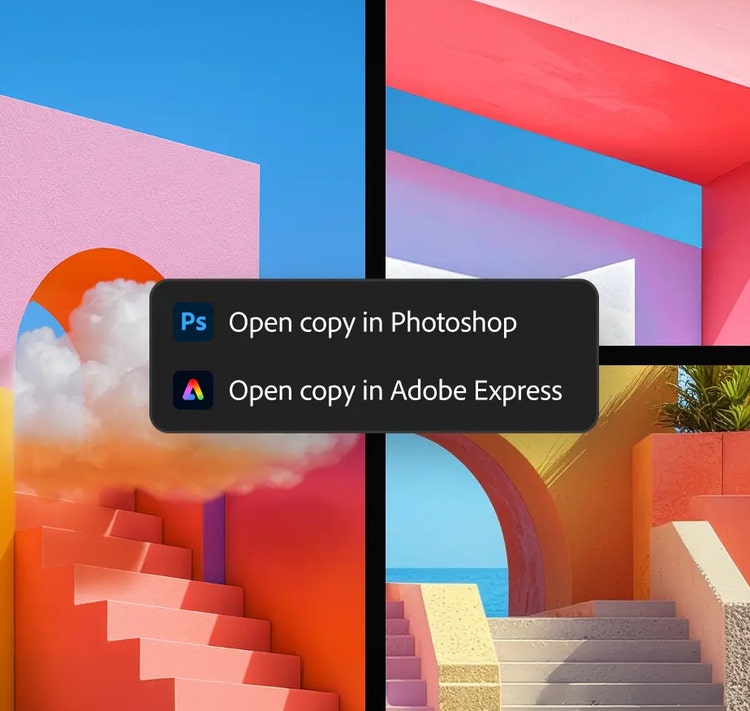
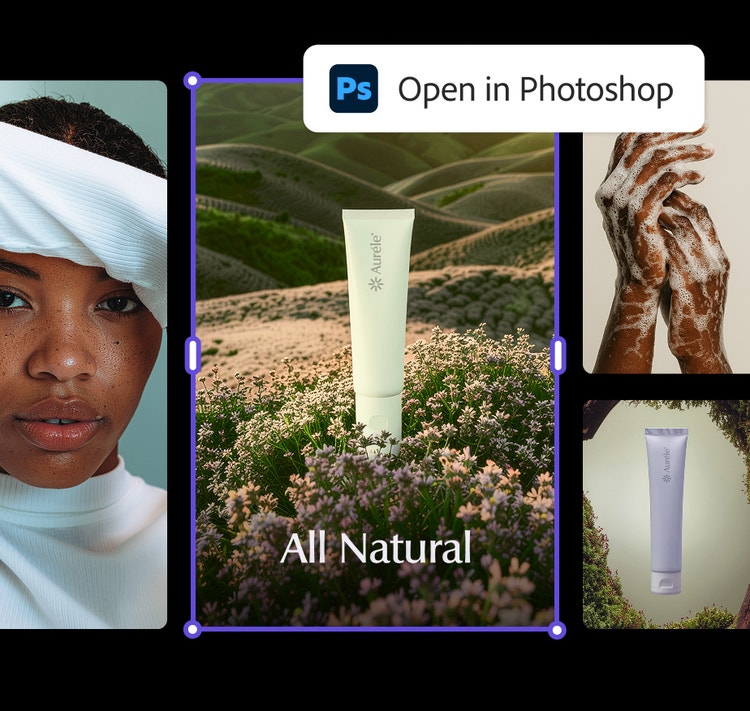
Brainstorm, capture, generate and edit all your content in Firefly using easy AI prompting. Easily move into Photoshop or Express for more advanced tools, resize for all your channels in one click, generate captions, publish across accounts and much more.
Create video, images and audio.
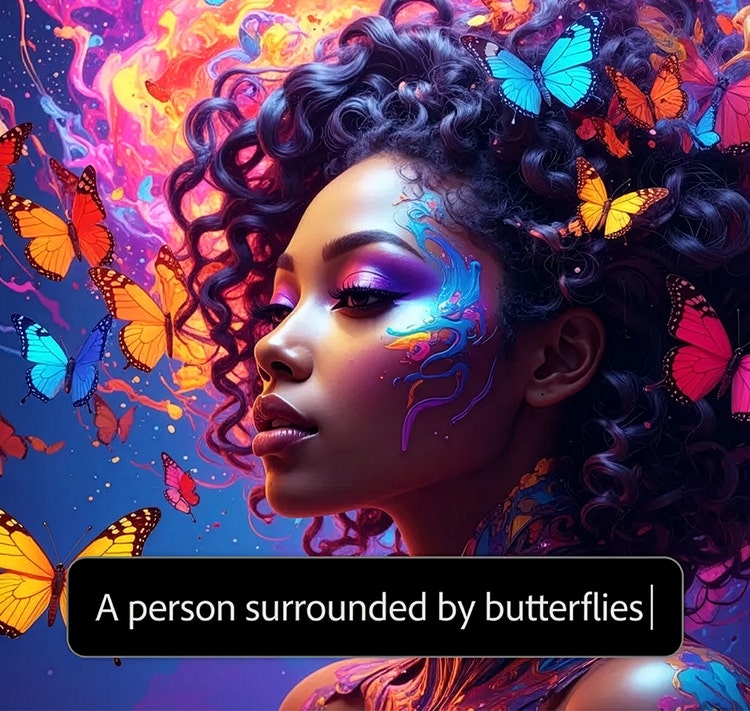
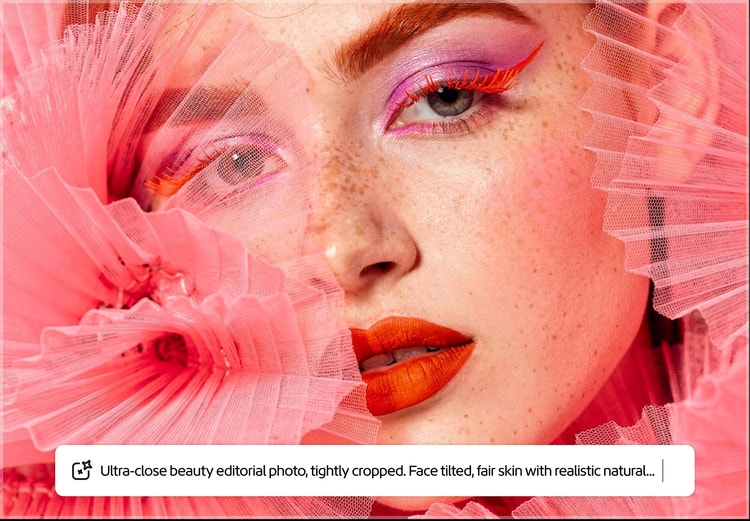
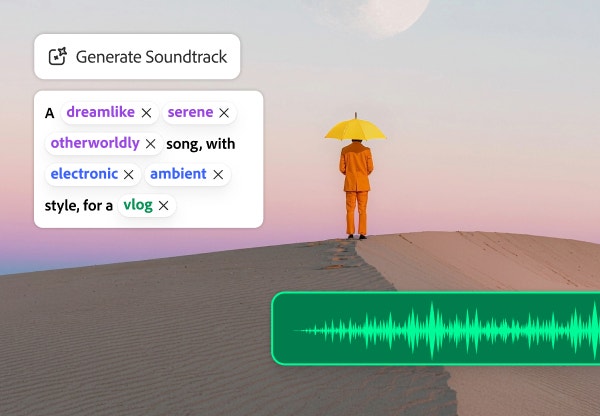
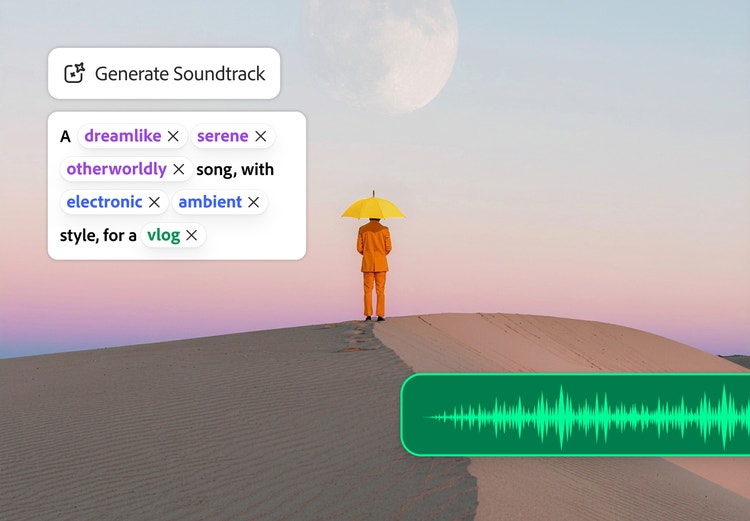
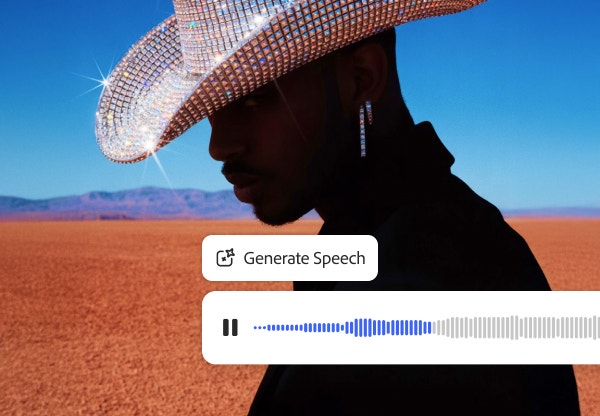
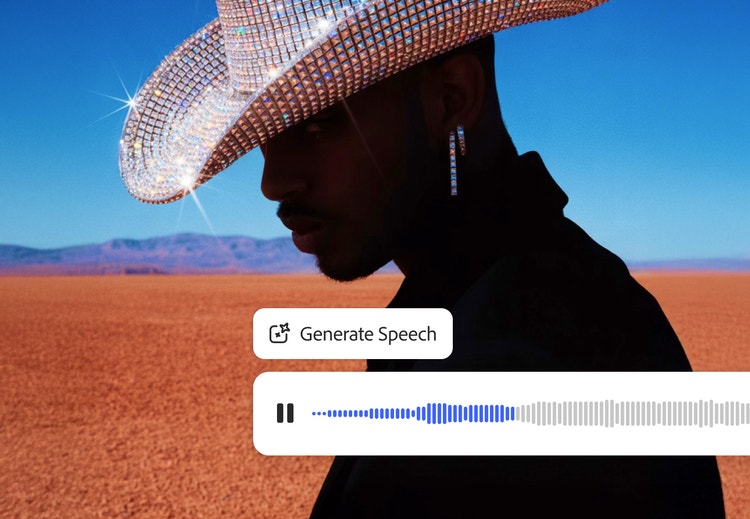
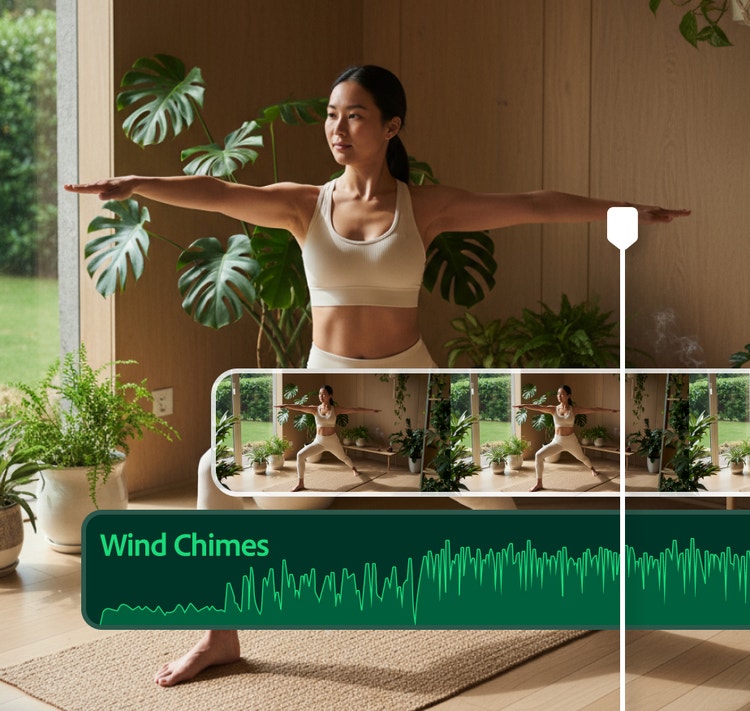
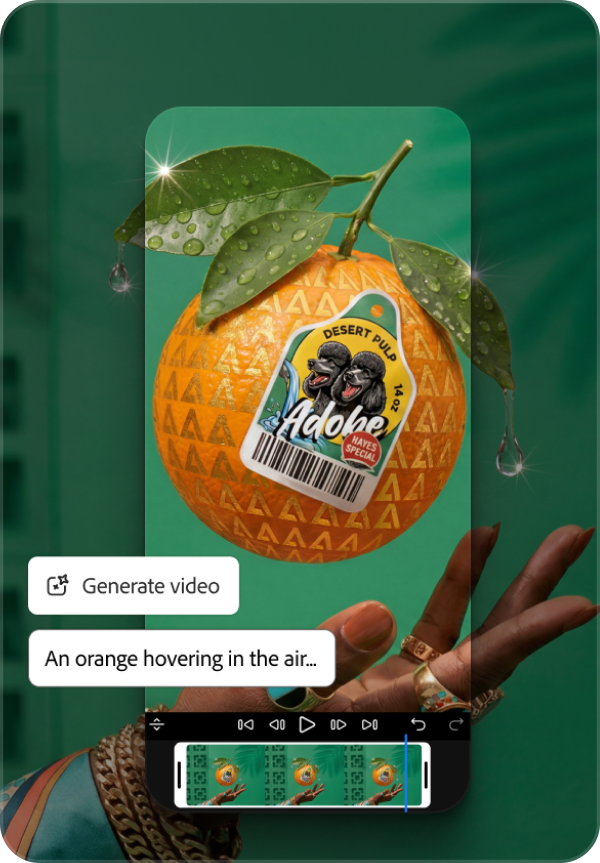
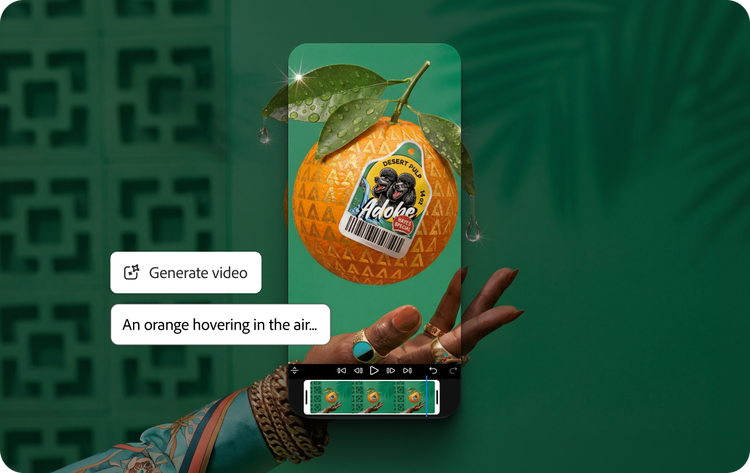
Generate and edit images, video, voiceovers, music, SFX and designs all in Firefly with simple text prompts. You can even auto-generate a first cut quickly by uploading footage and describing the video you want to make--Firefly Quick Cut will do the rest.
All the top AI models built in.
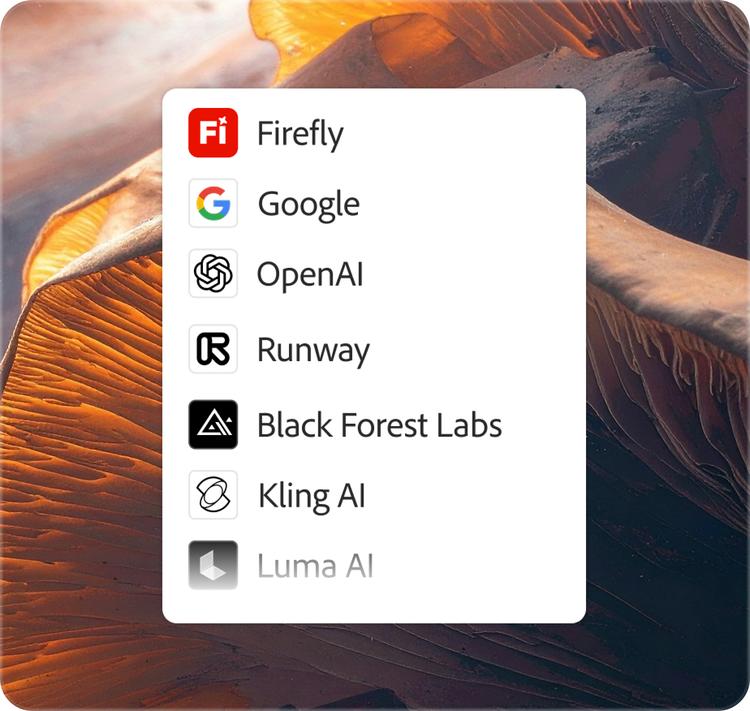
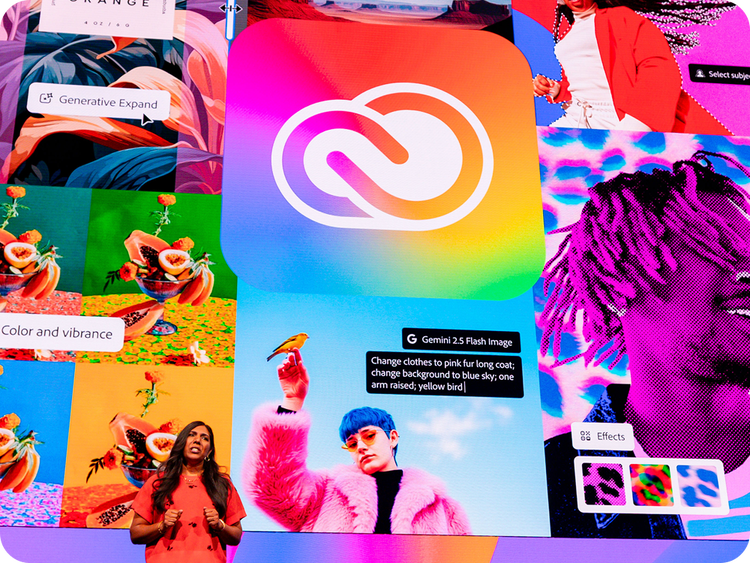
Firefly has all the top AI models built right in from Adobe, Google, Kling AI, ElevenLabs and many more so you can always choose the best model for your unique needs.
How Firefly helps creative pros push boundaries and work faster.
Firefly is included with most Creative Cloud plans and has the top AI models from Adobe, Google, OpenAI and more built in. Firefly helps you quickly brainstorm new concepts, move content seamlessly into Creative Cloud apps like Photoshop, iterate on existing work and easily reformat content for any need.
Explore more concepts faster and push your creative boundaries.
Build mood boards and use AI assistance to quickly brainstorm new creative directions. Generate and edit video, images, audio and more with simple prompts for quick iteration.
Use all the top AI models in one place.
Create with Adobe's commercially safe Firefly models or use models from Google, OpenAI, Luma AI, Runway and more to get the right output for the task at hand. You can even train a Firefly Custom Model on your own content and unique style.
Seamlessly integrate with other Adobe apps.
Create, iterate and finish projects faster with Adobe Firefly and AI workflows built into Photoshop, Illustrator and Premiere. Expand your creative skill set with access to industry-standard creative apps and millions of fonts, templates, tutorials and free Adobe Stock images and videos.
Create with multiple top AI models, all in one place.
Access models from Adobe, Google, OpenAI, Runway and more, with one log in. In Firefly, you always have the right model for the job, along with the creative control you expect from Adobe.
xxl-spacing, xl-top-rounded-corners, static links, dark
background
#000000
FLEXIBILITY
Firefly is for everyone.
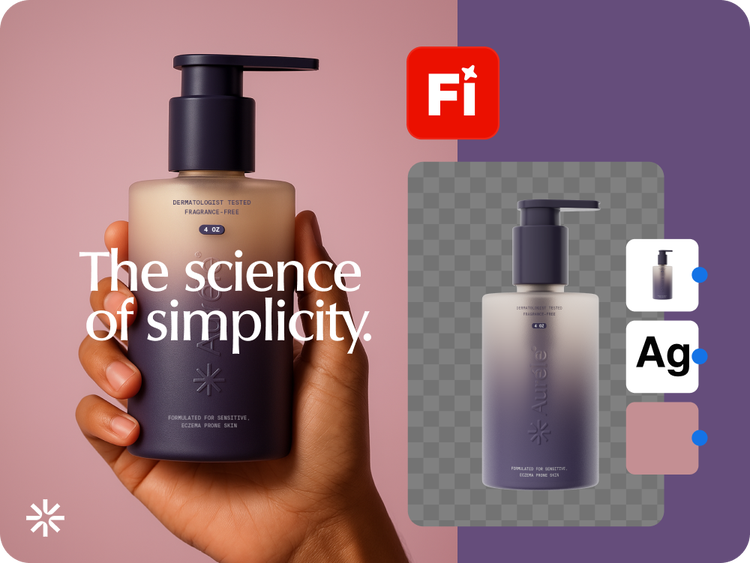
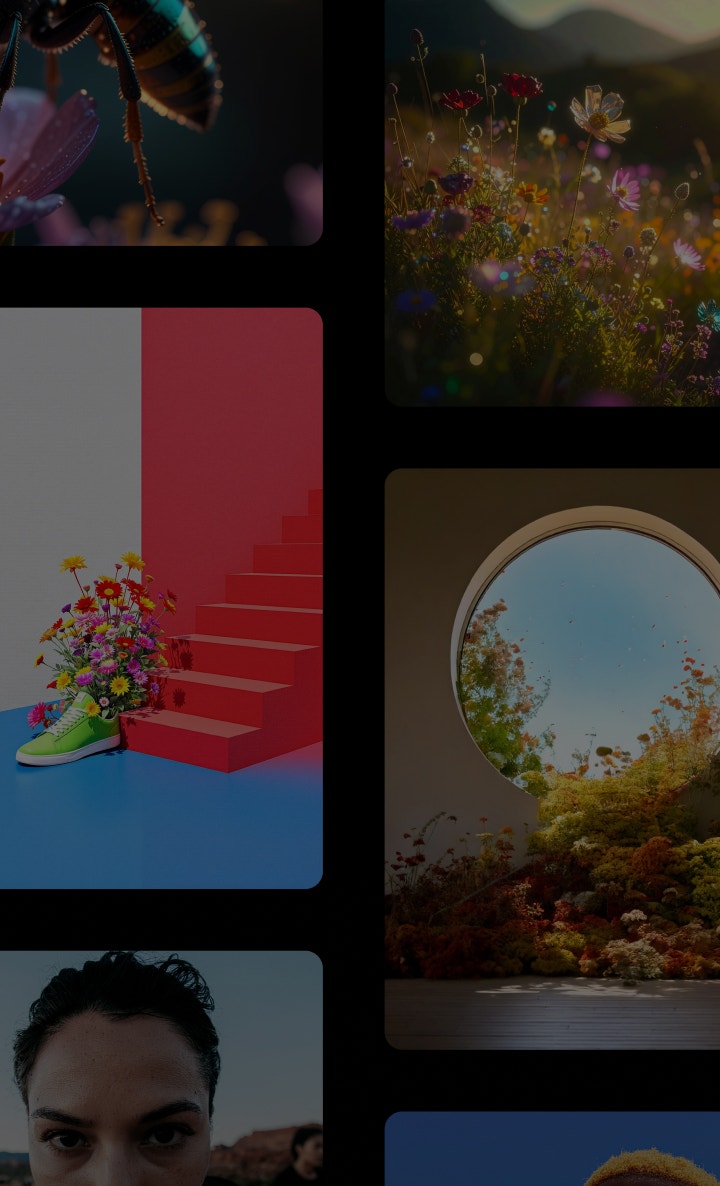
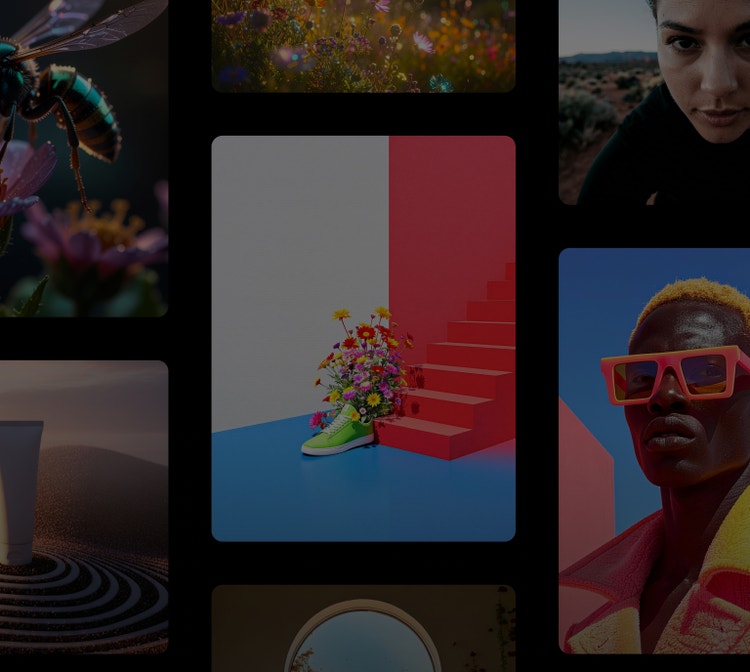
From generating podcast thumbnails and graphics to prototyping complete brand campaigns, Firefly has the AI models and design tools you need to go from initial idea to final product.
Generate sound effects, cinematic b-roll and atmospheric layers like smoke, water or lens flares. Translate videos into multiple languages without losing tone and timing.
Art directors and marketers.
Explore, organise and edit ideas in Firefly Boards. Brainstorm, ideate and iterate on projects, then bring your designs into Adobe Photoshop or Adobe Express for refining.
Design teams who collaborate.
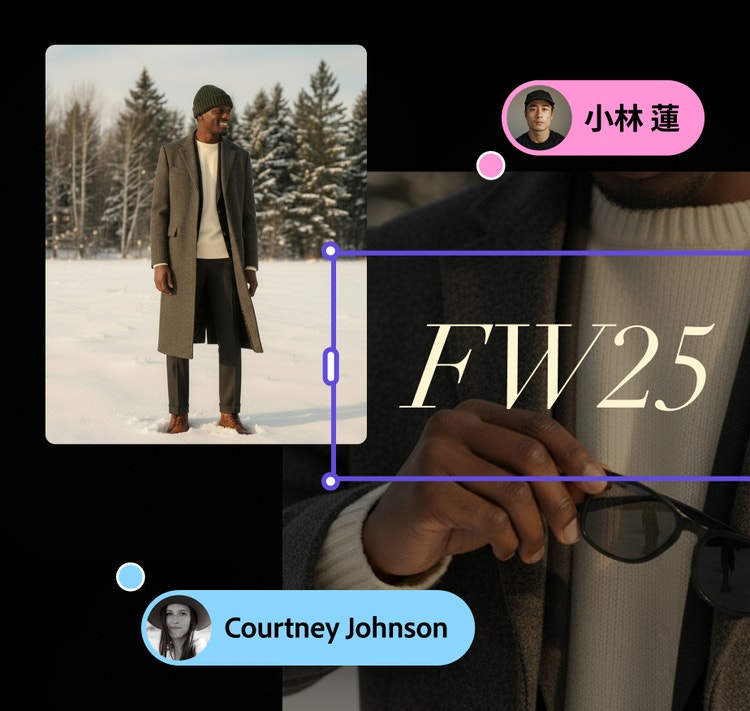
Explore and create faster with teammates on an infinite canvas. Visualise, test and align on ideas for mood boards, storyboards, brand identities and mock-ups.
“Adobe Firefly unleashed our creativity. It’s a magic machine that helps us play, explore and innovate, without compromising speed or safety.”
Michael Meurer - Global Design Lead
background
#F0F0F7
MEMBERSHIP PLANS
Get Firefly.
The Firefly Free plan allows you to use most Firefly capabilities with daily free generations. For those who need to generate and edit content more often, paid plans give you more generation credits and access to additional features.
Firefly Free
Get free daily generations to quickly create video, audio and images.
Get 10,000 credits, Photoshop on web and mobile and Adobe Express Premium. Save 30% for the first year. Ends 21 Oct. And get unlimited generations in Firefly on most models for the first year. See terms.
Regularly at ₹3,990.76/moAlternatively at ₹2,791.94/moincl. GST
Get 10,000 credits, Photoshop on web and mobile and Adobe Express Premium. Save 30% for the first year. Ends 21 Oct. And get unlimited generations in Firefly on most models for the first year. See terms.
Regularly at ₹3,990.76/moAlternatively at ₹2,791.94/moincl. GST
Create consistent images at scale with Adobe Firefly Custom Models.
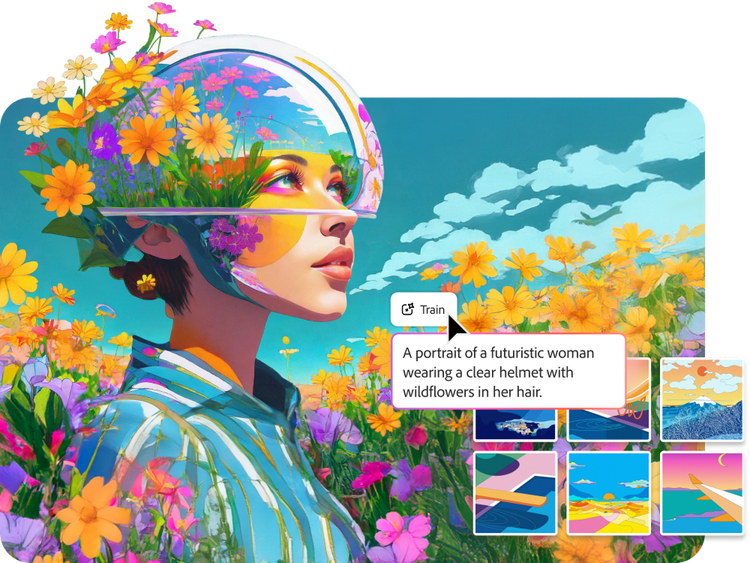
With the new public beta, you can upload your own images to train customised AI models that capture your signature style and then generate consistent concepts and variations directly in Firefly and Firefly Boards.
Firefly is available in the Creative Cloud tools your teams already use and with new APIs and Customised Models you can quickly create and deliver on-brand content at scale.
Adobe Firefly is an AI-powered creative space that helps you to create and edit images, videos, audio and vector graphics from simple text prompts. Adobe Firefly supports the entire creative process, whether you’re ideating with mood boards or storyboards, generating new B-roll or visual concepts, editing your existing photos or video clips to match your vision or stitching all your content together in a timeline. Adobe Firefly offers a spectrum of controls, from speedy generations and edits to precision editing so you can fine-tune your work. Users can access the Adobe Firefly web application on desktop and mobile or download the Firefly mobile app on iOS and Android.
Generative AI is a type of artificial intelligence that translates text prompts and other inputs into original creative content such as images, videos, audio and documents. Adobe Firefly uses generative AI to help creators go from idea to finished asset faster, with over 20 controls for adjusting style, lighting, colour and composition. Built on over 40 years of Adobe creative technology, Adobe Firefly is designed to give creators precise control over their AI-generated results.
Adobe Firefly is best for generating production-quality images, videos, audio and vectors from text prompts, as well as accelerating creative workflows across ideation, prototyping and content production. It’s ideal when you need commercially safe AI outputs with precise creative control, deep integration with other Adobe apps or multi-format content from a single platform. Common use cases include campaign asset creation, social media content, video B-roll and sound design, brand identity exploration and concept mood boarding.
Adobe Firefly is a free, all-in-one AI creative studio: with a free account, you get free daily generations to create images, video, audio and designs, so you're not limited to a single format or a separate free tool for each one. Learn more about using Adobe Firefly for free. Upgrade to a paid plan for higher-volume use and access to additional features.
Yes, Adobe Firefly's free plan includes daily generations across Adobe's own models plus a selection of the industry's top partner models, including options from Google and Open AI. Learn more about using Adobe Firefly for free. Access to additional partner models and higher-resolution versions is available with a paid Adobe Firefly plan.
The best AI image and video generator helps creators go from text prompt to polished, production-ready content quickly, with precise creative control and outputs that are safe for commercial use. Adobe Firefly makes this easy with intuitive features for turning text prompts into images and videos, turning images into videos, generating sound effects and collaborating on Firefly Boards. Adobe Firefly has been used to generate over 18 billion assets globally, combining commercially safe Adobe models with top third-party models in one place.
Adobe Firefly supports the entire creative process from ideation to production, allowing you to go from idea to finished output in a single space. With Adobe Firefly, you can access and experiment with a wide range of top AI image, video and audio models in one place.
While some AI tools offer quick one-off generations, Adobe Firefly offers precision controls that allow users to fine-tune settings and prompts prior to generation as well as editing tools that refine existing or generated content to match your vision.
Creators focused on brand, marketing or educational content can use commercially safe Adobe Firefly generative AI models with confidence. Adobe Firefly outputs also include built-in Content Credentials to provide transparency about how a file was created or edited and who was involved in the process.
Firefly Boards is an AI powered visual workspace where you can brainstorm, organise and iterate on ideas with teammates on an infinite canvas. You can generate and edit images and videos, then arrange concepts into mood boards or storyboards. Firefly Boards helps creative teams collaboratively visualise, test and align on ideas before moving to final production.
Adobe Firefly is built for designers, photographers, video editors, marketers, social media creators and anyone who wants to turn ideas into high-quality content using AI. Creative professionals use Adobe Firefly to accelerate ideation and produce campaign-ready visuals, while creators generate and edit studio-quality images and videos for multiple social and content platforms
Marketers use Adobe Firefly to quickly produce on-brand campaign visuals, social media graphics, video content and localised assets across multiple languages and channels. Adobe Firefly integrates with Adobe GenStudio and Adobe Express, allowing teams to plan, create and activate content at scale.
Content creators use Adobe Firefly to quickly generate eye-catching images, video clips, thumbnails and graphics optimised for social media platforms. You can produce scroll-stopping visuals from a text prompt, add motion and transitions to still images and generate sound effects — all within the Adobe Firefly app.
Adobe Firefly models are commercially safe. Adobe Firefly models are trained on licensed content from Adobe Stock and public domain content where copyright has expired and Adobe does not train on users’ personal or generated content.
Adobe performs internal testing on Adobe Firefly generative AI models to mitigate harmful biases and stereotypes and provides feedback mechanisms for users to report concerns. Adobe co-founded the Content Authenticity Initiative (CAI) in 2019, a coalition of over 3,300 members working to establish industry standards for content transparency. Adobe Firefly outputs include Content Credentials that indicate AI was used in the creation process
No, Adobe does not train Adobe Firefly models or partner models on any Creative Cloud subscribers’ personal content. The Adobe Firefly models are trained on licensed content and public domain content where copyright has expired. Adobe also offers Adobe Firefly Custom Models, which let you train on your own assets to generate content matching your unique brand, style and design language. Learn more about Adobe Firefly Custom Models.
Adobe Firefly accepts text prompts in over 100 languages, making it one of the most globally accessible creative AI tools available. For audio and video translation features, Adobe Firefly supports over 20 languages while preserving the original speaker’s voice and pitch. This multilingual support helps creators and businesses produce localised content for audiences worldwide.
Adobe Firefly works seamlessly with apps across the Adobe Creative Cloud ecosystem. You can bring generated content into Adobe Photoshop, Illustrator, Premiere, Lightroom, Adobe Express and more for further editing and production.
Yes, Adobe Firefly is available on mobile web and as a mobile app on both iOS and Android devices. Adobe Firefly on mobile lets you create on the go with features like Generate Image, Generate Video, Generate Sound Effects and Generative Expand. Your Adobe Firefly creations sync automatically with your Adobe Creative Cloud account, allowing you to start on mobile and continue on the web.
Adobe Firefly lets you export generated images in standard formats like PNG and JPG and generated videos in MP4.
Yes, you can use Adobe Firefly for free with an Adobe account. If you have a free account, you'll get free daily generations across image, video, audio and design features. Learn more about using Adobe Firefly for free. Upgrade to a paid plan for higher-volume use and access to more partner models.
Generative credits are tokens you use to generate AI content across Adobe Firefly and Adobe Creative Cloud apps. Your Adobe Firefly or Creative Cloud paid plan includes a monthly allocation of credits that reset each billing cycle. Learn more about generative credits.
Adobe Firefly's free daily generations refresh every day, so this is an ongoing free plan rather than a one-time trial. Learn more about using Adobe Firefly for free. Upgrade to a paid plan any time for higher-volume generations.
You can control how Adobe websites use cookies and similar technologies by making choices below. But note that if you disable cookies and similar technologies entirely, Adobe websites may not function properly.
Cookies are small text files stored by your web browser when you use websites. There are also other technologies that can be used for similar purposes like HTML5 Local Storage and local shared objects, web beacons, and embedded scripts. These technologies help us do things like remembering you and your preferences when you return to our sites, measure how you use the website, conduct market research, and gather information about the ads you see and interact with.
You can make choices in the menu below about what cookies and other technologies you want us to use on Adobe sites when you visit them from this browser. You can always change those choices later by clicking on the Cookie Preferences link at the bottom of the page.
If enabled:
We can improve your experience by tailoring the site and the content to things we think might be of interest
We can better keep track of your preferences — like what language you prefer to use
We will better understand your likely interests so we can provide you more relevant Adobe ads and content on non-Adobe websites and in non-Adobe apps
It will help us improve the performance of our website and those of our partners who use the Adobe Experience Cloud
If disabled:
We won’t be able to remember you from session to session so the experience may not be tailored to your interests
You’ll still have access to the content of the site but certain features that depend on cookies may not function
You’ll still see ads, they just may not be as relevant to you
General information
You can control how Adobe websites use cookies and similar technologies by making choices below. But note that if you disable cookies and similar technologies entirely, Adobe websites may not function properly.
Cookies are small text files stored by your web browser when you use websites. There are also other technologies that can be used for similar purposes like HTML5 Local Storage, web beacons, and embedded scripts. These technologies help us do things like remembering you and your preferences when you return to our sites, measure how you use the website, conduct market research, and gather information about the ads you see and interact with.
You can make choices in the menu below about what cookies and other technologies you want us to use on Adobe sites when you visit them from this browser. You can always change those choices later by clicking on the Cookie Preferences link at the bottom of the page.
If enabled:
We can improve your experience by tailoring the site and the content to things we think might be of interest
We can better keep track of your preferences — like what language you prefer to use
We will better understand your likely interests so we can provide you more relevant Adobe ads and content on non-Adobe websites and in non-Adobe apps
It will help us improve the performance of our website and those of our partners who use the Adobe Experience Cloud
If disabled:
We won’t be able to remember you from session to session so the experience may not be tailored to your interests
We’ll still count your use of our site and services
You’ll still have access to the content of the site but certain features that depend on cookies may not function
You’ll still see ads, they just may not be as relevant to you
Operate the site and core servicesOperate site and measure engagement
Always active
These cookies are required, and they are used to enable the site and related services core functionality. Without them the site could not operate, so they cannot be disabled.
These cookies enable the site and related services’ core functionality and collect statistics about user engagement, such as counting active use to help us understand trends. These cookies cannot be disabled.
Measure performance
These cookies are used to analyze site usage to measure and improve performance. Without them Adobe cannot know what content is most valued and how often unique visitors return to the site, making it hard to improve information we offer to you.
These cookies are used to analyze site usage to measure and improve performance. Without them Adobe cannot know what content is most valued, making it hard to improve information we offer to you.
Extend functionality
These cookies are used to enhance the functionality of Adobe sites such as remembering your settings and preferences to deliver a personalized experience; for example, your username, your repeated visits, preferred language, your country, or any other saved preference.
Personalize advertising
These cookies are used to enable Adobe and our partners to serve ads more relevant to your interests. Without them you will still see ads, but they might not be as relevant to you.