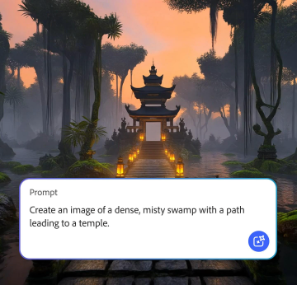



Adobe Firefly
Use everyday language to create extraordinary results with generative AI.
JUMP TO SECTION
Five AI generated video examples
Example #1: AI generated video examples for advertising
Example #3: AI video generation examples for animation
Example #4: An AI video example for fantasy content
Example #5: Generative AI video examples using a realistic avatar
Examples of how AI generated videos can be used
Start experimenting with AI video generation
FAQs about AI generated video examples
AI generated video uses machine learning models to turn prompts, references, or existing footage into dynamic clips. The five AI generated video examples below show how the Adobe Firefly AI video generator makes it easy to turn those inputs into polished content.
Creators are using generative AI to produce all kinds of video content, from cinematic product promos to fantastical short films. Below you’ll find five AI video examples showcasing what’s possible with the Adobe Firefly AI video generator, along with the prompts, tools, and descriptions used to create each one. The AI video generation examples include:
The Adobe Firefly AI video generator makes it quick and easy for marketers to create polished product videos, social campaign content, teaser assets, and more — all without a full-scale production. With the AI image to video tool, you can even create a custom AI generated background that matches the look and feel of your brand.


Prompt: Create a polished advertising video for a lemon and cranberry-flavored beverage set against a clean studio background. Show light condensation slowly forming and dripping down the side of the glass.
Tool: Adobe Firefly Video model
Prompt: Create a minimalist, high-end lifestyle kitchen scene with soft morning sunlight. Include fresh croissants, a pitcher and two tumbler glasses filled with orange juice, and a blue silk robe draped on a chair. Use a cinematic composition.
Tool: Adobe Firefly Video model
Adobe Firefly has opened up new ways for filmmakers, editors, and creators to reduce the cost, time, and pressure of traditional production workflows. With tools like Text to video, Image to video, and the AI storyboard generator, it’s easier than ever to create storyboards, generate seamless b-roll, and fill gaps in an edit.
Prompt: Create a realistic video of a horse walking slowly across a deserted, old western town. Show the horse moving calmly through the dusty street, with wooden buildings and weathered storefronts in the background.
Tools and features: Adobe Stock, Adobe Photoshop, Harmonize, Start Frame, Adobe Firefly Video model
Prompt: Create a realistic video of a horse walking slowly across a deserted, old western town. Show the horse moving calmly through the dusty street, with wooden buildings and weathered storefronts in the background.
Tools and features: Adobe Stock, Adobe Photoshop, Harmonize, Start Frame, Adobe Firefly Video model
Whether you’re making an explainer video or generating a cartoon sequence from your own artwork, Adobe Firefly has all the tools you need to bring your animated video to life. Just use the AI video generator, AI animation generator, AI cartoon generator, or the Image to video feature to experiment with the style, movement, and pacing in a few simple steps. Or, check out other AI animated video examples for inspiration.
Prompt: Create a cartoon superhero flying through the sky. Show the character soaring forward with arms extended, cape flowing behind them, against a bright sky filled with soft clouds.
Tool: Adobe Firefly Video model, Start Frame
Prompt: Create a cartoon mouse reacting excitedly to a cube of cheese. Show the mouse gesturing animatedly toward the cheese with expressive facial features that emphasize curiosity and delight.
Tool: Adobe Firefly Video model
Surreal and fantasy-style videos are some of the most expressive uses of generative AI. With the Firefly AI video generator, you can experiment with imaginative worlds, impossible environments, and dreamlike visual effects with just a text prompt or an image reference. Explore AI art prompts for a few tips on how to achieve exactly the look you’re going for.
Prompt: Create a cinematic scene of a dog sitting on the surface of the moon, gazing toward a distant gaseous planet in the sky.
Tool: Adobe Firefly Video model
The Firefly AI avatar generator makes it quick and easy to create talking-head videos, promotional content, training material, and customer support clips — all without coordinating a full-scale production.
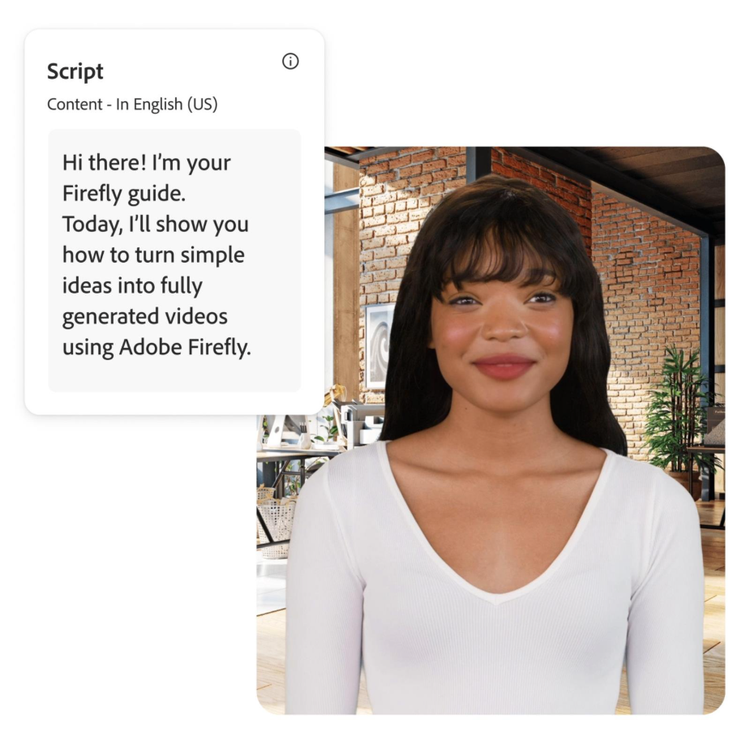
Tool: Text to avatar (beta)
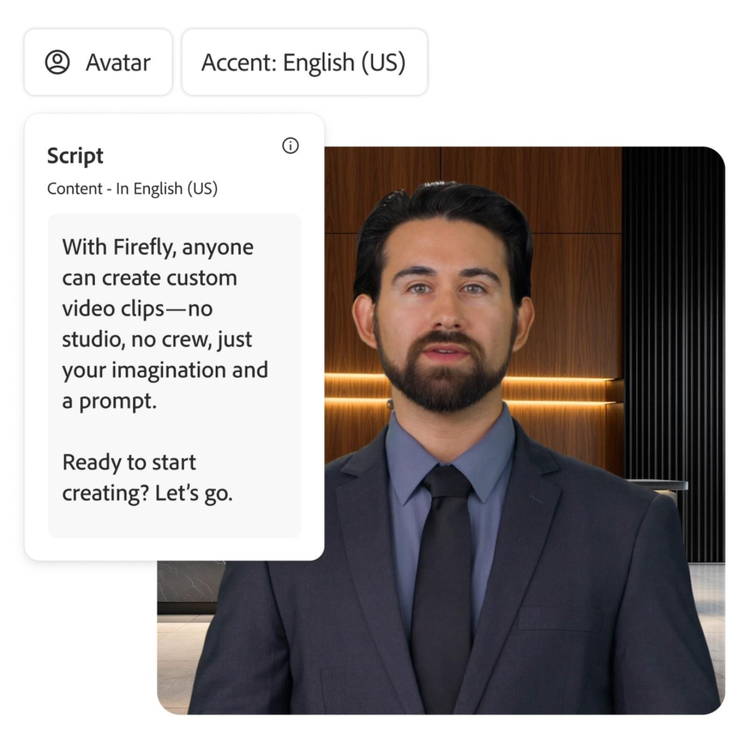
Tool: Text to avatar (beta)
AI generated video can support nearly any creative workflow, helping teams move faster, explore ideas earlier, and produce polished visuals without a full production. Whether you’re building a concept, enhancing an edit, or creating content end-to-end, Adobe Firefly offers flexible tools that adapt to your project needs. To get started, explore these storyboard examples and the use cases below.
AI video generation examples can spark ideas, clarify direction, and help you discover new visual approaches for your next project. Firefly tools make it easy to refine those ideas, experiment with motion, and build visuals that fit your workflow. Use the steps below as a starting point for planning and creating your own AI generated video.
From the way we explore ideas to the way we bring concepts to life, generative AI is transforming creative work. Explore generative AI examples of visuals, video, and sound created with Adobe Firefly to see what’s possible and spark ideas for whatever you create next.
Generative AI can mimic — but not replace — human intelligence. Learn how it can help you take your creativity to new places.
From GIFS and cartoons to explainers and ads, generative AI is transforming how creators produce animated videos. Explore AI animated video examples across styles and use cases, and see how Firefly can help you bring your vision to life.
Discover the different types of artificial intelligence (AI), how they compare to generative AI, and how Adobe uses generative AI in Adobe Creative Cloud apps.