

con-block-row-lockup (xs-icon)
Con-block-row-bgcolor
#000000
Visualise your dream space with AI room design.
Create realistic room concepts from text prompts, photos or sketches using the Firefly AI interior design generator. Explore décor ideas, layouts and style variations before making design decisions.
Con-block-row-text (m-body)
Con-block-row-text
#000
https://main--cc--adobecom.aem.live/cc-shared/assets/img/product-icons/svg/firefly-80.svg
Adobe Firefly
https://main--cc--adobecom.aem.live/cc-shared/assets/img/product-icons/svg/firefly-80.svg
Adobe Firefly
Use everyday language to create extraordinary results with generative AI.
What is an AI room design generator?
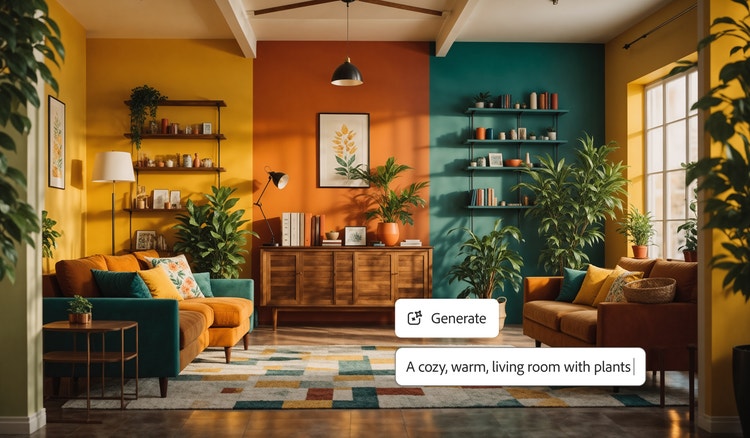
An AI room design generator is a tool that creates realistic room concepts from text prompts, photos or sketches using generative AI. It works by analysing your input and generating design ideas, layouts, colour palettes and furnishing styles that match your vision. Adobe Firefly’s AI interior design tool helps you explore and refine interior concepts before making design decisions.
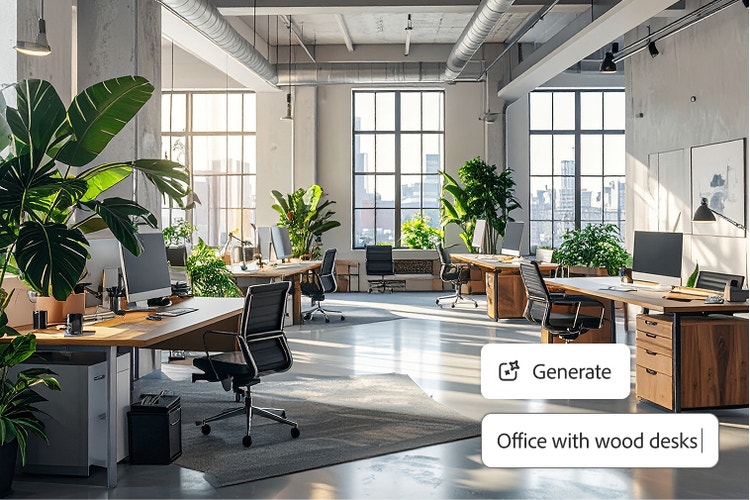
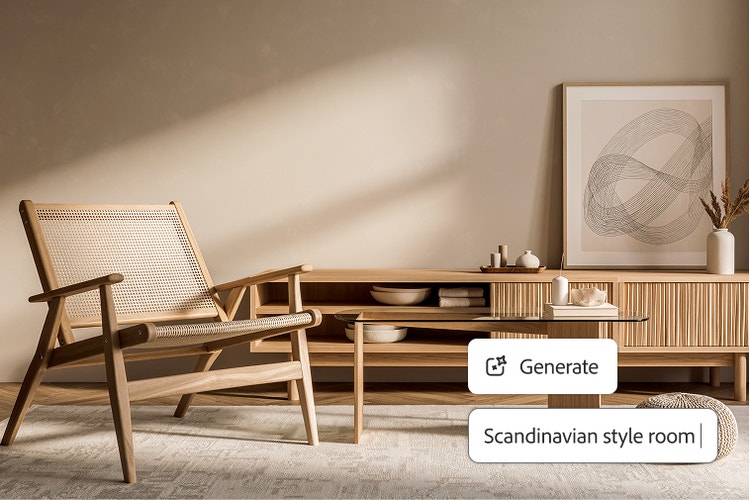
Quickly transform the look of any space.
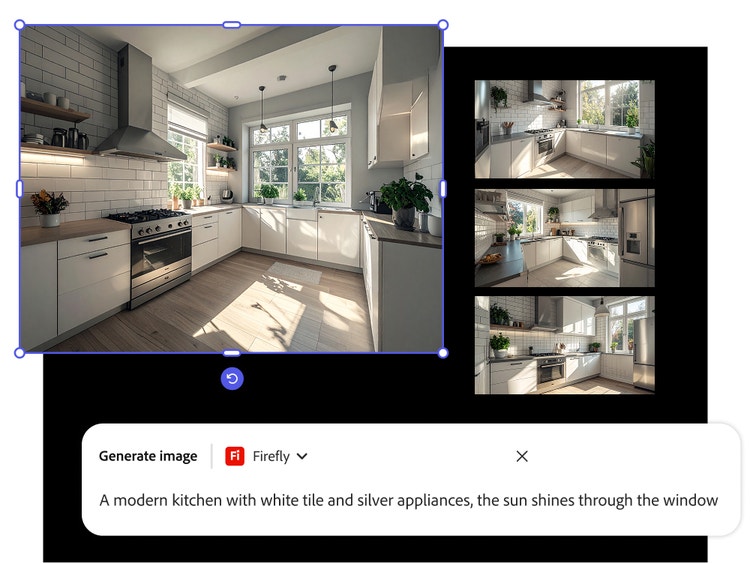
Want to know how to use AI to design a room? Simply upload inspiring photos or sketches to the Firefly mood board generator and then generate stylish new concepts and layouts in minutes with Generate Image.
Explore endless creative possibilities for AI interior design.
Experiment with different AI room design styles, lighting, textures and layouts. Firefly integrates with Adobe Creative Cloud, so you can send your AI room designs to apps like Adobe Photoshop and Illustrator to make precise edits, add depth with gradients and export production-quality images.
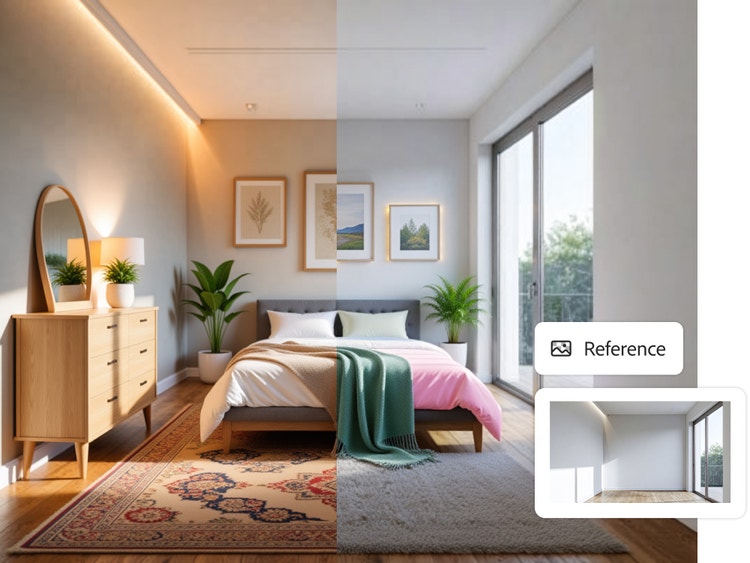
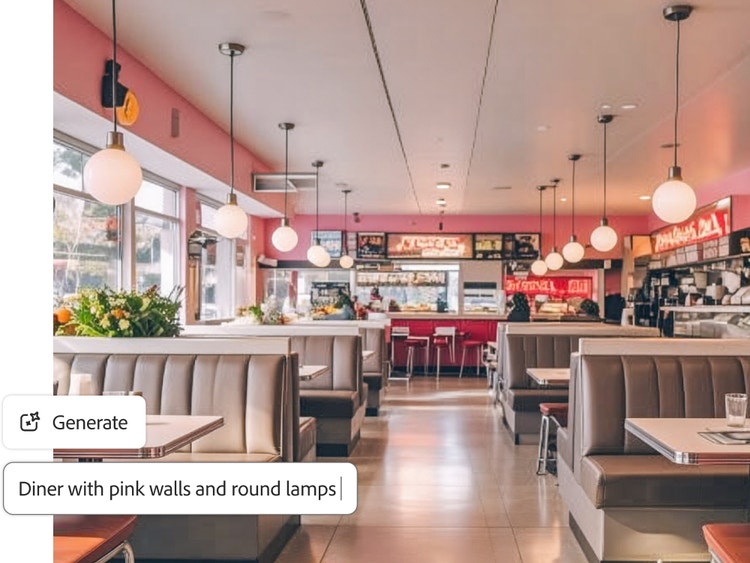
Get room design ideas with an AI interior design generator.
Ready to have AI decorate your room? Firefly is ideal for designing residential or commercial spaces for personal projects, professional commissions or marketing use cases.
Use vision boards to plan your ideal AI interior designs.
Firefly Boards is the ultimate vision board tool for capturing inspiring imagery in one digital canvas. Easily begin your AI room design project in Firefly Boards by exploring visual directions or using the artboard composite workflow to expertly blend disparate assets into a cohesive scene.
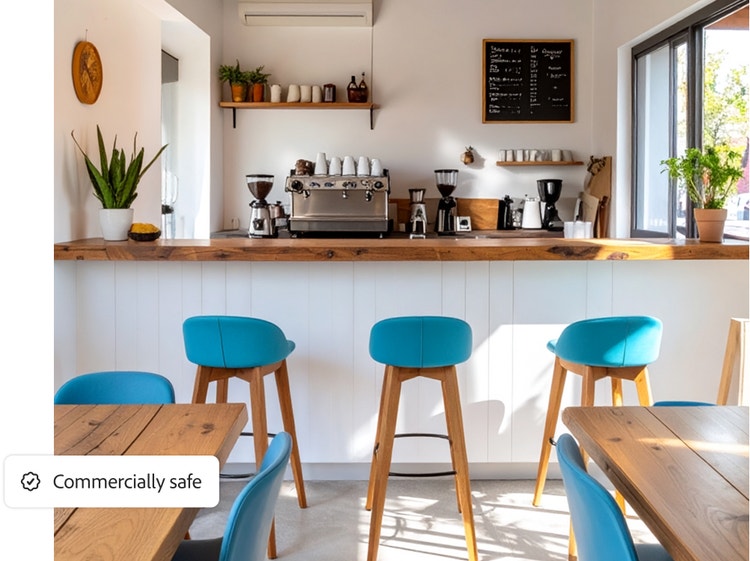
Commercially safe output.
Firefly models are built for commercial use, so you can create AI room designs without worrying about copyright issues or usage rights.
Create AI room designs for any space.
Generate realistic room concepts, décor ideas and layout variations for homes, apartments and workspaces faster with AI-powered design tools.
#ffffff
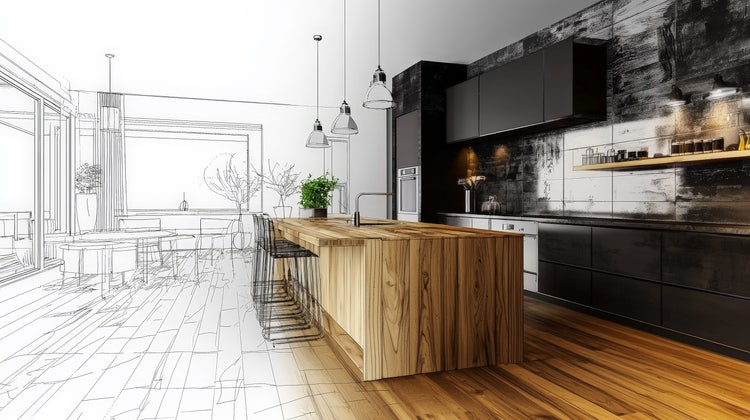
Living rooms
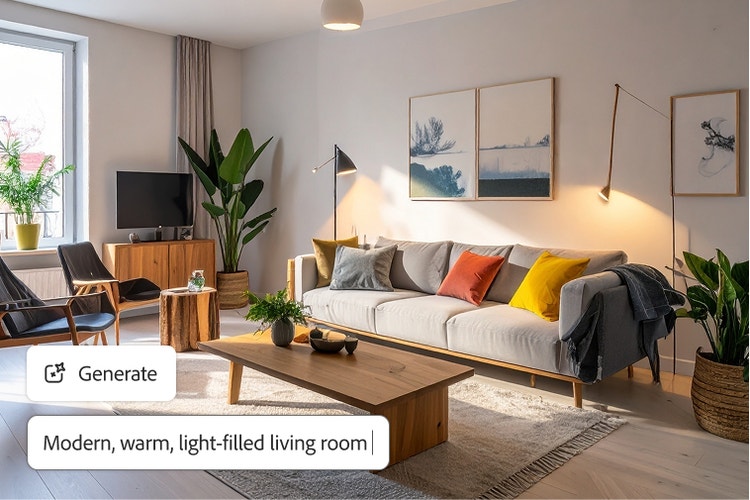
Explore furniture layouts, colour palettes and décor styles that help create welcoming spaces for relaxing, entertaining and everyday family life.
Bedrooms
Visualise bedroom makeovers with different furniture arrangements, lighting ideas and design themes before committing to any changes.
Kitchens
Experiment with cabinetry, finishes, storage solutions and layout concepts to create a kitchen that matches your style and needs.
Commercial spaces
Visualise retail stores, cafés, offices and other commercial interiors with design styles tailored to different business environments.
How to use AI to design a room with Firefly.
Creating AI room designs with Firefly is fast and fun, thanks to generative AI. In just a few steps, you can bring together your inspirations, flesh out your ideas and start creating with AI interior design tools.
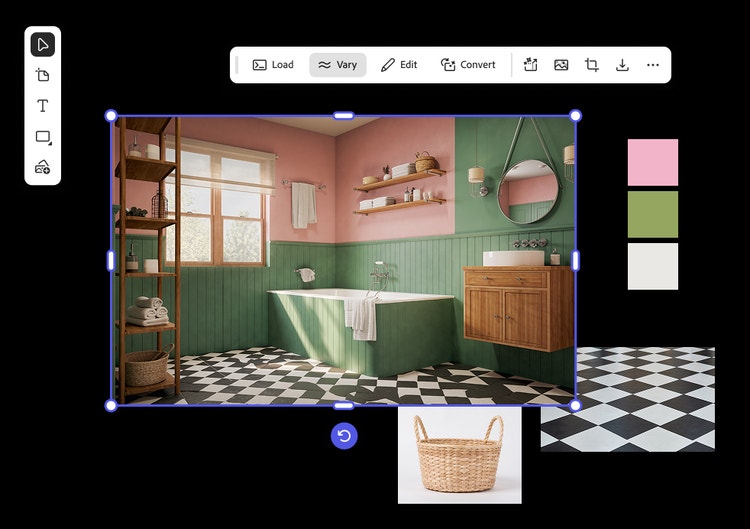
- Start a new board in Firefly Boards and gather inspiring images.
Open Firefly Boards and create a new project. Then upload interior design images or sketches from your device, Adobe cloud storage, Adobe Stock and other favourite sources. - Build your canvas layout.
Drag and resize your uploads to create a layout that organises everything to show how different colours, textures, furniture pieces and room elements might work together in your space. - Generate and remix your AI room design inspirations.
Experiment freely with powerful Firefly tools to have AI decorate your room. Select multiple photos and Remix to explore new colour palettes, moods or layouts. Select an image and try the Vary feature to get new ideas that are similar or in the same style. Or write a text prompt describing what you’d like to see and click Generate to have Firefly deliver unique image options. - Edit and refine your elements.
Fine-tune the details of your AI interior design to match your vision. Firefly makes it easy to edit, reframe and polish any element. Just select an image to access tools like Generative Fill, Expand, Remove Background and more. - Share your AI room design.
Export your design as a JPG, PNG or PDF by grouping board images and then clicking Download or Export. Email it to a client, print it out or share it on social media. You can even share your board with others for review and collaboration..
Tips for creating better AI room designs.
Create more realistic room concepts with AI and refine your ideas faster. Learn how to generate layouts, décor styles and interior designs that better match your space, needs and preferences.
Be specific about the room.
Include details about the room type, style and purpose in your prompt. For example, describe a "modern apartment living room with warm lighting and wooden furniture" instead of simply writing "modern room" to get more accurate results.
Use photos for better context.
Upload photos of your existing space when possible. Visual references help the AI understand room layouts, furniture placement and architectural details, creating designs that feel more practical for your home.
Experiment with multiple design styles.
Generate several versions of the same space using different themes, colour palettes or furnishings. Compare contemporary, minimalist or traditional-inspired designs to find a style that fits your home and everyday lifestyle needs.
AI room design for every stage of a project.
From client presentations to renovation planning and property marketing, Firefly helps users visualise room concepts, compare design directions and communicate ideas more effectively.
Interior designers.
Turn mood boards and client briefs into realistic room concepts. Compare styles, refine design directions and present interior ideas with greater clarity.
Property developers.
Create realistic room concepts for residential and commercial projects. Explore layouts and interior styles before presenting plans or marketing materials.
Home décor retailers.
Visualise furniture, lighting and décor products in realistic room settings. Create inspiring concepts that help customers compare styles and options.
DIY home designers.
Explore layouts, furniture placement and décor ideas before making changes. Visualise your own concepts and compare design directions with confidence.
Why use Firefly for AI room design?
Adobe Firefly is an AI interior design tool built for ideation, helping you to visualise spaces quickly so your finished rooms look exactly the way you want. Turn inspiration into visual directions you can refine and build on. The advantages include:
- Professional results: Firefly generative AI models deliver high-quality images you can use for personal or commercial projects.
- Power and simplicity: With easy-to-use AI interior design tools like Generate Image and Generative Fill, you can quickly create all-new images and then fine-tune them to fit your needs.
- Adobe Creative Cloud integration: Firefly is seamlessly integrated with other Creative Cloud apps, so you can quickly add your newly created AI interior design to layouts, websites or other projects.
Questions about the AI room design tool? We have answers.
What is the best AI tool for interior design?
Adobe Firefly offers powerful AI interior design tools that let you create realistic room layouts, furniture arrangements and decor ideas. You can also enhance your AI interior designs with third-party models such as Nano Banana Pro (Gemini 3), Flux and GPT Image by OpenAI — all within the Firefly workflow.
What makes Firefly the best AI room designer?
Adobe believes Firefly is the best AI room designer because it allows you to visualise and transform any space with ease. Its intuitive editing tools, commercially safe outputs and seamless integration with Creative Cloud make it perfect for interior designers, homeowners, architects and other creative professionals.
I want to know how to use AI to design a room. Is there a steep learning curve?
Actually, it’s almost as easy as saying, “AI, decorate my room.” With AI-powered tools like Firefly, you can upload an image or type a text prompt to quickly generate a realistic design — and then quickly customise and refine it to suit your style.
Can I use AI room designs created in Firefly for commercial projects?
Yes, room designs created using the commercially released version of Adobe Firefly can be used for commercial projects, provided you follow Adobe’s terms and guidelines. Firefly is designed to be commercially safe and is trained on Adobe Stock, openly licensed content and public domain materials. This makes it suitable for professional design work, client presentations, property marketing and other business applications.
Is the Adobe Firefly AI room design tool free to use?
Yes, you can use the AI room design tool in Adobe Firefly for free. Free accounts include a limited number of daily generations, allowing you to create room concepts, explore design styles and test ideas before committing to a paid plan. Paid plans are available for users who need additional generations and expanded access to Firefly features.
#F8F8F8
Learn more about generative AI and room design.
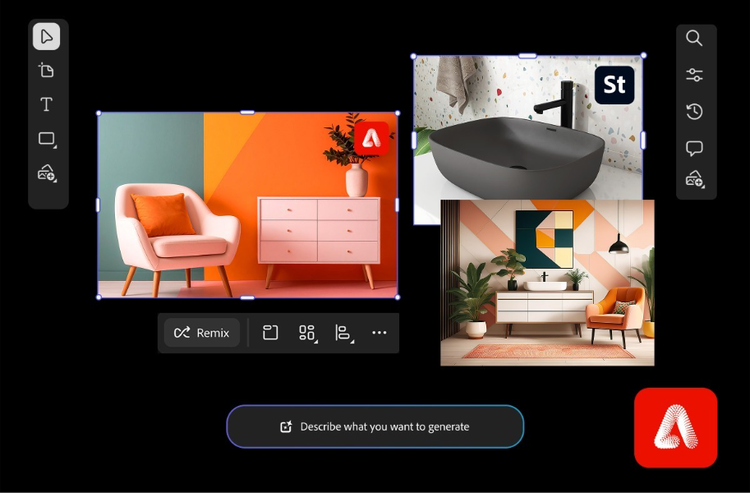
Create an interior design mood board to bring spaces to life.
Learn how a mood board for interior design helps organise colours, designs and materials to turn concepts into visual plans.
Learn more | Learn more create an interior design mood board
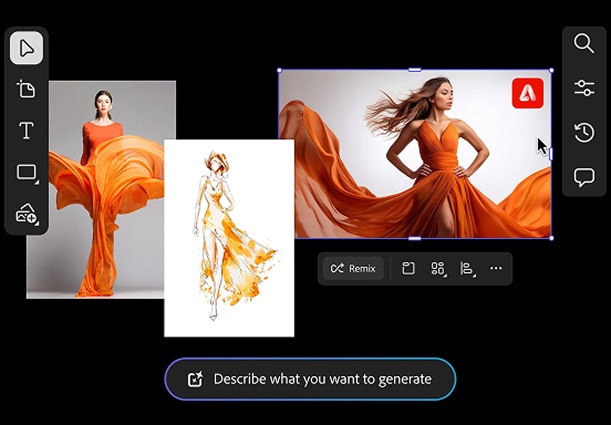
Digital mood board examples for any project or aesthetic.
From fashion to branding to interior design, mood board examples offer a starting point for every creative process. Browse styles and layouts to spark ideas for the perfect mood board vibe.

How generative AI works: From training to output.
Generative AI is all over the headlines and that’s not empty hype. This new technology is likely to be part of your life soon — if it’s not already. Learn how generative AI works and start streamlining your workflow.

How to write AI art prompts that get results.
The best prompts for AI aren't always obvious. These tips get you to your destination in record time.