cgen
promoid=QYL4NNKD&mv=other&ff_source=adobe-com&ff_campaign=ai-speech-generator

Generate text-to-speech audio for any project.

Instantly convert text to audio and get natural-sounding AI voices for podcasts, video and audio ads, audiobooks, phone systems, phone scripts, and more.

Customer service

Conversational voices for multilingual support, account updates, call routing, and automated phone systems across regions.

eLearning

Clear, authoritative AI-generated voices for tutorials, online lectures, exam preparation content, and other educational content.

Accessibility

Easy-to-understand voices that deliver public announcements across digital services and public systems.

Social media

Expressive and flexible text-to-speech narration that effortlessly brings content to life for Reels, Shorts, and more.

What is text to speech?

A text-to-speech (TTS) tool is technology that converts written text into spoken audio — essentially an AI voice generator that turns any script into a natural-sounding voice. With Adobe Firefly's Generate Speech feature, you can convert text to audio in more than 20 languages with adjustable pacing and emotional control.

#fff

Unlimited creative control and customisation with the Firefly AI voice generator.

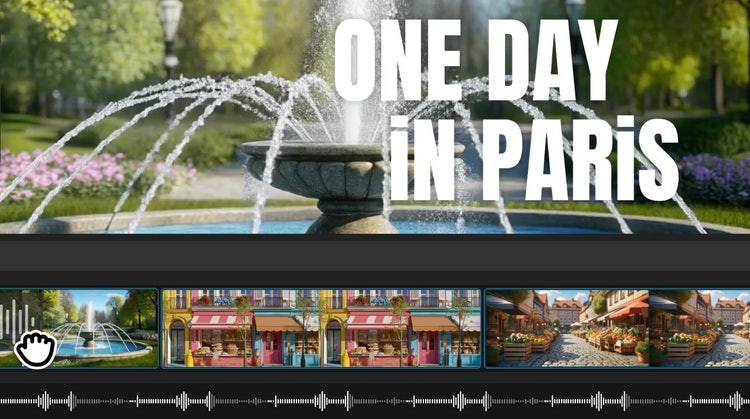
With Firefly Generate Speech, you can convert text to natural, expressive speech that feels truly human. And, you can fine-tune every detail — from tone and pacing to emotion and pronunciation — to match your brand voice or creative vision. Whether you’re perfecting a single word or shaping an entire script, the AI voice generator gives you the flexibility to experiment and customise until it’s just right.

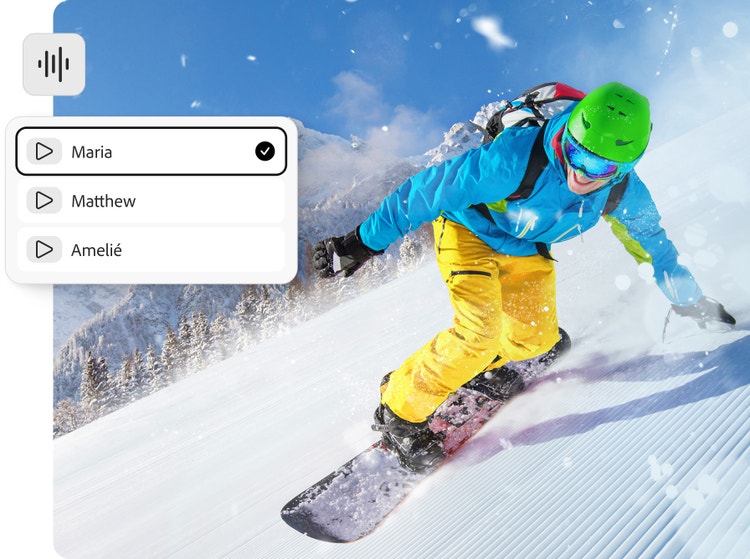
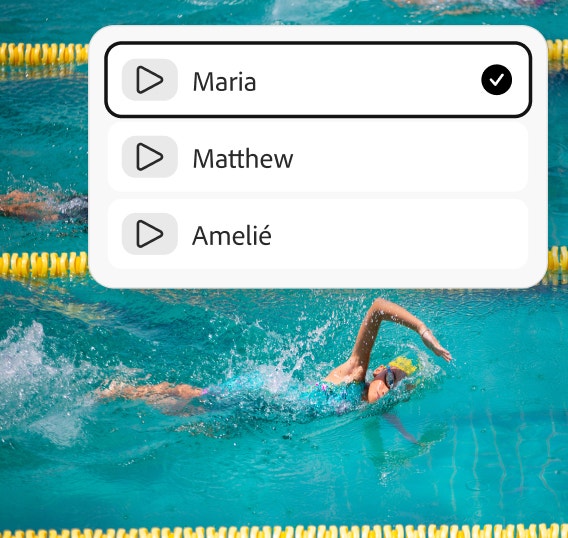
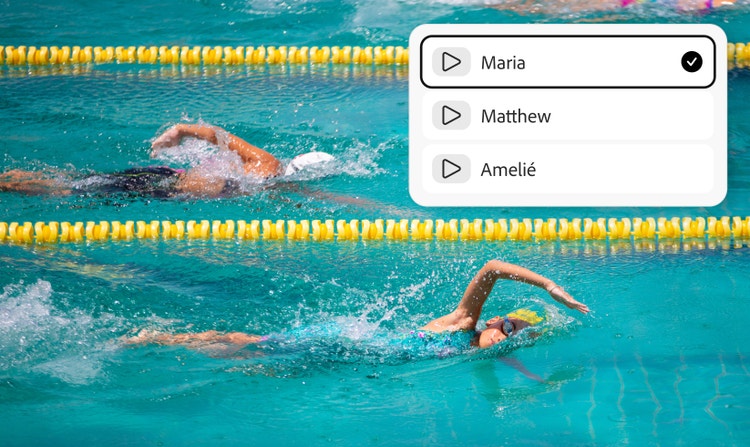
Snowboarder carving down a snowy mountain slope while Adobe Firefly's voice selection interface demonstrates AI-powered audio and video generation features.
#fff
Aerial view of colourful flower fields with Adobe Firefly's language selection menu displayed, illustrating multilingual AI content creation and localisation capabilities.

Endless possibilities, from text to audio.

Access an extensive library of over 60 high-quality voices powered by Adobe and trusted partners like ElevenLabs. Our advanced text-to-speech technology goes beyond simple voice conversion to deliver expressive, natural sounding audio that feels authentic and engaging. With support for 20+ languages and multiple regional accents, you can create narration that resonates globally, making your content accessible and relatable to diverse audiences.

#fff

Versatile text-to-speech applications.

Generate natural, high-quality voice narration for podcasts, training videos, eLearning courses, audiobooks, social media posts, ads and more — all from a single script. You can add life-like voices from the Firefly AI voice generator to videos you create with the AI video generator to enhance engagement, improve accessibility and elevate the overall quality of your content, making it easier to reach and resonate with wider audiences across any format or platform.

Hands preparing matcha tea beside a bowl and whisk, with Adobe Firefly's voice selection interface displayed, illustrating AI-powered voice generation and multilingual content creation features.
#fff
Powerful ocean wave curling and crashing, illustrating Adobe Firefly's AI-powered sound effects generation for creating realistic environmental and nature audio.

Commercially safe voiceovers.

All audio generated with the Firefly Speech model is designed for commercial use, giving you the freedom to apply voiceovers, narration and spoken content across professional, branded and customer-facing projects — without added licensing complexity or uncertainty.

#fff

Seamless integration with Adobe tools.

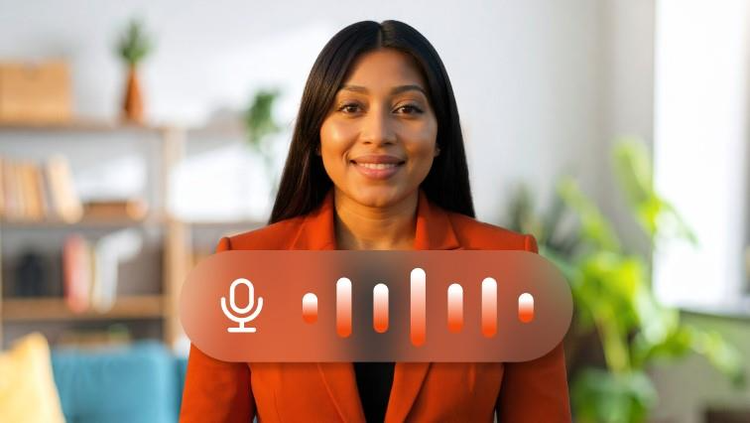
Generate Speech integrates seamlessly with Adobe creative tools, making it easy to move from text to voice to publish without breaking your workflow. Create voice narration directly from text and refine it with your visuals in the Firefly video editor or Premiere. To create a realistic avatar for video content, try the AI avatar generator.

People riding quad bikes across desert sand dunes with Adobe Firefly's Generate Video workspace displayed, showcasing AI-powered tools for creating video, images, audio and sound effects from creative prompts.

Generate voices in multiple languages.

Create dialogue in over 20 languages with multiple accents. Enter text in any supported language and generate natural-sounding speech for any project.

How to use Generate Speech in Adobe Firefly.

Tips for getting better results with a text-to-speech AI voice generator.

Excellent AI audio requires more than just the right words. By making small changes to your script and voice settings, you can create smoother, more authentic-sounding voiceovers that are pleasant to the ears and command attention.

Choose the right AI voice generator for your audience.

Different text-to-speech voices produce different results. Select one that matches your content style and audience. For example, an upbeat, energetic voice may work well for Instagram Reels promoting a sale, while a warmer, conversational voice may be better for educational content, customer support explainers, or financial literacy videos. The right voice can make your text-to-audio content feel more authentic and engaging.

Use punctuation to improve delivery.

AI voice generators read scripts exactly as written. For optimal results, check that there are commas for natural pauses, question marks for a curious tone, and exclamation marks for excitement. This is especially useful when creating text-to-speech content for multilingual audiences across India, where pacing and clarity can improve comprehension.

Guide pronunciation for tricky words.

If your AI voice generator mispronounces an acronym, brand name, or technical term, adjust the spelling to guide pronunciation. For example, writing “N-I-C” instead of “NIC” or spelling out a product name phonetically can improve the accuracy of your text-to-speech audio.

Fine-tune pacing and emphasis.

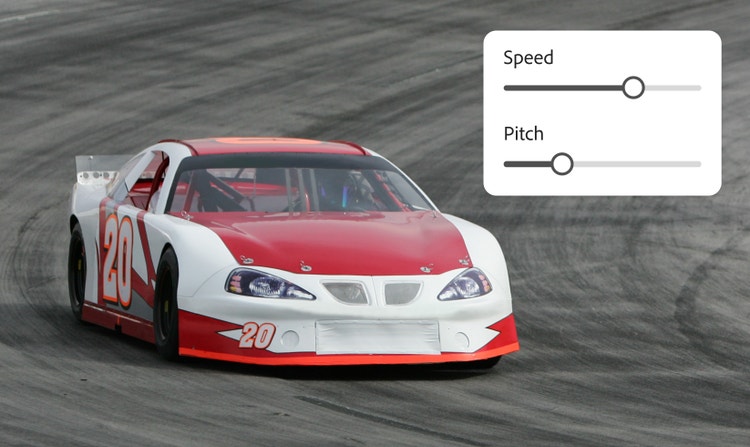
Use speech controls to adjust speed, emphasis, and pauses. These fixes can be applied when you want to slow down an important product demonstration, highlight a key product feature, or insert a dramatic pause before a big reveal. Making this extra effort can make AI voices easier to follow and understand for diverse audiences.

Generate speech for every creative need.

Jump-start any project with a script-to-voice workflow that adapts to however you work — from client-ready voiceovers to personal projects.

For real estate & marketing professionals

Turn listing copy and product pages into polished voiceovers. Generate a professional voice track straight from your text, then pair it with the AI video generator to create property walkthroughs and ads without hiring a narrator.

For content creators

Add consistent, on-brand narration to YouTube videos, podcasts and social content. Experiment with tone and pacing to match your channel's voice, then export the final audio directly into your editing workflow.

For eLearning & corporate trainers

Convert training scripts and course material into clear, authoritative narration in minutes. When content changes, just edit the text and regenerate — no re-recording required to keep courses current.

For everyday creators

Bring personal projects to life, from narrating a family slideshow to adding voiceover to a hobby video. No recording equipment or voice-acting experience needed — just type a script and generate.

Why Firefly for AI text-to-speech generation?

The Firefly AI speech generator helps creators convert text to speech with professional-quality voice output designed for any kind of creative project. With a wide range of voices and customisation options, it’s easy to create expressive, polished speech that sounds human — without any complex set-up or technical expertise.

#FFF

Voices for every audience

Firefly offers over 60 realistic, high-quality voices across 20+ languages, making it easy to find the right voice for any audience, region or project.

#FFF

Built for end-to-end content creation

Generate voices, visuals and video with Firefly and go from script to finished content without switching between tools.

#FFF

High-quality outputs for any project

Firefly makes it quick and easy to create natural sounding speech for scripts, podcasts, videos and more.

#FFF

Full creative control

Intuitive editing controls make it possible to fine-tune emotion, pacing, emphasis and pronunciation to match your brand voice or creative intent.

See what else you can do in Firefly.

Discover even more features.

Questions about Text to Speech? We have answers.

Share this page.

#F0F0F7

Explore more Firefly tools.