


Adobe Firefly
The next evolution of creative AI is here for all your ideas, with image, video, audio and vector tools.


Video lyrics are text overlays that display the words of a song directly on a video, usually timed to match the audio. They help viewers follow along in real time, making the content easier to understand, more engaging, and more accessible.
Unlike basic captions, video lyrics are often styled and animated to match the mood, rhythm, or theme of the music. They are an actual, visual component of videos. In short, video lyrics combine audio and visual storytelling to create a more immersive viewing experience.
They’re commonly used in:
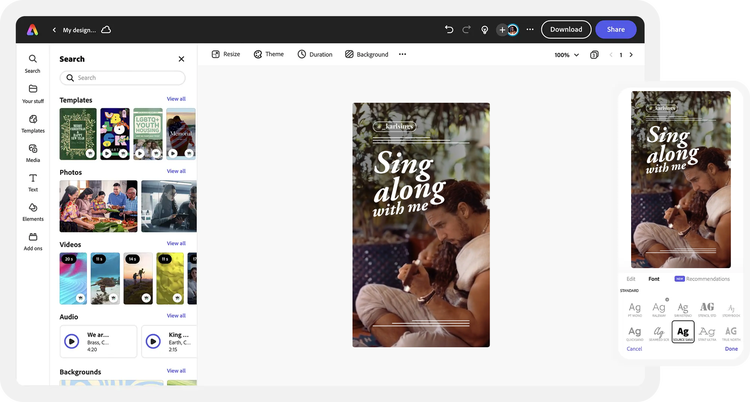
If you want a quick and easy way to create lyric videos, Adobe Express is one of the fastest options available. This method is especially useful for beginners and social media content where speed and simplicity matter.
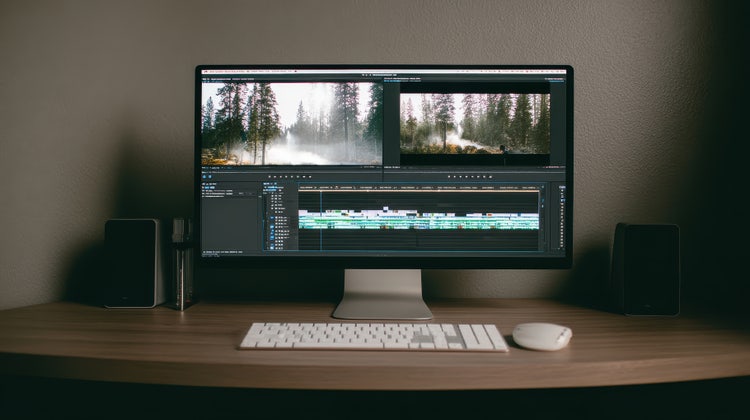
If you need precise control over timing and styling, Adobe Premiere is one of the most reliable ways to add synced lyrics to your video. This method is especially useful for professional-quality edits and frame-by-frame accuracy.
If you already have your lyrics timed, using an SRT file is one of the fastest ways to add synced captions or lyrics to your video. This method is especially useful for efficiency and consistency.
Taking the extra step to add lyrics and captions to your videos is not just about adding a layer of text to your content. It is an essential step that changes how people watch and interact with your videos.
Small details make a big difference when it comes to lyric videos. Use these tips to keep your videos clean, readable, and engaging:
Based on your location, we think you may prefer the United States website, where you'll get regional content, offerings, and pricing.

