https://main--da-cc--adobecom.aem.live/cc-shared/assets/img/firefly.svg Adobe Firefly

Create product shots for free with Adobe Firefly.
Quickly and easily create polished overhead and lifestyle product shots for e-commerce, marketing and social media from scratch without props, styling costs or shoot coordination.

Or tap here
File must be JPEG (JPG), PNG or WEBP and up to 100 MB.
By uploading your image or video, you agree to the Adobe Terms of Use and Privacy Policy and confirm you are 18 years of age or older.
https://main--cc--adobecom.aem.live/cc-shared/assets/svg/s2-icon-upload-20-n.svg Upload your image
Or tap here
File must be JPEG (JPG), PNG or WEBP and up to 100 MB.
By uploading your image or video, you agree to the Adobe Terms of Use and Privacy Policy and confirm you are 18 years of age or older.
https://main--cc--adobecom.aem.live/cc-shared/assets/svg/s2-icon-upload-20-n.svg Upload your image
Or drag and drop here
File must be JPEG (JPG), PNG or WEBP and up to 100 MB.
By uploading your image or video, you agree to the Adobe Terms of Use and Privacy Policy and confirm you are 18 years of age or older.
- File size larger than 100 MB
- Unable to process the request
- We are unable to process this file type. Please try again.
- Only one file can be uploaded at a time.
- Image is smaller than the minimum dimensions (512 x 512 pixels). Please resize and try again.

Create the perfect product shot for your brand.
With Adobe Firefly, you can upload an image and use text prompts to create a polished product shot. Describe the effects, lighting and background and Adobe Firefly will produce an image ready for e-commerce listings, marketing campaigns, social content or client presentations.
Control every angle and perspective.
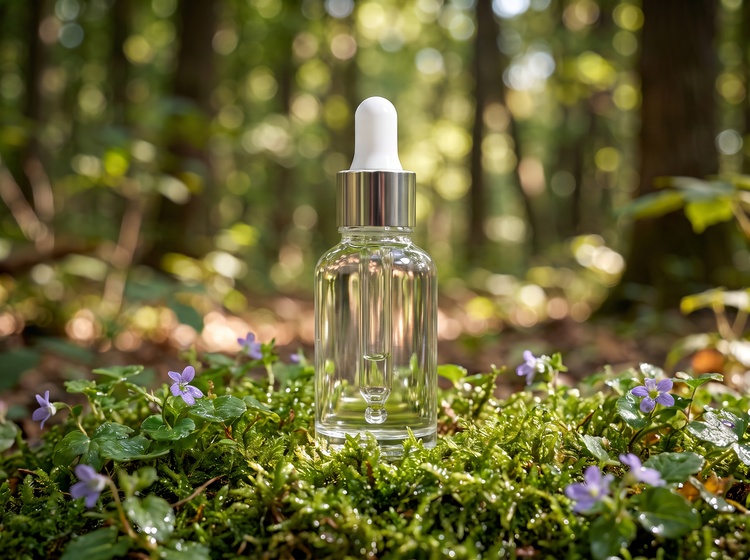
Specify the product view you want, including straight-on, angled, overhead or flat lay. Adobe Firefly responds to compositional language, so you can dial in the exact vantage point. Say "product shot from above with soft shadows" or "45-degree angle showing the product details" and Adobe Firefly will frame it accordingly.

Set the lighting, background and mood.
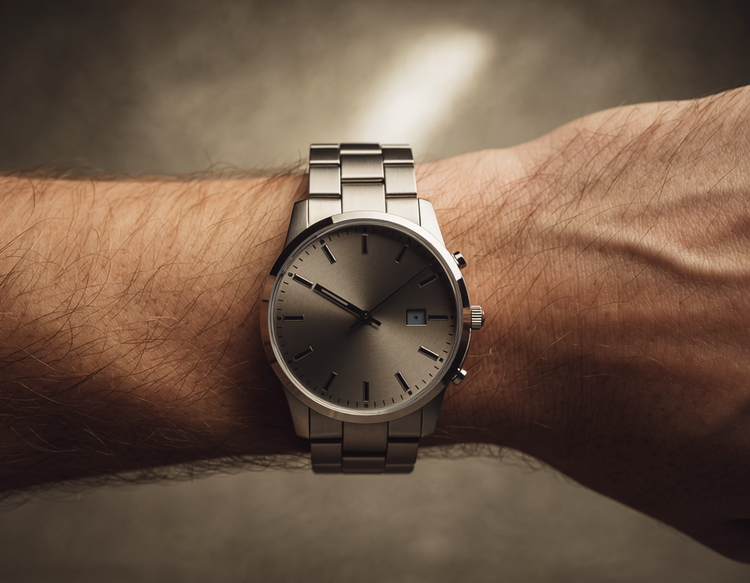
Define the light and environment in your prompt. Choose studio lighting, natural daylight, warm sunset glow or clean white backgrounds for e-commerce. Upload a reference image using the image-to-image feature to anchor the product aesthetic before you generate.
Generate product images you can use commercially.
Adobe Firefly models are trained on licensed and public-domain content, so product shots you generate are safe for commercial use. You can use them in client work, advertising campaigns, e-commerce listings and packaging mockups. You're responsible for determining whether content generated with partner models fits your project requirements.

Create variations in minutes, not hours.
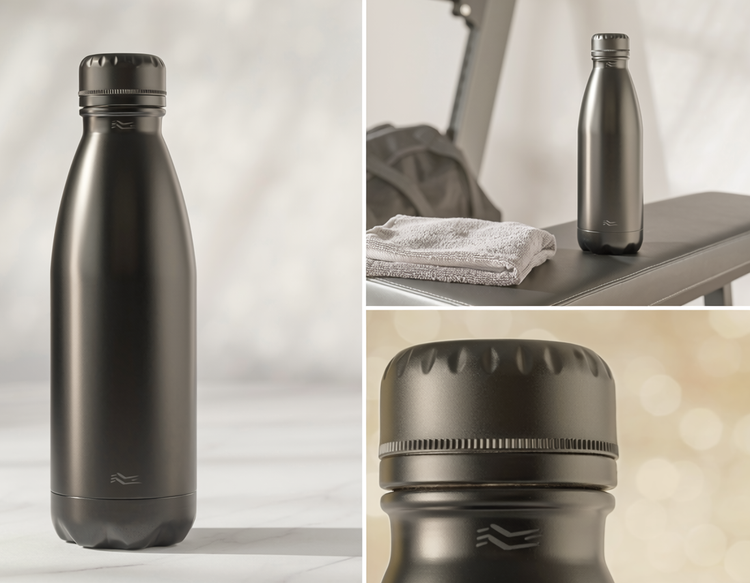
Test different backgrounds, lighting set-up and product angles without restyling or reshooting. Generate a product shot with a white background, then a lifestyle version with a complementary environment. Compare results and pick the one that wins before moving forward.
How to generate a product shot image with Adobe Firefly.
Step 1
Open the Firefly image editor.
Step 2
Describe the product shot you want.
Step 3
Adjust your settings.
Step 4
Download and use your product shot.
Steps on how to generate a product shot image using Adobe Firefly Generate Image.
PT3M
firefly
Precise creative control
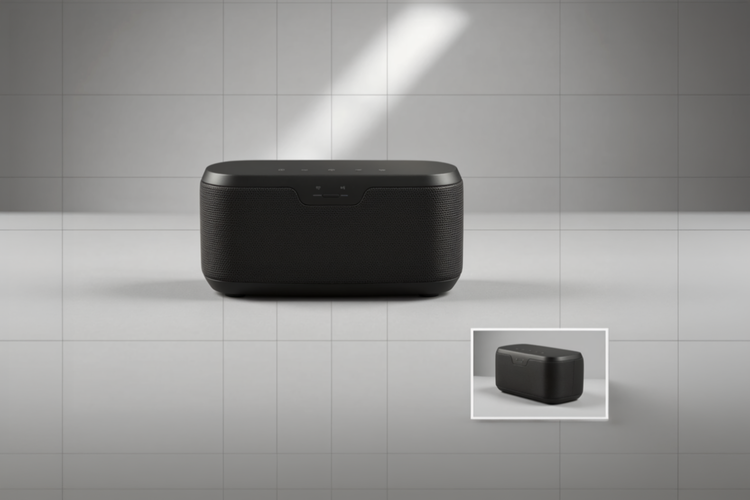
Describe your product scene with as much specificity as your project needs. From angle and framing to lighting conditions and background, your prompt will drive every creative decision. Adobe Firefly will produce images that match your direction.
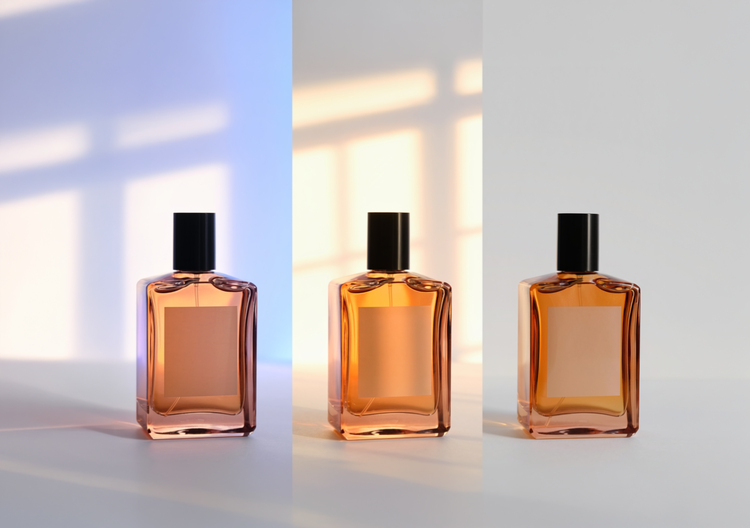
Top AI models, all in one place
Adobe Firefly pairs its own models with top partner models from FLUX, Google and OpenAI in a single creative studio. Try a few, then refine the one that fits your product aesthetic with precision tools.
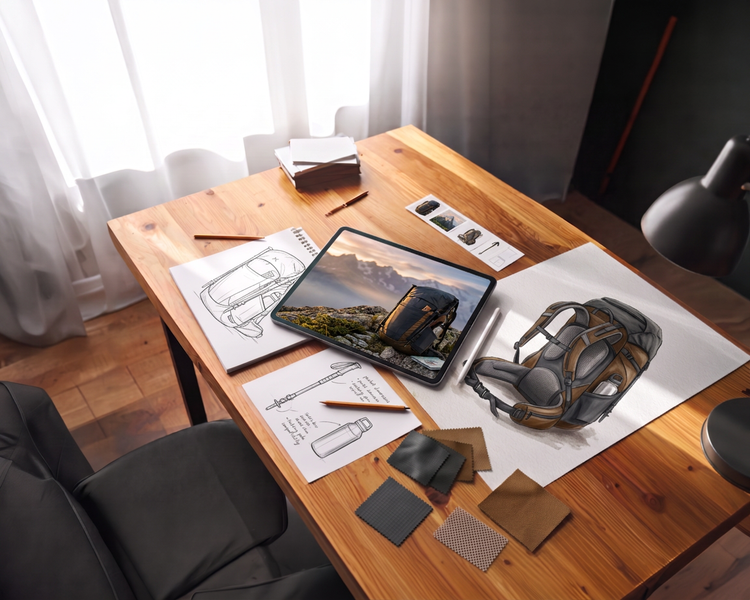
Your complete creative studio
Firefly covers the whole arc of a creative idea in one place. Describe what you want, choose a model, adjust the details and land on a finished product image without switching apps.

Built for creators
Get fast results when you need them using intuitive tools that automate common image edits. Dial in the details with precision tools when details matter. Firefly adapts to the way you create.