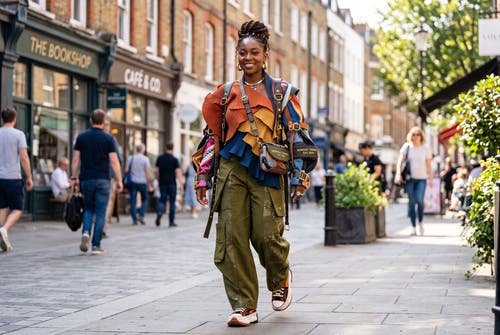
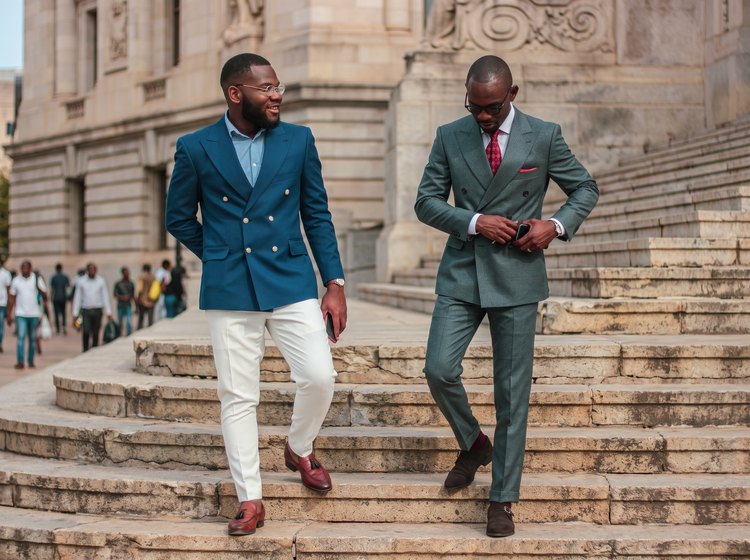
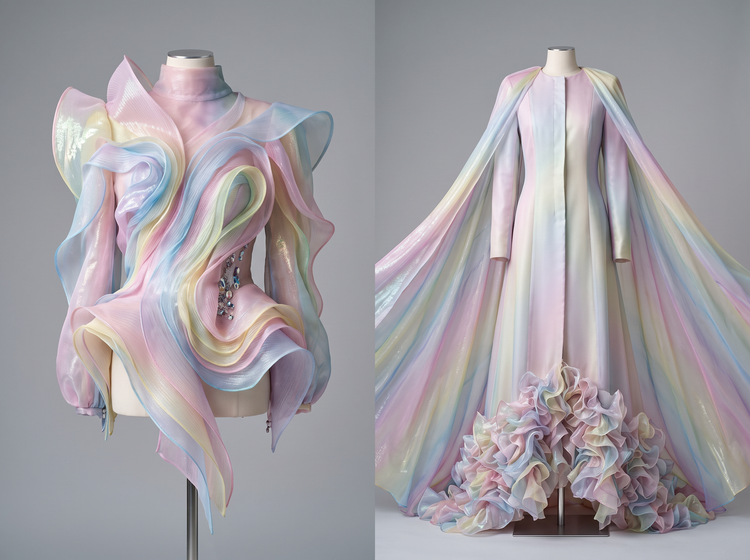
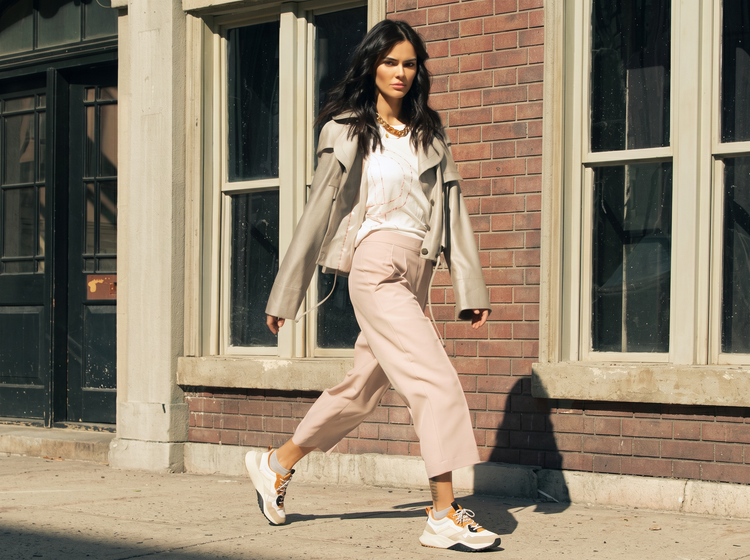
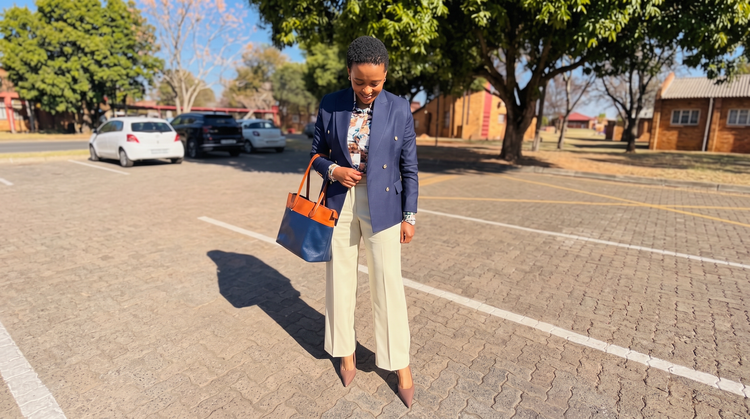
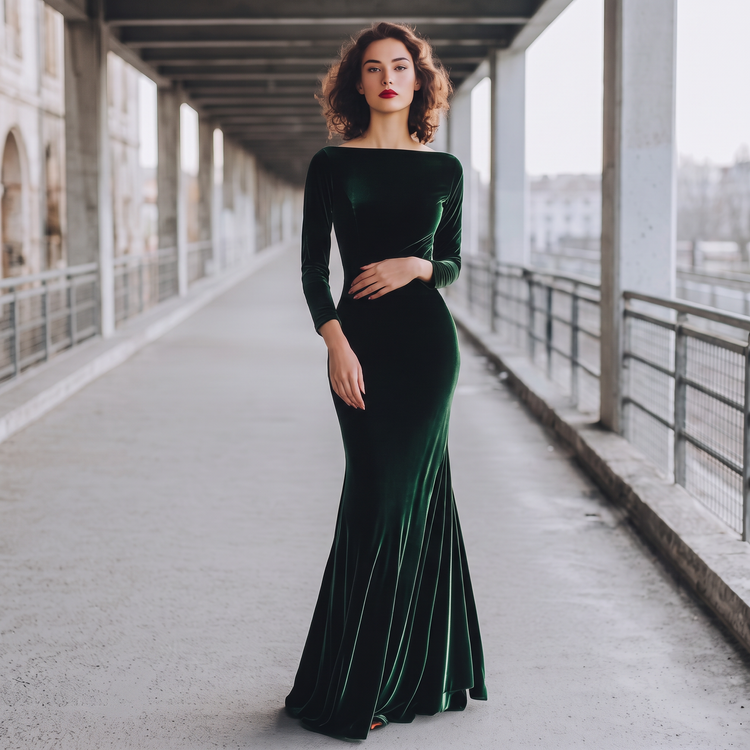
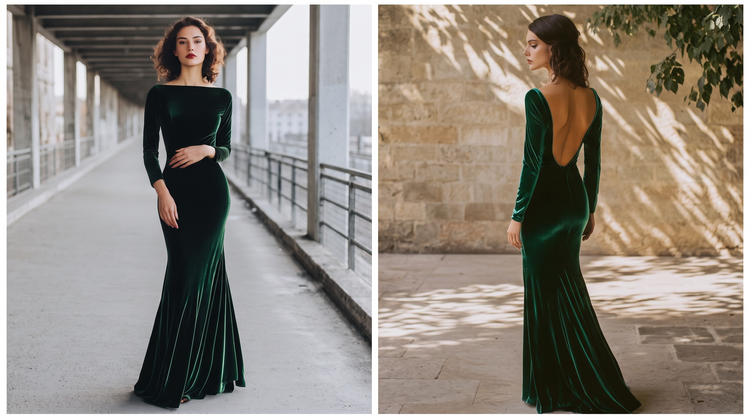
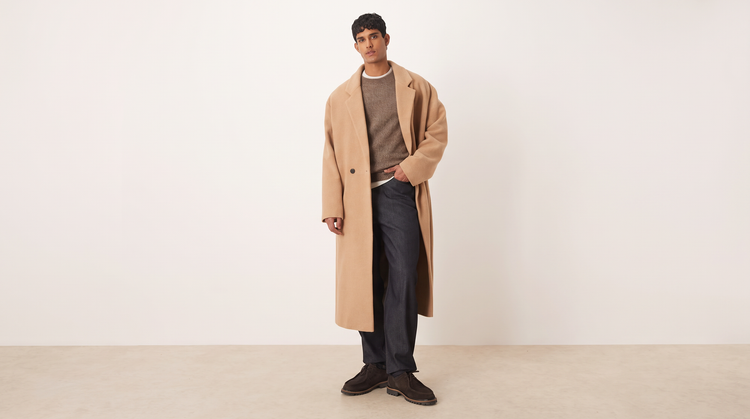
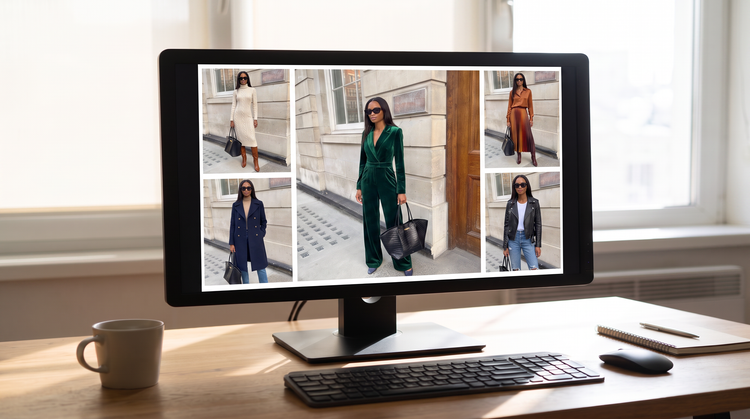
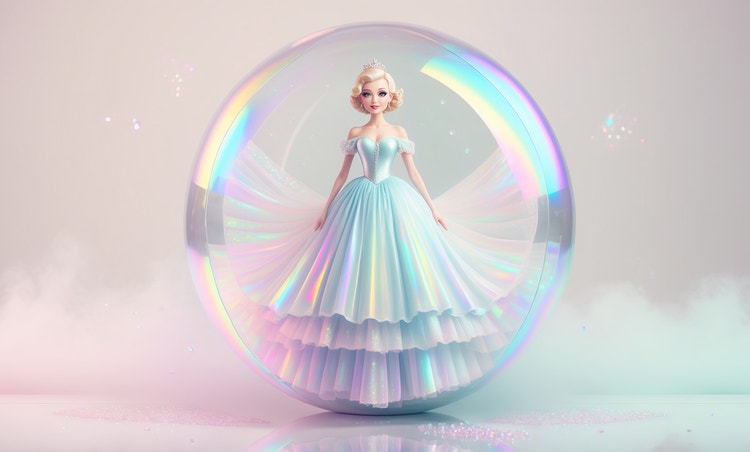
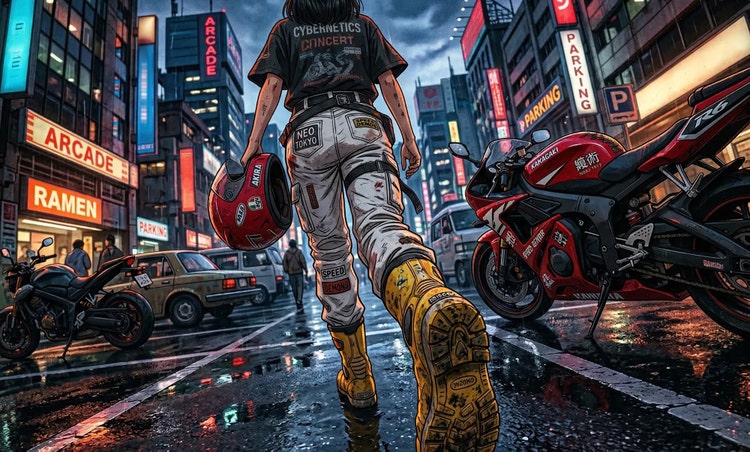
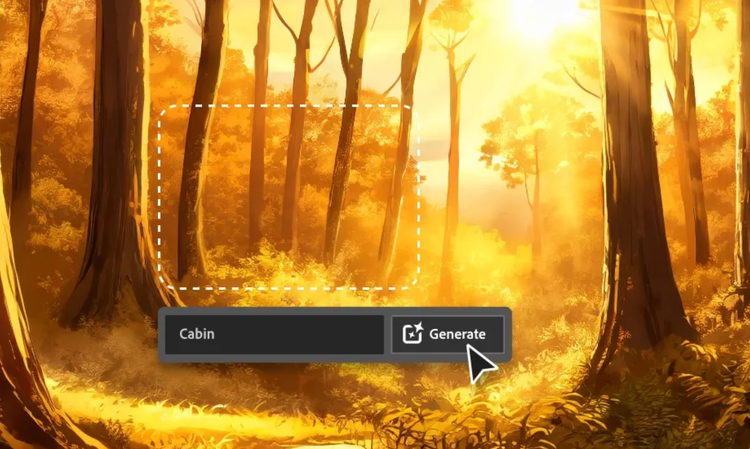
Upload a photo and describe the garment you want and Adobe Firefly will generate a clothing design based on your prompt. Name a silhouette, fabric or colour story or keep your description loose for a more unexpected result and Firefly will build a full look around it.
You can design almost any garment you can describe, from tailored suits and streetwear to evening wear and specific aesthetics like cottagecore or minimalist. Combine a piece with a fabric, palette or setting in your prompt and Adobe Firefly will show the full look in one design.
Yes. Type the garment, fabric and colour you have in mind and Adobe Firefly will turn your description into a clothing design. You can also start from a photo and describe the clothing you want to see.
Yes. Upload a clear photo and Adobe Firefly will place your clothing design on you rather than a generic model, so you can see how a silhouette, fit or palette comes together before you commit. Regenerate with a new prompt when you want to try a different direction.
Yes. Designers and stylists use Adobe Firefly to visualise clothing directions quickly before sourcing fabric or planning a shoot. It’s a fast way to compare concepts and align on a direction before committing time or budget.
Yes. Adobe Firefly turns a written description into a clear visual, so you can design your own clothes starting from words alone. Describe the garment you want and Adobe Firefly will build the design for you to refine.
Yes. Many people use Adobe Firefly to explore a concept, then use the design as a visual reference when sourcing fabric, briefing a maker or planning a production run. Save a version you like and bring it to the people helping you to build the piece.
The right clothing design tool gives you real creative control, variety of styles and a clear path from concept to a file you can actually use. Adobe Firefly does this and also brings together its own models and top partner models from Google, OpenAI, FLUX and more in one creative studio, so you can design, compare and refine without switching tools.
Adobe Firefly generative AI models generate content that is commercially safe, so designs you create with Adobe Firefly models are ready for commercial projects. If you design with a partner model, review that model’s terms for commercial use, since they may differ.
Adobe Firefly accepts JPEG, PNG and WEBP files. Your photo should be under 100 MB and at least 512 by 512 pixels for the best result.
Yes. Adobe Firefly runs in your browser, so you can design your own clothes from a phone, tablet or computer. Upload a photo from your device and generate your design from anywhere.
Yes, you can design clothes for free with an Adobe account. A free account gives you access to free daily generations, so you can try Adobe Firefly without a paid plan.
Learn more about using Adobe Firefly for free. Paid plans are available for higher-volume generation.