


Prompt for the effect you want.
Write a prompt for the look you're after, such as “warm film grain,” a “dreamy glow” or “a slow-motion feel.” Firefly applies it to your clip and you can adjust your prompt to explore different effects.


Upload a clip and describe the look you want. Adobe Firefly applies the effect to your footage, from film grain to stlylised motion.
By uploading your image or video, you agree to the Adobe Terms of Use and Privacy Policy and confirm you are 18 years of age or older.
By uploading your image or video, you agree to the Adobe Terms of Use and Privacy Policy and confirm you are 18 years of age or older.
By uploading your image or video, you agree to the Adobe Terms of Use and Privacy Policy and confirm you are 18 years of age or older.


Want a clip to look more cinematic, stlylised or polished? Describe the effect you have in mind and Adobe Firefly applies it to your video, so you can try ideas without learning complex editing software, all for free.
Write a prompt for the look you're after, such as “warm film grain,” a “dreamy glow” or “a slow-motion feel.” Firefly applies it to your clip and you can adjust your prompt to explore different effects.


Different models handle footage in different ways. Switch models from the model drop-down menu and compare how each one applies the same effect to your video.
Create new scenes with the AI video generator, then add to the clip by generating sound effects or generate music.
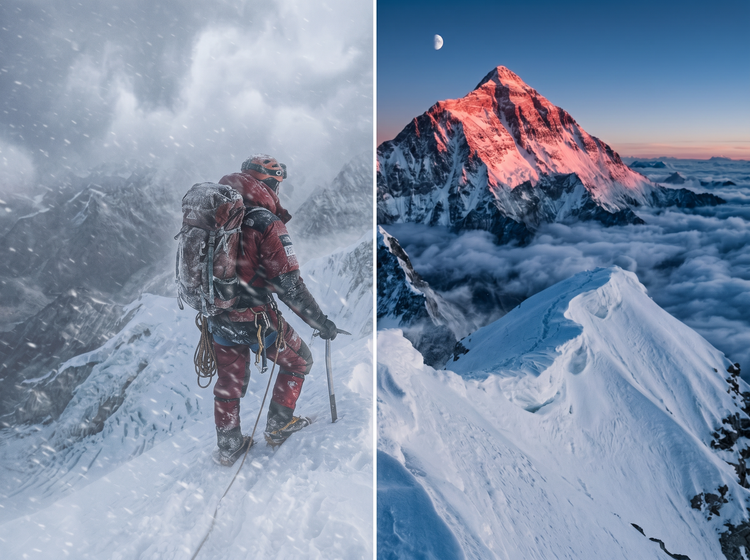
Sign in to Adobe Firefly with your Adobe ID or create a free account, then open the video editor from the home screen.
Drag and drop a clip from your device or from Adobe cloud storage. Clicking Adobe cloud storage will open your Generation History, where you can browse previous outputs. Adobe Firefly accepts MP4 files up to 200 MB and between 5 and 20 seconds long
Enter a prompt for the look you have in mind, such as film grain, a soft glow or a dreamy slow-motion feel.
Pick a model from the model drop-down menu, then check your settings before you generate.
Select Generate and review the result Adobe Firefly creates. Try a new prompt if you want a different look, then download your video.

Describe an effect in your own words, review the result and refine your prompt to explore other looks for the same clip.

Work with Firefly video models or partner models like Google Veo, Runway, Ray and more in a single creative studio. Use the model drop-down menu to try a different model on the same clip.

Edit footage, generate new scenes and add effects without switching tools. Each step happens in the same studio.
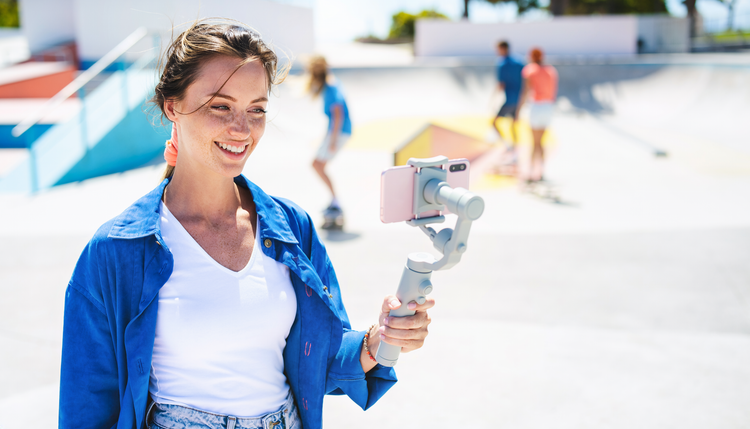
Create with ease, move fast when you need results now or refine every detail when precision matters. Firefly gives you the quality, speed and flexibility to create your way, without the complexity.




Learn how to use generative AI to boost productivity and discover new possibilities while maintaining creative control.
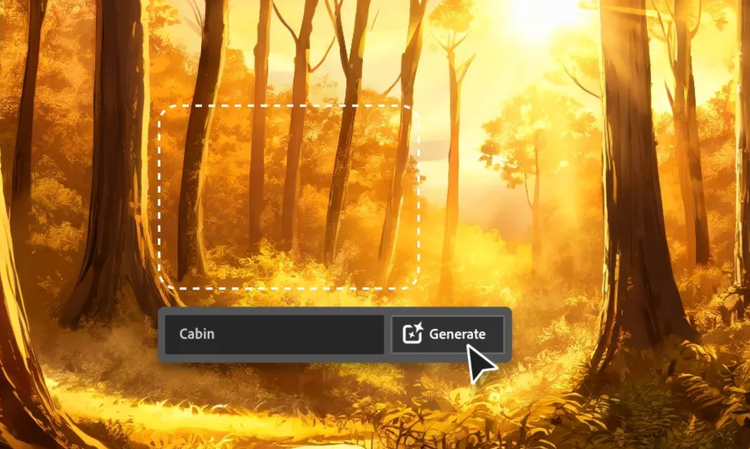
Generative AI is all over the headlines and that’s not empty hype. This new technology is likely to be part of your life soon. Learn how generative AI works and start streamlining your workflow.

Learn about the AI tools available to graphic designers and how they can help you be more productive and take your work in surprising directions.

The best prompts for AI aren't always obvious. These tips get you to your destination in record time.
Based on your location, we think you may prefer the United States website, where you'll get regional content, offerings, and pricing.


