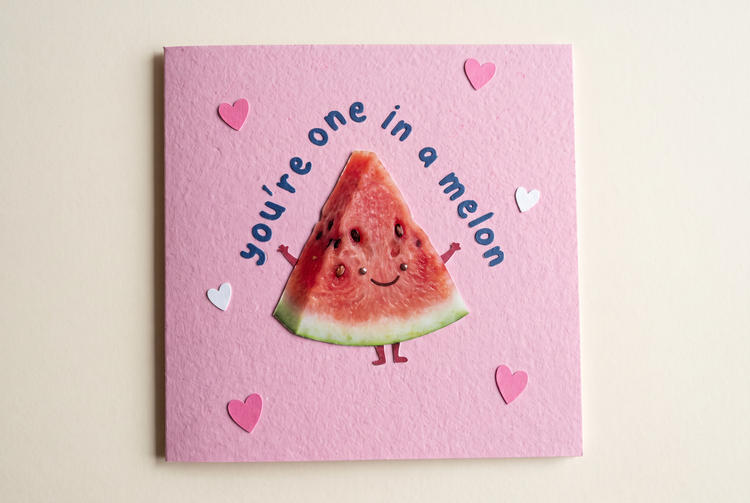
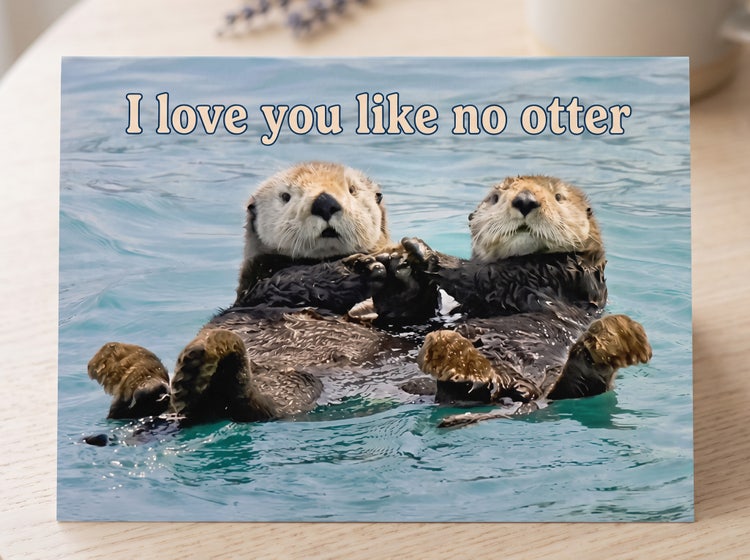
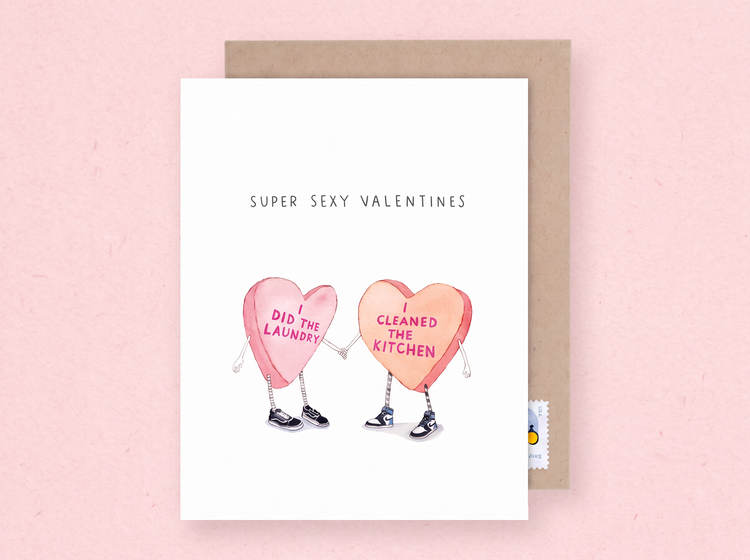
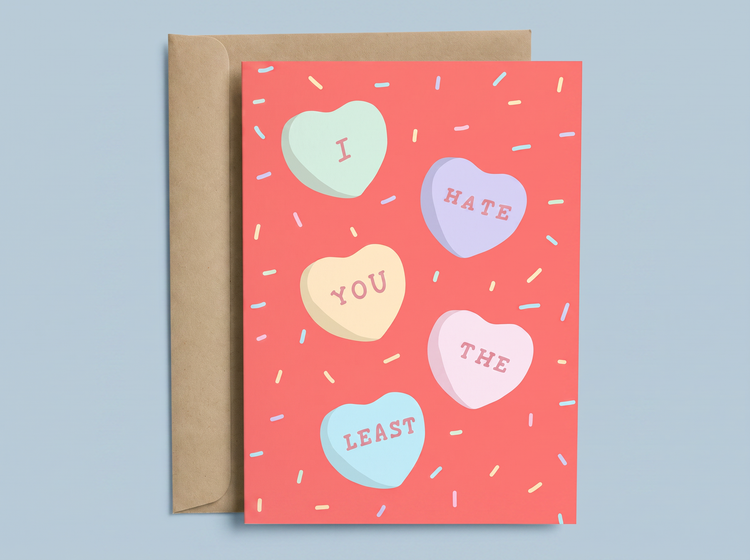
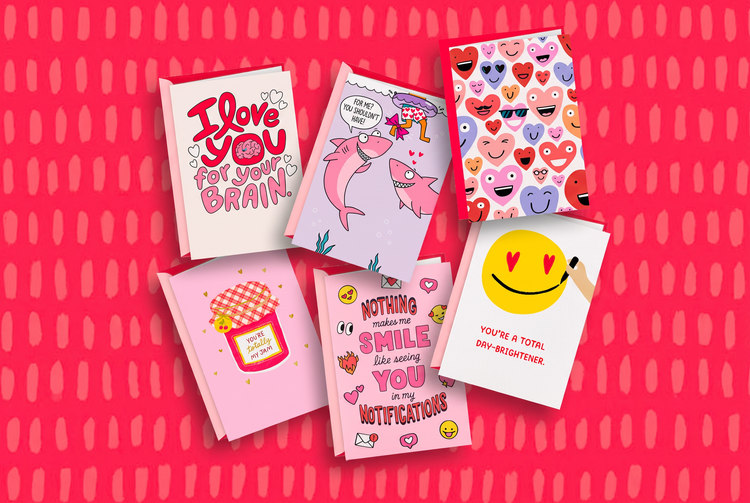
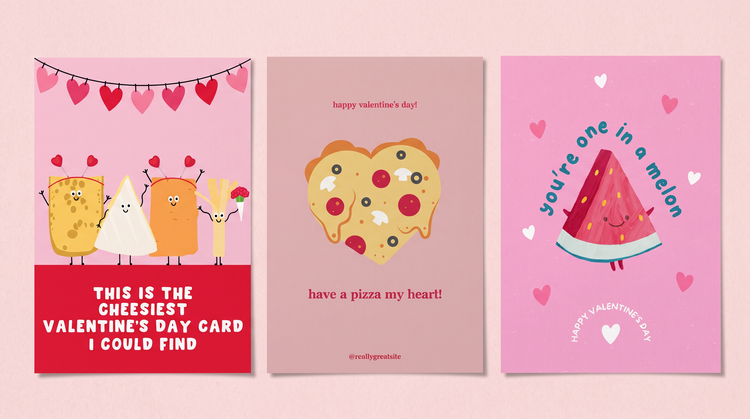
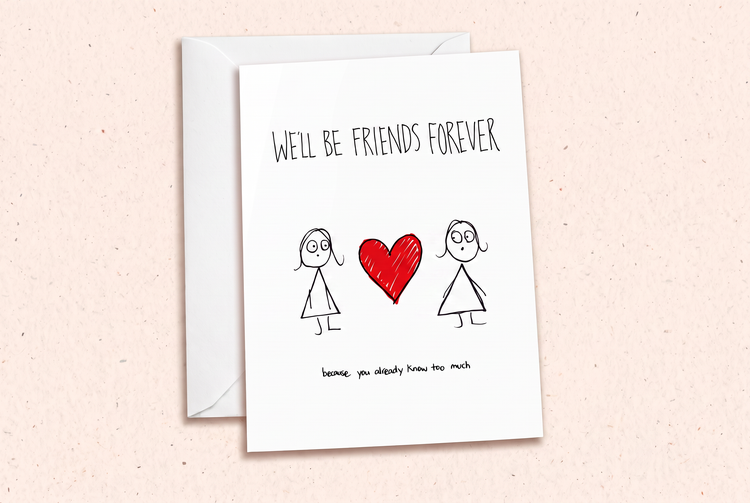
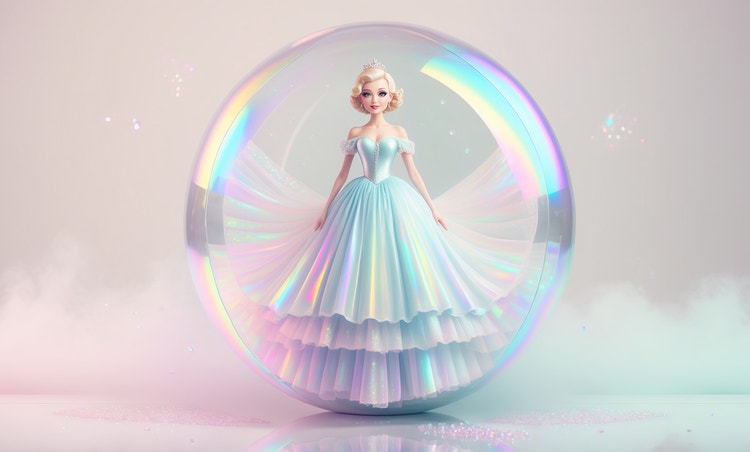
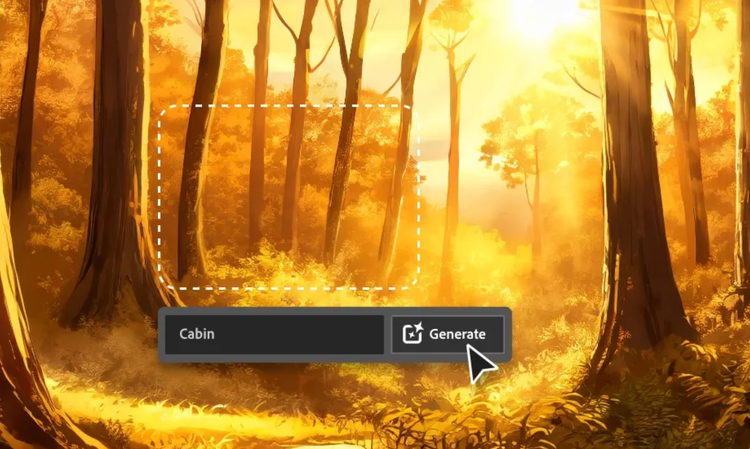
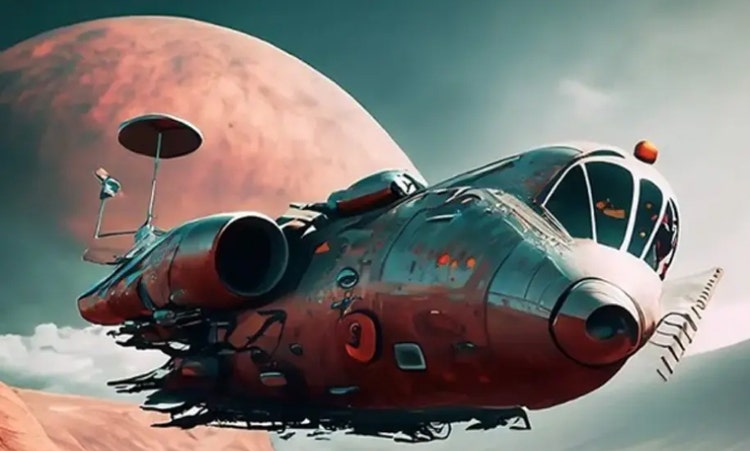
Adobe Firefly can generate silly puns, clever play on words, cheesy one-liners, plus more Valentine’s Day cards. With the Generate Image feature, describe your idea in a text prompt, add the visual style you want and Firefly will turn it into a fully composed image in moments.
Start with the subject and the pun, then add a style and a mood. A prompt like a cartoon bear holding a heart-shaped balloon with a pun about being "un-bear-ably" in love, with a bright confetti background, gives Adobe Firefly enough detail to produce a controlled result. Describe the colour palette, linework style and other details to push the image closer to your vision.
Yes. Adobe Firefly responds to detailed descriptions of any funny Valentine’s Day card subject, including cartoon characters, hand-lettered phrases and full illustrated scenes. Mention the type of character or text style you want and Adobe Firefly will place it according to your prompt.
Yes. Funny styles range from a subtle, dry one-liner to a bold, over-the-top cartoon gag. In Adobe Firefly, you can use prompt adjustments and style references to fine-tune your results.
Yes. A funny Valentine’s Day card works for partners, friends, kids, coworkers and pets. Adobe Firefly gives you the range to match the tone of any relationship, from a sweet inside joke to an office-friendly pun.
Yes. Describe the specific detail, whether it’s a nickname, a memory or a running joke and Adobe Firefly will build the image around it. The more specific the prompt, the more the card will feel like it was made for that one person.
Yes. Adobe Firefly models are safe for commercial use. Event planners, stationers and small businesses can use Adobe Firefly to generate Valentine’s Day card concepts for clients, then refine the details before handing off a finished design. Each design starts from a fresh prompt, so results can be tailored to each client’s celebration.
The best AI image generator gives you real creative control, such as the ability to specify the pun, the character and the visual style in natural language and to refine across multiple versions without starting again. Adobe Firefly does this and brings together top AI models in one studio, with precision editing tools that take you from first generation to finished result.
Adobe Firefly brings together its own models and top partner models from Google, OpenAI and FLUX. You can switch between models in the Model Picker and compare results side by side, then refine your favourite with precision tools in the same studio.
Images generated with Generate Image in Adobe Firefly download as a PNG.
Yes. Adobe Firefly lets you select different aspect ratios before generating, so you can create a square card front, a vertical poster-style card or a wide banner image from the same idea.
Yes, you can generate funny Valentine's Day card for free in Adobe Firefly with an Adobe account.. A free account gives you access to free daily generations, so you can try Adobe Firefly without a paid plan.
Learn more about using Adobe Firefly for free.