



• audio
  • Keep it short and specific, like birds chirping
  • Adobe Generative AI Terms
  • Generate
  • Describe what you want to generate
  • Prompt
  • Suggestions
  • Tip
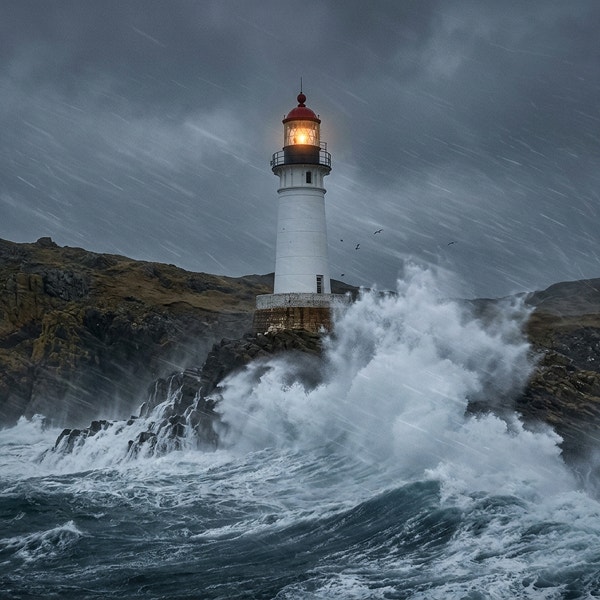
  • Variation 1
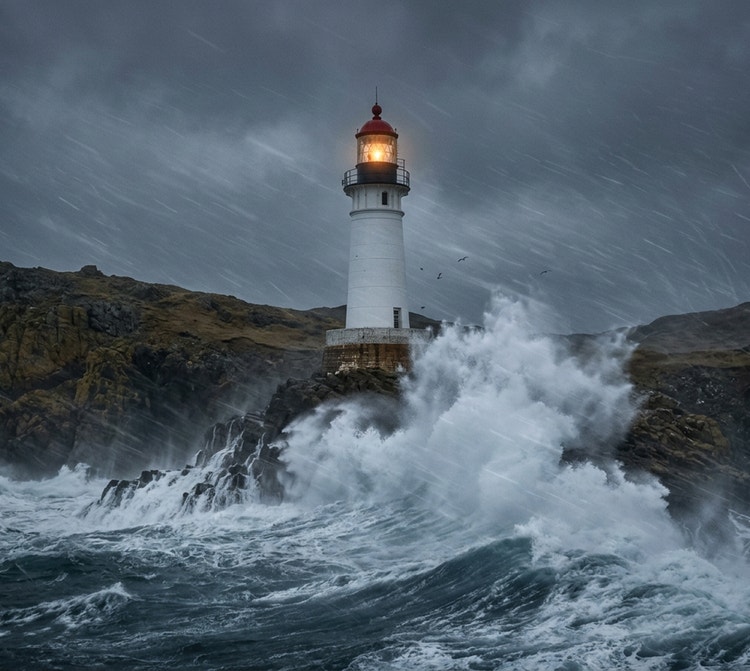
  • Variation 2
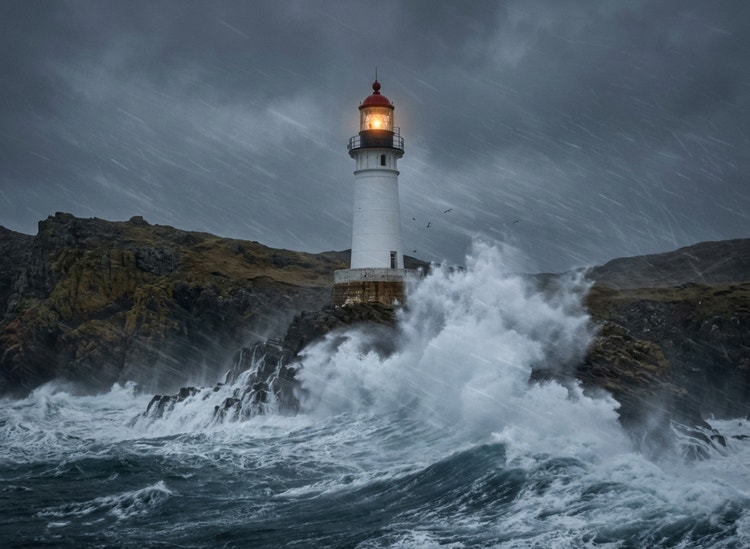
  • Variation 3
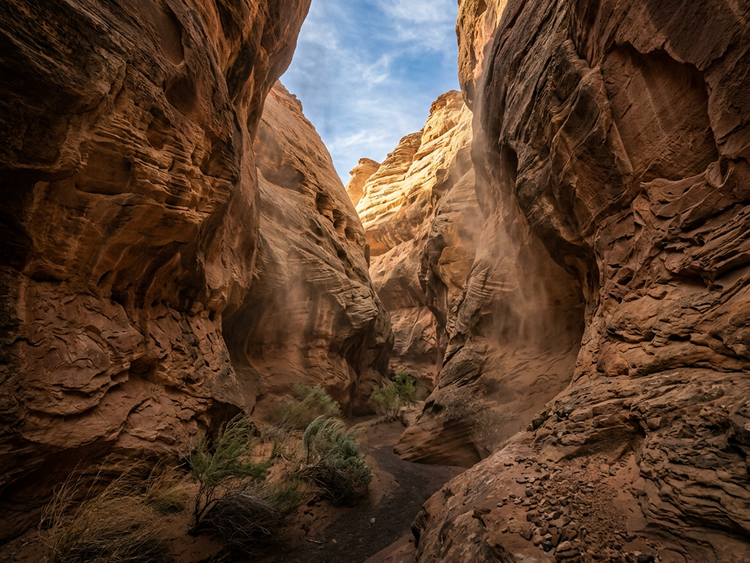
  • Variation 4
  • ff_campaign=embed_generate_acom&promoid=YXPZFP9M&mv=other
  • Unable to process the request
  • Please describe what you want to generate.
  • Prompt exceeds the max length of 750 characters
  • Unable to play audio. Please try other variations.
  • Enter prompt

Explore wind sound effects generated with Adobe Firefly.

From gentle breezes to howling winds, Firefly gives you the tools to quickly create wind sound effects for videos, podcasts, audiobooks and ads. Listen to a few examples and then use text prompts or upload reference clips to create just the right audio for your project.

Generate wind sound effects for any environment.

Generate realistic wind audio for films, videos, podcasts, social content and immersive storytelling. Create everything from subtle ambient breezes to dramatic weather effects in seconds.

Filmmaking.

Add realistic wind ambience to outdoor scenes, mountain landscapes, coastal shots and dramatic weather sequences.

Travel and vlogs.

Enhance travel films, road trip videos and destination content with natural wind sounds that bring locations to life.

Audio storytelling.

Create atmospheric soundscapes for audio dramas, narrative podcasts and immersive storytelling experiences.

Social media content.

Generate engaging background audio for short-form videos, nature clips, adventure content and creative posts.

How to create wind sound effects with Firefly.

Be specific about wind intensity.

Describe the strength of the wind in your prompt, such as a light breeze, steady airflow or powerful gusts. Clear descriptions help the wind sound effect generator produce audio that better matches your scene and creates a more believable atmosphere.

Describe the environment.

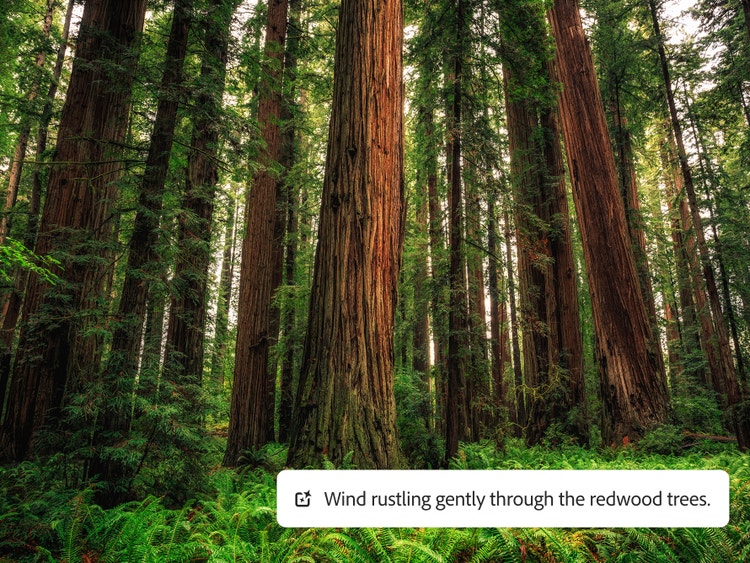
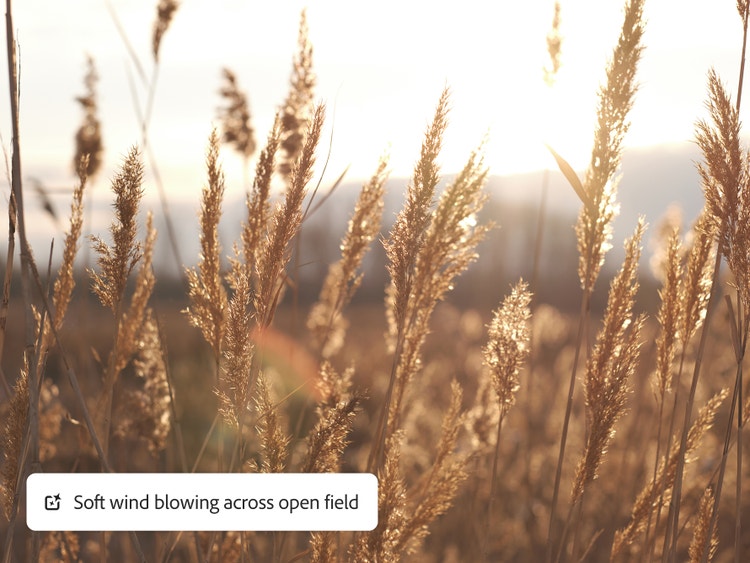
Include details about the setting, such as a beach, forest, mountain path or open field. Environmental context helps generate more natural wind sounds and adds depth to films, podcasts and other creative projects.

Add mood and weather details.

Mention conditions such as calm, stormy, dramatic or haunting in your prompt. Combining weather and mood descriptions helps create wind sounds that support the emotion and storytelling of your content.

Use reference audio for accuracy.

Upload a reference sound when you have a specific effect in mind. Reference audio helps Firefly better understand the tone, movement and intensity you want, resulting in a more accurate wind sound effect.

Precise control

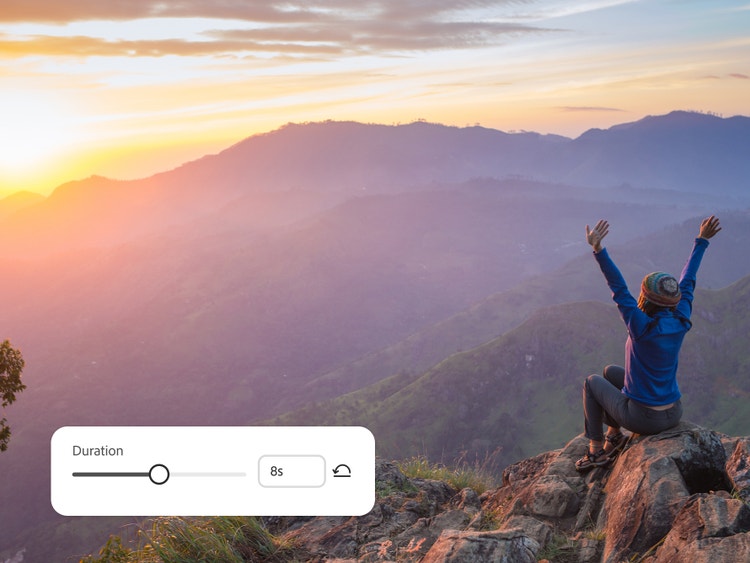
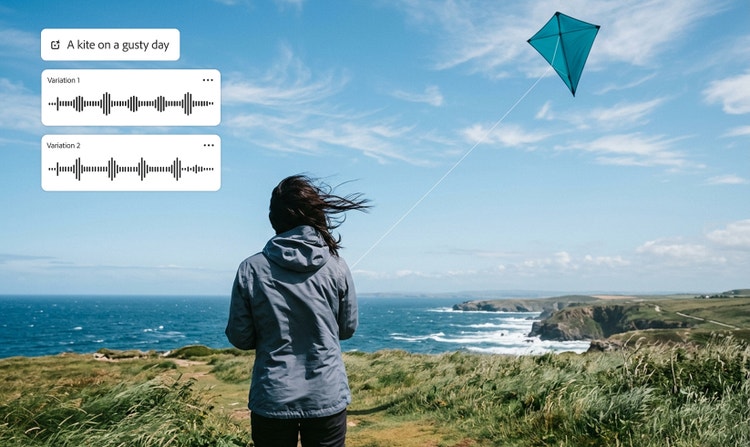
Dial up the intensity or tweak the tone of your wind sound effects with text prompts and simple controls in Adobe Firefly.

A variety of choices

The Adobe Firefly wind sound effect generator will give you multiple options from a single prompt so you can find the right fit for your project.

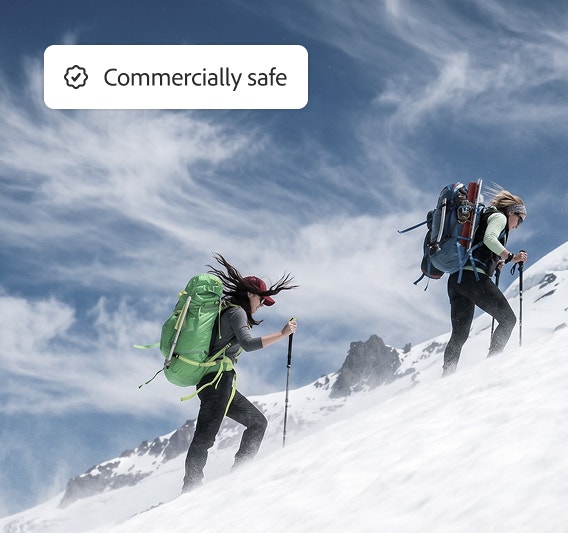
Commercial safety

Adobe Firefly is trained on licensed and public domain content so you can use your generated wind sounds for professional projects.

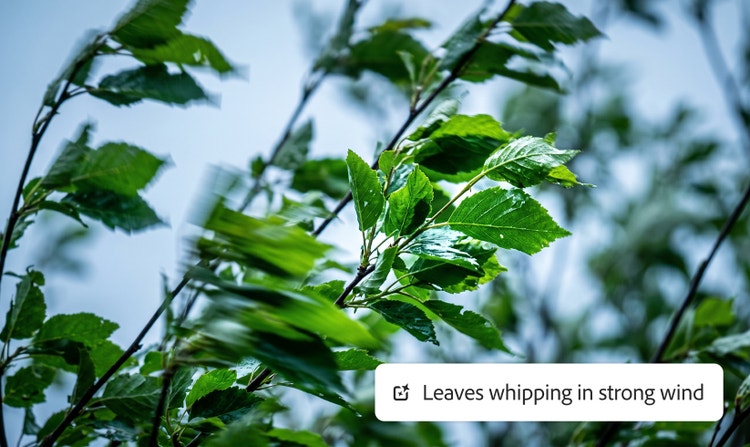
Ease of use

Just type a prompt describing what you want to hear, whether it’s a gentle breeze or a 95-mile-an-hour wind and the AI sound effect generator will give you great options in no time.

See what you can do in Firefly.

Discover even more features.

Questions about a wind sound effect generator? We have answers.

Share this page

Explore more Firefly tools.