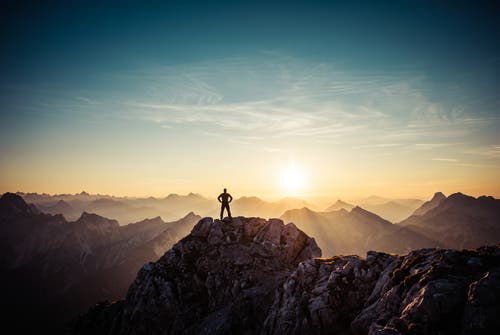
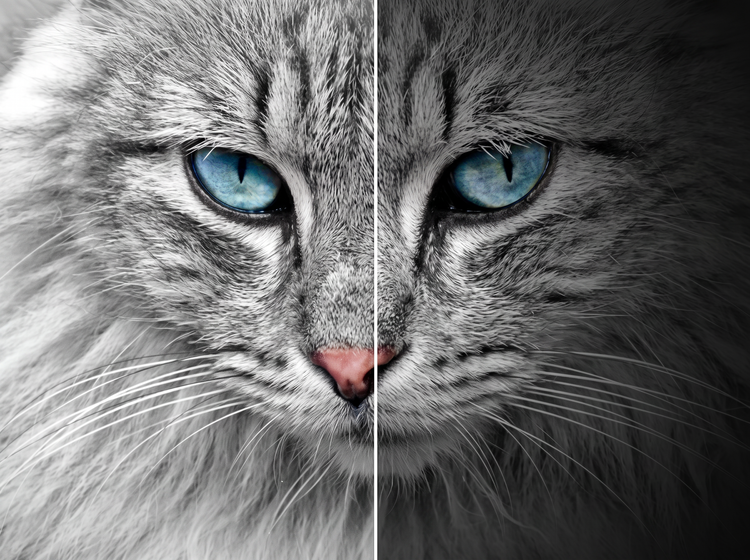
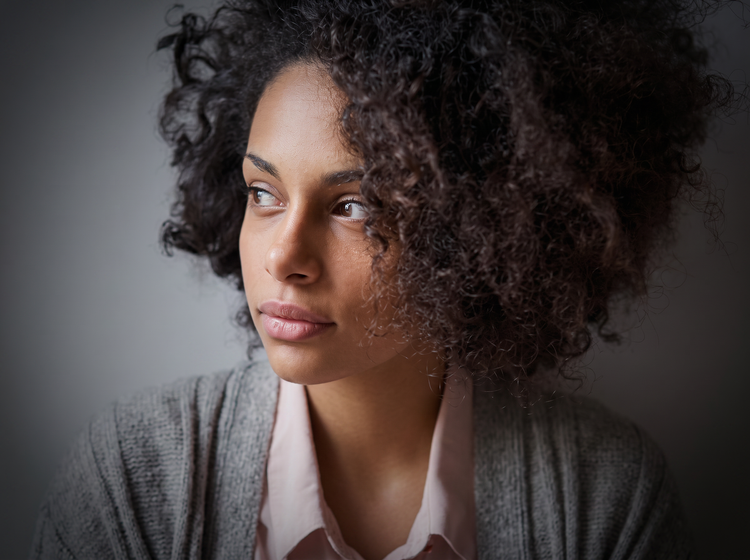
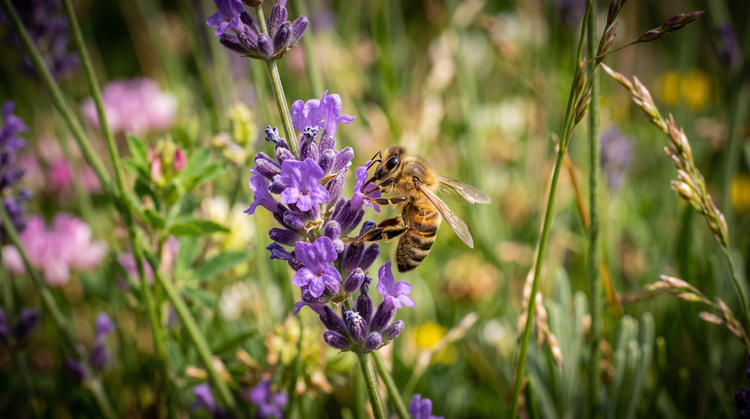
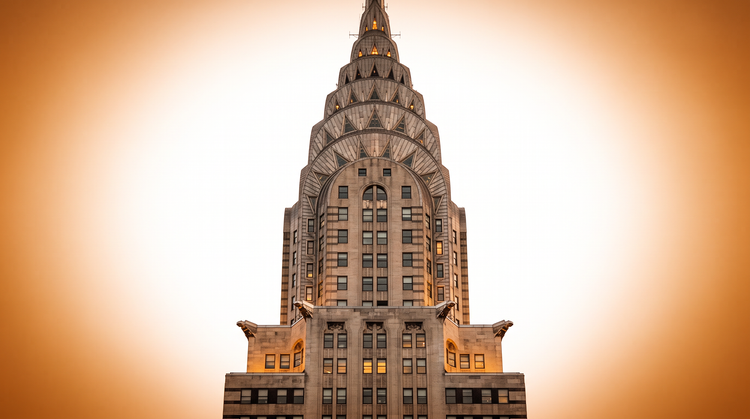
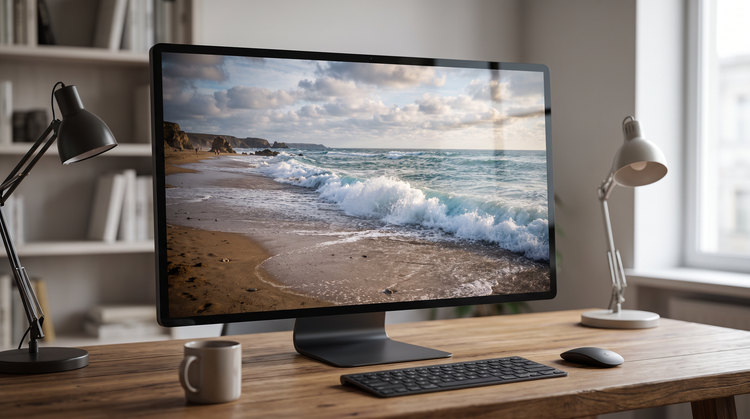
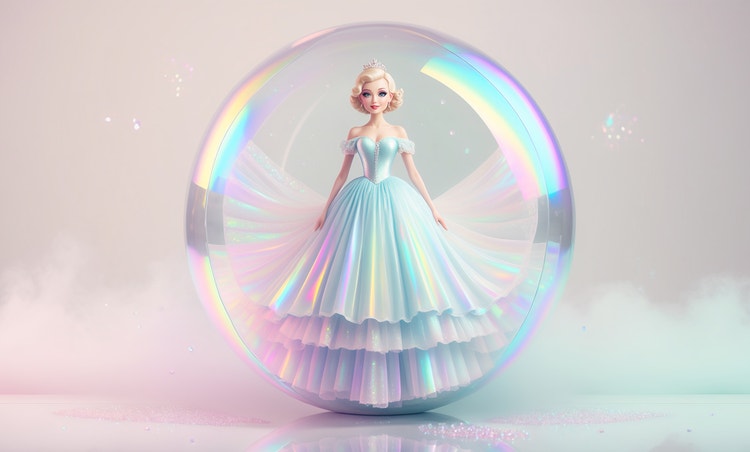
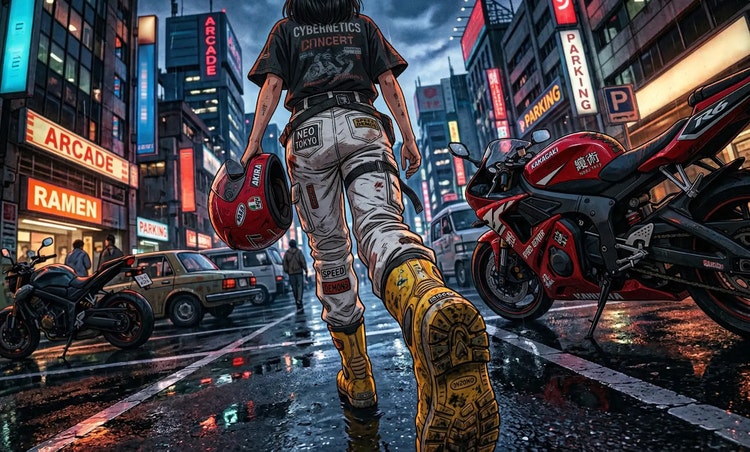
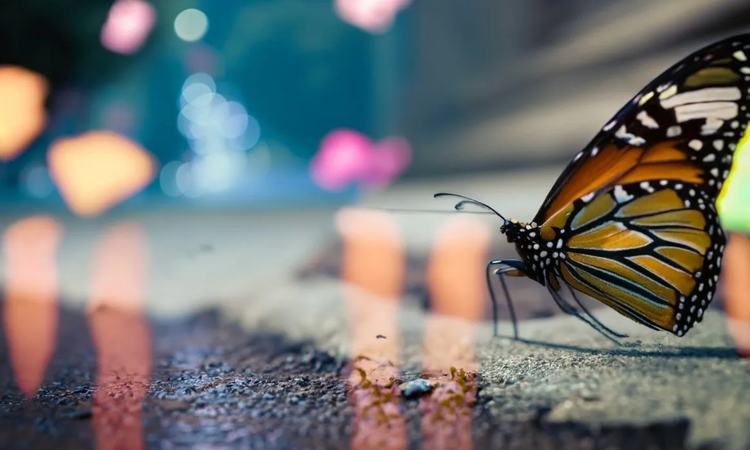
An AI vignette generator uses artificial intelligence to add darkened, softened edges to a photo or generated image, drawing the eye toward the subject. Adobe Firefly applies this effect based on a text prompt describing the strength, shape and mood you want.
Describe the vignette look you want in Adobe Firefly, including how dark, how wide and how soft the effect should be. Adobe Firefly will generate an image with the vignette applied based on your prompt.
Yes. You can adjust your prompt and refine the result with editing tools in Adobe Firefly to make the vignette more subtle or more dramatic, from a light corner darkening to a bold, tight frame.
A vignette fades gradually from the centre outward, keeping the subject bright while softening the corners. Darkening the whole background changes the exposure evenly across the frame instead of following that gradual falloff.
Photographers, marketers, social media creators and photo editors use vignette effects to draw attention to a subject in portraits, product shots and editorial images. Adobe Firefly makes the effect accessible to creators at any skill level.
Yes, images generated with a vignette effect with Adobe Firefly outputs can be used commercially, including in client projects and ads. Adobe doesn't restrict how you use the content and treats outputs as "Customer Content" you own. Review the
Adobe Generative AI User Guidelines for full details on usage.
The best AI vignette generator gives you real creative control, including the ability to describe your desired darkness, softness and shape in natural language and to refine your result across multiple versions. Adobe Firefly does this and also brings together top AI models, with precision editing tools that take you from first generation to finished image.
Adobe Firefly brings together its own models and top partner models from FLUX, Google, OpenAI and more. You can switch between models and compare results side-by-side to find the vignette look you want.
Adobe Firefly vignette images download as a PNG file, ready to use in your project.
No. The editing tools in Adobe Firefly are built to enhance your photo, not degrade it. When you apply a vignette, Adobe Firefly blends the effect with the existing detail and lighting rather than stretching or compressing your original pixels.
Yes. If a photo already has unwanted dark corners, you can describe the change in the Adobe Firefly Edit tab, such as “brighten the corners evenly,” to reduce or remove an existing vignette.
Yes, you can use a vignette effect created with Adobe Firefly for commercial projects. Firefly generative AI models generate content that is commercially safe, so you're free to use these effects in client work, marketing or products you sell. If you apply the effect to your own uploaded photo, make sure you have the rights to use that image commercially.