.
  • audio
  • Keep it short and specific, like birds chirping
  • Adobe Generative AI Terms
  • Generate
  • Describe what you want to generate
  • Prompt
  • Suggestions
  • Tip
  • Variation 1
  • Variation 2
  • Variation 3
  • Variation 4
  • ff_campaign=embed_generate_acom&promoid=T32PLJF8&mv=other
  • Unable to process the request
  • Please describe what you want to generate.
  • Prompt exceeds the max length of 750 characters
  • Unable to play audio. Please try other variations.
  • Enter prompt

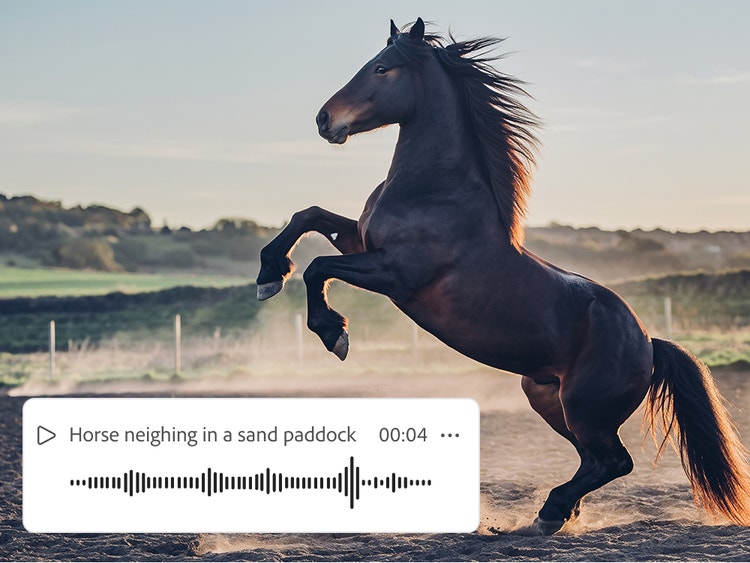
Explore horse sounds created with Firefly.

How to generate horse sound effects in Firefly.

Ease of use

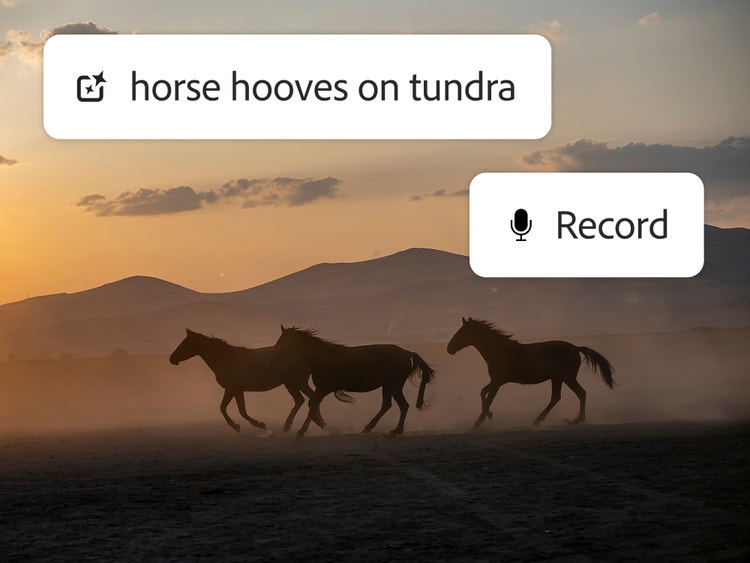
With just your voice and a text prompt, you can create the exact horse sounds you need to match your video or fit in among other audio elements.

High-quality results

You can make any effect sound realistic in Firefly using text or voice prompts. Layer individual sounds in the timeline to create a complete soundscape.

Precise timing

Upload your own video or audio file, use the timeline to start the effect at the right moment, and then use your voice to get the rhythm right.

Commercially safe models

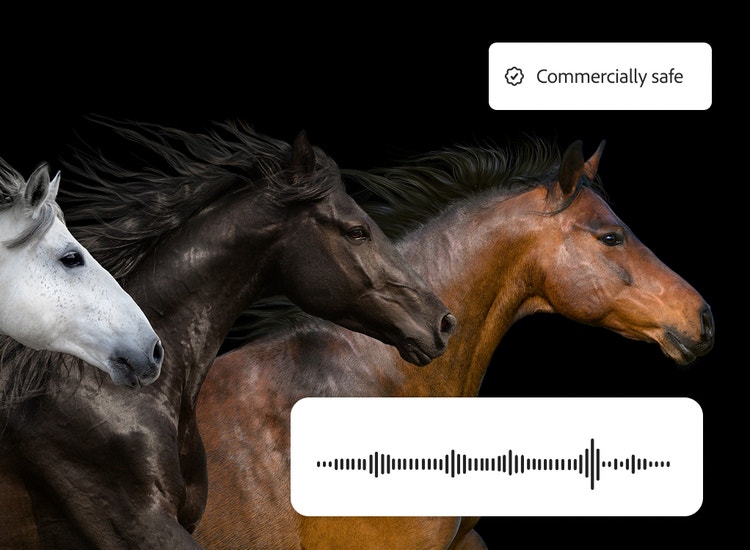
Firefly models are trained on licensed and public domain content so you can use your outputs for professional projects.

See what you can do in Firefly.

Discover even more features.

Questions? We have answers.

Share this page

Explore more Firefly tools.