




How to make a video into a Live Photo.

This page covers the steps on how to make a video a Live Photo using Adobe Express.

Start designing with Adobe Express

Easy all-in-one editor
One-click edits from any device
Fast creation with generative AI
Thousands of professionally designed templates
toc-title
Jump to this section:
toc-aria-label
table of contents links
content-1
What is a Live Photo?
content-1-short
content-2
What are the advantages of Live Photos?
content-2-short
content-3
How to turn a video into a Live Photo.
content-3-short
content-4
Can you share Live Photos converted from videos?
content-4-short
content-5
How can Adobe Express help with video and image editing?
content-5-short
How can Adobe Express help with image editing?

A Live Photo is a moving photo that records one and a half seconds of motion and sound just before and after the picture is taken. Live Photos bring images to life, adding movement to stills. They’re great for capturing a moment in time and adding emotion to photos. And you can use them as wallpaper backgrounds, to add interest to your social media, or in a digital gallery. Read on to learn how to make a video a Live Photo, and more.

What is a Live Photo?

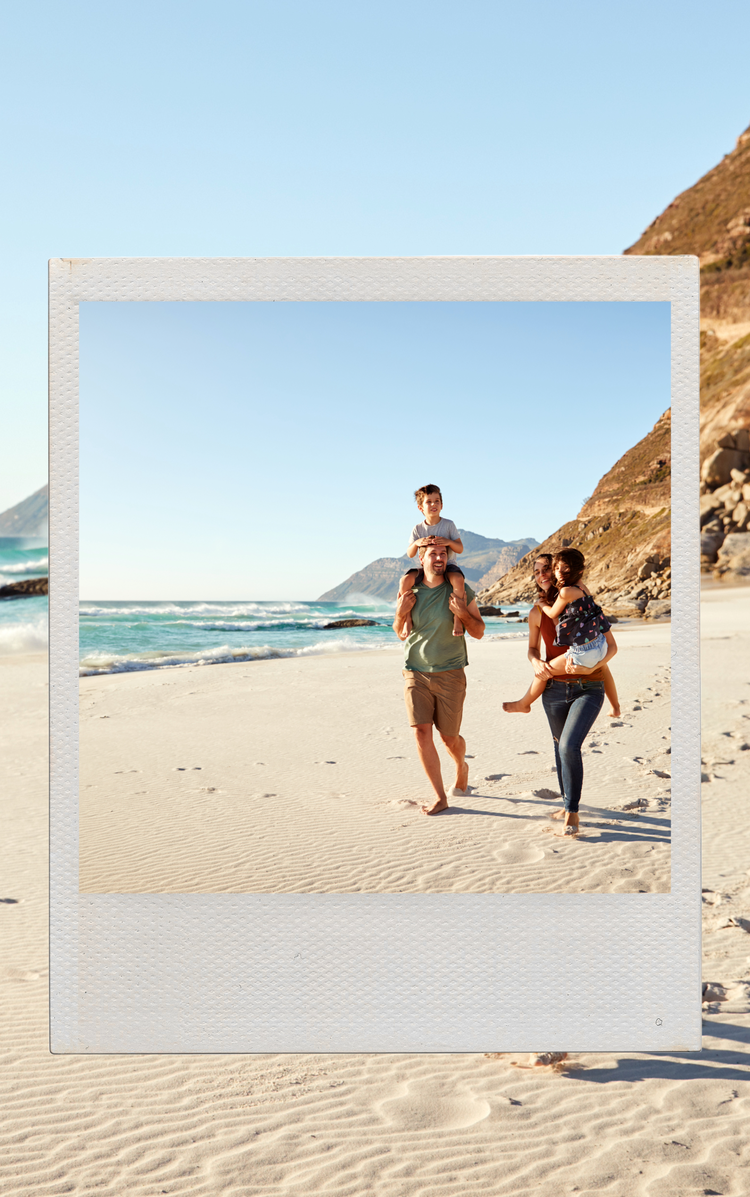
A Live Photo is a feature on iPhones that captures more than just a still image—it records 1.5 seconds of video and audio before and after you press the shutter. The result is a photo that moves and has sound when you press and hold it in your Photos app.

Live Photos add a layer of realism and emotion that a still image can’t always capture—like the flicker of a smile, a wave crashing, or your pet turning its head. It’s a perfect blend of photo and video, letting you relive a moment as it really happened.

They take slightly more memory space than traditional photos, but less than videos. Learn how to make a video a Live Photo and turn it into a short video using Adobe Express.

recipe

topics=family,journal AND holiday&tasks=photo-book&language=en-US&license=free&orderBy=+createDate&limit=4&collection=default

What are the advantages of Live Photos?

Live videos add a sense of emotion and life that can be difficult to capture through a standard picture. Some benefits include:

How to turn a video into a Live Photo.

Live Photos are primarily an iPhone-only native feature, so you'll need an iPhone to capture them. But, if you don’t have an iPhone – don’t fret. Fortunately, there are third party apps you can use to create Live Photos. Here’s how to turn a video into a Live Photo using these apps:

Picture, Picture
Download a video conversion app.
Head to your device’s app store and search for a video-to-Live Photo converter. Popular options include intoLive, Video to Live, and Lively Converter—many of which offer both free and premium features. Look for apps with high ratings and plenty of downloads, and always check reviews to ensure the app is safe and secure before installing.
Launch the app and grant access.
Open the app and grant it access to your phone’s photo library. This lets the app access the videos you want to convert to Live Photos.
Choose the right video and add effects.
Select the video you want to convert to a Live Photo. Most apps let you pick certain segments of the video and add visual effects and filters before turning it into a live video.
Convert the video to a Live Photo.
Once you’re happy with your selection, you can turn a video into a Live Photo.
Save and use your new Live Photo.
Save your new Live Photo to your camera roll, ready to send to loved ones or share on social media.

Can you share Live Photos converted from videos?

When you create Live Photos on an iPhone, sharing them can sometimes be limited. If you send a Live Photo to someone who isn't using an Apple device, they might only see a still image—without the motion or effects. However, if you've used a third-party app to convert your Live Photo into a video or GIF, it's easier to share across different platforms.

If you want to post a Live Photo to social media, you will likely need to post it as a video, not a Live Photo.

recipe

tasks=video&language=en-US&license=free&orderBy=+createDate&limit=4&collection=default

How can Adobe Express help with video and image editing?

Adobe Express can help with a range of video and image editing needs. Create captivating videos for all purposes easily with Adobe Express:

1. Edit images online for free.

Edit images online for free – no need to download anything. Just upload your pictures and use Adobe Express’ editing features to create the ideal image.

2. Make eye-catching videos from scratch.

Create attention-grabbing videos by customising your own clips. Add text, filters and music to craft content you can later transform into a Live Photo.

3. Convert your videos to GIFs.

Turn your videos into looping GIFs in a few easy steps. It’s also a good way to experiment with the image’s movement to get an idea of what it will look like before converting to a Live Photo.

Resize images with a dedicated AI tool.

Automatically adjust the size of your photos using the Adobe Express AI image resizer tool. Simply upload your photo, decide on your ideal dimensions, and click resize to generate three variations of your updated image. It’s a way to quickly create alternative versions of the same image – useful when sharing the same content across various channels, like your brand’s website and social media profile.

You might also like...

View all