Show off your expertise with the free cover letter generator.
Stand out among the competition with the help of the cover letter generator. Highlight your skills and experience using free fonts, images and cover letter templates from Adobe Express.
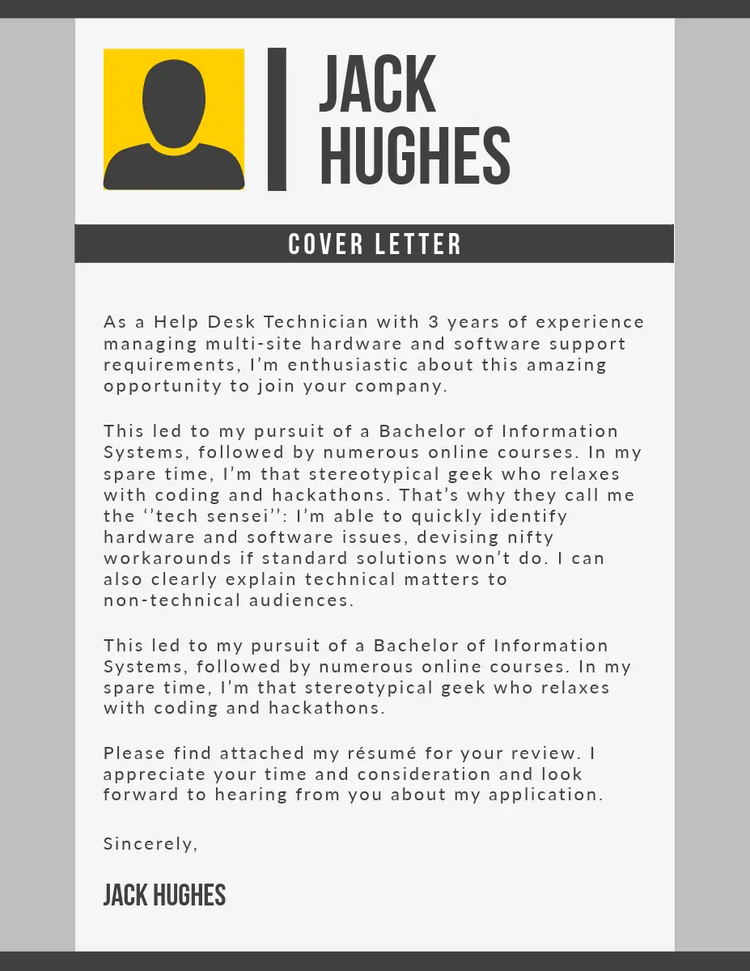

Template IDs
(To pull in manually curated templates if needed)
Orientation
(Horizontal/Vertical)
Width
(Full, Std, sixcols)
Limit
(number of templates to load each pagination. Min. 5)
Sort
Most Viewed
Rare & Original
Newest to Oldest
Oldest to Newest
Animated
(true, false, all) true or false will limit to animated only or static only.
Premium
(true, false, all) true or false will limit to premium only or free only.
Explore more categories in our app.
Make your cover letter for free on the Adobe Express app.
Create a custom cover letter that stands out to UK employers.
Sprinkle some magic over your cover letter with Adobe’s free generator tool. With thousands of styles and designs at your fingertips, you can easily build a cover letter for any industry or job role. Use the cover letter builder to tailor your cover letter to every application to impress potential employers. Choose a traditional layout to highlight your professionalism, or showcase your personality with a more creative design, complete with bold fonts and a personally branded banner. Adobe Express makes it super simple to share with UK recruiters, too. Pair your cover letter with your CV and distribute it via email, or download and print for a personal touch. Learn how to generate a cover letter with the free tool below.
What are some examples of cover letter designs available on Adobe Express?
Adobe Express offers a range of cover letter templates to help you build your document. Whether you’re looking for something sleek and professional, colourful and creative, or simple and traditional, there are designs to suit every industry.
Template IDs
(To pull in manually curated templates if needed)
Orientation
(Horizontal/Vertical)
Width
(Full, Std, sixcols)
Limit
(number of templates to load each pagination. Min. 5)
Sort
Most Viewed
Rare & Original
Newest to Oldest
Oldest to Newest
Premium
(true, false, all) true or false will limit to premium only or free only.
How to create free cover letters online.
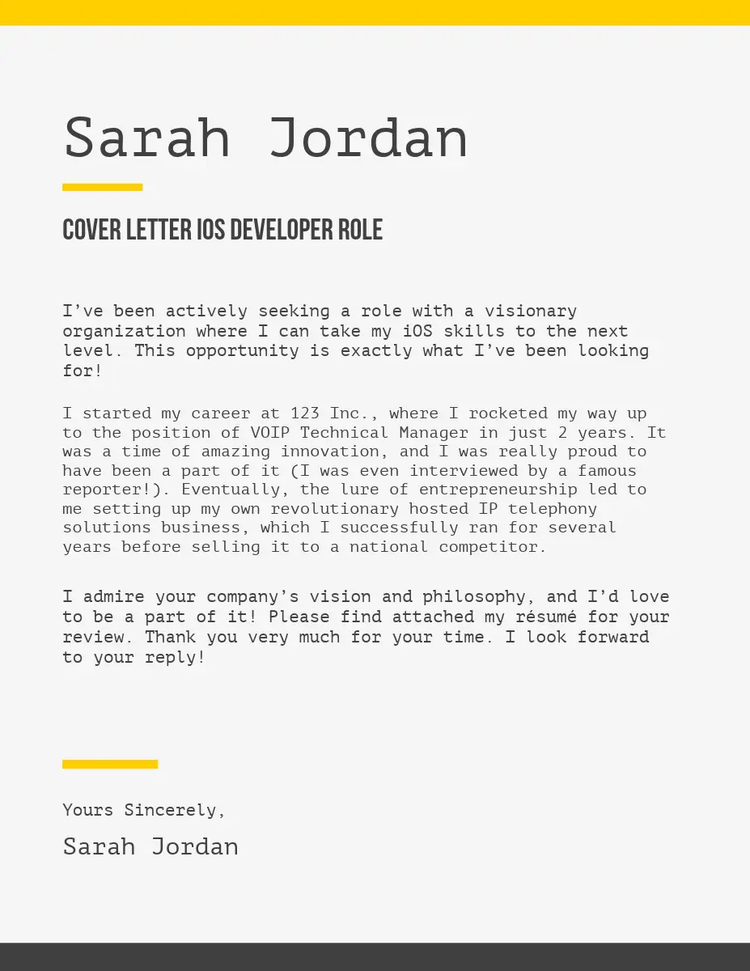
Look through thousands of cover letter designs online to find the one that suits the role you’re applying for.
You can start from scratch if you’re feeling extra creative, or choose an existing design to generate your cover letter quickly.
Use the cover letter builder to make your skills and experience shine with customisable features.
Take your pick of icons, fonts, borders and banners to create a cover letter recruiters will remember and recommend.
When you’re happy with your cover letter, you can download it for free. Attach it to your job application, email it to employers or share it with recruiters via LinkedIn.
Got another role you want to apply for? You can tweak and amend your cover letter as often as you like with Adobe Express.
A cover letter generator to make your credentials shine.
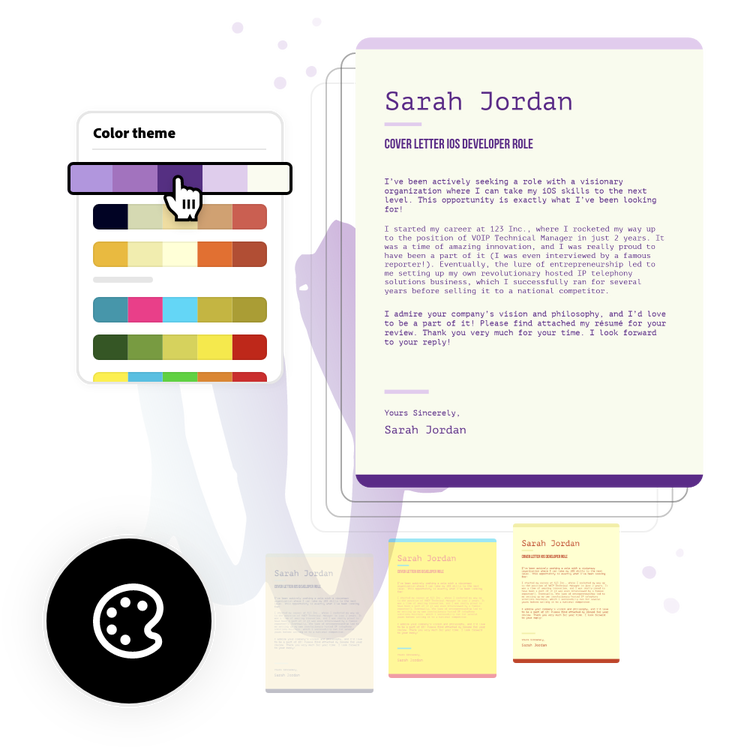
The Adobe Express cover letter builder makes it easy to create something that lets you show off your credentials. You don’t need to be an editing whizz to stand out from the competition. Select your template, use the Colour Theme tool, and find the combination to make your cover letter pop. Your dream role awaits.
Create a unique cover letter that shows off your personality.
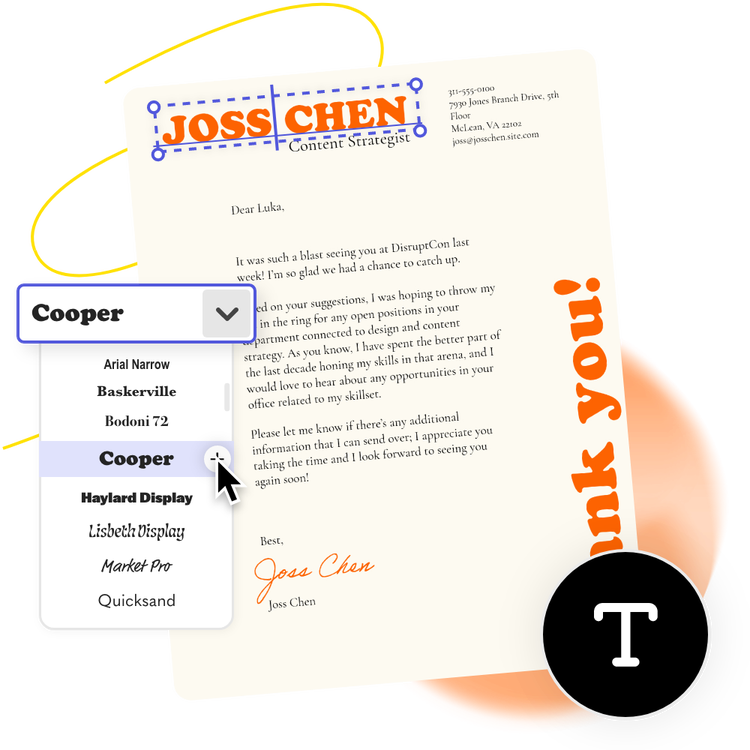
Highlight your experience for the role while showing off your personality with free customisable cover letter designs. Once you’ve chosen a template you feel is right, use the cover letter builder’s powerful personalisation options to create something eye-catching.
Drag-and-drop images, icons, and shapes. Select Adobe Fonts to add a professional edge. Then download and share digitally or print it.
Ensure you stand out.
A personalised cover letter can set you apart from the competition. Cherry-pick the highlights from your CV and support them with more specific achievements.
Have fun with the many tools in the cover letter generator and experiment with structure to help capture the attention of a recruiter or prospective employer. Drag and drop eye-catching icons, use bold fonts for key headings and make your contact details stand out with a dedicated banner. You’ll be working your way up the career ladder in no time.
Easily amend for different roles.
As you move through your job search, you may apply for roles looking for different skillsets – so your cover letter will need to move with you. With the Adobe Express cover letter generator, you can return to your design at any time to amend and pull forward the most relevant information for each role.
As you evolve as a candidate, you can easily make updates too. Add new training or relevant experiences to your cover letter in just a few clicks.
Align your design across your portfolio.
Adobe Express can ensure you show up looking professional at every touch point. You can replicate your distinctive cover letter design on your CV, business card and even on a presentation if you’re asked to present during your interview.
Prove how consistent and thoughtful your approach is with the suite of cover letter templates and tools available through Adobe Express.
How do you introduce yourself in a cover letter?
You should introduce yourself in a cover letter by starting with your name, the position you’re applying for and where you heard about the opportunity. The next few sentences should illustrate how enthusiastic you are about the role, and why you think you’d be a good fit. Think about the relevant skills, passions and experience you can quickly highlight to catch a recruiter’s attention.
How do you end a cover letter?
To end your cover letter, circle back around to a few key points that demonstrate your value to the recruiter. For example, the skills and experience you have and why these would make you a great fit for the role. Don’t forget to conclude by thanking them for their time and for reading your application, and end with a strong, professional sign-off that expresses your enthusiasm.
How can you personalise your cover letter for different industries?
Different industries and roles require different cover letter designs and layouts. For example, a customer service role may call for a more traditional, simple cover letter layout. Meanwhile, a more creative role may require a letter that stands out visually.
You should take some time to research what would work best for the specific role you’re applying for, the industry and the company itself. It may be that you want to incorporate some of the brand’s colour schemes into your design to show you’ve done your research.
Some ideas to consider for different industries could include:
- Corporate and finance. Consider using a traditional, simple and conservative layout.
- Creative and marketing. Go for an engaging, creative design – but ensure this isn’t too busy and is still legible.
- Retail. While you may want to stick to a traditional layout for a retail role, don’t be scared to get a little creative to match specific branding.
- Non-profit and public sector. You want to highlight your altruism, so make your cover letter design warm and welcoming.
- Academia. Alter your cover letter template based on your area of study – and don’t be afraid to get creative to illustrate your passion.
How does Adobe Express compare to other cover letter creator tools?
Adobe Express offers a design-forward approach, with a wide range of professional tools and templates and integrated AI capabilities. You can use the platform from ideation to completion, there to help you generate cover letter ideas and templates, and use professional-standard editing tools. With Adobe, you also have access to their large Stock Photo library, as well as wider Adobe Cloud tools and storage.
Frequently asked questions.
A cover letter is your opportunity to capture the attention of a recruiter and signpost the most relevant parts of your CV to them. It should include a short introduction about yourself and why you’re interested in the role, before demonstrating the skills they’re looking for.
You should make references to the wording used in the job role specification and use clear examples to highlight your expertise.
You can then sign off with your contact details, so they know how to get in touch.
When it comes to crafting the perfect cover letter, it’s important to keep in mind the following tips:
- Keep it simple and concise – usually one page maximum
- Include experiences that are hyper-relevant to the role and check if you’ve been asked to do anything specific in the application
- Research the company beforehand and showcase your knowledge of the brand in the cover letter
- Show off your personality and personal brand
- Create a different cover letter for each role you apply for.
Yes, it’s a good idea to use a template for your cover letter. Recruiters and potential employers read lots of cover letters and CVs, so it’s important to ensure what you’re presenting is well laid out. An easy-to-read cover letter could make the difference between getting an interview or not.
A templated design can also make it easier for you to adapt your cover letter for future roles too.
To make sure your cover letter is attractive to Applicant Tracking Systems (ATSs), you should make sure that you use a simple and easy-to-read format. You should also use keywords directly from the job description – but make sure these sound natural.
The aim is to make your cover letter digestible and scannable, so ATS software can quickly identify whether you fit the role or not.
Adobe Express offers a free cover letter builder tool with a wide range of templates and professional editing tools. Generate your cover letter template from scratch or choose a design that fits the role you’re applying for – and no need for any design experience.
You can also learn more about Adobe plans and pricing for more comprehensive paid-for features.