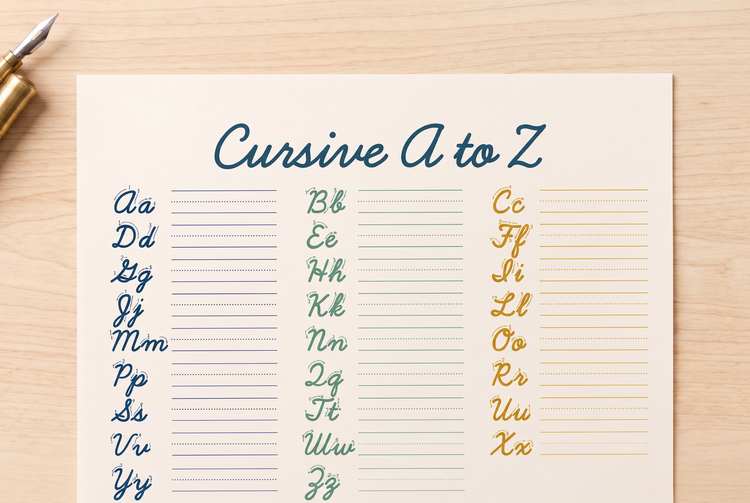
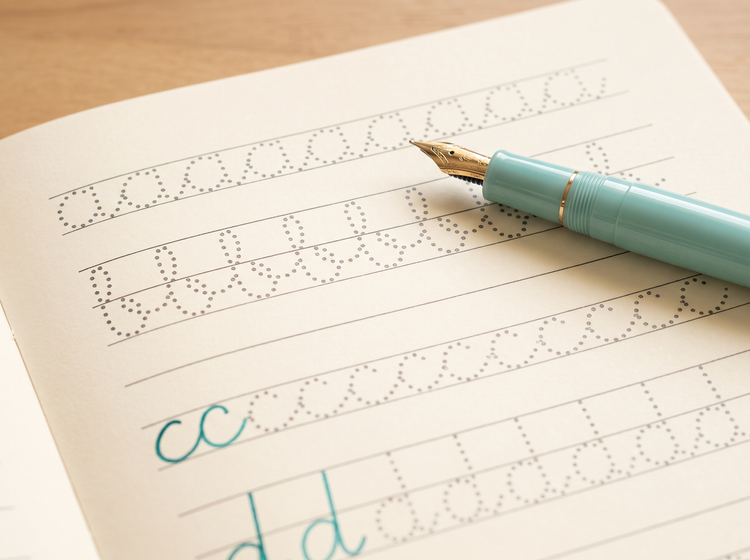
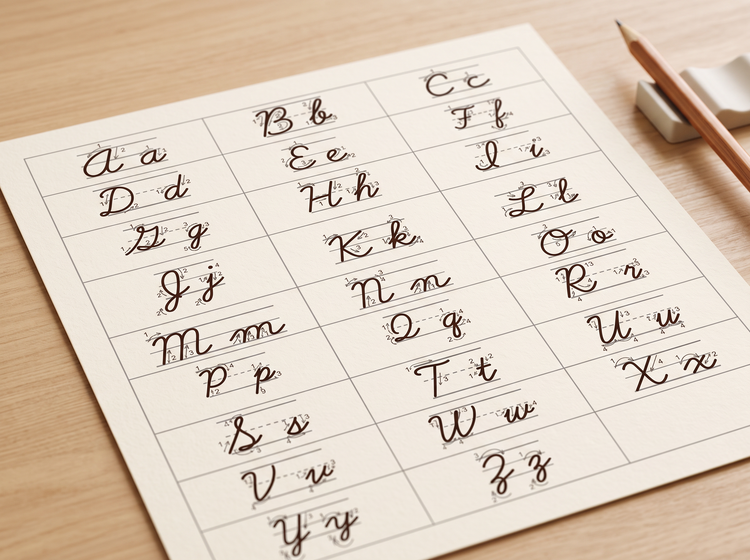
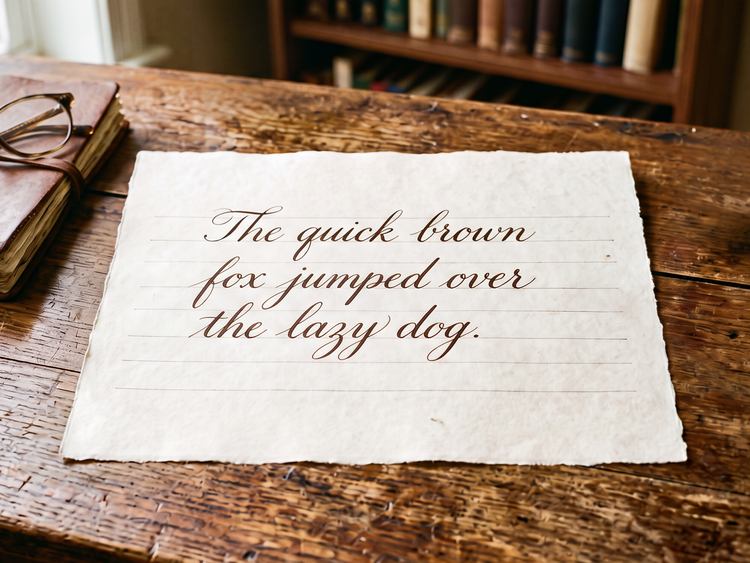
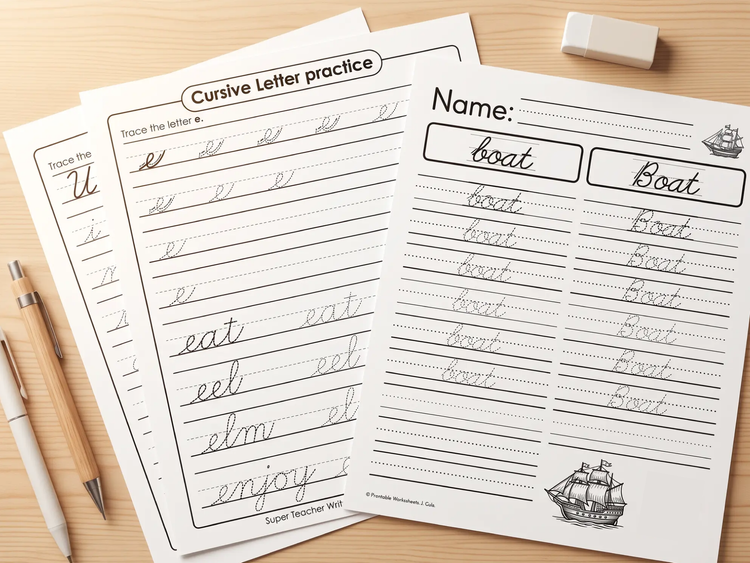
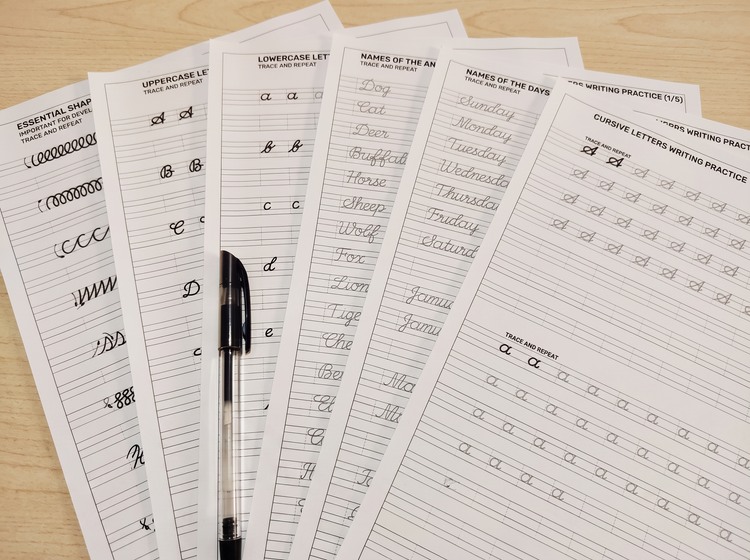
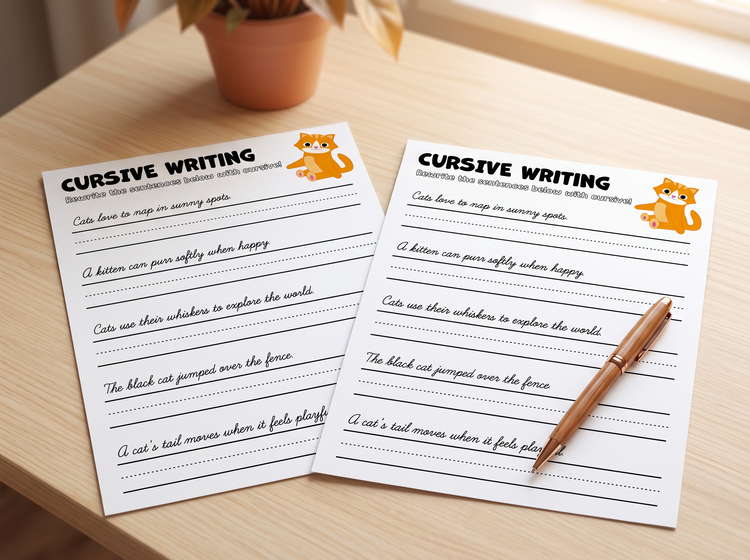
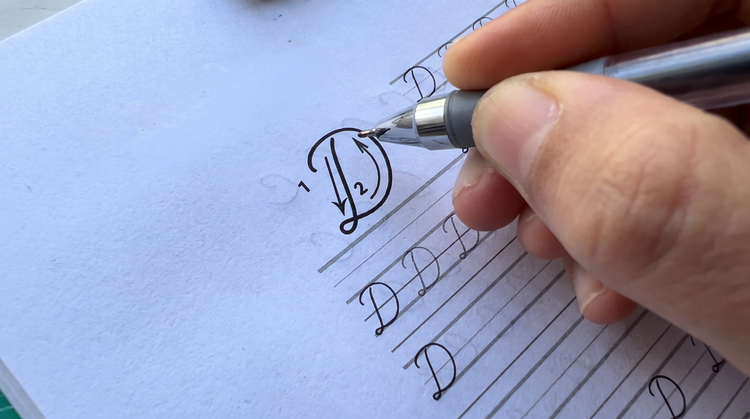
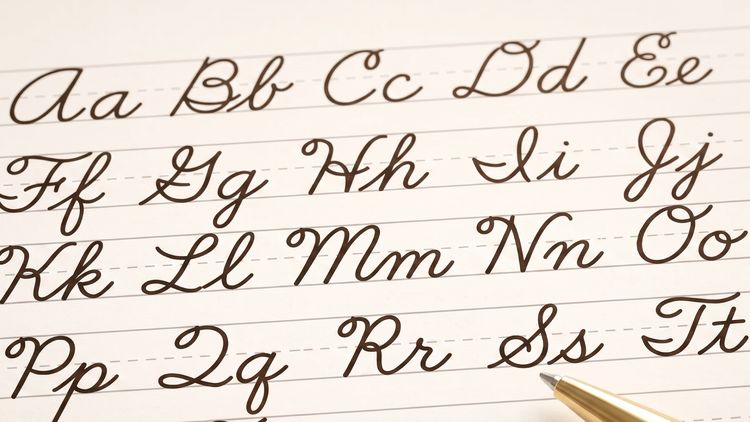
Adobe Firefly can generate cursive handwriting images in a range of styles, from soft pastel classroom looks to formal black ink calligraphy. Describe the wording, palette and paper texture you want and Adobe Firefly will produce a fully composed design in moments.
Start with the exact words or letters you want to see, then add a colour palette, paper texture and mood. A prompt like elegant navy cursive script on cream paper with a thin floral border gives Adobe Firefly enough detail to produce a controlled result.
Yes. You can adjust your prompt and generate multiple versions of the same cursive lettering idea, comparing palettes, ink weights and paper textures until one feels right.
Yes. Teachers and content creators can use Adobe Firefly to generate cursive handwriting images for slides, handouts and social content. Each design starts from a fresh prompt, so results can be tailored to a specific lesson or theme.
Yes. Designers and small businesses can use Adobe Firefly to generate cursive handwriting concepts for clients, then refine the details before handing off a finished design.
The best AI lettering generator gives you real creative control, the ability to specify wording, colour and mood in natural language and the tools to refine a design without starting again. Adobe Firefly does this and brings together top AI models in one studio, with precision editing tools that take a cursive handwriting design from first draft to finished art.
Yes. Adobe Firefly generative AI models generate content that is commercially safe, so you can use your cursive handwriting designs in client projects, published materials or other commercial work, provided you follow the
Adobe Generative AI User Guidelines. It is your responsibility to determine if art created with partner models is suitable to use in your project. Adobe Firefly models are trained on licensed and public domain content.
Images generated in Adobe Firefly download as a PNG.
Yes, you can use Generate Image in Adobe Firefly for free with an Adobe account. A free account gives you access to free daily generations, so you can try Adobe Firefly without a paid plan.
Learn more about using Adobe Firefly for free.