https://main--cc--adobecom.aem.live/cc-shared/assets/img/firefly.svg Adobe Firefly

Design around a bad photo for free with Adobe Firefly.
Upload your photo and Adobe Firefly will fill in what's missing, extend the background or add design elements around it. Adjust the style until the layout feels finished.


Or tap here
File must be JPEG (JPG), PNG or WEBP and up to 100 MB.
By uploading your image, you agree to the Adobe Terms of Use and Privacy Policy and confirm you are 18 years of age or older.
Or tap here
File must be JPEG (JPG), PNG or WEBP and up to 100 MB.
By uploading your image, you agree to the Adobe Terms of Use and Privacy Policy and confirm you are 18 years of age or older.
https://main--cc--adobecom.aem.live/cc-shared/assets/svg/s2-icon-upload-20-n.svg Upload your photo
Or drag and drop here
File must be JPEG (JPG), PNG or WEBP and up to 100 MB.
By uploading your image, you agree to the Adobe Terms of Use and Privacy Policy and confirm you are 18 years of age or older.
- File size larger than 100 MB
- Unable to process the request
- We are unable to process this file type. Please try again.
- Only one file can be uploaded at a time.
- Image is smaller than the minimum dimensions (512 x 512 pixels). Please resize and try again.
https://main--cc--adobecom.aem.live/cc-shared/assets/img/product-icons/svg/firefly-80.svg

Adobe Firefly
The next evolution of creative AI is here for all your ideas, with image, video, audio and vector tools.
Fix a bad photo with Adobe Firefly.
Not every photo is camera ready. Adobe Firefly turns a blurry, poorly lit or awkwardly cropped photo into the starting point for a polished design for free. Extend the background, swap a distracting element or build fresh graphic layers around the shot you already have.
Work with the photo you have.
Adobe Firefly will extend backgrounds, smooth out lighting and add graphic elements around your image, turning a rough photo into a workable design base.
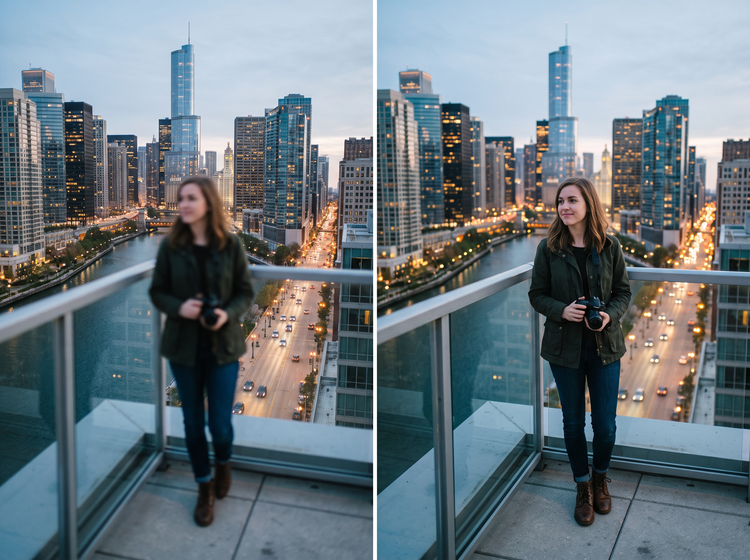
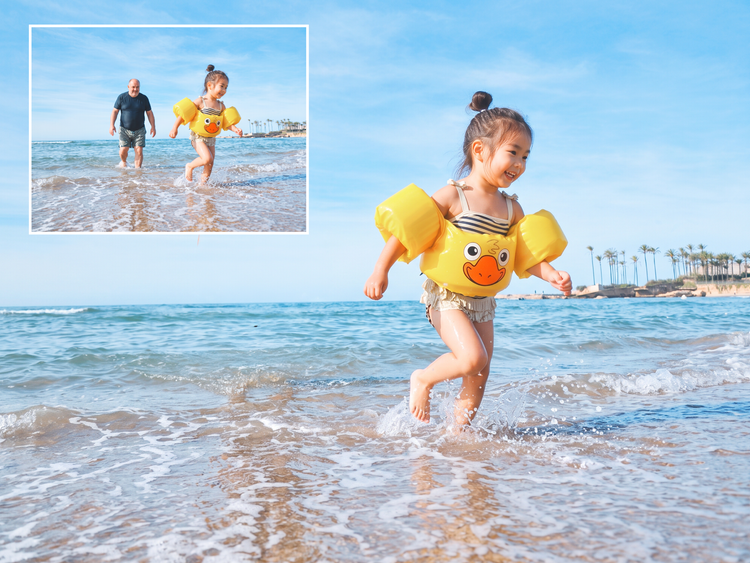
Fill in what a bad photo is missing.
Keep the parts you want, remove the parts you don't and watch your design come together around the improved photo.
Compare directions before you commit.
Adjust your prompt and generate more than one version of the same design, comparing palettes, layouts and finishing touches side by side. Pick the direction that fits the project, then refine it further.

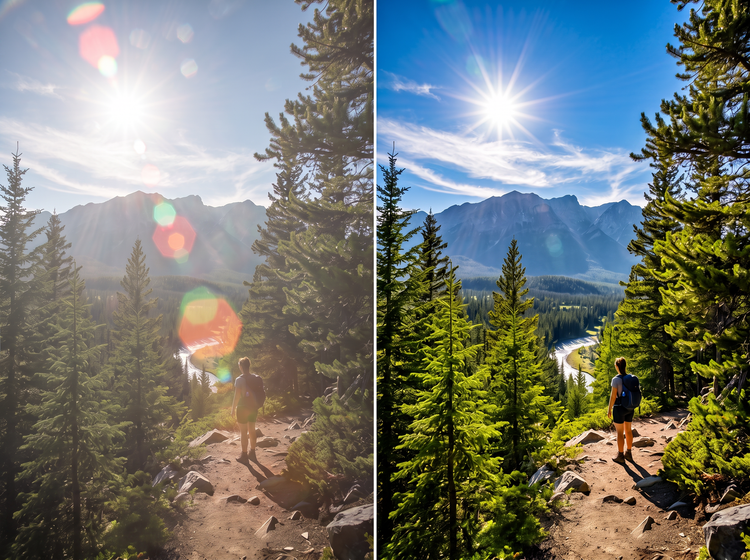
Apply your images anywhere.
A design built around a single starting photo can become a printed piece, a digital graphic or a social post without starting from scratch each time. Firefly keeps the working file flexible enough for whatever comes next.
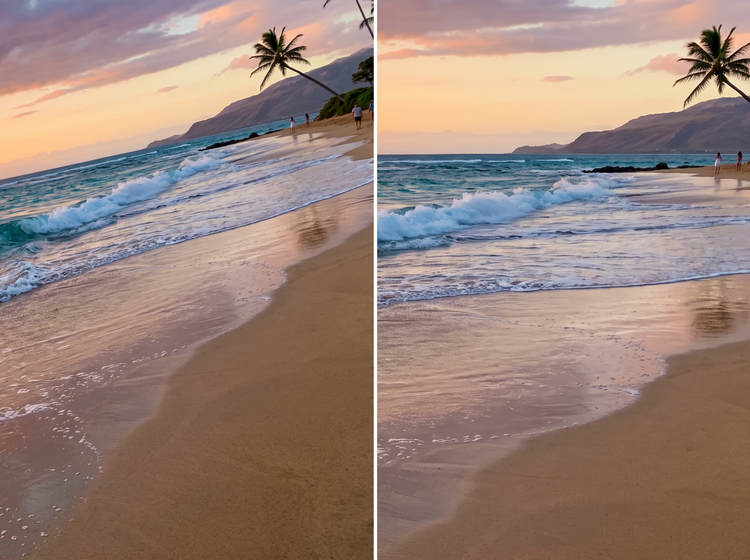
Explore design styles.
Try different prompts and settings to apply different looks to your image. Go for a realistic result or describe something more stlylised, such as an illustration-type outcome or add texture for more personality. Adobe Firefly generates results based on your descriptions
How to design around a bad photo with Adobe Firefly.
Step 1
Log in and upload your photo.
Step 2
Write a descriptive prompt.
Step 3
Adjust your style settings.
Step 4
Download your finished design.
Steps on how to design around a bad photo using Adobe Firefly Edit Image.
PT3M
firefly
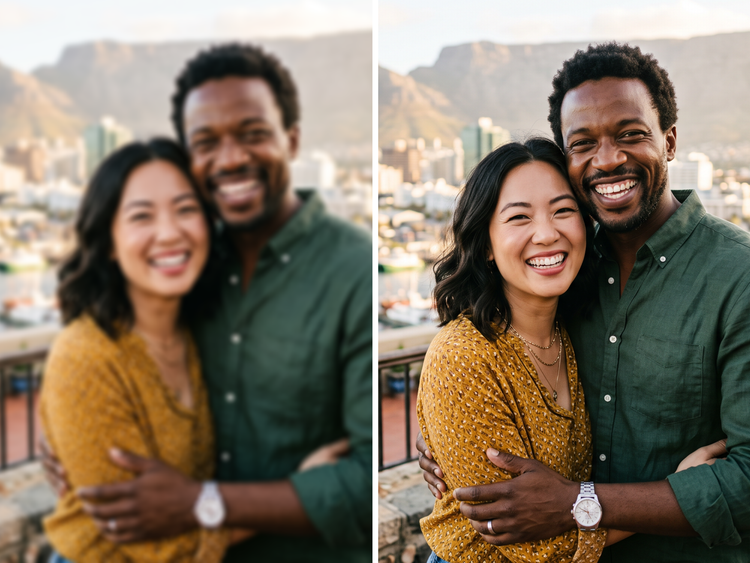
Precise creative control
Set the palette, the layout and the finishing details in your prompt, then adjust settings until the design matches the photo it started from. Fine-tune as many times as the project needs.
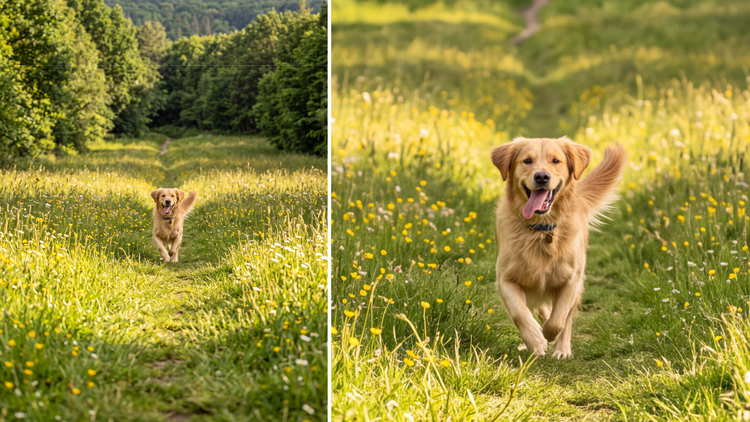
Top AI models, all in one place
Adobe Firefly brings together its own models and top partner models from Google, OpenAI, FLUX and others. Generate with the model best suited to your photo, without switching between tools.
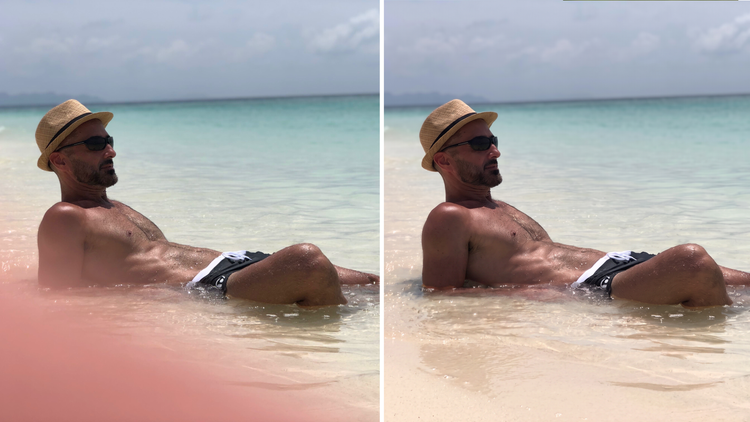
Your complete creative space
Firefly covers the whole arc of turning one photo into a finished design. Describe the fix, choose a model, adjust the details and land on a result without switching apps.
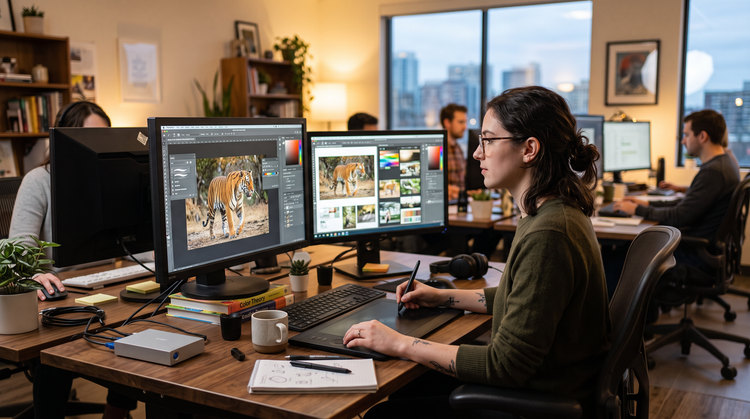
Seamless integration
Bring your finished design into Photoshop on the web for detail retouching or hand it off to Adobe Express to build a matching flyer or social set.