


1. Use the free mood board maker to build a custom board.
With the Adobe Express Mood Board Maker, you can create stunning mood boards in minutes – it’s the easiest way to get inspired. Try the Adobe Mood Board Maker today, and get your imagination running.
2. Find inspiration from the editable mood board templates.
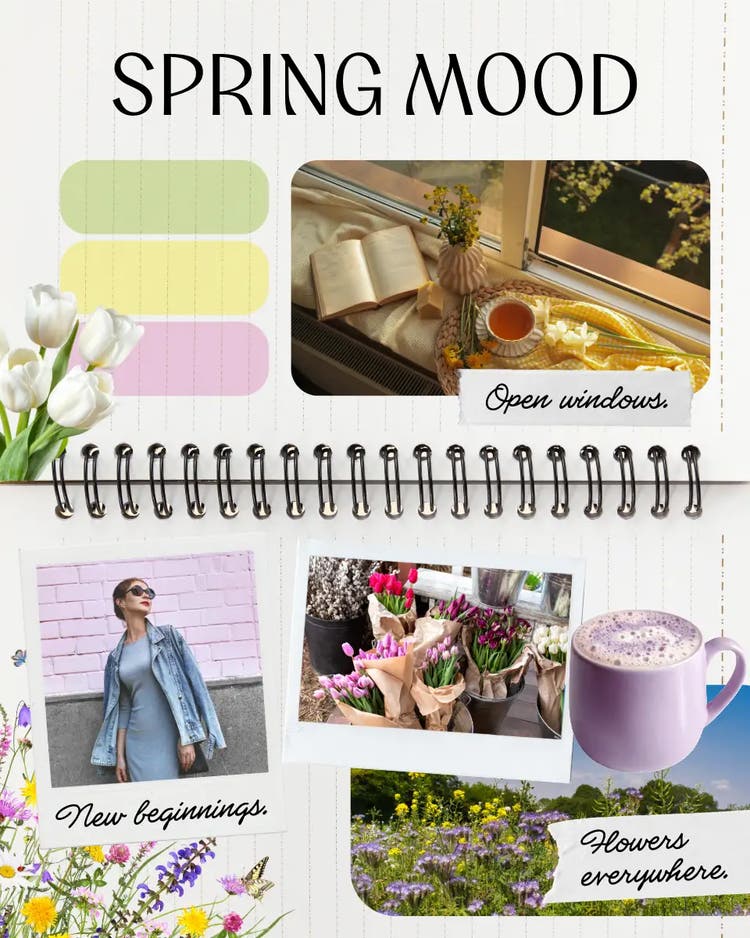
If the idea of making a mood board and working on a project is a bit too intimidating, or you just want to get a bit of direction, you can get the inspiration you need with editable mood board examples and templates from Adobe Express.
3. Use the collage generator to curate your photos.
Curate your photos and other bits of visual inspiration into a collage using the Adobe Express photo collage create tool. It’s an easy way to put everything together in one, creative place.
4. Add your own logo and branding for business mood boards.
Bring your brand to life with the Adobe Express logo design tool and add your unique branding to your business mood board. Pitch, present and provide on-brand mood boards to stakeholders, team members and clients.
Turn your digital mood board into a professional presentation with AI.
Turn elements from your mood board into a polished presentation—easily add your visuals to slides or use Adobe Express AI Presentation Maker to quickly generate inspiring slide decks based on your mood board.. With a simple prompt, you can create stunning, on-brand presentations using generative AI.
No design skills needed – you can create fully editable presentation templates in minutes. Try it today.