Action plan examples: How to set and achieve goals.
A step-by-step guide to creating action plans using Adobe Express.
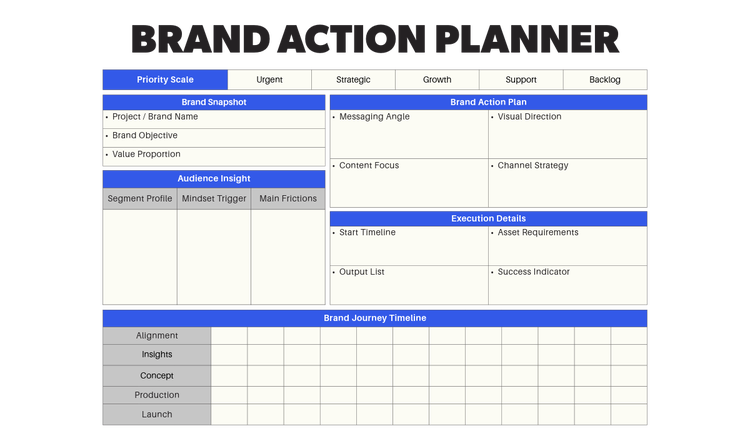




Whether it’s personal improvement or increasing audience engagement in our online content, the goals we set ourselves can vary wildly. But without a defined outcome or a route to get there, aligning a series of complex tasks can feel like navigating a maze without a map.
Fortunately, with action plans to set workplace or individual goals, you can manage any project step by step.
To keep things simple, we’ll explain below what action plans are, how you can use Adobe Express to create them and to share them with your team.
What is an action plan?
An action plan is a detailed roadmap outlining the steps towards a specific goal. The goal can be short or long term and more complex action plans can include multiple goals. Typically, a simple action plan will include a list of tasks to complete, the resources needed, and a deadline or multiple milestones.
Why are action plans important?
If your project features complex tasks running across multiple timeframes an action plan can help everyone involved follow a clear path towards shared goals. Simple action plans break down larger tasks into smaller, actionable goals. Detailed action plans can help in the following ways:
- Structure: By breaking down a larger task into steps, every aspect of the project can be monitored and evaluated.
- Accountability: Assigning tasks to an individual or group gives team members set goals and deadlines they are responsible for, without overburdening the whole team.
- Motivation: With established goals, progress can be tracked. Targets can be set – and rewarded.
- Efficiency: Resources can be assigned to very specific areas – whether that’s team members or consumables.
- Communication: A clear action plan can reduce the potential for misunderstandings within a team and enhance communication.
Who needs an action plan?
An action plan is essential for almost anyone looking to meet a set goal. Whether you’re an individual or a full-scale team, an action plan can keep you on track. Students might benefit from a breakdown of all the tasks, resources and elements needed to complete a dissertation. While a sales team could work towards actionable items, such as improving customer relationships to work towards a shared goal of increasing sales. For a more over-arching action plan, a company could implement an operational action plan with specific steps to improve day-to-day operations.
Action plan examples for personal and business use.
recipe
Key components of an action plan.
Within any action plan you’ll find several key components, including:
- Tasks and actionable assignments for team members or individuals
- Timelines or deadlines for task completion
- Allocations of tasks and necessary resources.
Perhaps the most important feature of any action plan are SMART goals: Specific, Measurable, Achievable, Relevant, Time-bound – they help you measure success in tangible ways.
How to create an effective action plan with Adobe Express.
Whether you’re a project manager within a large-scale business or a small team launching a new product, here’s how you can use Adobe Express to create your action plan.

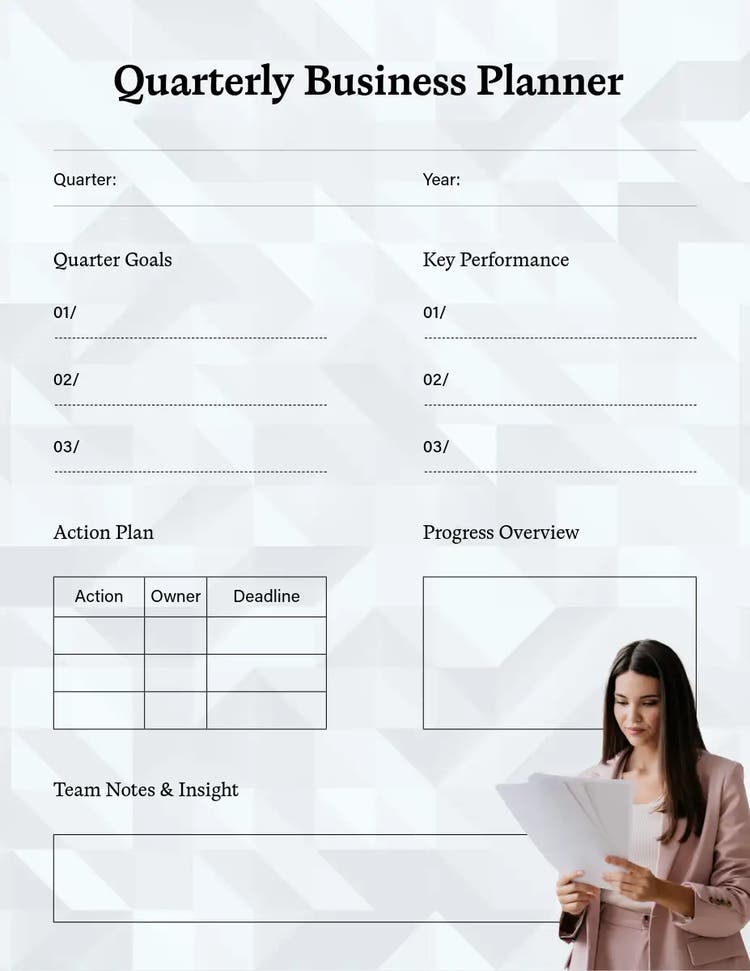
Set your goals.
Create a list of actions and deliverables.
Set a timeline and milestones.
Allocate resources and responsibilities.
Track your progress and adjust your plan.
Reflect on your plan and look for improvements.
SMART action plan examples and ideas.
recipe
Make the most of AI tools and templates for action planning.
When you’ve followed all the steps above, your action plan will be ready to share. Rather than simply sending it out via email, you can present the plan using a video presentation. For example, to showcase the marketing action plan for your next product or to outline the steps in a student research project. Using our free AI presentation maker, you can quickly create a stunning video presentation. Our templates, images and assets ensure your presentation is captivating and will showcase your action plan in a way that keeps everyone engaged.
The creation process is a simple drag and drop. With the addition of a few AI commands, you can create high quality images and engaging voice overs – all accessible from simple prompts.
You might also like...