How to create a kitchen mood board.
Discover what a kitchen mood board is and pick the perfect template from Adobe Express.
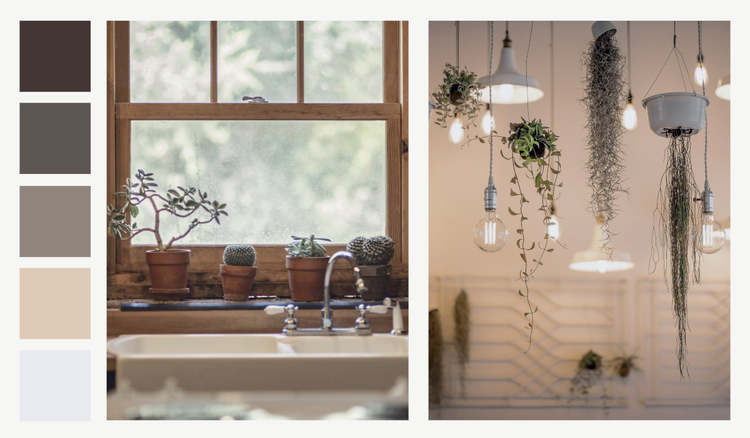




Dreaming of your perfect kitchen? A kitchen mood board is a great way to turn your vision into a clear, cohesive plan. It helps you map out ideas, explore styles, and bring your concept to life—making the design process more creative and enjoyable.
With Adobe Express, you can whip up a kitchen mood board with ease. Read our guide to get started.
What is a kitchen mood board?
A kitchen mood board is a space to collage all your ideas, details and plans for your kitchen. It typically includes inspiration images, materials, colours and finishes to define a design. Basically, if you’re planning on switching up your current kitchen, or building a brand new one, a mood board can help capture your plans and visualise them in a single creative place.
Your kitchen mood board might include:
- Paint/wallpaper ideas
- Wall tiles
- Cupboards
- Worktops/counters
- Cookers
- Sinks and taps
- Floorplans
- Kitchen accessories.
Editable kitchen mood board examples.
recipe
Why use a mood board when creating your dream kitchen?
There is a lot that goes into turning an idea into a fully functional kitchen. Whether its picking the countertop materials or deciding where the fridge goes. Below you can find some reasons why making a kitchen mood board is the best way to help you plan:
- Narrow down your theme. Cottagecore, sleek and minimalist, bright and vibrant: there’s so many themes you can capture in your kitchen. A mood board can help you see what they all look like so you can narrow down your ideas.
- Make it easy to collaborate. Whether you’re a designer working with clients, or a client working with a kitchen designer/fitter, having a mood board means everyone can see the vision and align on what needs to be achieved.
- Work out the non-negotiables for your kitchen design. What are your non-negotiables? Maybe you’re set on having open shelving or a matte black backsplash. Your mood board is the perfect place to pin down these must-have details—the elements you're set on and won’t compromise. From there, you can build out the rest of your design to complement those choices.
- Helps to avoid mistakes. The last thing you want is a costly mistake—like the wrong colour, misplaced fittings, or incorrect materials. A mood board helps prevent this by keeping all your design choices in one place. Think of it as your recipe for the perfect kitchen.
- Stay within budget. By seeing everything laid out visually, you can make smarter choices about where to splurge and where to save.
- Keep your project on schedule. With a clear vision mapped out, decisions become easier and faster, keeping your renovation or build moving forward without delays.
How to make a kitchen mood board with Adobe Express.
Want to create your own kitchen mood board? It has never been easier with help from Adobe Express. Below you can discover how to make your own in six easy steps.
1. Choose your kitchen décor style.
First, you need to choose your overall design style. Whether you live in a country cottage, a city apartment, or a terraced house, there's a style or theme that will perfectly suit your home.
Modest kitchens can benefit from lighter colours to make the space feel bigger and brighter. If you have a larger kitchen you might want to add in a kitchen island, which will fill the space while bringing more storage and counter space. This initial decision will help establish the priorities and direction of the kitchen mood board.
2. Look for inspiration online.
Now is the time to gather kitchen inspiration. Social media is a great place to designs to inform your own. Have a dream celebrity kitchen? Find out who designed it and head to their website. You can check out Instagram, Facebook, TikTok and don’t forget Pinterest.
3. Choose your mood board template.
Adobe Express has hundreds of kitchen mood board templates that can help you design your dream kitchen. Simply choose the template you want and fill in the gaps. Whether sleek and modern, rustic and homely, or colourful and fun, your mood board should reflect your dream kitchen—so choose a template that fits.
4. Decide on a colour scheme.
Keep all your mood boards streamlined and cohesive with a colour scheme. Kitchens come in hundreds of colour combinations, from cool greys and warm greens to deep blues and vibrant purples. Choose a colour palette you love to get started. Think about the hero colour and then any accent colours, consider the size of the kitchen and your overall theme.
5. Build out your kitchen mood board.
Once you’ve gathered your research and ideas for your dream kitchen, you can collate them on your mood board. You could have a general mood board and then separate ones for key areas of the renovation.
You can include images of tables, chairs, light fittings, wall art and more to showcase everything that will bring your kitchen to life. Don’t forget to add the practical stuff too — like floorplans, plug sockets and electricals.
Free kitchen mood board ideas.
recipe
How to bring your kitchen mood board to life.

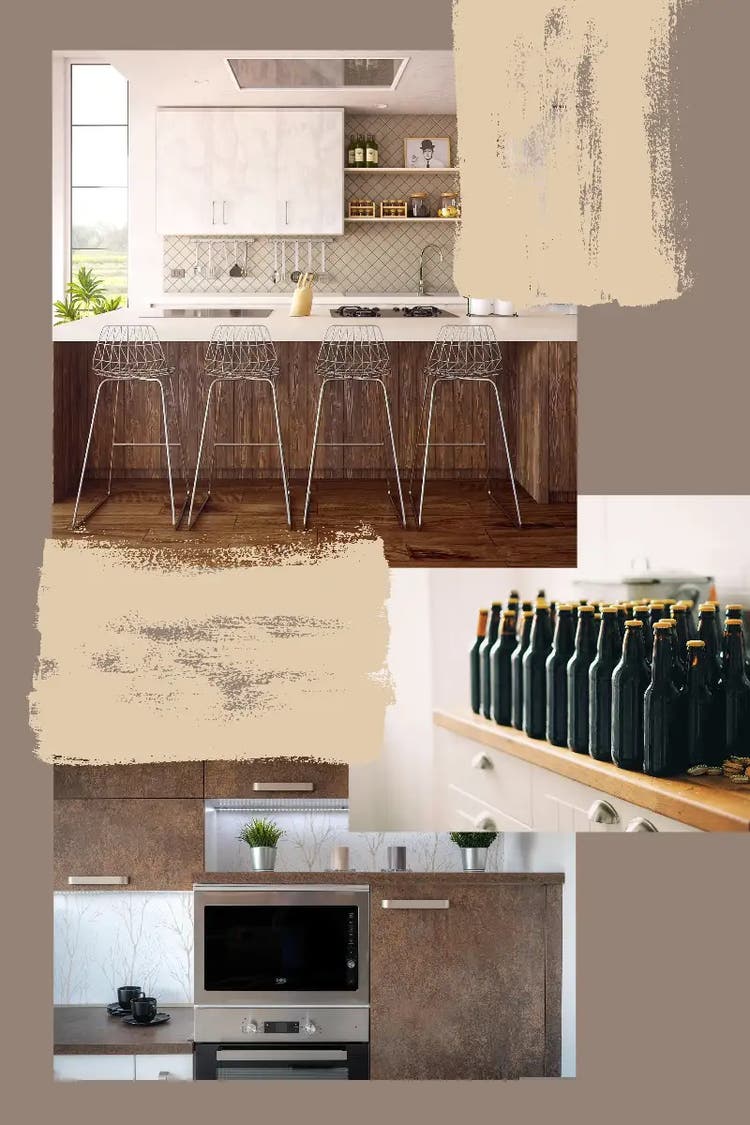
Tips for making a kitchen mood board.
When it comes to creating a kitchen mood board, we have some tip tips and hacks to ensure it’s perfect and captures everything you want it to.
- Look for inspiration in unexpected places. While you can look online for inspo, try looking beyond that for ideas. Look for colour palettes in nature (think florals, stone patterns and wood grains). Get inspired by your favourite restaurant or even take a few screenshots from your comfort movie – there’s inspiration to be found everywhere you look.
- Test out different texture combinations. Get creative with your mood board and add a range of textures. Include fabrics, paint samples, wallpaper and more to bring your mood board to life.
- Include picture of items your already have. While you might be replacing everything, we know they’ll be some stuff in your kitchen that’s here to stay. Snap a picture of things that are staying put and include them on the mood board, so they’re not missed. You could consider upcycling items you already have to suit the new style.
- Don’t forget to add personality. While you want your kitchen to look incredible, remember it isn’t a show home. You’ll spend hours cooking in it so you want it to be full of things that you love and capture your personality.
- Plan for the practical stuff, too. A great kitchen mood board isn’t just about aesthetics. Include the essentials: your budget, product prices, timelines, lead times for materials or appliances, delivery schedules, storage needs, and measurements. This helps keep your renovation realistic and prevents last-minute surprises.
Resize imagery for your kitchen mood board with AI.
Use Adobe Express’s AI tool to help you resize your images. This clever tool will fill in any gaps to ensure awkward shapes fill the space on your mood board perfectly. A mood board can feature up to 15 images, so having each one resized to fit will make sure you have plenty of space for all your ideas.
You might also like...