How to write a postcard: Simple ideas for personal messages.
Craft thoughtful notes for postcards.
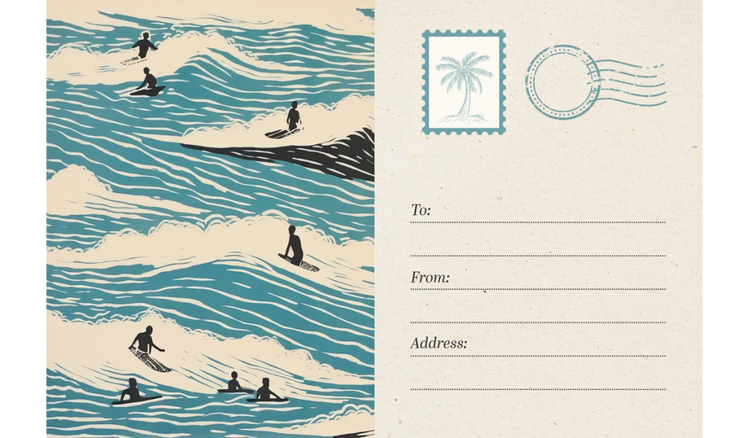




Whether it's a holiday update, travel memory, or heartfelt message, a personal postcard offers a meaningful way to connect with others. A thoughtful design can help transform a simple note into something worth keeping.
Create personalised postcards, photo cards, and memorable greetings with Adobe Express.
What is a postcard and when should you send one?
A postcard is a short-form message, traditionally sent by post, featuring a personal note on one side and an image on the other. Although once mostly associated with travel, postcards are now used for a range of personal and professional moments, including thank-you notes to friends, family, and guests, and promotional messages for a small business. Unlike emails or texts, a postcard feels more intentional and memorable, making it a thoughtful way to stay in touch or leave a lasting impression.
Postcards can be sent for almost any occasion – to share updates, express gratitude, announce events or simply say hello. For small business owners and marketers, they can be a creative tool to connect with customers. For individuals, they offer a simple yet meaningful way to reach friends or family. Whether you’re sending a cheerful note from your latest holiday or promoting your café’s loyalty scheme, a well-designed postcard can help your message stand out. Adobe Express offers a simple way to design your own custom postcards, helping you create something personal, professional, or promotional, without needing any design experience.
Key elements of a thoughtful postcard message.
A good postcard message is short, personal, and clear. In the UK and Europe, the standard size for postcards is A6, which is 5.8 x 4.1 inches, so space is limited. It’s best to focus on one key idea or feeling that you want to share with the recipient. Start with a warm greeting, then say something specific. You could quickly describe a recent experience, talk about a fond memory, or share a short update. Finally, close with a line that encourages a response or shares a positive note. It can be as simple as adding “Look forward to hearing from you” or “Let me know how you’re doing” to your sign-off. This approach works well for personal messages. For business messages, be more direct about what sort of action you want your client to take. “Find your dream car at our big event on Monday, 31st July” or “Sign up now using the QR code” are just some examples of messages you could include.
Tone is important too. If you’re writing to a friend, keep it light and familiar. For a customer or client, stay friendly but professional. Adding a handwritten-style font or your business logo can make the message feel more distinctive. Adobe Express makes it easy to adjust fonts, colours, and layouts so your message and design feel just right for the moment you’re capturing. Learn more about typography design for businesses and explore these commercial card templates.
recipe
How to write a postcard step by step.
Writing a postcard is a creative way to share memories, greetings, or special moments. Here’s how to craft a postcard that your recipient will truly appreciate:

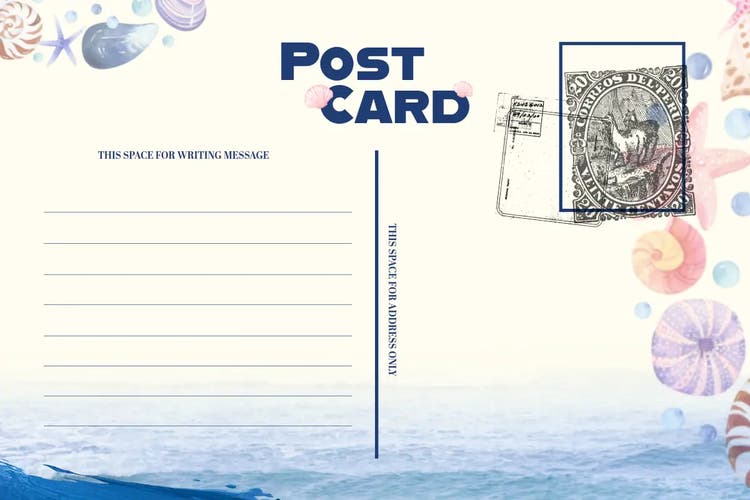
With Adobe Express, you can design postcards for all kinds of occasions, including Christmas postcards and postcards with US sizing.
recipe
Tips for designing and sending your own postcards.
Designing a postcard starts with the right visuals. Aim for something eye-catching but not cluttered. Colour can have a huge impact on your design, so choose colours that suit the message, like a soft autumn palette for a thank-you note or bold winter tones for a business promo. Fonts should be legible at a glance, and your layout should leave enough space for your message. Using consistent branding, like your logo or a particular style, can make your postcards instantly recognisable if you’re using them for your business. Explore different design styles, from pop art to weirdcore, and discover how you can create postcards that are eye-catching and unique.
When it comes to sending postcards, timing and delivery method matter. For personal notes, a printed and posted card often feels more meaningful. For business purposes, digital postcards can work well too, especially when shared via an email newsletter or social media. Consider your audience and the purpose of your message when deciding. Adobe Express helps you create postcard designs that work well in both digital and print formats, so you can tailor the format to each message or audience.
recipe
Postcard examples for holidays, events, and everyday notes.
Although postcards are traditionally associated with holidays, they offer a quick and creative way to connect over any occasion, from special celebrations to simple everyday hellos. With so many styles and uses, you can easily find the perfect postcard for your message.
With Adobe Express, you can easily customise templates for any occasion, making it simple to design postcards that are unique and memorable.
recipe
Adobe Express can help you.
Designing your own postcard is easy with Adobe Express. Choose from hundreds of free postcard templates for personal or business use. Add your own text, upload your own photos, and adjust the design to suit your style, brand, or message. Start creating with Adobe Express today.