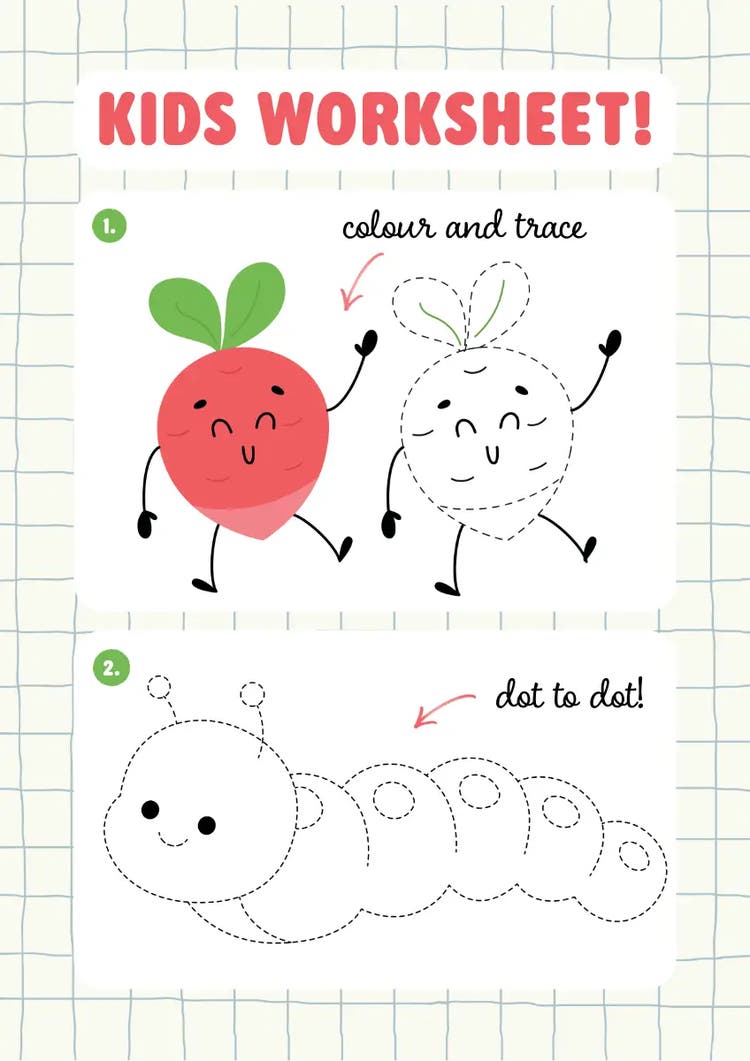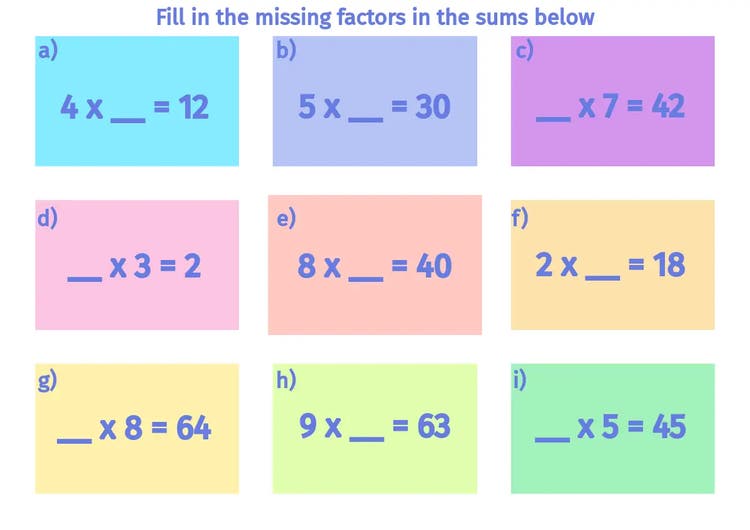




How to design a worksheet in 6 steps.
Discover easy-to-follow steps to help you design a worksheet, including tips and tricks for useful Adobe Express tools.
Designing a worksheet can help support learning by encouraging active participation in exercises. They’re a practical way to help students or employees apply what they’ve learned.
Worksheets can help keep lessons engaging, rather than allowing students to become passive learners – which can negatively impact knowledge retention.
Whether you’re teaching students in the classroom or training new employees, learn how to create your own worksheets easily with Adobe Express.
Jump to this section:
1. Choose a topic to focus on.
2. Pick a template that suits your topic.
3. Add in relevant information to help with the task.
4. Include infographics and images for visual learners.
5. Build out your questions from easy to challenging.
6. Leave space for the method and answers.
Editable worksheet templates for training.
More tips for making a worksheet.
1. Choose a topic to focus on.
To start, you’ll want to create worksheets with concise topics that align with your aims. Whatever it is, make sure to have just one central idea. Having too many focus areas can confuse people – less is more. One core, concentrated subject can make it easier for readers to follow.
2. Pick a template that suits your topic.
Match the template to the topic. For example, if the workbook is for a business setting, like training materials, use formal-looking templates. If you’re creating a fun, interactive quiz-like worksheet, choose a template with bolder, more vibrant colours. You can explore customisable worksheet templates and more with Adobe Express.
3. Add in relevant information to help with the task.
Include any background information that supports the worksheet. For example, if you're creating materials for an English language college, you might add vocabulary lists. For more technical topics, brief explanations or practical examples can help. Anything that adds context to the questions and exercises will make the worksheet easier to understand and more effective.
Free student worksheet ideas.
Template IDs
(To pull in manually curated templates if needed)
Orientation
(Horizontal/Vertical)
Width
(Full, Std, sixcols)
Limit
(number of templates to load each pagination. Min. 5)
Sort
Most Viewed
Rare & Original
Newest to Oldest
Oldest to Newest
Premium
(true, false, all) true or false will limit to premium only or free only.
4. Include infographics and images for visual learners.
Having infographics and images helps communicate complex information visually. Around 65% of people are visual learners, combining visuals with written content can improve understanding, boost engagement, and support more accessible learning.
5. Build out your questions from easy to challenging.
Start with easier questions, then gradually increase their level of difficulty. This approach supports critical thinking, helping students build confidence as they progress. Rather than overwhelming them at the start with more challenging questions. This also ensures the worksheet is paced appropriately, for more effective learning.
6. Leave space for the method and answers.
Give enough space for answers. By doing this, you’re offering people an opportunity to demonstrate how they came to their answers. Understanding their thinking processes can help you provide more specific, personalised feedback.
Editable worksheet templates for training.
Template IDs
(To pull in manually curated templates if needed)
Orientation
(Horizontal/Vertical)
Width
(Full, Std, sixcols)
Limit
(number of templates to load each pagination. Min. 5)
Sort
Most Viewed
Rare & Original
Newest to Oldest
Oldest to Newest
Premium
(true, false, all) true or false will limit to premium only or free only.
More tips for making a worksheet.
You may not know when to start when you begin to create your own worksheet – but it doesn’t have to be difficult. Here are some worksheet design ideas to help with inspiration:
- Target a specific age range. For example, simplify language and use larger text/bolder visuals for younger students. Older students can handle complex instructions more easily, so consider writing longer questions that require more detailed answers.
- Proofread. Check, check, then check some more. Get peers to look over your workbook for any errors. Spelling and grammar mistakes can confuse readers and even reduce your credibility.
- Maintain consistent formatting. Keep the same font throughout, making sure headings and spacing stay consistent too. A tidy design helps people focus.
- Mix things up. Mix question styles (for example, fill-in-the-blanks, multiple-choice, short answer, etc.) to test a range of student abilities and maintain engagement.
- Consider accessibility. Your worksheets should be accessible to everyone. For example, make worksheets compatible with devices like tablets, screen readers and phones to promote inclusivity. You could also do some research on accessible fonts and colour schemes.
How can Adobe Express help you create a worksheet?
Adobe Express makes it quick and easy to design professional looking worksheets. There’s no need for any previous creative experience – you can access a huge range of intuitive tools and templates to help you create educational resources in minutes.
1. Make the most of free lesson worksheet templates.
You don’t need to reinvent the wheel and start from scratch. Adobe Express’ ready-made lesson templates help you get started right away. Choose one, customise the content, and edit to your liking.
2. Get more worksheet ideas for different subjects.
Variety keeps things interesting, and Adobe Express has that in abundance. Explore a wide range of worksheet designs that cover many topics. From English grammar to goal setting, mix things up for your students to keep them on their toes.
- Writing worksheets
- English class worksheets
- SMART goal worksheets
- Journal worksheets
- Shape worksheets
- Food-themed worksheets
3. Create your own infographics.
Create your own infographics to include in your worksheets. Simply pick your design, customise it, and voila – watch the visual content come to life. Bring your infographics to life for free with Adobe Express.
4. Combine your worksheets with a lesson plan.
Worksheets + lesson plans = structure. Create a complete resource by combining both together to create a comprehensive framework. Design a complete lesson plan in Adobe Express.
5. Save your template for next time.
Create it once, and re-use it whenever you need. You don’t have to make a worksheet from scratch every time, you can work directly into a previous template and repurpose it quickly.
Turn your worksheet into a class presentation with AI.
Use Adobe Express's AI presentation tool to instantly transform your worksheet into a visual slideshow. Generate slides from text, customise designs, and add icons or images. It’s a perfect way to combine both materials in a flash. Try Adobe Express’ AI presentation maker for yourself.
Good to know.
How do you format a worksheet?
You can format a worksheet effectively using clear headings to signpost sections. Ensure the font is the same throughout, even if sizes vary. Provide enough space to separate sections and allow for extra working. Organise questions in a structured layout – grouped by type or difficulty and include accessible instructions at the top.
How can you make a worksheet look more attractive?
You can make a worksheet look more attractive by using striking colours and accessible fonts as a base. Also consider images and infographics as supplementary content. Keep the design clean and consistent – avoid clutter and have enough space around the written content to help emphasise important text.
Is Adobe Express free?
Yes, our free plan offers many core features including thousands of templates, photo editing and effects, animation, and 5 GB of storage. See our pricing page for details and to compare plans.