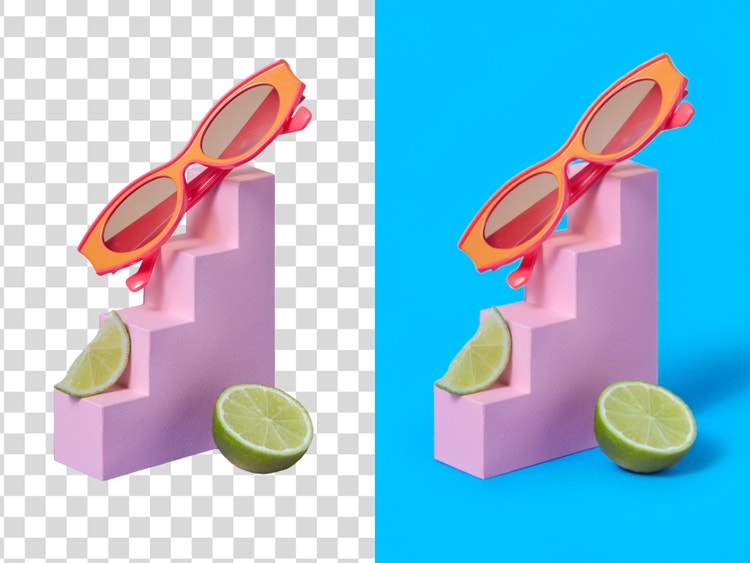
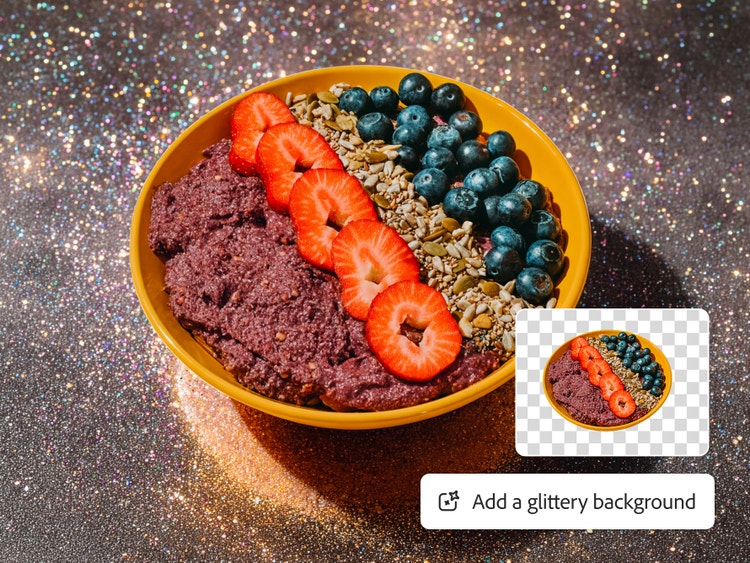
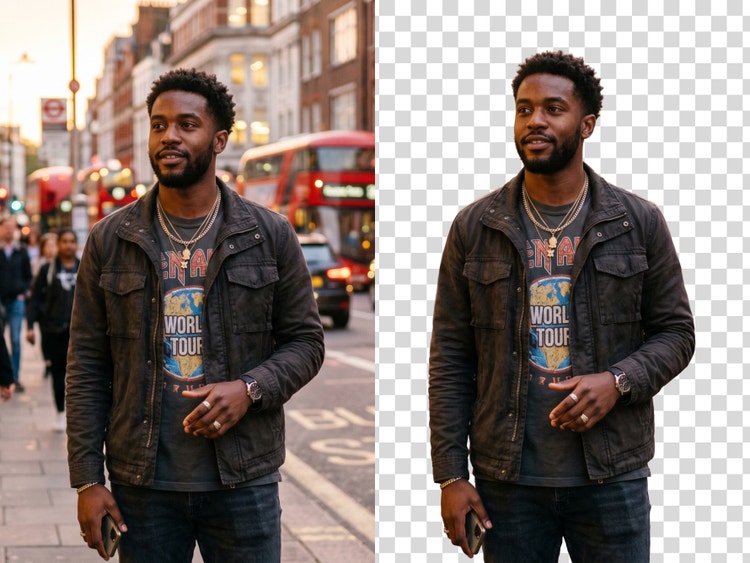
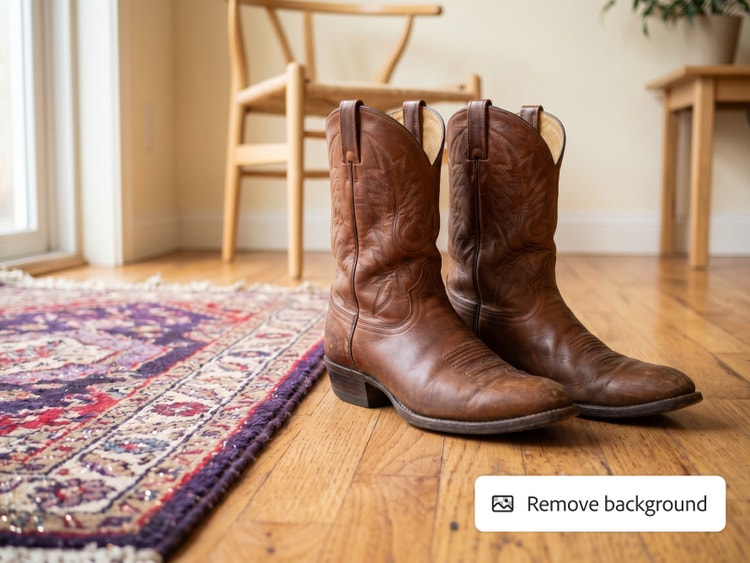
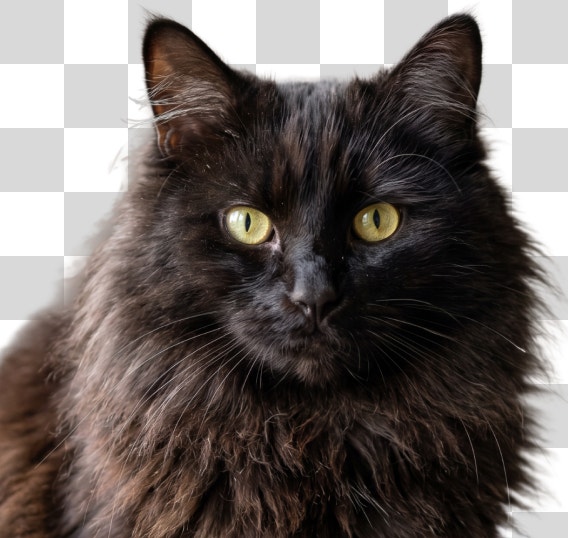
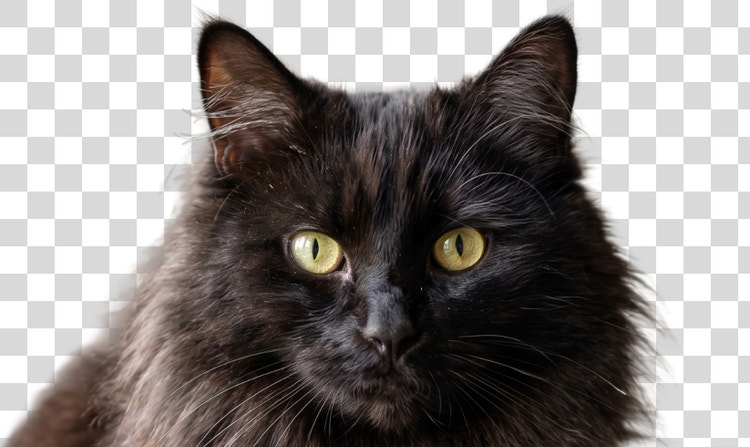
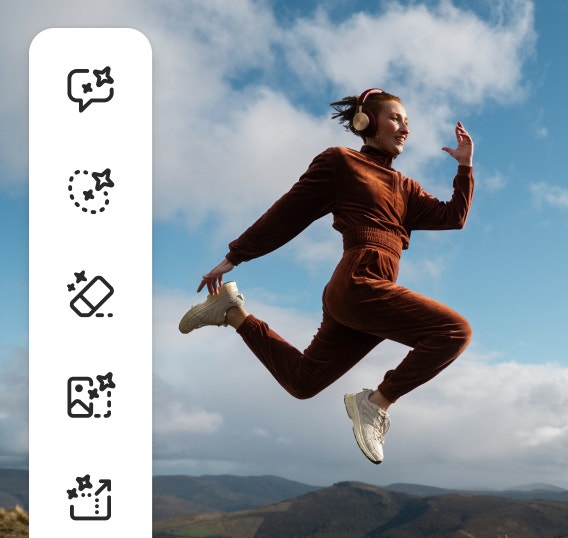
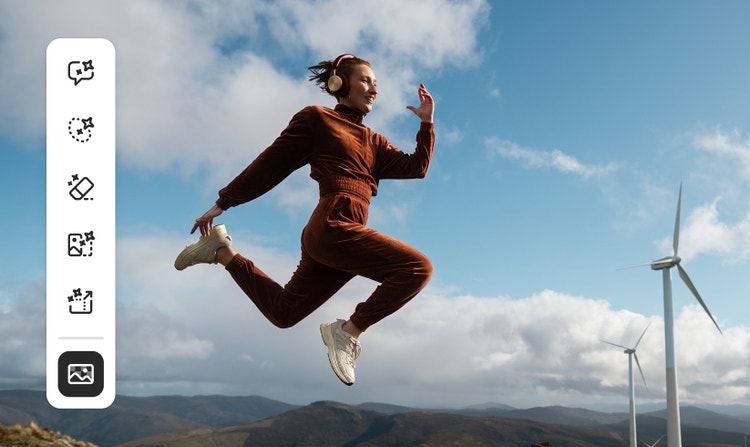
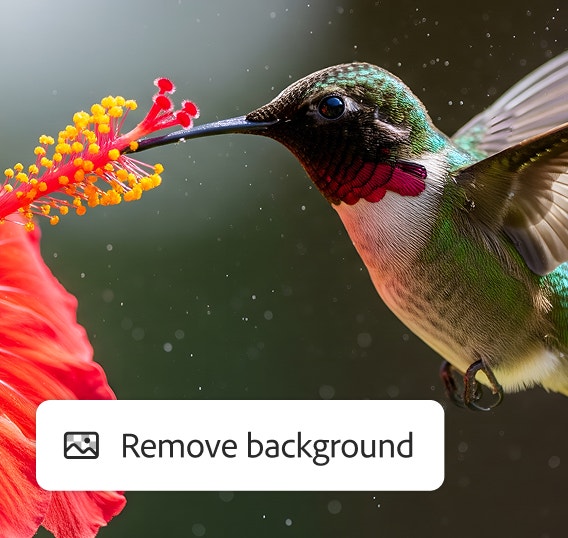
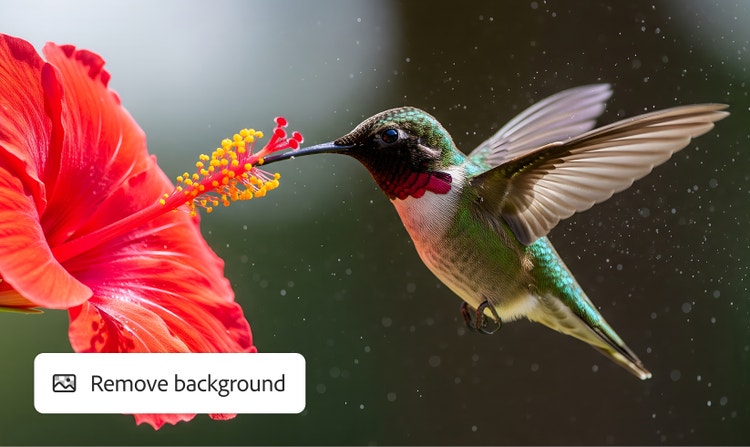
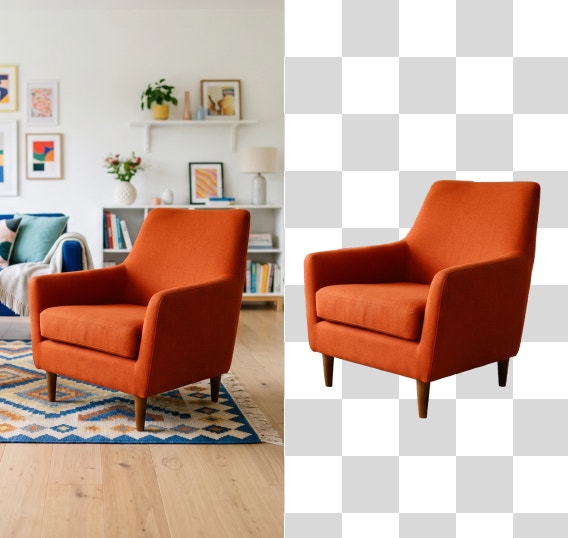
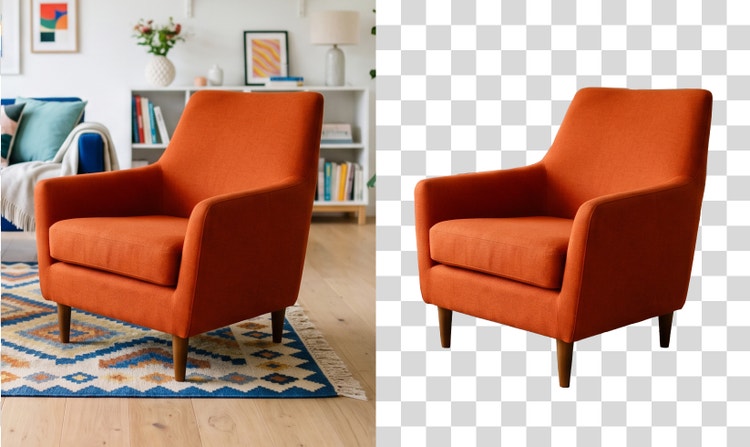
The best free background remover automatically detects your subject and separates it from the background with clean edges. Adobe Firefly does all of this, and also lets you swap in a new background, make targeted adjustments with Generative Fill, and expand your canvas, all in one place.
Adobe Firefly uses AI to accurately detect the edges of your subject, preserving fine details like hair, fur, and product outlines. For the best results, use a high-resolution image with clear contrast between the subject and background.
Yes, you can remove backgrounds in Adobe Firefly for free with an Adobe account. Free users get free daily generations in Adobe Firefly that they can use to remove backgrounds. You can unlock unlimited use of this feature with a paid Adobe Firefly plan.
Yes, Adobe Firefly works on mobile. Upload your image, remove the background, and download or share your results directly from your phone or tablet.
Removing the background from your image in Adobe Firefly automatically makes it transparent. Your image downloads as a PNG file, which supports transparency, so you can place your subject onto a new background, design, or layout.
Once the background is removed, Adobe Firefly gives you a full set of tools to keep creating. Generate a new background, turn your subject into a sticker, or upscale your image all without leaving Adobe Firefly.
Yes. Once Adobe Firefly removes the background, you can use the Background Generator to replace it with any scene you describe, or apply a solid color background to your image.
Yes. Adobe Firefly works well for product photography. You can remove a busy or inconsistent background and replace it with a clean studio backdrop, a lifestyle scene, or a solid color that fits your brand.
The Adobe Firefly background remover accepts JPEG, PNG, and WEBP files up to 100MB. Your image downloads as a PNG file, which preserves the transparent background so you can layer it into any design or publish it directly.
Adobe Firefly offers batch background removal to enterprise users, and you can perform batch background removal with the
Firefly AI Assistant. You can upload multiple images and process them all at once, replacing backgrounds with a transparent layer, a solid color, or a custom background.
Yes, using Adobe Firefly background remover as your image cutout tool works well for portraits, headshots, and social media content, not just product photography. You can remove a distracting background from a photo, swap in a clean or creative scene, and download the result for use on LinkedIn, Instagram, or anywhere else. Fine details like hair and flyaways are preserved by the AI edge detection.
The Adobe Firefly background remover goes beyond basic photo cutouts by combining AI background removal with Generative Fill, background replacement, image upscaling, and canvas expansion in one tool. While most standalone background removers stop at the cutout, Adobe Firefly lets you keep creating after the background is gone, making it a stronger choice for product photography, social content, and creative projects.