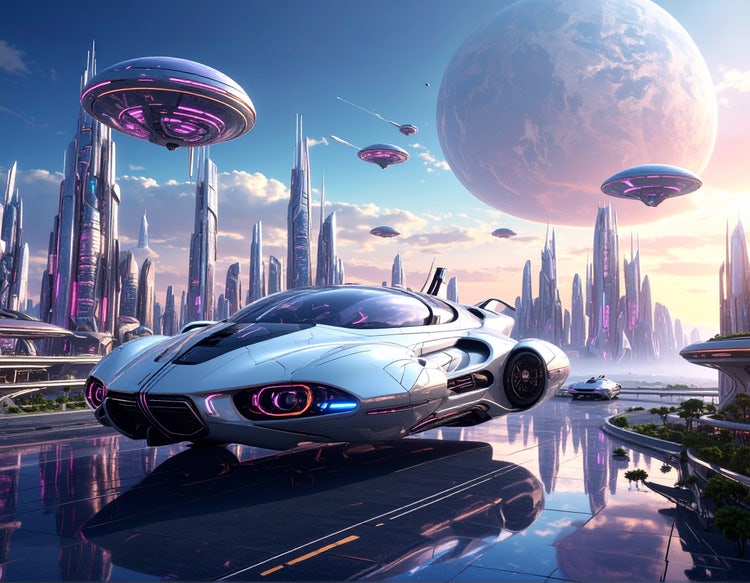

Using generative AI for game development.
From concept art to worldbuilding, generative AI is opening new possibilities in design and production. Learn how AI for game developers is reshaping creative workflows.
At its core, generative AI is about creating something new. Unlike traditional AI systems that analyze, rank, or retrieve existing information, generative AI models learn from patterns in training data to produce original content like text, images, audio, video, or even code.
Some ways to use generative AI include:
Generative AI models don’t just find what’s already out there — they synthesize new content from scratch. It’s a powerful shift that’s creating new possibilities across creative, communication, and productivity workflows.

One of the first examples of generative AI was ELIZA, a simple rule-based chatbot developed in the 1960s that mimicked human conversation. It was an early step toward today’s LLM systems.
Generative AI technology advanced rapidly with the rise of neural networks, then made a major leap with transformer architectures, which now power the large language models used for text generation. In parallel, image generation evolved from early variational autoencoders (VAEs) and generative adversarial networks (GANs) to today’s diffusion models — enabling rich, high-quality visuals with just a prompt.
These technological leaps, combined with massive data sets and increased computing power, are what shaped the modern generative AI definition — systems that don’t just process information, but generate original content across formats.
Generative AI starts with an input, like a text prompt, and uses it to create new content. Large language models generate text by predicting words in sequence, while diffusion models and other neural networks can transform random noise into images, video, or audio that match the prompt. Earlier systems like generative adversarial networks (GANs) and variational autoencoders (VAEs) also helped pave the way. Whether you’re asking for copy, visuals, or sound, the process is about turning a simple instruction into something new and original. Learn more about how generative AI works.
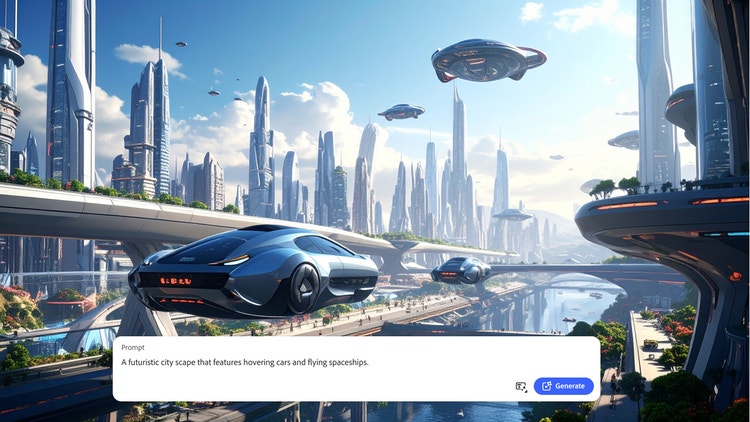
Generative AI models learn from large, varied datasets so they can recognize patterns and create new content. Training sources often include web text, licensed collections like Adobe Stock, image–caption pairs and alt text, open-source code, and audio or video transcripts. The range and quality of this data shape how accurate, creative, and unbiased the results can be which is why data diversity and responsible practices are vital to AI ethics.
Artificial intelligence is exactly what it sounds like — machines mimicking human intelligence to perform tasks. Common examples are voice assistants like Siri and Alexa, and customer service chatbots. While non-generative AI is still useful for things like automation, generative AI is transforming creative industries. We’ve only just begun to experience how and where it will help us achieve results that would have either taken much longer or not been possible at all.
Different types of AI excel in different areas:
Learn more about generative AI versus other AI.
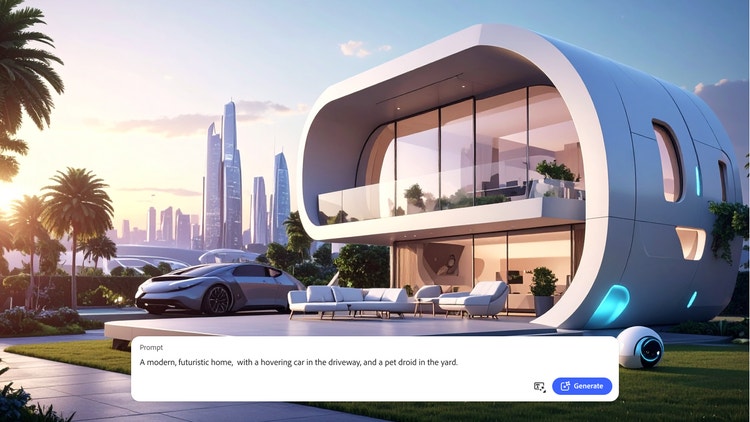
Generative AI expands creative possibilities while giving users more control. From fast iteration to multimodal tools like Firefly AI, it enables new ways to generate, refine, and align content to personal or professional needs.
Key generative AI differentiators include:
Generate text, images, video, audio, or code then refine and remix them for different formats or channels.
Steer results with prompts, style guides, brand palettes, or reference images to keep content on-brief.
Move quickly from draft to draft, exploring multiple ideas without slowing down production.
Combine inputs such as text prompts with reference images or brand elements to produce assets that match the look, feel, and message you need.

Generative AI is already changing how teams across industries work, helping them move from idea to first draft faster while freeing up more time for creativity and refinement. From marketing and design to entertainment and architecture, its applications span every creative medium.
Key generative AI differentiators include:
Draft copy, product descriptions, email sequences, and long-form content that can be tailored to different audiences.
Generate artwork, design assets, concept art, and mood boards sized and styled for specific channels.
Translate audio into different languages, clean up recordings, clone voices, and generate sound effects for projects.
Create storyboards, build scenes, and translate video for localized markets.
Produce procedural textures, materials, and variations of models for use in design and production pipelines.
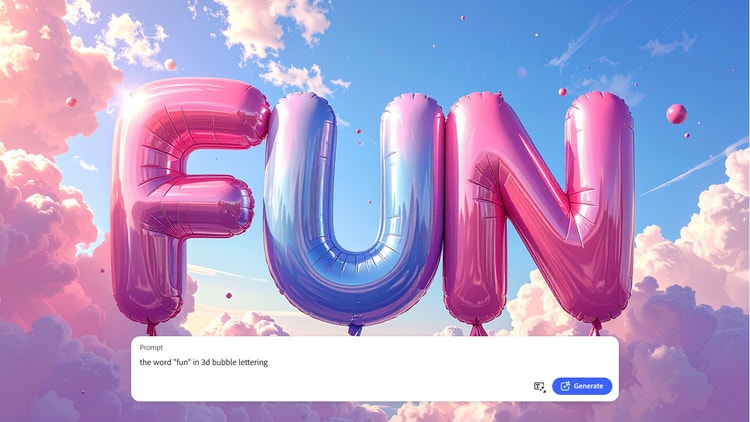
Generative AI is reshaping creative work by giving professionals new ways to explore, refine, and deliver ideas. Instead of replacing imagination, it helps accelerate the process and reduce repetitive tasks so more energy goes into craft and storytelling.
Benefits of generative AI include:
Generate multiple concepts in minutes, then test, refine, or combine them before committing resources.
Expand on early ideas, bring abstract concepts to life, and see variations faster than traditional workflows allow.
Automate repetitive or manual steps so more focus can stay on design, strategy, and creative direction.
Cut down on rounds of revisions, reduce production costs, and accelerate delivery timelines.
Produce variations at scale while staying aligned with brand guidelines and creative standards.
Use models trained on licensed and responsibly sourced data for peace of mind in your professional work.

The rapid pace of change in AI technology makes it clear the future holds even more transformative applications of generative AI. Expect higher-quality outputs from shorter prompts, deeper integration within creative apps, and faster iteration across every medium. Responsible AI will remain central, focusing on transparency, creator credit, and safety. New tools, like AI avatar generators, can quickly create avatars for training, onboarding, or social content, highlighting how quickly generative AI is evolving to support real-world creative needs.
Generative AI isn’t a fad or passing trend — it’s a creative shift that’s already reshaping how work gets done across industries. The sooner you explore generative AI and build it into everyday workflows, the faster you’ll see the benefits. From saving time and costs to sparking new ideas, the advantages far outweigh the challenges.
Getting started is easy. Try an AI image generator to draft concepts or explore style variations, or experiment with an AI video generator to quickly bring storyboards and scenes to life. Tools like Firefly make it easy to test, learn, and build confidence so you can discover the value of generative AI firsthand.
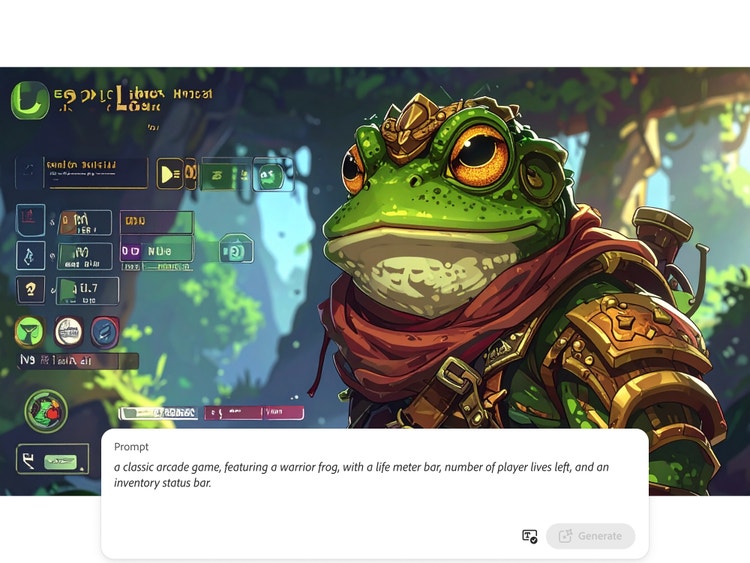
From concept art to worldbuilding, generative AI is opening new possibilities in design and production. Learn how AI for game developers is reshaping creative workflows.

Generative AI makes it possible to explore countless styles, from photorealism to abstract. Discover AI art use cases that can inspire your next project.
With Firefly AI, you can explore a range of tools that let you experiment safely and creatively — whether you’re drafting copy, generating images, or localizing video. The key is to start small, try out different prompts, and refine your approach until you find what works best.
A practical way to classify AI is by what it does:
Artificial intelligence (AI) is a broad term for machines that mimic human intelligence to perform tasks, like recognizing speech, recommending products, or powering chatbots.
Generative AI is a specific type of AI designed to create new content. Instead of just analyzing data or following rules, it can generate text, images, video, audio, or code from inputs such as prompts or reference files.
Generative AI is quickly becoming a vital tool for artists. Read on to learn about what generative AI art is, how to create it, and how you can use it in your practice.
Surrealism, Cubism, Impressionism — find out how to create images in these and other art styles with generative AI.
With the right text prompt and a little bit of know-how, architects can use generative AI to explore, ideate, and elevate their vision.
Learn how to write effective prompts for generative AI to get amazing results for graphic design.

