Customer satisfaction survey examples to help you gain feedback.
Learn about customer satisfaction surveys, view examples and discover best practices.
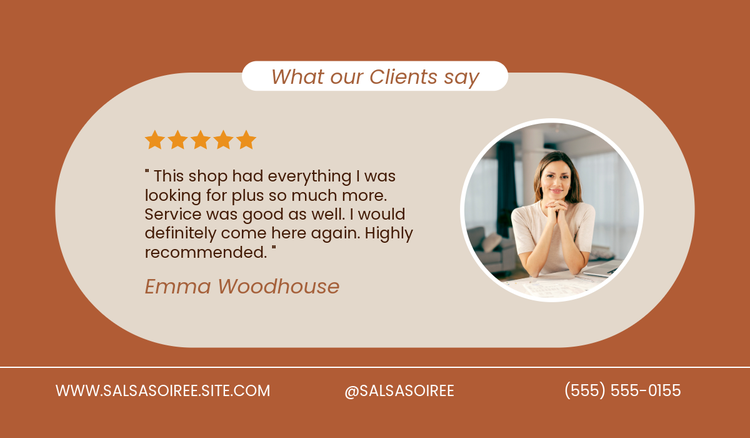




Customer satisfaction surveys are a great way to get feedback from your customers. You can gather their opinions regarding products, services or the interaction they’ve had with your organisation, which can help you identify strong and weak areas.
Doing this during the experience lets you lead the process and make changes on the fly if needed. After-sales feedback also gives you an indication of how it went. It can help you make decisions, improve customer relationships, and help you stand out from the competition.
Below, we will provide customer satisfaction surveys with examples of questions you can ask, and cover other practices. Ready? Let’s start with the fundamentals.
What is a customer satisfaction survey?
A customer satisfaction survey questions customers for feedback. They can focus on the overall customer experience or target specific areas, such as products, services or support. Targeting questions that align with your goals helps to identify actionable steps for realistic results.
Want to improve service? Maybe you could boost your customer engagement game. Perhaps your products need an upgrade – how could you make them better? Once the research data is collected, implementing changes becomes easier because you know what needs to be done. If it relates to customer experience, it might mean changes to staff training. For products, maybe research and development require some investment.
Turn your results into shareable visual formats using Adobe Express. Struggling to start with a blank slate? Don’t fret. Our survey template library will help you begin.
Simplify complex data with our chart maker. Infographics also let you do this – input your data, then watch them come to life in a flash. If you’re presenting to decision makers, put something together quickly and easily with presentation maker. Free report templates also make reporting a breeze.
recipe
Customer satisfaction survey best practices.
To maximize the value of surveys, you should approach the design and distribution strategically. Below are some tips for customer satisfaction survey best practices:
- Ensure questions are relevant and concise. Keep it simple with the questions – don’t overcomplicate and overclutter. Avoid vague and confusing language. They should be clear and easy for everyone to read and understand.
- Send surveys to customers at the right time. Time it well, and you could get better results. Immediately after purchase or during the interaction are usually the best times because you already have your customers’ attention.
- Use the right tools and survey methods to match your business’s needs. Decide if you’re going to do it online or offline. Will qualitative, quantitative or a mixed approach give you the most useful data? Will you ask multiple choice questions? Maybe you want to provide space for them to write. Learn more about creating surveys.
- Explain the purpose of the survey to customers and thank them. Communicate why you’re asking customers for feedback – it helps to provide context. And don’t forget to thank them; this shows you appreciate and value their opinions.
- Analyse results and act on feedback. Make use of what you’ve collected and make improvements. It’s no use doing it if you’re not going to make the necessary changes.
Examples of customer satisfaction survey questions.
Customer satisfaction surveys can take many forms depending on what you’re collecting it for. Unsure how to get started? Below are some common example questions you could ask to get the ball rolling. Remember – they’re not set in stone, feel free to adapt them to your business.
Customer experience questions.
- How easy was it to complete your purchase/service request?
- Did you have any issues?
- How would you rate the friendliness and helpfulness of our staff?
- On a scale of 1-10, how satisfied are you with your experience?
- What could we do to make it better next time?
Customer sentiment questions.
- How likely are you to recommend us to others?
- How do you feel about the most recent interaction you’ve had with our team?
- Do you feel valued as a customer?
- Which word would you use to describe your experience with us?
- How well did we do to meet your expectations compared to competitors?
Customer loyalty questions.
- How likely are you to return to us in the future?
- What factors would influence you to switch to a competitor?
- How long have you been a customer with us?
- Would you consider joining our loyalty rewards program?
- Have you purchased from us in the last year?
Product feedback questions.
- How would you rate the quality of the product(s) or service(s)?
- Did they meet your expectations?
- What features would you like to see improved or added?
- How easy was it to use the product?
- Would you buy this again?
Market research questions.
- Where did you first hear about us?
- Did you consider other brands before us? If so, state which ones.
- What influenced you to buy from us?
- How often do you make this purchase?
- What trends are most important to you when shopping?
Editable customer survey template ideas and examples.
recipe
How can Adobe Express help you make sense of your customer surveys?
Adobe Express lets you bring customer satisfaction surveys to life with ease. No long-winded creation processes or design experience necessary, just good content made quickly.
Some things you can do are:

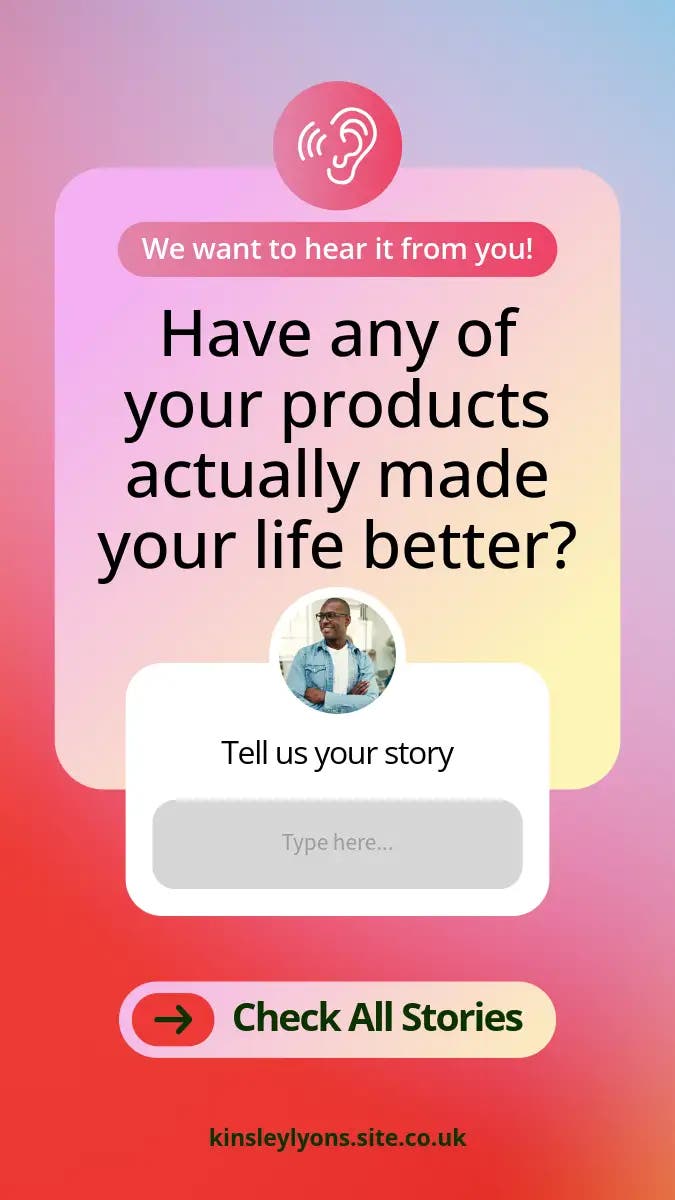
Design custom surveys.
Turn survey data into useful charts.
Create eye-catching survey banners.
Show your survey results in a business report.
Explain survey findings using the Adobe Express AI presentation maker.
Turn survey insights into engaging slides quickly with Adobe Express’ AI presentation maker. Perhaps the templates don’t tickle your fancy, but you still want to create something with a level of personalisation – that’s where this handy tool comes in.
Simply input your survey results, give prompts for preferences on how you’d like it to appear and watch the magic come to life. If you’re not happy with the result, you can edit it until you are. You can create them to bring customer buying trends to light, for example.
You could even highlight feedback on certain products. Want to showcase how loyal your customers are? Present it to your board of directors and impress them with the results. Internal communication becomes so much clearer when it’s presented in an easy-to-read and engaging format.
You might also like...