How to make a bedroom mood board with Adobe Express.
You’re itching to start picking out rugs and throwing paint around – we get it. But before you commit to that statement shade for the walls, let’s get started making your bedroom mood board.
1. Choose your overall theme for the bedroom.
The overall theme of your bedroom will depend on who the room is for and the size of your space. Time to start collecting some inspiring photos for your mood board to build out your bedroom. We support any adventurous plans you have, but you also want to make sure whoever’s sleeping in there will like it – and that it doesn’t feel too overwhelming if it’s a smaller space.
2. Decide on your colour scheme.
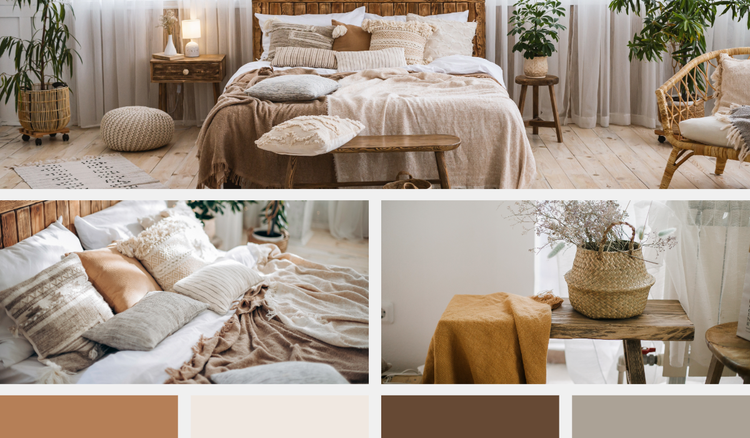
Once you have the initial idea, you’re ready to start playing around with colour. There’s no need to commit to anything just yet – play around with a few options until you’re happy with the feel of a particular colour palette. You can then use this as a cornerstone of your mood board.
3. Choose your mood board template.
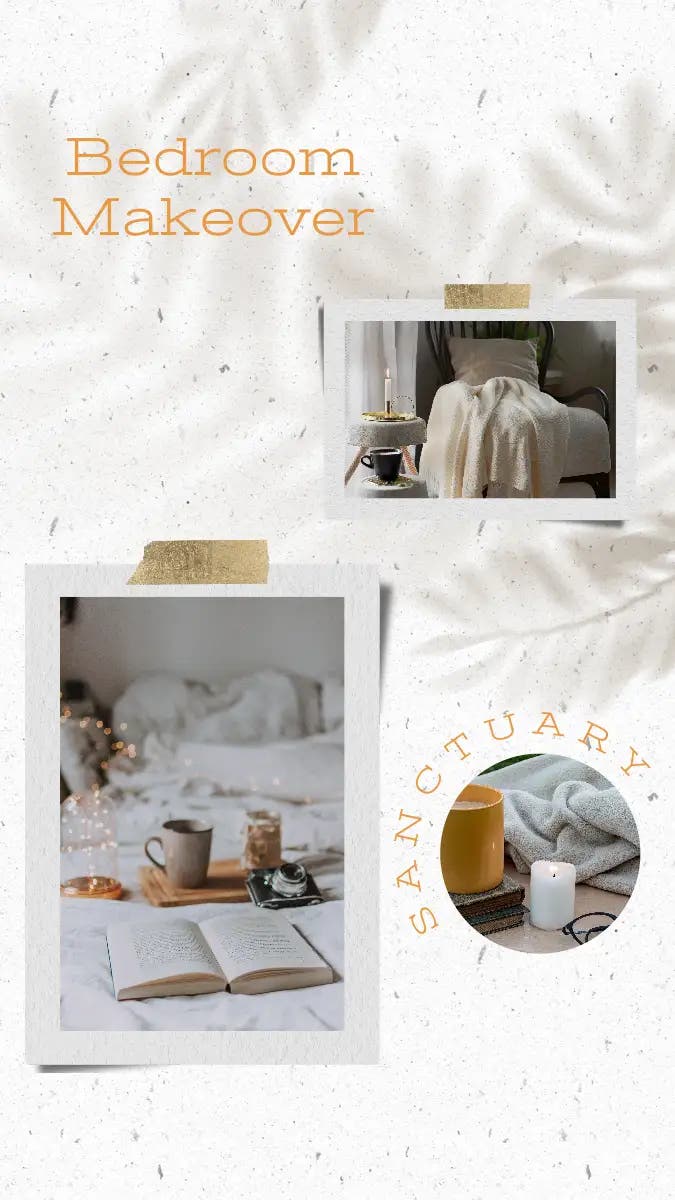
When choosing your mood board template, consider the overall aesthetic you’re aiming for and what you’ll need the board itself to encapsulate. Choose from Adobe Express’ library of free mood board templates for your bedroom or even start from scratch if you’ve got a layout idea ready to go.
4. Add inspirational images of furniture, room accessories and more.
Time to start piecing everything together. Add all your inspirational photos of furniture, accessories, appliances, rugs, artwork – you name it. This is when you’ll truly start to see your mood board come together. Look at design magazines, blogs and social media to source images you like.
5. Refine your bedroom design.
With Adobe Express, you can pick your template, add your images, graphics and colour palette and edit until you’re happy. Refine your mood board with professional photo editing tools and effects to your dream bedroom to life. Finally, share it online, or print it off if you want to add further swatches and samples.