Closed captions in English are available in the video player.
Bring Personality, Depth, and Texture to Your Illustrations

Speakers
-
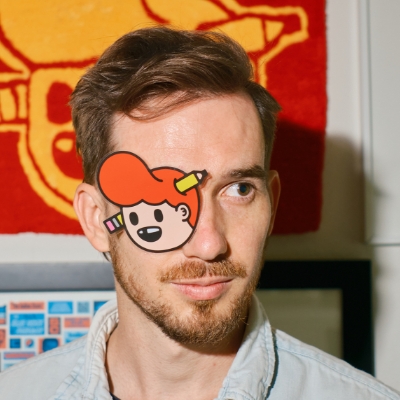
Art Director and Illustrator, The Creative Pain
Featured Products
-
Illustrator
-
Photoshop
Session Resources
No resources available for this session
Sign in to download session resources
About the Session
Combine the power of Illustrator and Photoshop to add depth, perspective, and attention-grabbing personality to your illustrations. Join Tyler Pate, art director, illustrator, and all-around creative, as he leads you through his step-by-step process for building bold, dimensional artwork that stands out. This session is perfect for creatives looking to refine their style or explore new visual techniques. Discover how these two powerhouse programs work together to deliver a polished, professional finish — and unlock the tools you need to elevate your creative edge.
In this session, you’ll explore:
- Create custom perspectives and dimensions for your work
- Learn how to apply lighting and color
- Understanding axonometric projections and how to illustrate in isometric perspective
- Explore core tools in Illustrator, such as the Free Transformation and Shape Builder tools
- Bring Illustrator builds into Photoshop to add texture, lighting, and detailed effects
Technical Level: Intermediate
Category: How To, Cross-app Workflow
Track: Graphic Design and Illustration
Audience: Art/Creative Director, Educator, Graphic Designer, Motion Designer, Print Designer, Web Designer, Illustrator, Marketer
This content is copyrighted by Adobe Inc. Any recording and posting of this content is strictly prohibited.
By accessing resources linked on this page ("Session Resources"), you agree that 1. Resources are Sample Files per our Terms of Use and 2. you will use Session Resources solely as directed by the applicable speaker.
Not sure which apps are best for you?
Take a minute. We’ll help you figure it out.