12 content calendar examples for better planning.
Discover content calendar examples to help you plan out and streamline your content marketing strategy.
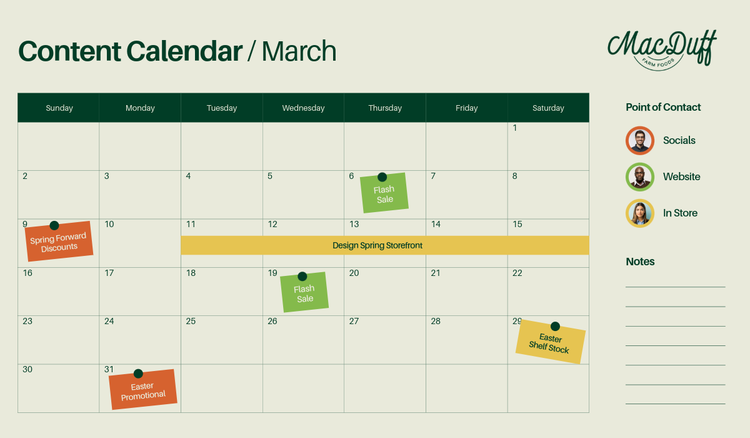




In the world of marketing, content is king. But producing high-quality content is only half the journey – you’ll also need to align it with your wider marketing efforts. A content calendar is a handy planning tool you can use to organise and manage your content for consistent delivery. Regardless of the channels you use, a content calendar can serve as your roadmap to success.
Discover how to create a content calendar and refine your content strategy with templates and examples from Adobe Express.
What is a content calendar?
A content calendar is a schedule that outlines when and where you plan to publish content. It serves as an organisational tool that manages all forms of content – from social media posts to emails.
Also known as editorial calendars, content calendars help you determine the most impactful times to post and ensure a smooth and regular delivery of content. Learn more about content calendars.
recipe
Why is a content calendar important?
A content calendar is your one-stop shop for all things content marketing. It allows you to streamline workflows, improve consistency, and facilitate collaboration.
Incorporating a content calendar into your marketing strategy can help you:
- Ensure a consistent approach. A content calendar provides a clear roadmap for content distribution and promotion, enabling you to build a consistent publishing schedule that engages your audience.
- Align key stakeholders throughout the process. A centralised content calendar presents an overview of upcoming content, ensuring everyone is on the same page with content plans, deadlines, and responsibilities.
- Strengthen organisation and collaboration. Teams can use a content calendar to coordinate more effectively, achieving a cohesive approach to content campaigns across various channels.
- Make people accountable for deadlines and KPIs. Assigning content creation, editing, and publishing tasks to your team within the content calendar can create a clear sense of accountability.
- Plan a variety of content. A well-structured content calendar encourages a mix of different content formats, from infographics and videos to interactive content.
- Boost brand awareness at the right times. Content calendars allow you to plan content around product launches, holidays, or seasonal trends, keeping your brand relevant and front of mind.
How to create a simple content calendar and examples of what to include.
A content calendar can be as simple or as extensive as you want, but it largely depends on your marketing efforts. Get started with creating an effective content calendar.

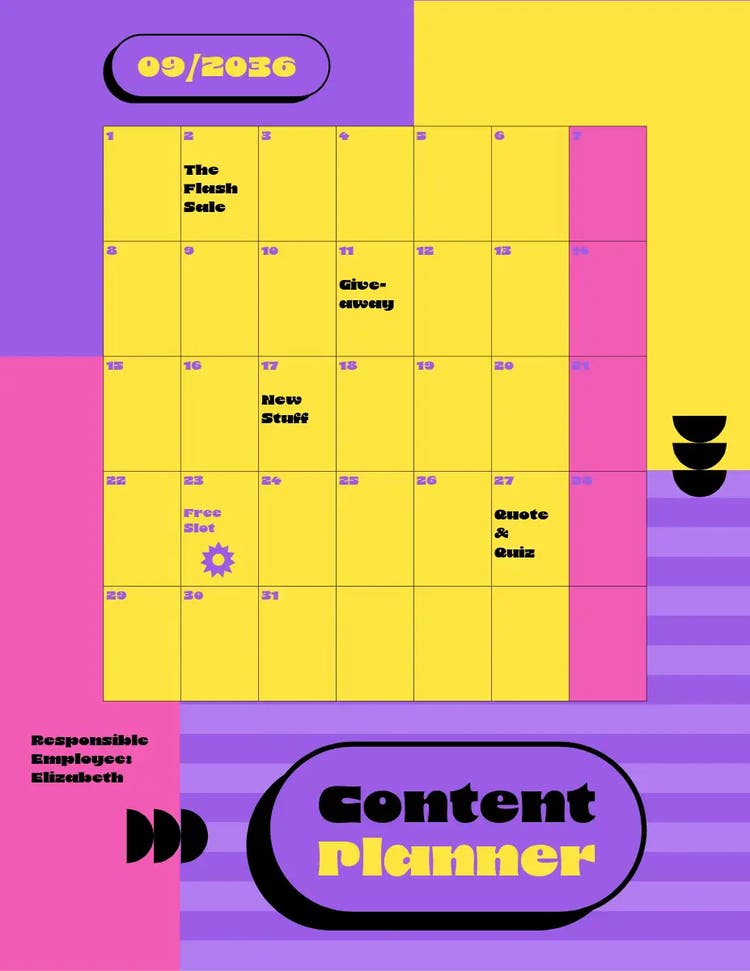
Identify your goals and target audience.
Create content ideas that suit your business.
Find the right calendar template or tool.
Set up your content calendar with the right fields.
Determine a posting schedule.
Launch your content schedule and collaborate.
4 editable content calendar examples for scheduling your blog posts.
Planning out your blog content for the next year? Use these content calendar template examples to split your topics across the different months. You can add in key marketing events and any large campaigns to help organise and align your blog content with wider business priorities.
recipe
4 free content calendar examples for social media channels.
Whether you’re posting on Instagram, TikTok, YouTube, or all three, you should plan out your content. Use a monthly or yearly content calendar to plan your posts and get sign off from other stakeholders. You can then build your calendar into a social media scheduler and start prepping your posts.
recipe
How can Adobe Express help you with your content calendars?
Ready to organise your content? Whether you’re a seasoned content creator or just starting out, Adobe Express has a host of tools to create an effective content calendar.
1. Try our free content scheduler.
Create, plan, preview, and schedule your content all in one go with the free content scheduler. Our intuitive calendar makes it easier to strategize and stay on top of your content.
2. Create a content calendar in minutes.
Enhance your content strategy with our free content calendar. This customisable tool lets you schedule your content across multiple channels and plan ahead in just a few clicks.
3. Build eye-catching social media posts.
Use our social media post maker with our content calendar to captivate your audience. Curate your posts from professional templates, edit accordingly, then save and share online. No experience needed.
Use the AI Facebook post generator from Adobe Express.
Create high-quality Facebook posts that capture audiences everywhere. Adobe Express’s AI Facebook post generator can turn concepts into custom posts in minutes. Just describe what you want the post to look like, and the AI tool will generate various design options to choose from.
You could use your own media to inspire the templates or incorporate brand assets to maintain brand consistency. With the power of AI Facebook post generation, you can simplify the creation process for your content calendar and enrich your audience’s timelines one by one.
You might also like...