.

Everything you need to know about AI text effects.

Ready to start designing eye-catching text? Here’s everything you need to know about AI text effects and typography.

Start designing with Adobe Express

Free to useNo credit card required

Everything you need to know about AI text effects
Easy all-in-one editor
One-click edits from any device
Fast creation with generative AI
Thousands of professionally designed templates

Typography is a key ingredient in branding – but if you don’t know your kerning from your ligature, you might find yourself looking at an alphabet soup. Thankfully, Adobe Express has the tools you need. Marketers are no longer limited by traditional skills or software knowledge. With AI text effect tools, you can create eye-catching, professional typography in minutes.

Combine creativity with technology and find out everything you need to know about AI text effects with Adobe Express. Read on and get to grips with the best practices for AI typography, how to make text effects with AI, and more.

What are AI text effects?

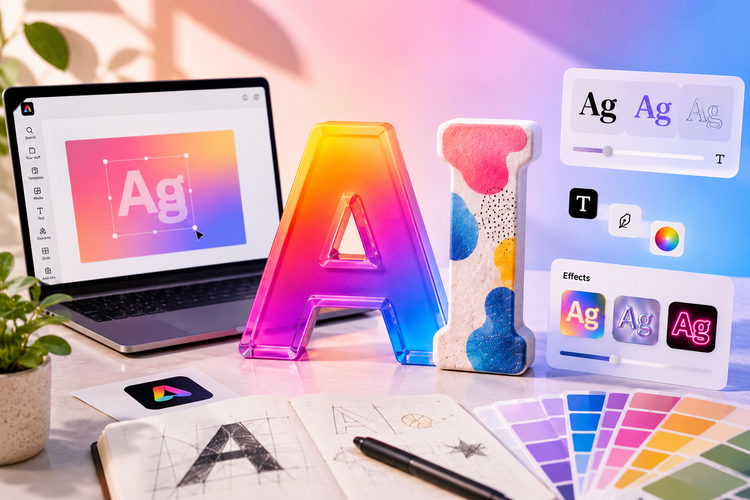
AI text effects are a form of generative AI that digitally enhances text using visual textures, shapes, themes, and typography based on a written prompt. By utilising machine learning and using AI algorithms, these AI text effect tools can generate incredible results without needing a degree in design.

That means you can instantly apply specific styles and easily customise your results to fit the output you want.

Blue Surreal Cloud Effect Stream Waiting Youtube Video
Edit this template
Brown and Beige Wood Texture Grid Layout Youtube Video
Edit this template
Green Illustrative Leafy Foliage Text Youtube Video
Edit this template
Purple & Chrome Gradient Streaming Video
Edit this template

How can I create AI text effects?

Learning how to make text effects with AI using Adobe Express isn’t just easy – it’s quick, too. To get started on creating your own AI text effects, follow the steps below:

1. Visit Adobe Express.

Go to the Adobe Express AI text effects tool to get started on your browser and click ‘Generate Now’.

2. Input your text.

In the AI text effect generator, enter the text that you want to stylise on the page.

3. Choose or describe your style.

In the prompt box at the top left, enter what you want. For example, you could say “a 3D neon-purple font,” – generally, the more detail you can add, and the more specific your words, the better your outcome will be.

4. Customise and export.

Don’t be afraid to experiment – you can adjust colours, size, and placement before downloading. You can also keep amending your prompt, to get closer to your vision before you edit.

Common applications of AI text effects.

Now that you know how to make text effects with AI, it’s time to think about how you could use it for your creative, marketing or design goals.

Here are some real-world use cases to help you envision how you might use AI text effects:

Social media graphics.

AI text effects help your work to pop, perfect for an eye-catching Instagram post, TikTok thumbnail, or Pinterest pin. Whether it’s a seasonal edge or a thematic post, clever text effects are sure to catch attention on your social media posts.

E-commerce product branding.

Create professional and compelling product titles and promotional banners to elevate your e-commerce platform or product’s branding.

Video and podcast thumbnails.

Video thumbnails need to stand out – no matter how good the content is. Bold, legible text effects are perfect for grabbing attention in search results. Once your audience clicks through, your content can do the rest.

Event and poster design.

Promote your event properly – with professional, striking typography that’s up to any occasion. Whether it’s a pub quiz, a booming film night, or a concert promotion, you can create a design that brings your posters to life.

Branding and logo design.

Get unique, branded typography to help your startup or small business look professional. Define your brand identity, create incredible text, and design incredible logos with Adobe Express.

Learn more about AI logo generators and how they can improve brand identity.

How to bring your text effects to life.

  1. 1. Start with a template.

    Choose a template from this page or open Adobe Express and start from scratch.

Best practices for using AI typography in your designs.

Getting the most out of your text doesn’t need to be complicated. Bring your words to life with these best-practice tips for using AI typography in your creative designs:

Readability first.

Having a cool, flashy design is fun – we all remember the first day we discovered 3D effects. However, good design isn’t just enticing; it’s readable too. Ensure text remains legible despite any stylistic effects.

Match your brand.

A retro neon sign aesthetic is engaging, but is it on brand for your bathroom design company? Even with unique events, try not to stray too far from your brand identity and tone.

Don't overdo it.

Try to limit your effects – nobody wants bubbly, glittery body copy to wade through. Focus on key headings or call-to-action-text to ensure your designs aren’t a slog to read.

Test across devices.

What looks good on one screen may not on another. It’s important to test any generated text across devices, whether that’s mobile, tablet or desktop.

Use complementary fonts.

Keeping your body text readable isn’t enough – you want it to suit the vibe of your AI-generated text effects. For example, a sensible serif font like Times New Roman probably won’t pair well with an AI font that looks like it’s made from Jelly Babies.

Consider your audience.

Think about your brand and your audience. For example, luxury brands tend to use sophisticated effects, and gaming brands use bold, futuristic looks. You should always match your tone to your audience; otherwise, your text effects will look out of place.

Maintain consistency.

AI text effects may feel like a novelty, but if you start using them without thought, your brand can look mismatched. Use the same effects across related designs for visual cohesion and instant recognition.

Learn more about typography best practices and font pairing with AI.

Pink and Orange Sparkly Event Animated Text Effects Promotional IG Story
Edit this template
Pink Balloons New Album Animated Text Effects Promotional IG Story
Edit this template
Black and Pink Neon Sale Animated Text Effects Instagram Story
Edit this template
Pink Bubble Writing Podcast Animated Text Effects Instagram Story
Edit this template

Different styles of AI-generated text effects.

There are a limitless number of styles and text effects out there, just waiting to be designed. Get started with a look at some common styles to help you generate the text effects you want:

Neon text effects.

Neon text is perfect for modern-day, futuristic designs or even retro wave. Whether you’re trying for something swanky and energetic, electric and bold, or retro-cool and nostalgic, Neon designs can do it all. Find out more about neon text effects here.

Luxury and metallic effects.

For premium branding, gold, silver, and chrome can deliver a luxury finish that dazzles your audience. Or, go for a bolder, rougher finish and turn metal into METAL.

Graffiti and street art styles.

Artistic text in a spray paint aesthetic or street art style is an excellent choice for an energetic, authentic, and rebellious urban aesthetic – whether it’s your 90s-themed pub quiz or a vintage clothing sale.

Cinematic text effects.

Establish the mood with professional, film-inspired typography that can set a mood in a single frame. Go bold and brilliant, creative, or nostalgic – but never forgettable. Read our guide to video text effects.

Futuristic and sci-fi effects.

Sleek, tech-forward, futuristic sci-fi-inspired effects are the perfect way to bring gaming or tech brands to life. From retro-futurism, pulp science-fiction, or sleek, subtle futuristic designs, you can tailor your effects to your brand and the occasion.

Embossed and 3D effects.

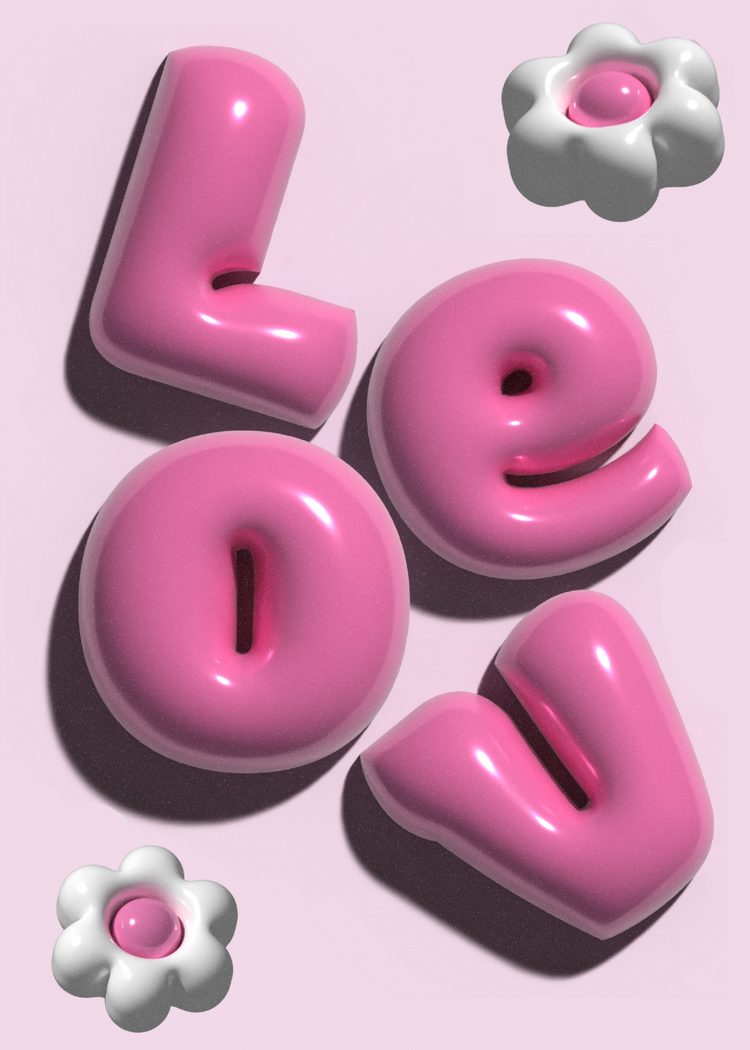
Embossed and 3D effects deliver depth and dimension for striking visual impact. Be bold and playful, or subtle and textured.

Comic and cartoon styles.

Create playful text effects with playful, bold lettering perfect for informal content. Emphasise action and create incredible adverts for a range of events.

Aesthetic and vintage effects.

Aesthetic or vintage effects can elicit a subtle (or strong) sense of nostalgia – perfect for harkening back to a feeling, a time, or a piece of content rich with its own vibe.

Light Blue and Orange Yoga Animated Text Effects Pinterest Idea Pin
Edit this template
Pink and Beige Floral Centrepieces Animated Text Effects Pinterest Idea Pin
Edit this template
Blue Red and Yellow Parenting Toddlers Animated Text Effects Pinterest Idea Pin
Edit this template
Blue and Grey Denim Trends Animated Text Effects Pinterest Idea Pin
Edit this template

How can Adobe Express help you create stunning AI text effects?

Adobe Express can help you create stunning, professional AI text effects that can bring any project to life. With an intuitive, AI-powered platform, you don’t need to be a designer to generate incredible outputs. With AI tools, complex design tasks become creative exploration:

1. Generate text effects with AI in seconds.

With plain text and a simple description, Adobe Express’ AI text effects tools bring your ideas to life directly into a finished product. Enter your text, choose a style, and watch AI generate on-brand professional designs. Make things even simpler with one-click generation across neon, metallic, graffiti and cinematic styles. Create AI text effects with Adobe Express.

2. Customise and refine your designs with precision.

Want to bring your creations to life, but can’t quite get the perfect result? Go beyond pre-sets by easily adjusting colours, shadows, textures, and placement to suit your vision. Adobe Express’ intuitive editor helps you tweak every detail, ensuring you remain on brand and in control. Get some inspiration from our templates to see if there’s a style that suits you and go from there.

3. Collaborate and scale your designs.

Graphic design for projects is often a group activity. With Adobe Express, you can loop in co-collaborators to maintain brand consistency across campaigns and curate a library of AI-generated text effects. Whether it’s your logo, marketing materials, or social media copy – you can be sure that everyone is on the same page.

Get creative with AI text effects from Adobe Express.

Push your creative boundaries and test the limits of creative concepts and designs – without the long production cycles. With Adobe Express, you’ve got the tools you need to bring your vision to life, whether you're working from preset templates or AI-generated text effects.

Rapidly prototype, ensure your creations are aligned with your brand, and create cohesive text effects for use across platforms. Whatever your needs, Adobe Express gives you the creative control to bring your text vision to life.

Try Adobe Express for free now

You might also like...

Good to know