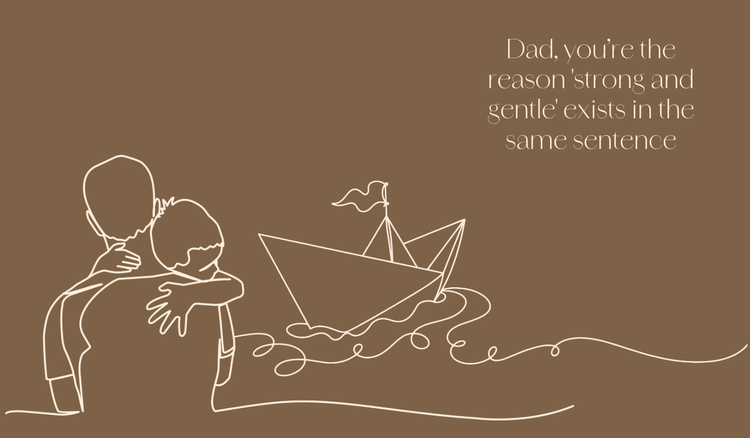
Share the love with a photo collage.
Celebrate your stepdad by creating a custom photo collage using Adobe Express. Bring together your favourite photos of the two of you, from family vacations to candid moments, and use Adobe Express’s design tools to arrange them into a beautiful collage with the photo collage maker. You can add quotes, captions, and even decorative elements to make the collage even more meaningful. Here’s how:
Choose a template.
Select a free and customisable photo collage template in Adobe Express that fits your relationship with your stepdad—whether it’s playful, sentimental, or fun.
Upload photos.
Upload pictures of family moments, holidays, or special memories from your phone, social media, or family albums. Adobe Express lets you edit, crop, and arrange these images easily. Use the photo effects feature to enhance your images by applying filters, adjusting brightness, contrast, and warmth, or sharpening details to make your memories stand out even more.
Add quotes and captions.
Use the text tools to add personal quotes or captions to each photo, reflecting your unique bond and special moments with your stepdad.
Customise with fonts and colours.
Pick from Adobe Express’s more than 30,000 fonts and colour schemes to make the collage more personal. Choose colours that match your stepdad’s style and make the design pop.
Add decorative elements.
Use icons, stickers, or frames to add a fun, creative touch to your collage. Add playful elements that represent your stepdad’s interests or moments that define your relationship.
Review and share.
Once your collage is complete, share it digitally with your stepdad via social media or print it as a thoughtful keepsake using the convert to PDF feature to ensure proper formatting and high-quality printing.