
The complete guide to AI video creation.
AI video creation is transforming how brands, creators and businesses produce visual content. What once required full production teams, filming schedules and complex post-production can now begin with a concept, a prompt or a reference image. From product demos and cinematic scenes to training modules and short form social clips, AI makes video creation more accessible and scalable.
This guide explains what AI video is, how AI video creation works and when it makes sense to use it. It also connects to deeper resources on editing, marketing strategy and video workflows, positioning this page as a central hub for understanding AI powered video creation.

Video has become one of the most powerful formats for communication across marketing, education and digital storytelling. It captures attention quickly, conveys complex ideas clearly and allows brands and creators to connect with audiences at scale. AI video creation builds on this foundation by introducing generative visuals, automated workflows and faster production cycles that make video production more flexible and scalable.
Instead of relying entirely on traditional filming and manual editing, creators can now generate scenes from text prompts, animate images, enhance footage and refine storytelling using AI supported tools. This shift is changing how video is planned, produced and distributed, making high quality visual content more accessible across industries and use cases.
This complete guide brings together everything needed to understand AI video creation at a foundational level. It explores what AI video is, how it works, the different types being produced today and when to use it effectively. It also connects to deeper resources on editing, marketing and production workflows, positioning this page as a central hub for understanding how AI is shaping modern video creation.
What is AI video?
AI video refers to video content that is generated, enhanced or edited using artificial intelligence. Rather than relying solely on cameras and manual editing, creators can generate scenes from text prompts, animate still images, refine motion automatically or produce avatar based presentations.
AI video includes text to video generation, image to video animation, AI assisted editing and intelligent visual enhancements. It does not replace storytelling or creative direction. Instead, it accelerates execution and expands what is visually possible. For a comparison of generative workflows and traditional production methods, see AI Video Generation vs Traditional Video Editing Key Differences Explained.
How does AI video creation work?
AI video creation typically follows a structured workflow. A creator defines the goal, provides prompts or reference assets and generates scenes or motion using AI tools. The output is then refined through editing, pacing adjustments and visual consistency checks.
Behind the scenes, machine learning models analyse patterns in lighting, movement and composition to generate new sequences aligned with the input. Strong editing fundamentals remain essential, which is why understanding Types of Video Editing A Complete Guide to Editing Styles and Techniques can improve results. Beginners can also explore Learn Video Editing A Beginner’s Guide to Editing Videos Efficiently to strengthen foundational skills.
Types of AI videos.
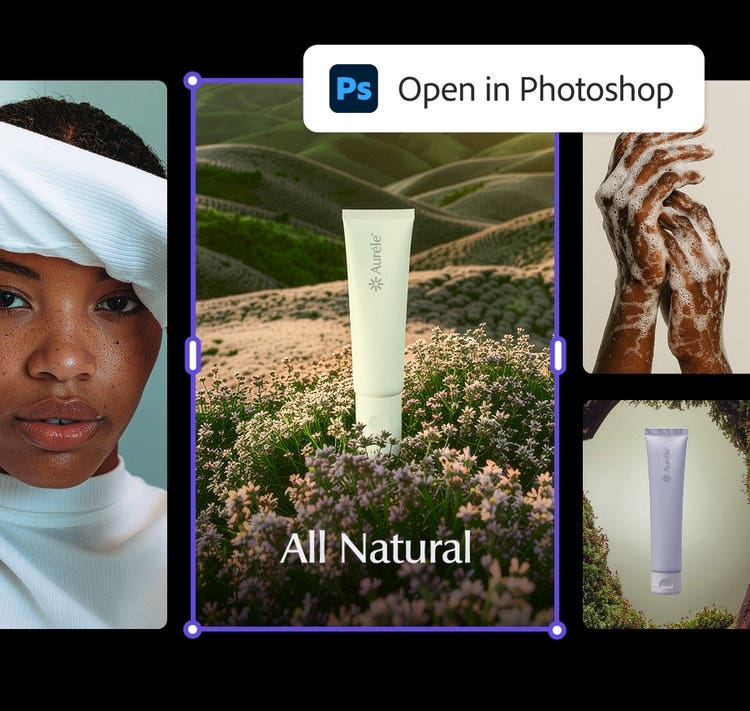
AI video supports multiple content categories, each with different structural priorities. Advertising and product videos focus on clarity and conversion, cinematic content emphasises atmosphere and pacing, animated explainers simplify complex ideas and avatar-led presentations scale communication and training.
Fantasy or stylised sequences allow imaginative storytelling beyond physical production limits.
- For ecommerce applications, see:
AI Video for Ecommerce How to Create High Converting Product Videos - For real world breakdowns of how these formats perform, explore:
AI Generated Video Examples Real Use Cases and What Makes Them Work
How to create an AI video step by step.
Creating an effective AI video begins with clarity and planning.
- Start by defining the purpose of the video and the audience it is intended to reach. Consider where the video will be published and how viewers will experience it. A product demo for a website, a short social clip or an educational video will each require a different format and pacing approach. Choosing the correct layout early helps maintain consistency and ensures the video feels natural on its intended platform.
For guidance on selecting formats for different channels, see Most Common Video Aspect Ratios and When to Use Them.
{{nbsp}} - Once the objective and format are clear, develop a concise prompt or gather visual references to guide the style and tone of the video. This may include mood boards, brand colours, example footage or written descriptions of scenes.
Using text to video or image to video tools, generate initial visuals and review how they align with the intended message. Focus on sequencing and pacing by arranging clips in a logical order, refining transitions and ensuring that each scene supports the overall narrative.
{{nbsp}} - After the core visuals are in place, refine the video through editing and enhancement. Adjust colour, lighting and motion where needed to maintain visual consistency across scenes.
Subtle improvements can elevate clarity and professionalism without overwhelming the content.
For practical guidance on applying enhancements effectively, see How to Add AI Effects to Your Videos Step by Step Guide.
Before publishing, optimise the final file for performance across platforms by compressing and exporting it correctly. See Top Ways to Compress Video Without Losing Quality to ensure the finished video remains sharp, accessible and easy to share.
The benefits of AI video creation.
AI video creation enables faster concept development, reduced production costs and scalable content variations across platforms. Instead of organising full shoots for every idea, teams can generate visual concepts, test different creative directions and refine messaging earlier in the process. This makes experimentation more practical and allows strategy to guide production rather than the other way around.

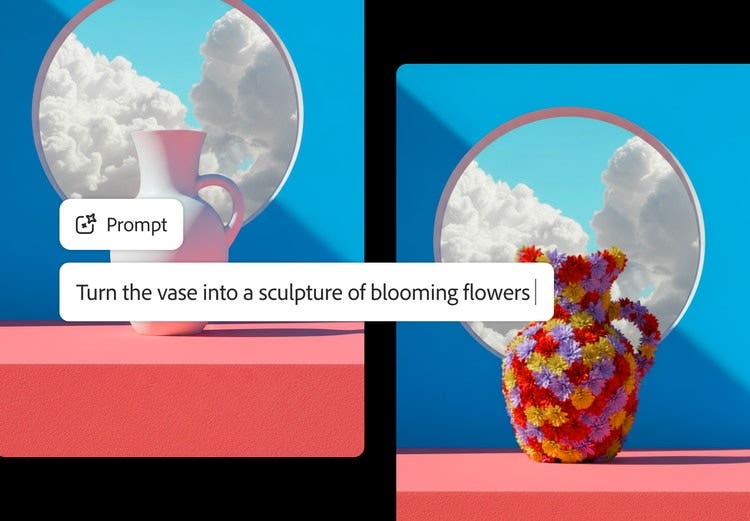
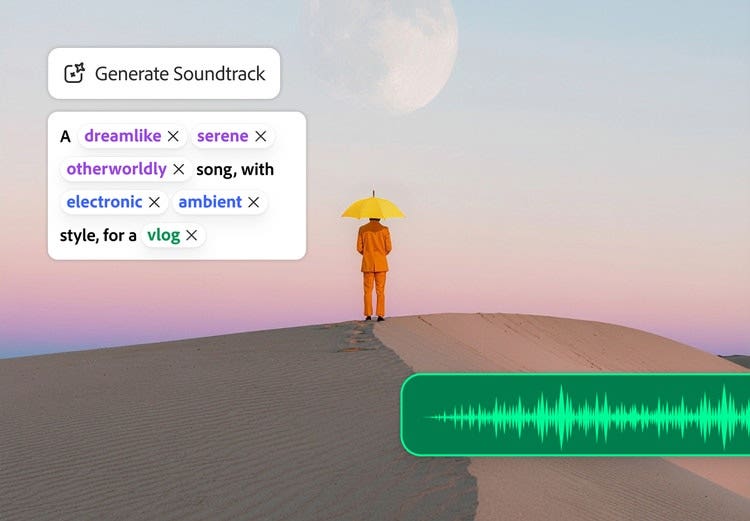
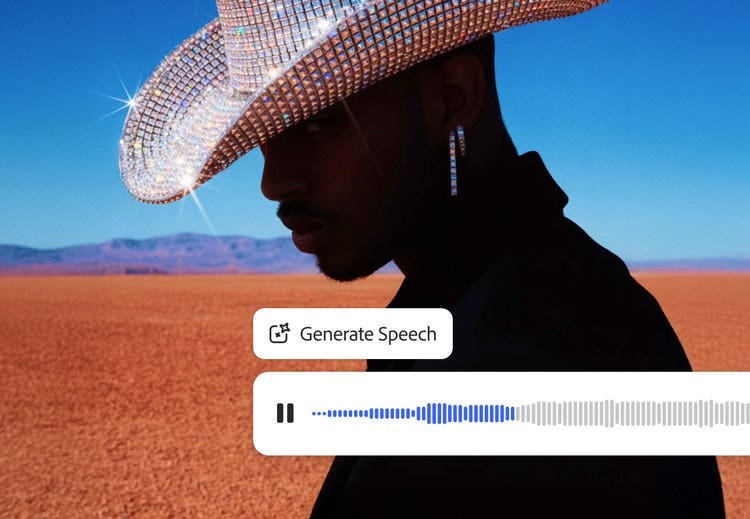
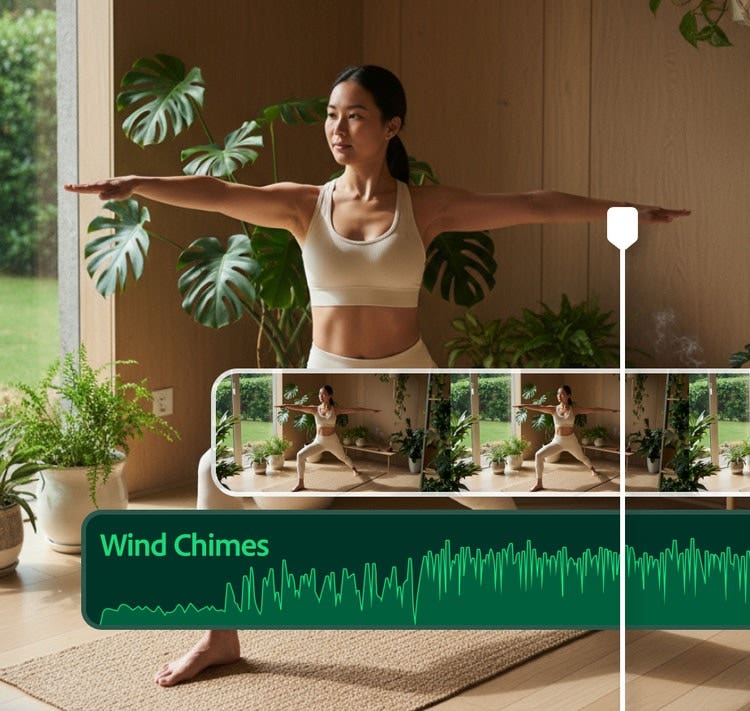
AI video creation also improves scalability. Visual assets can be resized for different formats, adapted for multiple campaigns or refined to suit different audience segments. Generative tools make it easier to build cinematic background footage, atmospheric effects such as smoke or lens flares and structured storyboard concepts before committing to full production. This approach reduces risk while increasing creative range.
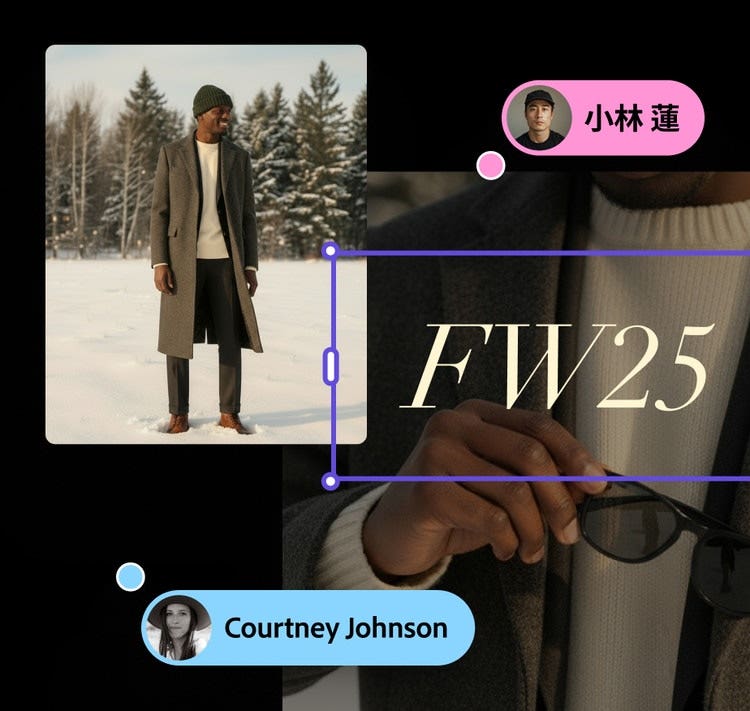
Finally, AI simplifies content repurposing. Long form material can be adapted into shorter clips for social platforms, translated into additional languages while maintaining tone and timing or updated without rebuilding the entire production. These capabilities allow teams to move from initial idea to final delivery more efficiently while maintaining creative control and brand consistency.
When to use AI video.
AI video is particularly useful when rapid production is required, when visual concepts need to be explored before full filming or when scalable content such as training or support videos is needed. It is also effective for stylised or experimental creative work.
Brands often apply AI video in formats such as UGC style campaigns, informational videos and faceless content.
For deeper insights, see:
- UGC Ads What They Are How They Work and How to Create Them
- What Is a Faceless Video How They Are Created and Why They Work
- How to Create Informational Videos That Engage and Convert.
- You can also review Types of Videos Every Business Should Create for strategic planning.
Limitations of AI video.
While AI video tools are advancing quickly, they still work best when paired with human creativity and direction. Understanding the current limitations helps teams use AI more effectively and avoid unrealistic expectations.
- Complex storytelling still requires human direction
AI can assist with generating scenes, scripts and visual sequences, but it does not yet fully understand nuance, emotion or long form narrative structure. Projects that rely on strong storytelling, brand tone or emotional impact still benefit from human creative direction to guide pacing, messaging and overall flow. Without this guidance, AI generated videos can feel generic or disconnected. - Visual realism may require refinement
AI generated visuals can sometimes lack consistency or realism, particularly when producing human movement, facial expressions or detailed environments. While tools continue to improve, creative teams often need to refine outputs through editing, colour grading or compositing to achieve a polished result suitable for professional use. - Overuse of effects can reduce clarity
AI tools make it easy to apply transitions, animations and visual enhancements quickly. However, excessive use of effects can overwhelm viewers or distract from the core message. Strong creative judgement is still required to ensure that visuals support the story rather than compete with it. - Brand consistency can be difficult to maintain
Maintaining consistent visual identity across multiple AI generated assets can be challenging. Colour palettes, typography, tone and style may vary between outputs unless carefully guided. Human oversight helps ensure brand alignment across campaigns and channels. - Ethical and accuracy considerations remain important
AI generated content can sometimes produce inaccuracies or unintended representations. Reviewing scripts, visuals and messaging is essential to ensure content is factually correct, culturally appropriate and aligned with brand values. This is particularly important for commercial, educational or public facing video content. - Creative oversight remains essential
AI video tools are most effective when used to enhance creativity rather than replace it. Human input ensures strategic direction, storytelling quality and audience relevance remain strong throughout the production process.
AI works best as a collaborative creative partner, speeding up production, expanding possibilities and supporting experimentation, while experienced creators guide the outcome.
Frequently asked questions.
You may also like