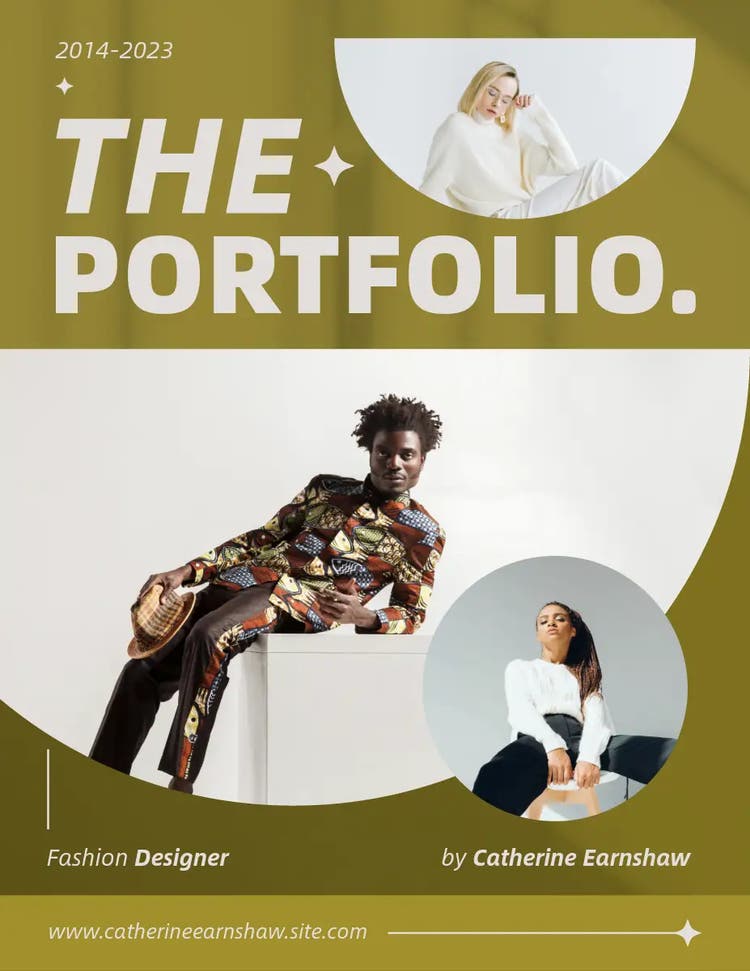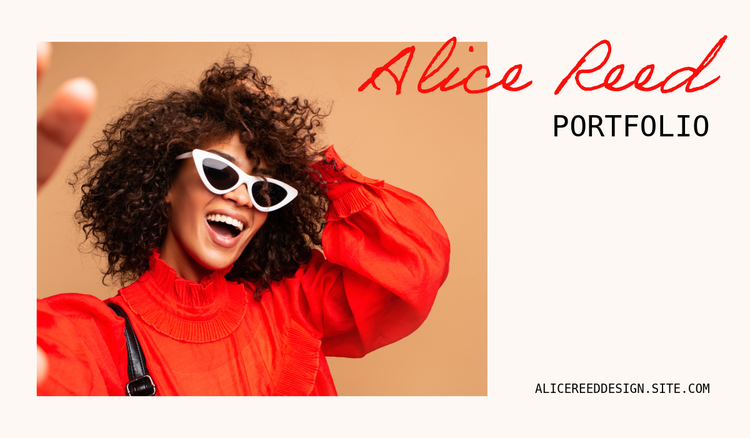




How to create a fashion portfolio – with examples.
Showcase all your amazing clothing designs with a fashion portfolio that highlights creativity and skills.
Every fashion designer needs a portfolio – whether you’ve just started out or are a seasoned professional with many years in the industry. A fashion design portfolio allows you to showcase your work for job applications, internships, collaboration projects and much more.
If you’ve never created a fashion portfolio before, the process can feel overwhelming at first. But don’t worry, Adobe Express can help you collate all your best work to ensure your designs get the attention and appreciation they deserve.
Continue reading to discover how to put together an impressive fashion design portfolio that stands out from the crowd.
What is a fashion portfolio?
A fashion portfolio is a compilation of all your fashion designs in one document, showcasing your creativity, skill and personal style. It allows others to get a feel for your work and a better understanding of your vision, abilities and approach to different fashion designs and trends.
Fashion portfolios are widely used across the industry in different sectors – from styling and design to visual merchandising and photography. They’re typically used by professions such as designers or buyers, and can be built using websites, PDFs, presentations and printed documents.
Every fashion portfolio should be unique and well organised to present fashion designs in the best way possible. Think of it as a visual representation of your brand.
Most fashion portfolios included:
- Illustrations
- Fabric swatches
- Artwork
- Sketches
- Specification sheets
- Samples
- Images from fashion shows and shoots.
What are the different types of fashion portfolios?
There are a few different types of fashion portfolios, and the one you need to create will depend on your profession and what you’re building it for.
Here’s a breakdown of the different kinds of fashion portfolios:
- Styling. This type of portfolio may include visual examples of looks, outfits, mood boards and shoots which show your ability to put together cohesive fashion pieces.
- Design. Fashion design portfolios usually contain sketches, illustrations, technical drawings, concept boards and photos of finished garments.
- Marketing. Showcase your campaigns, research, articles, advertising and strategic ideas using an engaging fashion marketing portfolio.
- Photography – Collect imagery from photoshoots, fashion shows, editorials and more and place them in a fashion portfolio to show off your skills.
- Merchandising – This can include research on trends and customers, as well as examples of in-store displays and mannequin dressing.
- Textile design – Create a fashion portfolio based on textile design and display your original prints, textures and samples.
- Buying – Demonstrate your ability to select suitable products for brands based on factors like their identity, target audience, pricing and placement.
recipe
How to create a fashion portfolio: Step-by-step.
Creating a fashion portfolio isn’t as complicated as you think. In fact, with helpful tools like Adobe Express, it can even be fun! The key is to focus on highlighting your best work, structuring the document clearly, and making sure it demonstrates skills and expertise.
Follow these seven simple steps to build a standout fashion portfolio:
Fashion design portfolios: Final tips.
Add the finishing touches to your fashion design portfolio with the following tips:
Use high-quality images.
This will ensure your work is clear and make your portfolio more visually appealing.
Highlight your best work.
Remember, quality is better than quantity – it’s all about showing off your best work keep the reviewer engaged.
Make sure pages flow together.
Your portfolio should be structured cohesively to prevent confusion and ensure people can follow your creative vision.
Use different formats.
Try to include a variety of different work formats such as sketches, photos, fabric swatches, digital renderings, and mood boards. This can help to demonstrate your abilities as well as adding more visual appeal to your portfolio.
Make it personal.
You could add a personal logo or colour palette to your fashion portfolio to give it a unique identity.
Update your fashion portfolio regularly.
Fashion is always evolving – with new trends and styles emerging on a frequent basis. Your portfolio should reflect this.
6 fashion design portfolio examples.
recipe
recipe
How can Adobe Express help you create stunning fashion design portfolios?
Adobe Express can help you create a stunning fashion portfolio to showcase your skills and impress anyone who looks at your work.
Here’s how you can use Adobe Express to your advantage:
1. Make the most of free fashion portfolio templates.
You don’t have to start your portfolio from scratch. Pick one of our high-quality, creative fashion portfolio templates and customise it to suit your vision and taste.
2. Customise your layout with image resizing tools.
Need to resize images of your work to suit your chosen format? No problem, our easy-to-use Image Resizer lets you change the size of your photos with just one click.
3. Use photo editing tools and effects.
Make changes to your images and designs with ease using our free online Image Editor. You can also add some extra pizzazz to your creations with image effects.
4. Add the perfect cover to your portfolio.
Blow everyone away from the start with a unique and engaging cover using the Adobe Express Online Cover Maker. Give people a taste of the great work to come in rest of the portfolio.
5. Turn your fashion design portfolio into a presentation.
Take all your designs and fantastic images and place them in a presentation to showcase your best work. Choose a template and customise your slides to suit your brand or taste.
Bring your portfolios to life with the AI template tool from Adobe Express.
Take your portfolio to the next level with our innovative AI Template Generator. Take the best parts of your fashion portfolio and turn them into impressive social posts, flyers, posters or cards for promotion, engagement or simply just because. Simply describe what you want the tool to create in the text box, then edit your template if needed to ensure it does everything you need it to do. You’re then free to download and share as you wish – all while having peace of mind in knowing the tool and its templates are commercially safe.