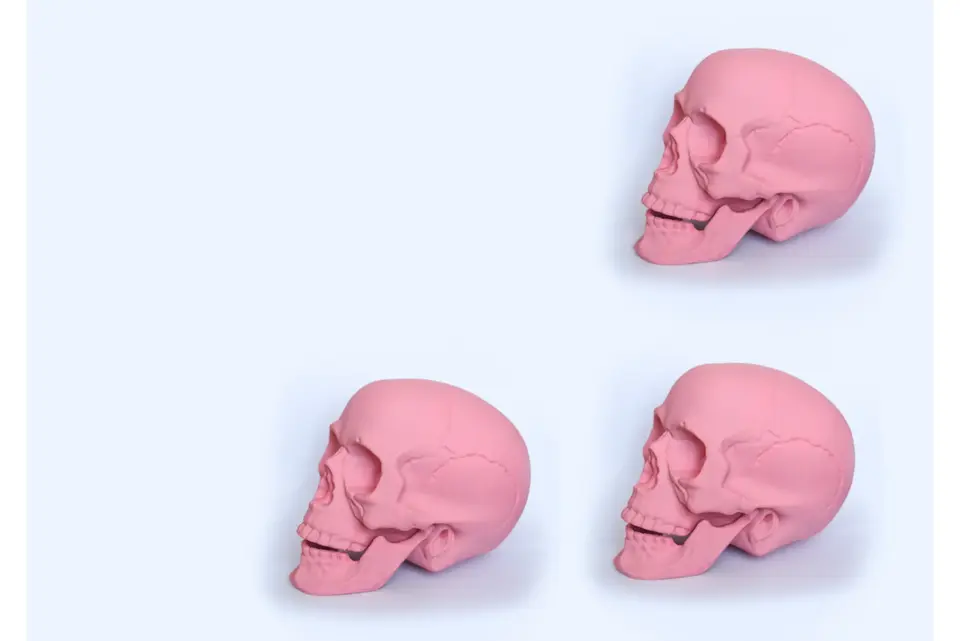
How to create pastel goth content for your business.
Use a pastel goth style to create designs that feel personal, bold, on-brand, and perfect for your business. Here are five ways to get started.
1. Mix and match colours with intention.
At this style’s core is pairing black with pastel shades. But balance is key. Choose one or two pastels—like lilac or mint—and stick to them throughout your designs. Then use black or dark grey for contrast. This ensures your visuals feel cohesive, not chaotic. Create and save your custom palette in Adobe Express so your designs stay consistent across platforms.
2. Choose visuals that reflect your brand.
Not every pastel goth image will work for your brand. Think about which icons, symbols, or illustrations support your message. For example, a candle or crescent moon might suit a wellness brand. A broken heart might work for music or lifestyle content.
3. Keep your text readable.
Bold visuals are great, but not if your audience can’t actually read them. Use high-contrast text on background colours. Add drop shadows or borders, if needed, and avoid using more than two fonts in a single design. Choose strong display fonts for headings and cleaner fonts for body text. If in doubt, place additional information in supporting spaces; for example, use social media captions wisely and create handouts to go with a business presentation.
4. Use templates for speed and consistency.
Creating from scratch every time is time-consuming. Browse Adobe Express templates to save you time and help your visuals stay on-brand. Choose templates that match the pastel goth vibe, then customise with your colours, text, and icons. This is ideal for solopreneurs or anyone juggling multiple tasks at once.
5. Save your brand kit for easy access.
Once you’ve nailed your pastel goth look, save it in Adobe Express. You can store your colour palette, fonts, logo, and other assets. This means you can quickly update posts, create new content or switch formats. Whether you’re making Reels, flyers, or story graphics, your look will stay consistent.
Generate AI art